Best Application Server Software in 2026: 9 Servers Compared
Compare the best application server software, from free Apache Tomcat and WildFly to WebLogic and JBoss EAP. Find the right server for your Java apps.
- Editor's choice
 Apache Tomcat
Light Java web apps
Starts atFreeVisit tomcat.apache.orgFull review - Great alternative
 WildFly
Full Jakarta EE, free
Starts atFreeVisit wildfly.orgFull review - Also consider
 Eclipse Jetty
Embedded and microservices
Starts atFreeVisit eclipse.devFull review
TL;DR:
- Apache Tomcat is our pick for most Java web apps, because it is free, light, and widely supported.
- WildFly is the best free full Jakarta EE server when you need messaging, transactions, and clustering.
- Jetty suits embedded and microservice use, where a small, fast server matters more than a full stack.
- Paid servers like WebLogic, WebSphere Liberty, and JBoss EAP buy vendor support, certifications, and long-term patches.
- Match the server to the app first, since a full enterprise server adds weight to a simple web app.
Quick comparison
| Tool | Best for | Starts at | Free plan? | |
|---|---|---|---|---|
| Apache Tomcat | Light Java web apps | Free | Yes | Visit |
| WildFly | Full Jakarta EE, free | Free | Yes | Visit |
| Eclipse Jetty | Embedded and microservices | Free | Yes | Visit |
 Payara Server | Jakarta EE with support options | Free | Yes | Visit |
 GlassFish | Reference Jakarta EE server | Free | Yes | Visit |
 Oracle WebLogic | Enterprise Java, Oracle shops | See website | Free trial | Visit |
 IBM WebSphere Liberty | Light enterprise server | See website | Free | Visit |
 Red Hat JBoss EAP | Supported WildFly for enterprises | See website | Free trial | Visit |
 Apache TomEE | Tomcat plus Java EE features | Free | Yes | Visit |
The best application server software
An application server runs business logic, serves web apps, and manages transactions, messaging, security, and connections. The list below mixes free open-source servers with paid enterprise servers, so you can match weight and support to the job.
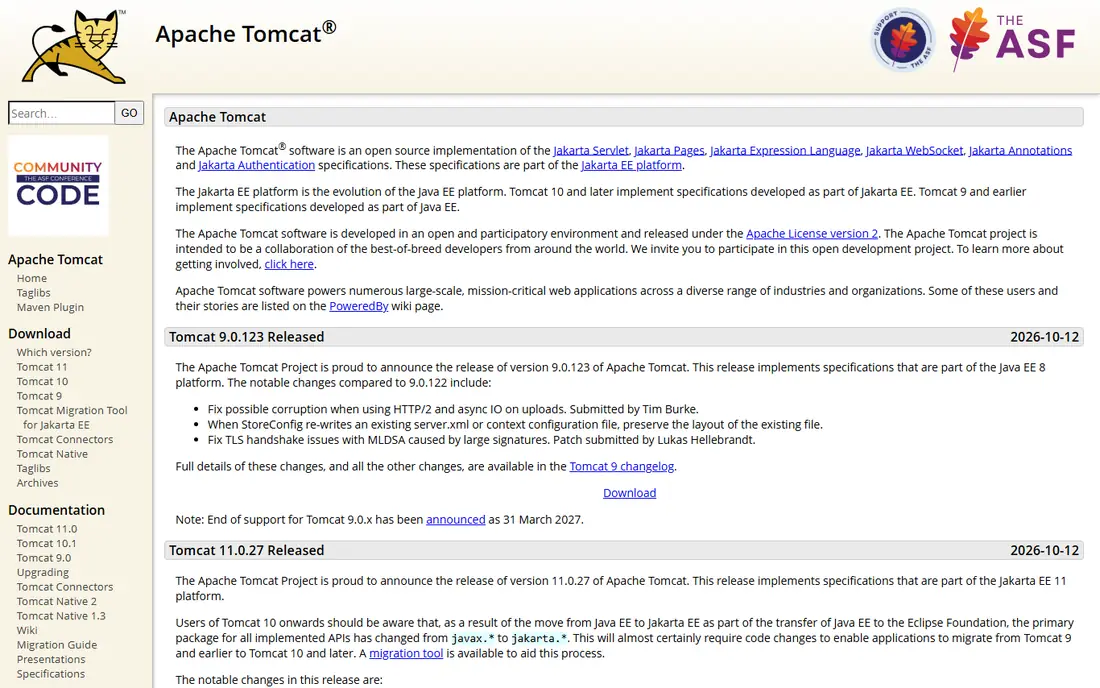
Apache Tomcat is a servlet container and web server for Java, and it is the default choice for countless web apps. It runs WAR files, supports servlets, JSP, and WebSocket, and starts quickly with a small memory footprint. That lightness makes it easy to run in containers, on small servers, and in cloud deployments.
Tomcat is not a full Jakarta EE server, so apps that need EJB, full messaging, or complex transactions may need extra libraries or a fuller server. There is no vendor support contract by default, though third-party support exists. For most Java web apps, Tomcat is the simple, proven place to start.
- Free and open source
- Fast startup
- Huge community and docs
- Servlet container, not full Jakarta EE
- Clustering needs extra work
- No vendor support by default
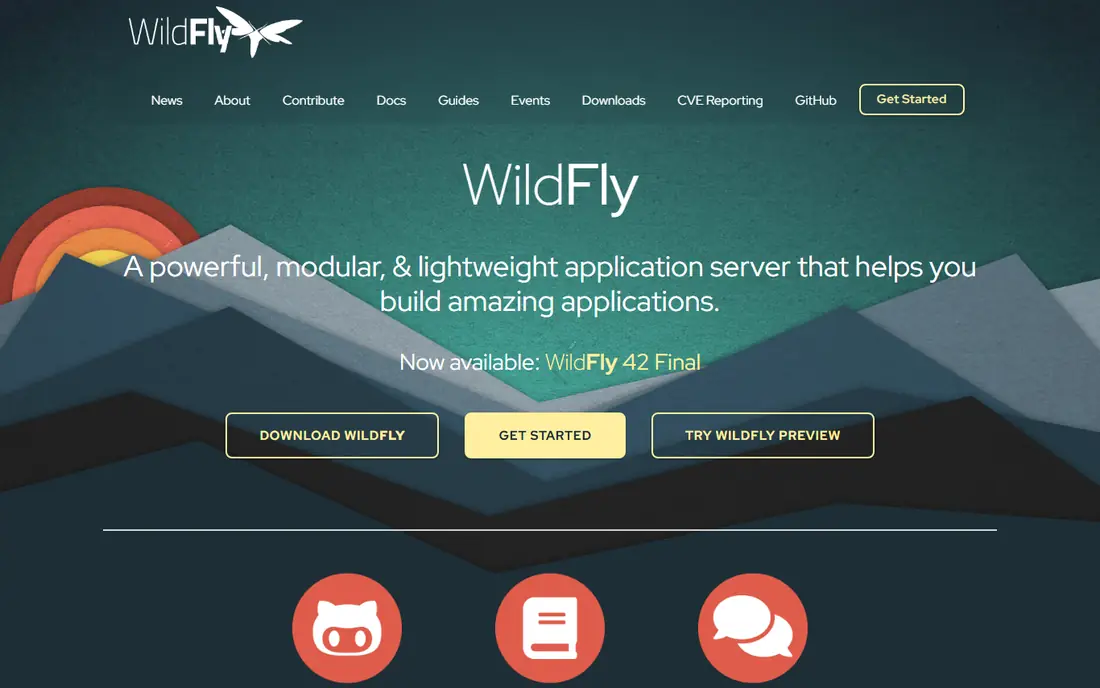
WildFly, formerly JBoss Application Server, is a full, open-source Jakarta EE server from Red Hat's community project. It supports EJB, CDI, messaging, transactions, and clustering, with a modular design that lets you load only the subsystems you need. Management tools and a command-line interface help teams automate config and deployment.
It uses more memory and takes longer to start than Tomcat, and its full feature set takes time to learn. The free version relies on community support, while Red Hat JBoss EAP is the paid, supported product built from WildFly. For teams that need a full stack without a license fee, WildFly is the best free pick.
- Full Jakarta EE support
- Modular design
- Clustering and management tools
- Heavier than Tomcat
- Config takes learning
- Community support only in free form
Eclipse Jetty is a Java HTTP server and servlet container designed to be embedded inside an application. That makes it popular for microservices, tools, and products that need a web server without a separate install. It is light, fast, and well documented, with support for HTTP, WebSocket, and servlet specs.
Jetty is not trying to be a full enterprise application server, so teams that need heavy transaction or EJB features will look elsewhere. Management and clustering tools are lighter than in WildFly or WebLogic. For embedded use and small services, Jetty is a clean, efficient choice.
- Small and embeddable
- Fast
- Good for microservices
- Not a full enterprise server
- Management tools are lighter
- Needs code skill to embed well
Payara Server grew from GlassFish and is now a full Jakarta EE server with community and enterprise editions. It supports microservices through Payara Micro, offers clustering and management tools, and provides paid support for teams that need patches and help. That path from free community use to paid support suits growing teams.
Its community is smaller than Tomcat's, and the most complete support and tooling sit in paid editions. For teams that want GlassFish-style Jakarta EE with a clear commercial support route, Payara is a strong option.
- Full Jakarta EE
- Community and paid support
- Cloud and micro options
- Smaller community than Tomcat
- Paid support costs
- Some features sit in paid tiers
GlassFish is the open-source Jakarta EE reference server, maintained by the Eclipse Foundation. It implements the full platform, which makes it useful for learning, testing, and checking Jakarta EE compliance. It runs web apps, EJBs, and related services in one server, with an admin console for basic management.
Production use has become less common as Payara and other servers offer stronger commercial support, and release timing can vary. For study, prototyping, and standards work, GlassFish remains a valid free choice. For a critical production app, weigh support options carefully.
- Free and open source
- Jakarta EE reference
- Good for learning and testing
- Support is community led
- Release pace varies
- Less common in production now
Oracle WebLogic Server is a long-standing enterprise application server for large Java systems. It offers clustering, high availability, transaction management, messaging, and integration with Oracle databases and middleware. Large banks, telecoms, and government systems have run on it for years, and Oracle support covers patches and fixes.
Licensing is quote-based and can be costly, and setup and tuning need experienced admins. For a small web app, WebLogic is far more than needed. For an Oracle-centered enterprise with strict support and scale needs, it is a proven, if pricey, choice.
- Proven enterprise scale
- Oracle integration
- Strong management and clustering
- Quote-based licensing
- Complex setup
- Heavy for small apps
WebSphere Liberty is IBM's lightweight, modular application server, designed for cloud and microservice use as well as traditional enterprise apps. It supports Jakarta EE and MicroProfile, starts fast for an enterprise server, and lets teams add only the features they need. A free developer edition helps teams test before buying support.
IBM licensing can be complex, and the traditional full WebSphere product is heavier than Liberty. For IBM shops or teams that need enterprise support in a lighter server, Liberty is a credible middle path between Tomcat and a full legacy server.
- Lightweight Liberty profile
- Jakarta EE and MicroProfile
- IBM support options
- Pricing is complex
- Full WebSphere is heavier
- Best in IBM shops
Red Hat JBoss Enterprise Application Platform, or JBoss EAP, is the supported, hardened version of WildFly. It gives enterprises tested releases, security patches, long-term support, and Red Hat help, which matters for regulated or high-availability systems. It shares WildFly's full Jakarta EE features, clustering, and management tools.
Pricing is subscription-based and quote-driven, and it is heavier than a servlet container. Teams without Red Hat experience should budget for training or partner help. For an enterprise that wants open-source technology with a vendor behind it, JBoss EAP is the supported WildFly route.
- Supported WildFly base
- Long-term patches
- Red Hat ecosystem
- Subscription pricing
- Needs Red Hat skills
- Heavier than Tomcat
Apache TomEE builds on Tomcat and adds Java EE and Jakarta EE features such as EJB, CDI, JPA, and messaging. That gives Tomcat users a path to fuller enterprise features without moving to a completely different server. It is free, open source, and keeps Tomcat's familiar deployment model.
Its community is smaller than Tomcat's or WildFly's, and enterprise management tools are lighter than in paid servers. For a team that likes Tomcat but needs EJB or CDI, TomEE is a neat upgrade that avoids a full server migration.
- Tomcat base plus EJB and CDI
- Free
- Familiar to Tomcat users
- Smaller community than Tomcat
- Fewer enterprise tools
- Docs vary by feature
How we picked these
We compared vendor docs, Jakarta EE and servlet support, deployment models, and pricing transparency, plus public comparisons and community activity. We favored servers that are actively maintained in 2026, that run real Java web or enterprise apps, and that cover the range from light servlet containers to full enterprise platforms. Paid servers are marked See website where the vendor does not publish a simple list price.
We did not benchmark these servers on identical hardware, since performance depends heavily on app code, JVM tuning, and workload. Use load testing on your own app before choosing on speed claims alone.
How to choose an application server
Match scope, support, and deployment style.
Start with what the app actually needs
List required specs, such as servlets only, or EJB, messaging, and transactions. If the app only needs servlets and REST, Tomcat or Jetty will be faster and simpler. If it needs full Jakarta EE, WildFly, Payara, TomEE, or a paid server will save integration work.
Decide on support before you need it
Free servers work well with skilled in-house teams and community help. Regulated, high-availability, or customer-facing systems often need a support contract, tested patches, and a clear fix timeline. Price that support into the decision, not just the license fee.
Check cloud and container fit
Modern apps often run in containers or Kubernetes, where startup time, image size, and config automation matter. Light servers and micro profiles suit that model, while full servers may need more tuning. Test startup, memory use, and health checks in your target environment.
Plan upgrades and patching
Application servers need regular security patches, and major version upgrades can break old apps. Check the vendor's support lifecycle, Java version requirements, and migration guides. A server with a clear, long support window is safer for apps that will live for years.
FAQ
What is the best application server software?
Apache Tomcat is best for most Java web apps, thanks to its free, light design. WildFly is best for a free full Jakarta EE server. For enterprise support, JBoss EAP, WebLogic, and WebSphere Liberty are the main paid choices, with the right pick depending on your existing vendor stack.
Is Apache Tomcat an application server?
Tomcat is a servlet container and web server, often grouped with application servers, but it does not provide the full Jakarta EE stack by itself. It handles servlets, JSP, and WebSocket well, and many teams use it as their app server for web apps. Apps needing EJB or full transactions should use a fuller server or add libraries.
What is the difference between Tomcat and WildFly?
Tomcat is light and focused on servlets and web apps, with fast startup and low memory use. WildFly is a full Jakarta EE server with EJB, messaging, transactions, clustering, and management tools, at the cost of more weight and setup. Choose Tomcat for simple web apps and WildFly for full enterprise features.
Are application servers still needed for microservices?
Many microservices use embedded servers like Jetty or a light runtime instead of a separate application server. Traditional servers still suit monoliths, legacy apps, and systems that need full transactions and clustering. The right choice follows the architecture, not fashion.
How much does enterprise application server software cost?
Open-source servers are free, with optional paid support. Enterprise servers like WebLogic, WebSphere, and JBoss EAP are usually quote or subscription based, with cost tied to cores, users, and support level. Ask for a written quote that includes support and patching, not just a license.
Which server is best for beginners?
Tomcat is the easiest start for Java web development, thanks to simple setup, clear docs, and a huge community. Jetty is also beginner friendly for embedded use. Beginners should start with Tomcat, then move to WildFly or Payara only when the app needs fuller enterprise features.