Top 5 Backend As a Service for Indie Developers for 2026 (Prices and Free Plans)
Best backend as a service for indie developers in 2026: 5 contenders with entry costs and free tiers. Verdicts stay brief and factual. Full profiles inside.
- Editor's choice
 MongoDB Atlas
Managed document database for AI apps
Starts atSee websiteVisit mongodb.comFull review - Great alternative
 Supabase
Postgres-first backend with auth and APIs
Starts at$25 per monthVisit supabase.comFull review - Also consider
 Firebase
Wide managed services for mobile and web
Starts at$9.37 a monthVisit firebase.google.comFull review
Direct answer
For managed document database for AI apps, MongoDB Atlas is where this list starts. Listed starting prices: Supabase from $25 per month, Firebase from $9.37 a month and Heroku from $5 a month. If your case is different, Supabase suits Postgres-first backend with auth and APIs and Firebase suits wide managed services for mobile and web. The remaining 2 options are covered below with prices and limits.
TL;DR:
- The list opens with MongoDB Atlas, aimed at managed document database for AI apps.
- Heroku is the one to check for managed app hosting and deployment.
- Only 4 of the 5 tools have a free plan (MongoDB Atlas, Supabase, Firebase, Back4App), so check the caps.
- Starting prices begin at $5 per month with Heroku.
- What to know about Supabase first: Relational model needs SQL familiarity.
Last checked November 2026. Prices and plan details were read from the vendors' own pages in November 2026; vendors change plans often, so confirm the current price on the vendor site before you buy.
Quick comparison
| Tool | Best for | Starts at | Free plan? | |
|---|---|---|---|---|
| MongoDB Atlas | Managed document database for AI apps | See website | Yes | Visit |
| Supabase | Postgres-first backend with auth and APIs | $25 per month | Yes | Visit |
| Firebase | Wide managed services for mobile and web | $9.37 a month | Yes | Visit |
| Back4App | Low-code backend hosting and scaling | See website | Yes | Visit |
 Heroku | Managed app hosting and deployment | $5 a month | No | Visit |
The best backend as a service for indie developers
Choosing backend as a service for indie developers usually comes down to price, fit and limits. This LinkVetted guide sets 5 tools side by side on those three points, with the facts kept short and checkable.
For managed document database for AI apps, MongoDB Atlas is a natural candidate. Atlas is primarily a data system, so authentication, file storage and other backend services may need separate options.
Honest limits: Needs MongoDB knowledge.
If you want an all-in-one backend, Firebase or Supabase bundle more services. Beyond that, MongoDB Atlas is described as an intelligent data system for building AI applications and agents, bringing together live data, intelligent retrieval and governed action. Pricing for MongoDB Atlas is not stated here, so ask the vendor for current figures. MongoDB Atlas has a free plan.
- Managed MongoDB service
- Live data and retrieval focus
- Not a full backend suite
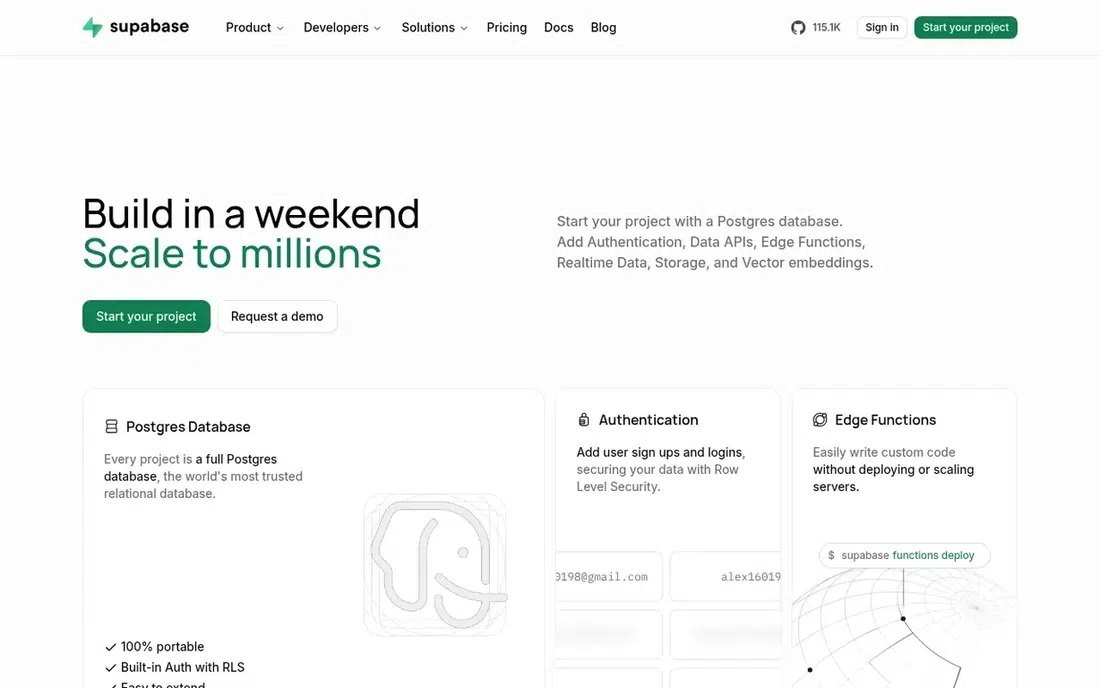
Choose Supabase for Postgres-first backend with auth and APIs. Supabase describes itself as the Postgres development system, offering a Postgres database alongside authentication, instant APIs, realtime, functions, storage and vector embeddings.
The combination of database and supporting services makes it a practical base for production-grade applications. Price to start with Supabase: $25 per month. Supabase has a free plan.
Trade-offs to know: Relational model needs SQL familiarity.
- Realtime and storage included
- Authentication and instant APIs
- Feature set is still expanding
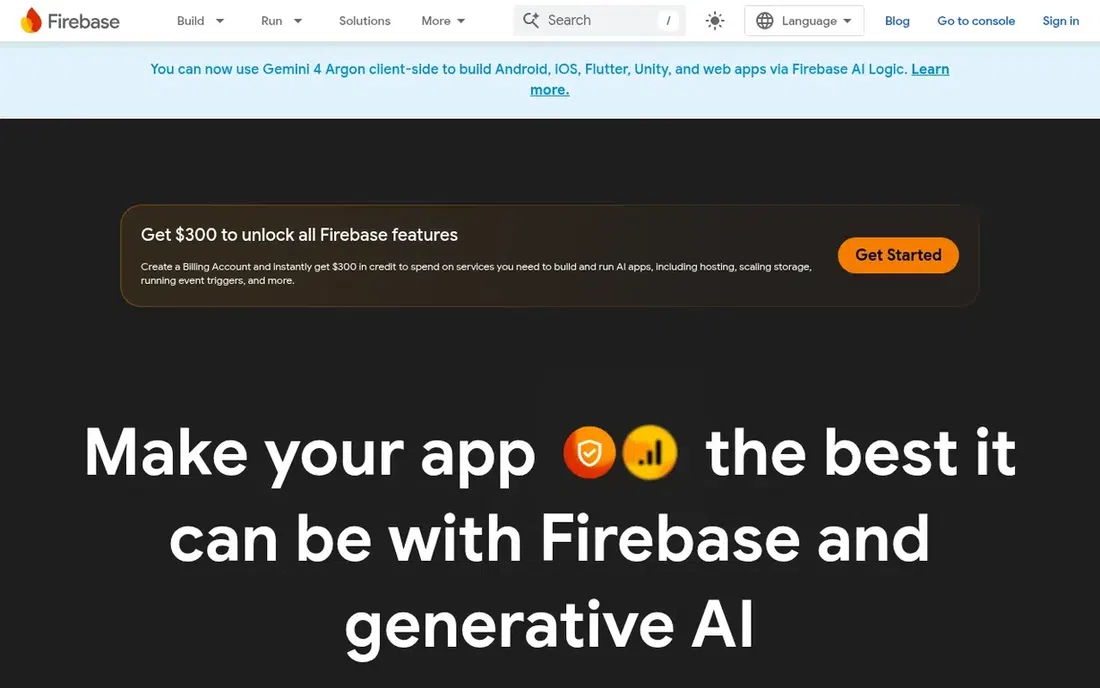
Firebase works best for wide managed services for mobile and web. Since Firebase includes plenty of services, the product can feel sprawling for a small project. The managed model limits how much you control the database layer.
Beyond that, Firebase is Google's mobile and web app development product, positioned to help developers build apps and games. From a buyer's view, the product is a typical starting point for projects that require to move rapidly without assembling separate infrastructure pieces. Also, confirm service details on the vendor site. On cost, Firebase starts like this: $9.37 per month. A free plan is available with Firebase.
Reasons to shortlist it: Solid mobile development support. Trade-offs to know: Less control over underlying database.
- Broad range of integrated services
- Managed infrastructure
- Service scope can feel complicated
Back4App
Best for: Low-code backend hosting and scaling
Back4App is a good fit for low-code backend hosting and scaling. Check the vendor site for the specific components and limits that apply to your project. The product aims to cut backend setup so more time goes into the app itself.
Where it falls short: Smaller community than major systems.
For everyday use, Back4App presents itself as backend hosting for apps, using a low-code cloud product to help teams launch and scale. Low-code products can abstract away details that matter when you need fine-grained control or custom infrastructure. Back4App shows no starting price here, so confirm the cost on the vendor site. A free plan is available with Back4App.
- AI-powered tooling mentioned
- Out-of-the-box components
- Low-code abstractions can limit control
Heroku is a good fit for managed app hosting and deployment. Heroku is a cloud application system for developers offering completely managed app hosting to build, deploy and scale.
What to check first: Less bundled auth and storage.
Price to start with Heroku: $5 per month. Heroku does not include a free plan.
- Straightforward deployment model
- Completely managed app hosting
- Centred on hosting instead of backend services
How we compared the tools
Pricing pages, product documentation and feature lists were the main sources, and every entry carries at least one honest drawback. Treat prices as a snapshot: vendors change plans often, so check the vendor site for the figure that applies today. Tools are placed by general fit for backend as a service for indie developers, with price clarity and free access as tie-breakers. A different team can reasonably rank them differently.
Before you commit
- Confirm the entry price on the vendor page. For MongoDB Atlas and Back4App that means a quote rather than a fixed price.
- Check what the free option really includes: MongoDB Atlas, Supabase, Firebase and Back4App offer a free plan, and usage caps differ.
- Before choosing MongoDB Atlas, weigh its main limit: database-centric, not a full backend suite.
- Read the plan comparison for MongoDB Atlas carefully; key features often start on a higher tier.
- Before rolling out Firebase, verify the integrations your workflow depends on.
FAQ
Is MongoDB Atlas the right pick for everyone comparing backend as a service for indie developers?
No single tool suits every team. MongoDB Atlas comes first because it fits managed document database for AI apps, while Supabase suits Postgres-first backend with auth and APIs and Firebase suits broad managed services for mobile and web. Match the tool to your own size, budget and workflow before deciding.
How are the tools for backend as a service for indie developers ordered?
The order follows typical fit for backend as a service for indie developers, with MongoDB Atlas first and Heroku last, then price clarity and free access. It is editorial judgement, not a score, so another team could rank the tools differently.
Do these tools publish their prices?
Not all of them. MongoDB Atlas and Back4App publish no starting price, so expect a quote request for those. The rest, Supabase included, show a starting price, though seats and billing terms still change the final cost.
What should an indie developer look for in a backend as a service?
Focus on the services you actually need, for example authentication, a database and file storage, and check whether they are bundled or separate. Also consider how much operational work you want to take on and whether the data model matches your app.
Which options for backend as a service for indie developers have a free plan?
MongoDB Atlas, Supabase, Firebase and Back4App offer a free plan in this list. Free plans usually cap users, projects or features, so check the limits on the vendor page.
Sources
- https://www.mongodb.com/atlas
- https://supabase.com
- https://firebase.google.com
- https://www.back4app.com
- https://www.heroku.com