Best Azure DevOps Alternatives in 2026: 8 Tools Compared
Looking for Azure DevOps alternatives? We compare 8 dev platforms for repos, CI/CD, and agile work, with free tiers and prices for teams of every size in 2026.
- Editor's choice
 GitHub
Git hosting plus Actions CI/CD
Starts at$4 per user per monthVisit github.comFull review - Great alternative
 GitLab
All-in-one DevSecOps
Starts at$29 per user per monthVisit gitlab.comFull review - Also consider
 Bitbucket
Atlassian teams
Starts at$3 per user per monthVisit bitbucket.orgFull review
TL;DR:
- GitHub and GitLab are the best all-in-one Azure DevOps alternatives for most teams, covering repos, CI/CD, and planning in one place.
- Jenkins and TeamCity suit teams that need self-hosted control or deep configuration for complex pipelines.
- Bitbucket suits teams already using Jira and Confluence, since the Atlassian tools share users, links, and permissions.
- CircleCI and Harness suit teams that want fast cloud builds or enterprise release control without running their own servers.
- Jira alone does not replace Azure DevOps, but paired with Bitbucket or GitHub it covers planning, tracking, and delivery well.
Quick comparison
| Tool | Best for | Starts at | Free plan? | |
|---|---|---|---|---|
| GitHub | Git hosting plus Actions CI/CD | $4 per user per month | Yes | Visit |
| GitLab | All-in-one DevSecOps | $29 per user per month | Yes | Visit |
| Bitbucket | Atlassian teams | $3 per user per month | Yes | Visit |
 Jenkins | Self-hosted CI/CD control | Free | Yes | Visit |
 CircleCI | Fast cloud CI/CD | $15 per month | Yes | Visit |
 TeamCity | Configurable self-hosted CI | $45 per month | Yes | Visit |
 Jira | Agile planning and tracking | $9 per user per month | Yes | Visit |
 Harness | Enterprise delivery at scale | See website | Free trial | Visit |
The best Azure DevOps alternatives
These alternatives to Azure DevOps cover full platforms and focused CI/CD tools, so you can replace the whole suite or only the part that frustrates you.
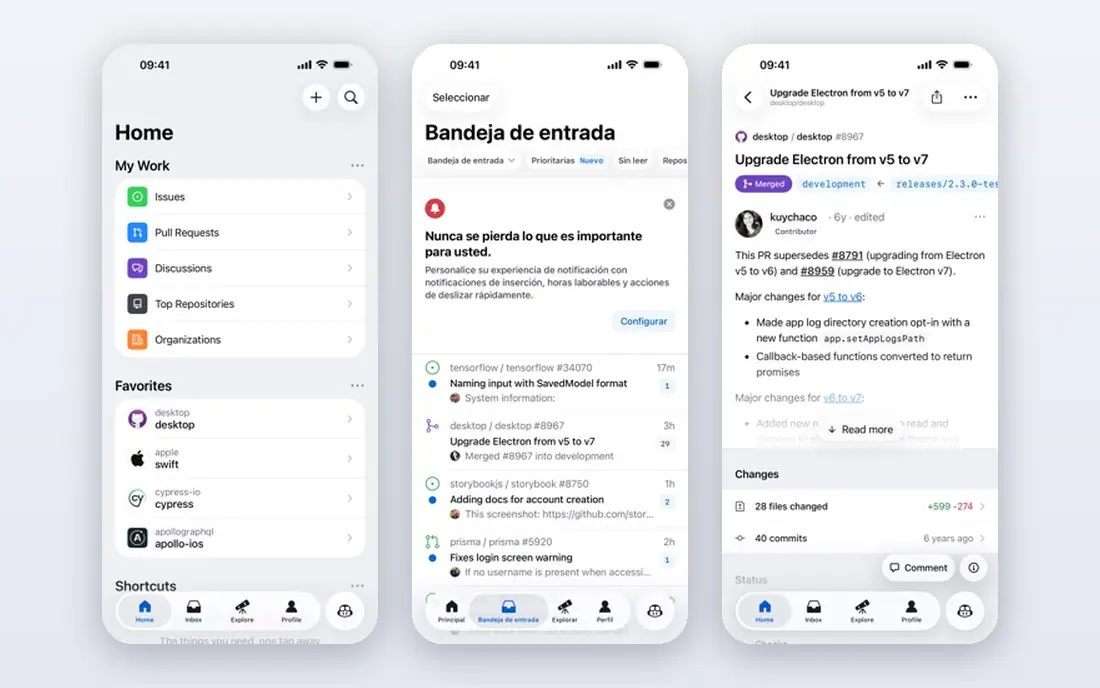
GitHub is our pick for most teams leaving Azure DevOps. Repos, pull requests, Issues, Projects, and Actions live together, so a team can plan, review, build, and deploy without stitching tools together. The marketplace of reusable Actions also speeds setup for common languages and cloud targets.
The free plan covers unlimited public and private repos for individuals and small teams, with 2,000 Actions minutes a month for private repos. Paid Team plans start at $4 per user per month and add more minutes, protected branches, and code owners. If your team already works in open source or hires from the GitHub community, the network effect alone is a strong reason to choose it.
- Largest developer community
- Actions CI/CD built in
- Issues, Projects, and Copilot in one place
- Advanced security and compliance features need higher plans
- Actions minutes can grow with heavy use

GitLab is the closest single-product replacement for Azure DevOps. It covers repos, merge requests, CI/CD, issue tracking, wikis, and security scanning in one system, with a self-hosted Community Edition for teams that want full control. That breadth means fewer vendor contracts and fewer integration gaps.
The cost is the main hurdle. Premium starts at $29 per user per month, which adds up for a large team, though it includes 10,000 CI/CD minutes and stronger planning tools. The free tier is generous for small projects, with 400 compute minutes a month. If you want one platform and you value built-in security, GitLab is the most complete pick here.
- Single platform for code, CI/CD, security, and planning
- Self-hosting option
- Built-in security scanning
- Premium price is steep for small teams
- Interface has many settings to learn
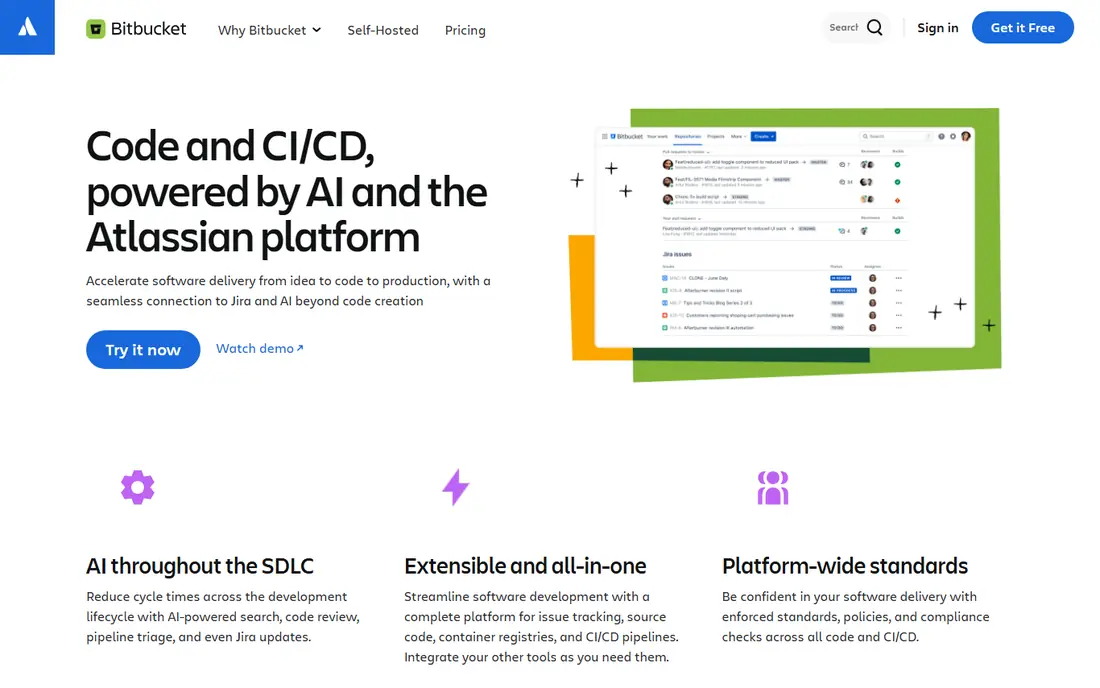
Bitbucket suits teams that already plan in Jira. Issues link to branches and pull requests, deployments show in Jira tickets, and user permissions carry across Atlassian tools. That link saves the manual status updates that slow many teams down.
Pipelines, Bitbucket's CI/CD service, is built in, with 50 build minutes a month on the free plan and more on paid plans from $3 per user per month. The community and marketplace are smaller than GitHub's, so some integrations need more setup. For an Atlassian shop, though, Bitbucket is the path of least resistance.
- Tight Jira and Confluence links
- Pipelines CI/CD built in
- Low entry price
- Smaller community than GitHub
- Pipelines minutes are limited on lower plans
Jenkins remains the most flexible CI/CD tool in this list. It is free and open source, runs on your own servers, and connects to almost any repo, cloud, or legacy system through plugins. Teams with unusual build steps, on-prem systems, or strict data rules often stay with Jenkins because no hosted tool matches its control.
That control comes with work. You patch Jenkins, back up jobs, manage agents, and secure plugins yourself, which needs platform engineering time. The interface also feels older than GitHub Actions or GitLab CI. If you have the ops capacity and you need full control, Jenkins is unmatched. If you want a managed service, pick a cloud tool instead.
- Free and open source
- More than 1,800 plugins
- Runs anywhere you control the server
- You maintain servers, updates, and security
- Interface feels dated
- Setup takes time
CircleCI is a focused CI/CD service for teams that already host code elsewhere. It builds GitHub and Bitbucket repos in the cloud, with Docker layer caching, parallelism, and macOS and ARM runners for mobile and cross-platform work. Setup is usually faster than Jenkins, since there is no server to run.
The free plan offers credits for small projects, and paid Performance plans start at $15 per month plus usage. CircleCI does not replace Azure Boards or Repos, so you still need a planning and hosting tool alongside it. For teams that want speed and a managed pipeline without a full platform switch, CircleCI is a strong pick.
- Fast cloud builds with caching
- Works with GitHub and Bitbucket repos
- Flexible credit pricing
- No built-in repo hosting or planning
- Credit use can spike on large test suites
TeamCity, from JetBrains, suits teams that want deep CI configuration without Jenkins plugin sprawl. It handles build chains, test reporting, and artifact management well, and its Kotlin DSL lets teams store pipeline definitions in code. .NET and JVM shops often find its defaults a better fit than generic cloud CI.
TeamCity offers a free tier for small teams, with paid plans from $45 per month. You can self-host or use TeamCity Cloud, but either way you should budget time for agent setup and maintenance. If your team already uses JetBrains IDEs, TeamCity feels familiar and capable.
- Strong support for JVM and .NET builds
- Kotlin DSL for pipelines as code
- Good build chain views
- Self-hosting or cloud setup needs care
- Price rises with agents and users
Jira replaces the planning side of Azure DevOps, not the whole suite. It offers Scrum and Kanban boards, backlogs, sprints, roadmaps, and custom workflows that scale from a small team to a large program. Paired with Bitbucket Pipelines or GitHub Actions, it covers planning plus delivery.
On its own, Jira does not host code or run builds, so do not judge it as a full Azure DevOps replacement. Pricing starts at $9 per user per month for Standard in published comparisons, with a free tier for up to 10 users. If Azure Boards is the part you liked most, Jira is the best planning upgrade. If you need repos and pipelines too, pair it with Bitbucket or GitHub.
- Deep agile boards, backlogs, and workflows
- Strong reporting
- Huge integration marketplace
- Not a repo or CI/CD tool on its own
- Configuration can become complex
Harness suits enterprises that find Azure DevOps too rigid for multi-cloud delivery. Its modules cover CI, continuous delivery, feature flags, and cloud cost management, with verification that can roll back a bad deploy based on metrics. Governance, approvals, and audit trails are built for regulated teams.
The barrier is scale and price. Harness pricing is custom, and the platform suits teams with dedicated platform engineers rather than a five-person startup. Smaller teams will find GitHub or GitLab simpler and cheaper. For a large firm with complex release patterns, Harness is one of the most capable delivery platforms available.
- Modular CI, CD, feature flags, and cost tools
- AI-assisted verification and rollback
- Strong governance
- Pricing is custom
- Best suited to larger teams with complex delivery needs
How we picked these
We compared official pricing pages, documentation, and feature lists for platforms that cover Azure DevOps jobs: repo hosting, CI/CD, agile planning, and release management. We kept full platforms and focused tools, noted where a tool covers only part of the suite, and checked free tiers and entry prices where vendors publish them. We did not claim hands-on testing, and we treated vendor pages as the source for prices.
How to choose a replacement
Start by listing which Azure DevOps services you actually use. If you use Boards, Repos, and Pipelines together, a full platform like GitHub or GitLab fits best. If you only use Pipelines, a focused tool like CircleCI, Jenkins, or TeamCity may be cheaper and simpler.
Then test migration on one repo, not on your whole estate. Move the code, rebuild the pipeline, and run a release through the new tool with the same checks and approvals. Watch for missing pieces: test reporting, artifact storage, environment approvals, and audit logs. A tool that passes that one-repo test will scale far better than one chosen from a feature table alone.
FAQ
What is the best alternative to Azure DevOps?
GitHub is the best overall alternative for most teams, thanks to repos, Actions CI/CD, and a large community. GitLab is best if you want one platform with built-in security scanning and self-hosting.
Is there a free Azure DevOps alternative?
Yes. GitHub Free, GitLab Free, Bitbucket Free, and Jenkins all offer free tiers or free open-source use. Free tiers limit CI minutes, users, or features, so check those caps against your build volume.
Can I migrate from Azure DevOps to GitHub or GitLab?
Yes, both offer import tools for repos, and pipelines need to be rewritten in Actions YAML or GitLab CI YAML. Plan time for pipeline conversion, test reporting, and approval workflows, since those rarely transfer automatically.
Is Jenkins still a good choice in 2026?
Yes, for teams that need self-hosted control, legacy integrations, or unusual build steps. Jenkins needs maintenance effort, so teams without platform capacity should prefer a managed service like GitHub Actions or CircleCI.
Do I need Jira if I switch to GitHub?
No, GitHub Issues and Projects cover planning for many teams. Jira suits larger programs that need advanced workflows, roadmaps, and reporting beyond what GitHub planning offers.
What is the best Azure DevOps alternative for .NET teams?
GitHub Actions and TeamCity both suit .NET teams well, with strong Windows runners and build support. GitLab also covers .NET pipelines, while Bitbucket Pipelines suits teams already using Jira.