Best B-Roll Integration Software for 2026: Our 5 Vetted Picks
Need the best B-Roll integration software? We compare 5 tools on cost, free access and who each suits. Clear notes on pricing gaps and limits. Updated for 2026.
- Editor's choice
 VEGAS Pro
Windows editors wanting adaptable timelines
Starts atSee websiteVisit vegascreativesoftware.comFull review - Great alternative
 CapCut
Fast social video b-roll
Starts atSee websiteVisit capcut.comFull review - Also consider
 Adobe Premiere Pro
Professional timeline-based b-roll editing
Starts atSee websiteVisit adobe.comFull review
Direct answer
This list puts VEGAS Pro first for Windows editors wanting adaptable timelines. Listed starting prices: Camtasia from $20 per year. For a different need, CapCut covers fast social video b-roll and Adobe Premiere Pro covers professional timeline-based b-roll editing. Prices, free plans and limits for all 5 tools follow.
TL;DR:
- VEGAS Pro is the opening pick, best for Windows editors wanting adaptable timelines.
- DaVinci Resolve suits all-in-one edit, color and audio.
- Expect to ask for a quote from VEGAS Pro, CapCut, Adobe Premiere Pro and DaVinci Resolve; the other tools show a starting price.
- Camtasia comes with a trade-off: not made for cinematic editing.
- Only CapCut offers a free plan among these 5 tools.
Last checked November 2026. Prices and plan details were read from the vendors' own pages in November 2026; vendors change plans often, so confirm the current price on the vendor site before you buy.
Quick comparison
| Tool | Best for | Starts at | Free plan? | |
|---|---|---|---|---|
| VEGAS Pro | Windows editors wanting adaptable timelines | See website | Not stated | Visit |
| CapCut | Fast social video b-roll | See website | Yes | Visit |
| Adobe Premiere Pro | Professional timeline-based b-roll editing | See website | Not stated | Visit |
 Camtasia | Tutorials and demo b-roll | $20 per year | Not stated | Visit |
 DaVinci Resolve | All-in-one edit, color and audio | See website | Not stated | Visit |
Tool-by-tool breakdown
If you are comparing B-Roll integration software, this page covers 5 tools in one place: what each is best for, what it costs to start, whether it has a free plan, and the main limit to know about.
Think of VEGAS Pro for Windows editors wanting adaptable timelines. VEGAS Pro is professional video editing software for Windows with AI tools, color grading, visual effects and audio. Its timeline adaptability supports b-roll placement and layered edits.
Where it is weaker: Smaller ecosystem than major suites.
More specifically, VEGAS Pro is Windows-only, which rules out Mac and Linux workflows. Editors who require cross-platform collaboration may prefer DaVinci Resolve or Adobe Premiere Pro. Check the vendor site for VEGAS Pro pricing; none is listed in this comparison. Free access: Not stated.
- AI tools and color grading
- Visual effects and audio support
- Windows only
Pick CapCut if this describes you: fast social video b-roll. CapCut is an AI video editor for YouTube and Instagram content with smart templates, creative effects and online editing. Its template-driven approach helps creators drop b-roll into social videos rapidly.
The main drawbacks: Fewer advanced postproduction controls.
CapCut is oriented toward social formats and gives you fewer advanced postproduction controls than dedicated professional suites. Worth adding: editors working on long-form or color-critical projects may prefer Adobe Premiere Pro or DaVinci Resolve. Check the vendor site for CapCut pricing; none is listed in this comparison. CapCut offers a free plan. Highlights: Desktop.
- AI-powered editor with templates
- Mobile and online access
- Geared toward short-form content
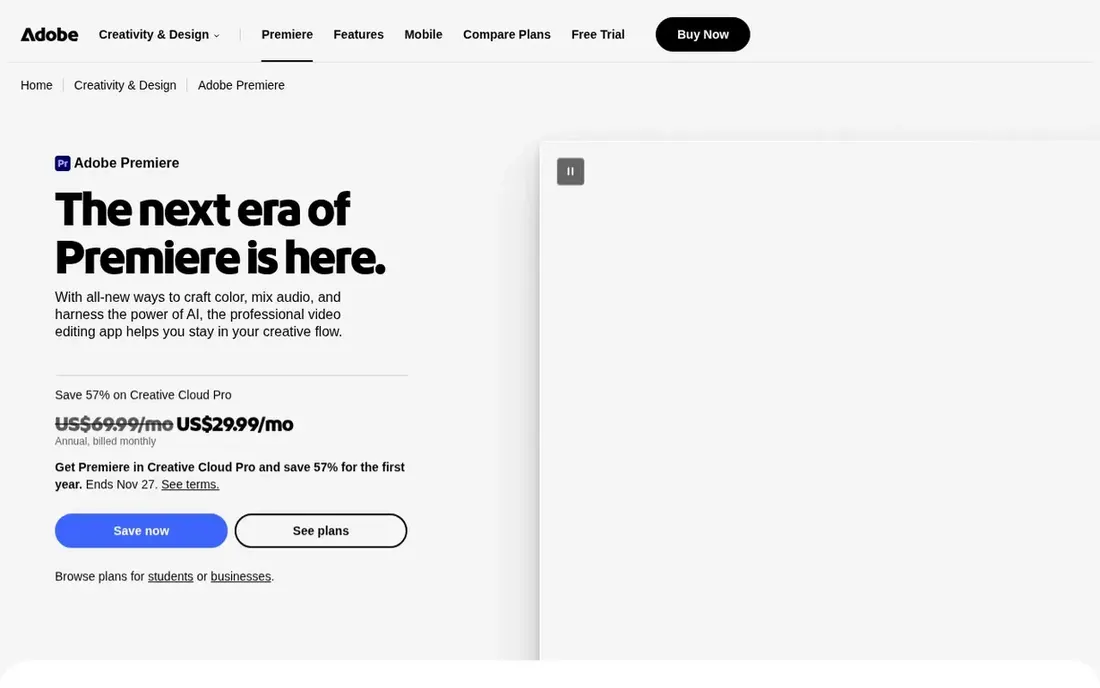
Where Adobe Premiere Pro fits: professional timeline-based b-roll editing. Editors who assemble layered b-roll sequences benefit from its precise timeline controls and broad format handling.
Adobe Premiere Pro is professional video editing and postproduction software for trimming, effects, audio mixing and more. In daily use, the software can be resource-intensive on older hardware and needs a subscription instead of a one-time purchase. This comparison lists no price for Adobe Premiere Pro; ask the vendor. Free plan details: Not stated.
Watch-outs: Demanding on system resources.
- Broad format support
- Wide effects and audio toolset
- Subscription-based licensing
Pick Camtasia if this describes you: tutorials and demo b-roll. Camtasia is screen recording and video editing software for tutorials, training videos and software demos.
It helps instructors integrate b-roll like screen records and callouts into instructional content. Beyond that, Camtasia is not built for cinematic b-roll or complicated postproduction, and its advanced effects are restricted. Camtasia pricing: $20 per year. As for free access: Not stated.
Downsides: Not designed for cinematic editing.
What works well: Screen recording and editing combined.
- Straightforward workflow for demos
- Suited to tutorials and training
- Restricted advanced effects
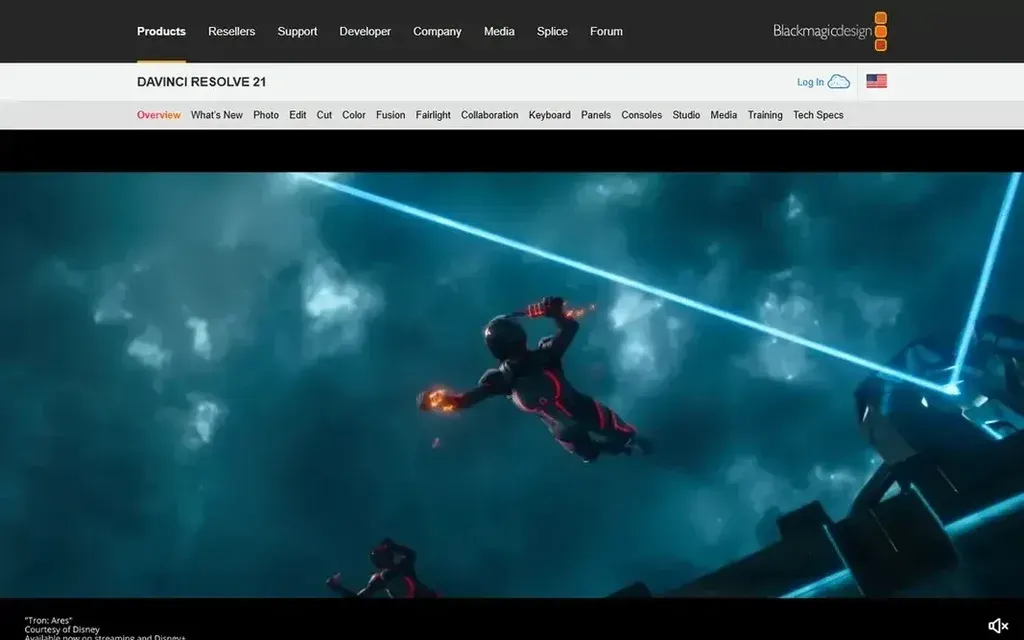
DaVinci Resolve was built for all-in-one edit, color and audio. It fits color-conscious workflows and teams that value one environment for the entire post process.
In daily use, the breadth of features can overwhelm newcomers, and the color page brings a ramp-up time. Pricing for DaVinci Resolve is not stated here, so ask the vendor for current figures. As for free access: Not stated.
Points against: Interface can feel dense for beginners.
- Capable color correction tools
- Cross-platform Mac
- Color tools add learning overhead
How we compared the tools
LinkVetted used vendor pricing pages and product documentation as the base, then compared plans, free access and documented limits for 5 tools. Prices and plan limits come from vendor pages and can change, so confirm them on the vendor site before you buy. Tools are placed by general fit for B-Roll integration software, with price clarity and free access as tie-breakers. A different team can reasonably rank them differently.
What to confirm before you sign up
- Ask VEGAS Pro, CapCut, Adobe Premiere Pro and DaVinci Resolve for a written quote, since no starting price is shown.
- Test the free plan from CapCut against your real workload before relying on it.
- Read the limits listed for VEGAS Pro first: Windows only.
- Verify that exporting from CapCut is possible on your plan and covers all your records.
- List the apps you already depend on and check that VEGAS Pro supports each one on the plan you would buy.
FAQ
Which options for B-Roll integration software have a free plan?
CapCut is the only tool in this list with a free plan. Free plans usually cap users, projects or features, so check the limits on the vendor page.
Can I use the same editor for screen recordings and b-roll?
Camtasia merges screen recording and editing, which suits tutorials and demos that mix screen records with b-roll. For cinematic or commercial work, dedicated editors like DaVinci Resolve or VEGAS Pro offer more advanced controls.
How are the tools for B-Roll integration software ordered?
The order follows typical fit for B-Roll integration software, with VEGAS Pro first and DaVinci Resolve last, then price clarity and free access. It is editorial judgement, not a score, so another team could rank the tools differently.
Can I try these options before paying?
Often, yes. CapCut has a free plan. Use your own data and a real task during the test, and check what the free tier or trial limits before you rely on it.
Do these tools publish their prices?
Not all of them. VEGAS Pro, CapCut, Adobe Premiere Pro and DaVinci Resolve publish no starting price, so expect a quote request for those. The rest, Camtasia included, show a starting price, though seats and billing terms still change the final cost.
Sources
- https://www.vegascreativesoftware.com/us/vegas-pro
- https://www.capcut.com
- https://www.adobe.com/products/premiere.html
- https://www.techsmith.com/video-editor.html
- https://www.blackmagicdesign.com/products/davinciresolve