Best Data Integration Platforms for Small Business in 2026: 8 Platforms Compared
Compare the best data integration platform for small business in 2026, with pricing, connectors, free tiers, and setup effort for small teams today in detail.
- Editor's choice
 Fivetran
Hands off replication
Starts atSee websiteVisit fivetran.comFull review - Great alternative
 Airbyte
Open source control
Starts at$20 per monthVisit airbyte.comFull review - Also consider
 Stitch
Simple low cost replication
Starts at$100 per monthVisit stitchdata.comFull review
TL;DR:
- Small teams should start with connector coverage, since a missing source can force manual work no pricing saving can fix.
- Airbyte and Fivetran cover many sources, but their bills scale with volume, so test with real data before committing.
- Stitch and Hevo suit simpler replication jobs where a small team wants setup in hours, not weeks.
- Watch for row, event, and credit counting, because the same sync can cost very different amounts on different platforms.
Quick comparison
| Tool | Best for | Starts at | Free plan? | |
|---|---|---|---|---|
| Fivetran | Hands off replication | See website | Yes | Visit |
| Airbyte | Open source control | $20 per month | Yes | Visit |
| Stitch | Simple low cost replication | $100 per month | Free trial | Visit |
 Hevo Data | No code pipelines | $265 per month | Yes | Visit |
 Integrate.io | Visual no code ETL | See website | Free trial | Visit |
 Talend | Enterprise grade transforms | See website | Free trial | Visit |
 Dataddo | Simple dashboard feeds | See website | Free trial | Visit |
 Estuary Flow | Real time streaming | Free | Yes | Visit |
The best data integration platforms for small business
A data integration platform moves data from sales, marketing, billing, and support tools into one warehouse or dashboard. For a small business, the goal is simple: stop copying spreadsheets by hand, and trust the numbers in reports. The tools below differ in price, control, and setup effort.
Fivetran is built for teams that want replication to just work. Connect a source, pick a destination warehouse, and it handles schema changes and retries. That hands off style suits small firms without a data engineer on staff.
The cost model needs attention. Fivetran bills on monthly active rows, so tables that update often cost more than quiet tables. Its free tier covers up to 500,000 monthly active rows, which suits a trial or a very small setup. Run a real month of data through it before you judge the price.
- Large connector library
- Automated schema changes
- Managed reliability
- Usage based bills can grow fast
- Less control over custom logic
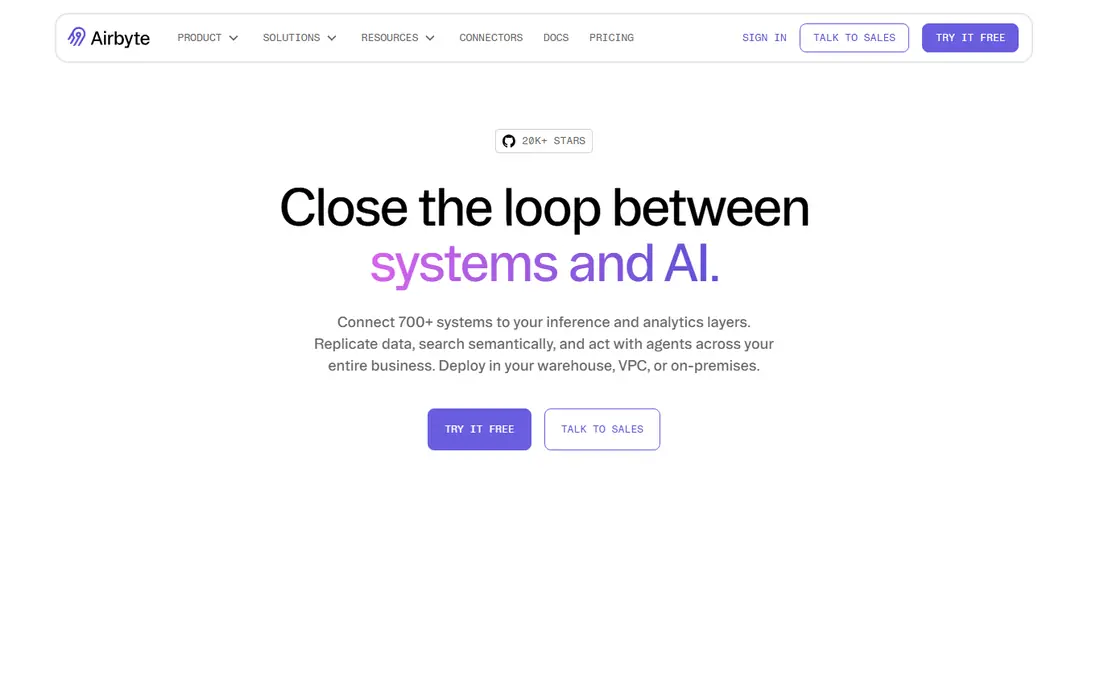
Airbyte gives teams a choice that few rivals match. You can self host the open source edition for free, apart from your own infrastructure costs, or use Airbyte Cloud with credit based pricing. That flexibility suits firms that want control over connectors and data movement.
Self hosting is not free in staff time. Someone must maintain, update, and monitor the deployment. Airbyte Cloud removes that work, with a Standard plan starting at $20 per month plus credits. For small teams without data engineers, the cloud plan is usually the better starting point.
- Open source edition
- Large connector catalog
- Cloud and self hosted options
- Self hosting needs engineering time
- Cloud credit costs vary with volume
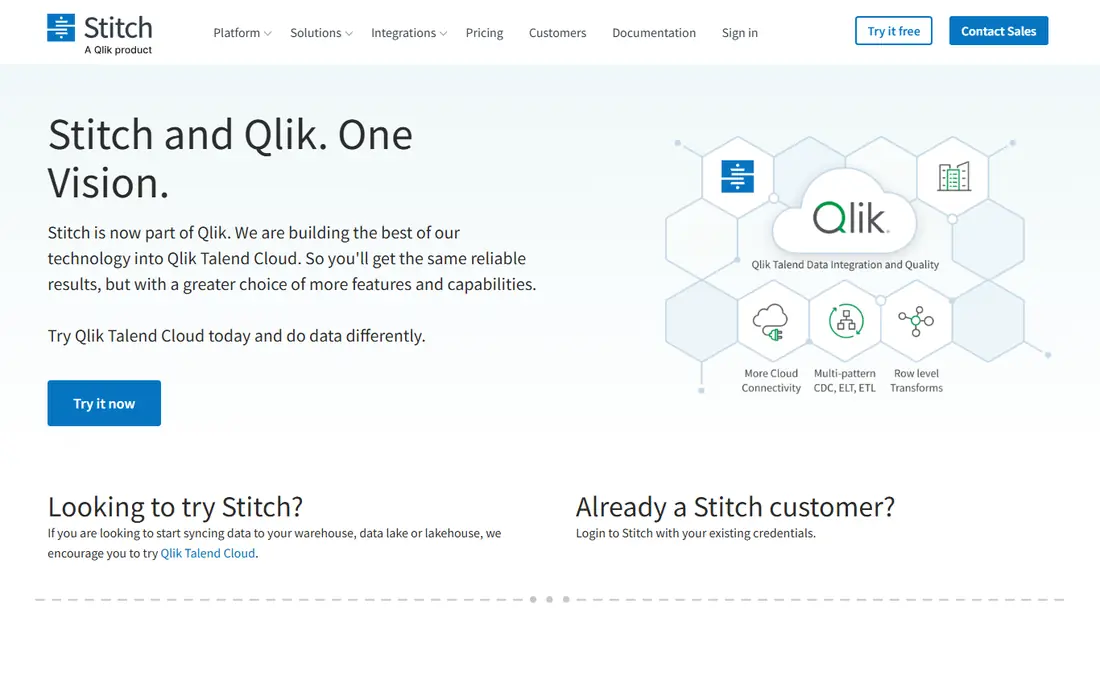
Stitch focuses on simple replication. You connect sources, choose tables, and load them into a warehouse on a schedule. That narrow focus keeps setup fast, often within hours for common sources such as Salesforce, Shopify, or Google Sheets.
It is less suited to complex transformation work, which may need a separate tool. Row based tiers start at $100 per month for 5 million rows, which is easy to model if you know your table sizes. Note that Stitch is being absorbed into Qlik Talend Cloud, so check the current product page before a long term commitment.
- Simple setup
- Clear row based tiers
- Part of the Qlik Talend group
- Fewer advanced transforms
- Product direction is tied to a larger suite
Hevo Data suits business users who want pipelines without writing code. Its interface guides source setup, mapping, and transformation, and it offers near real time sync for sources that support it. A free tier covers up to 1 million events per month, which is enough for a small trial.
Paid pricing is event based, so every record write counts, including repeated updates. That model can surprise teams with chatty sources. The Starter plan is listed at $265 per month on annual billing, so model your event volume carefully and test with production like data first.
- No code setup
- Real time options
- Built in transformations
- Event based pricing punishes frequent updates
- Paid plans start higher than rivals
Integrate.io offers a visual builder for ETL and API work, which helps teams that think in flows rather than code. You can pull data, transform it, and load it into a warehouse or send it to another app, all from one canvas. That breadth suits firms that also need reverse flows to business tools.
The main drawback is price transparency. Most plans require a sales conversation, which makes budgeting harder for a small firm. Ask for a quote based on your connector list and monthly volume, and compare it with row based rivals before signing.
- Visual pipeline builder
- API and ETL in one tool
- Strong for non technical teams
- Pricing is not published for most plans
- Can be costly for small firms
Talend, now part of Qlik, offers deep transformation and data quality features that simpler replication tools lack. You can clean, standardise, and join data before it reaches a warehouse, which helps firms with messy source data. It also supports a wide range of enterprise sources.
That power comes with setup effort. Small teams may find the learning curve steep for a first pipeline, and pricing is quote based, so small firms should request a clear estimate. Talend fits best when data quality work is a core need, not just moving tables.
- Strong transformation tools
- Data quality features
- Broad source support
- Heavier setup than simpler tools
- Pricing is quote based
Dataddo focuses on getting data into dashboards and warehouses with little code. Marketing and sales teams use it to feed tools such as Google Sheets, Looker Studio, and common warehouses. Setup is quick for standard sources, and the interface stays friendly for non technical users.
It is less suited to heavy warehouse transformation or complex pipelines. If your main need is reliable dashboard feeds from advertising and sales tools, Dataddo is a strong shortlist candidate. If you need deep transforms, pair it with a warehouse tool or choose a broader platform.
- Quick dashboard connections
- No code setup
- Good for marketing data
- Less depth for warehouse heavy work
- Pricing varies by source count
Estuary Flow is built for real time data movement using change data capture, which reads database changes as they happen. That approach suits firms that need fresh data for dashboards, alerts, or operational tools, rather than nightly batches. A free tier covers small use with limited connectors and volume.
It is more technical than Hevo or Dataddo, so small teams should expect some setup learning. Managed pricing combines per connector fees with volume charges, so get a quote for your exact sources. For real time needs, though, its design is a clear advantage over batch only tools.
- Real time capture
- Free tier for small use
- Change data capture support
- More technical than no code rivals
- Managed pricing adds per connector fees
How we picked these
We compared official pricing pages, connector lists, and public documentation for integration tools that a small team can set up without a large data engineering group. We favoured tools with free tiers or trials, clear connector coverage, and managed options that reduce maintenance. We did not claim hands-on testing. Where pricing is quote based, we wrote See website rather than inventing a figure.
How to choose for a small team
List your sources first, then your destination. A tool that lacks one key source is not a bargain, even at a low price. Check connector pages for the exact systems you use, including the version or plan of each source, since some connectors need a paid source plan.
Next, model cost on real volume. Count rows or events for a typical month, including updates, not just new records. Run a trial on production like data, watch the usage meter, and project that figure over a year. Finally, check who will maintain the pipeline. A no code tool suits a business owner or analyst, while an open source tool suits a team with engineering time to spare.
FAQ
What is a data integration platform for small business?
It is software that copies data from apps such as sales, billing, and marketing tools into a warehouse or dashboard, on a schedule or in real time. It replaces manual spreadsheet exports and keeps reports current. Small business tools favour simple setup, managed hosting, and clear pricing over deep custom coding.
How much does data integration cost for a small business?
Costs range from free for small open source or free tier use to $100 to $265 per month for entry paid plans on Stitch and Hevo. Volume based tools can cost more as data grows. Always model your real monthly rows or events, since that figure drives the bill more than the headline plan price.
Do I need a data warehouse to use these tools?
Not always. Some tools feed dashboards or spreadsheets directly, while others load a warehouse such as BigQuery, Snowflake, or Postgres. A warehouse helps when you join many sources or keep history, but a small firm can start with dashboard feeds and add a warehouse later.
Is Airbyte or Fivetran better for a small team?
Fivetran is simpler to run, since it manages replication and schema changes for you. Airbyte gives more control and a free self hosted option, but needs more engineering time. A small team without data engineers will usually find Fivetran or a no code tool easier, while a technical team may prefer Airbyte.
How long does setup take?
Simple replication from common sources often takes hours on Stitch, Hevo, or Dataddo. More complex transforms, custom sources, or warehouse setup can take days to weeks. Start with one or two key sources, prove the reports work, and then add the rest in stages.