8 Best AI Web Design Tools in 2026: Builders Compared
Compare the best AI web design tools for small business sites, portfolios, and stores, with free plans, renewal prices, and design limits explained in full.
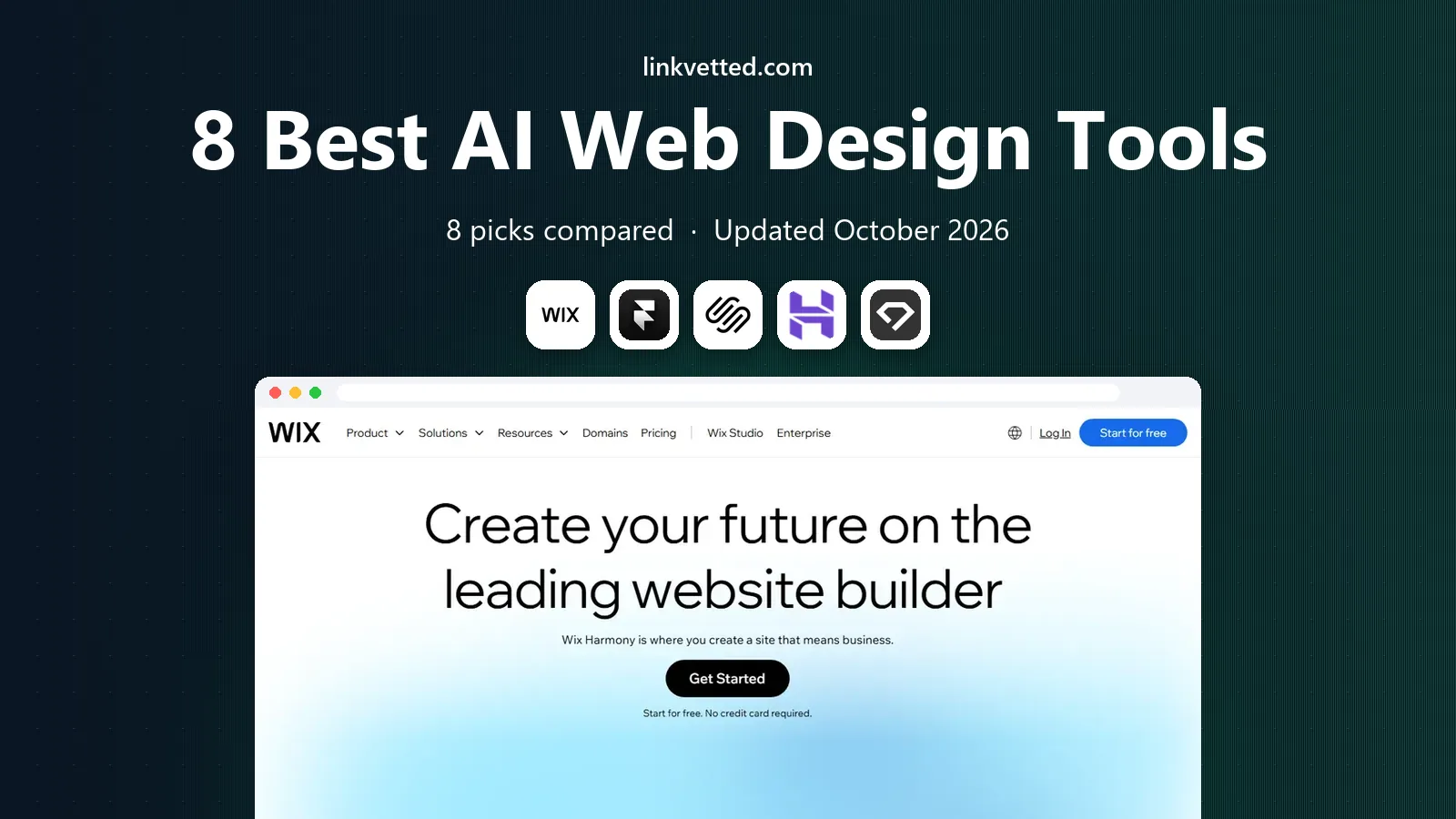
- Editor's choice
 Wix
All round small business sites
Starts atSee websiteVisit wix.comFull review - Great alternative
 Framer
Design led marketing sites
Starts atSee websiteVisit framer.comFull review - Also consider
 Squarespace
Portfolios and creative brands
Starts atSee websiteVisit squarespace.comFull review
TL;DR:
- Wix is our pick for most small businesses because it pairs AI site creation with bookings, stores, and a large app market.
- Framer and Squarespace suit design led brands and portfolios that need a polished look without hiring a designer.
- Hostinger and Durable offer the fastest, cheapest routes to a live site, with trade offs on design control and store features.
- Check export, domain, and renewal prices before you build, since headline monthly rates often depend on long prepaid terms.
Quick comparison
| Tool | Best for | Starts at | Free plan? | |
|---|---|---|---|---|
| Wix | All round small business sites | See website | Yes | Visit |
| Framer | Design led marketing sites | See website | Yes | Visit |
| Squarespace | Portfolios and creative brands | See website | Free trial | Visit |
 Hostinger | Low cost sites with hosting | See website | No | Visit |
 Durable | Fast local business sites | See website | Yes | Visit |
 10Web | AI sites on WordPress | See website | Free trial | Visit |
 Webflow | Designer grade sites | See website | Yes | Visit |
 Jimdo | Simple sites for solopreneurs | See website | Yes | Visit |
The best AI web design tools
These tools turn a short business description into a full site with pages, copy, and images, then let you edit the result.

Wix is the most complete AI website builder for small businesses. You answer questions about your business, and the AI builder creates a site with pages, copy, and images, which you can then edit with a drag and drop editor. Bookings, online stores, blogs, and member areas are built in, and the app market adds tools for forms, chat, and marketing.
The breadth is the reason we pick Wix for most people. A restaurant, salon, consultant, or shop can get a working site without stitching together separate tools. The catch is lock in. You cannot export a Wix site to another host, so if you leave, you rebuild. Paid plans also matter, since a custom domain and removal of Wix branding need a paid tier.
- AI builder plus drag and drop editing
- Bookings, stores, and apps
- Free plan to test
- Sites cannot be moved to another host
- Best features need higher plans
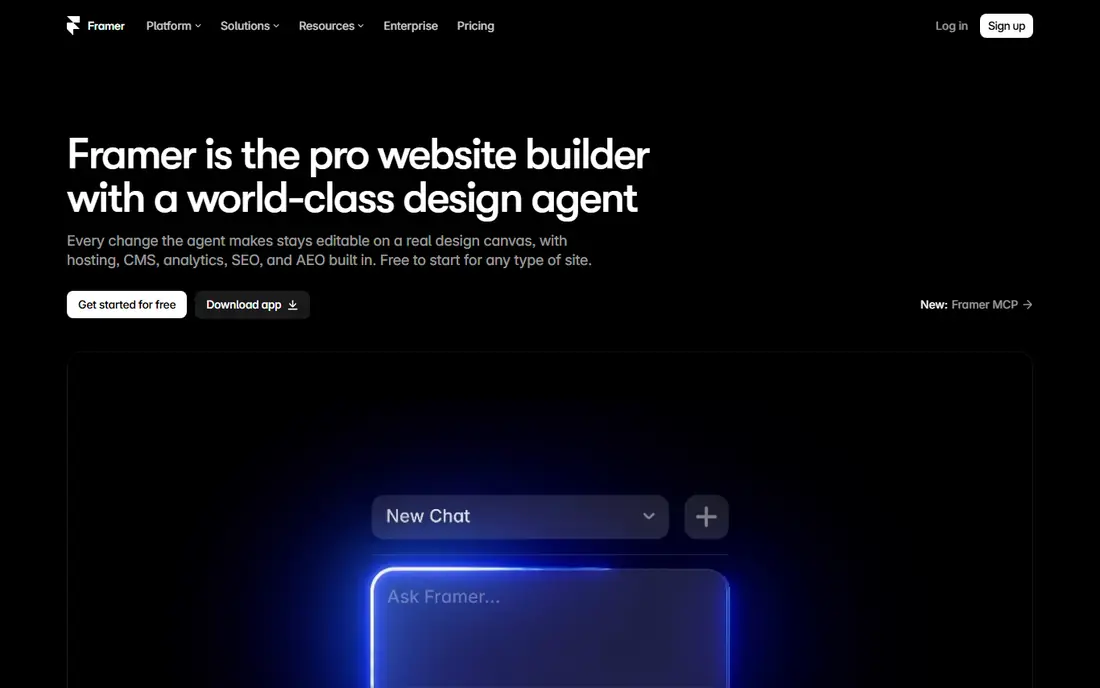
Framer suits startups, designers, and marketing teams that care about how a site looks and moves. Its AI tools generate pages and sections from prompts, and its design controls handle layout, animation, and responsive behaviour with more precision than most simple builders. The result often looks like a site from a design studio rather than a template.
The trade off is scope. Framer is not a full ecommerce platform, so a large store needs another tool or integration. AI credits also limit how much you can generate on lower plans. If your priority is a sharp marketing site or portfolio, Framer is hard to beat. If you need a full store with inventory and shipping, Wix or Squarespace fit better.
- Polished templates and animations
- AI page generation
- Free plan with subdomain
- No full native store
- AI credits can run out
- Steeper learning curve
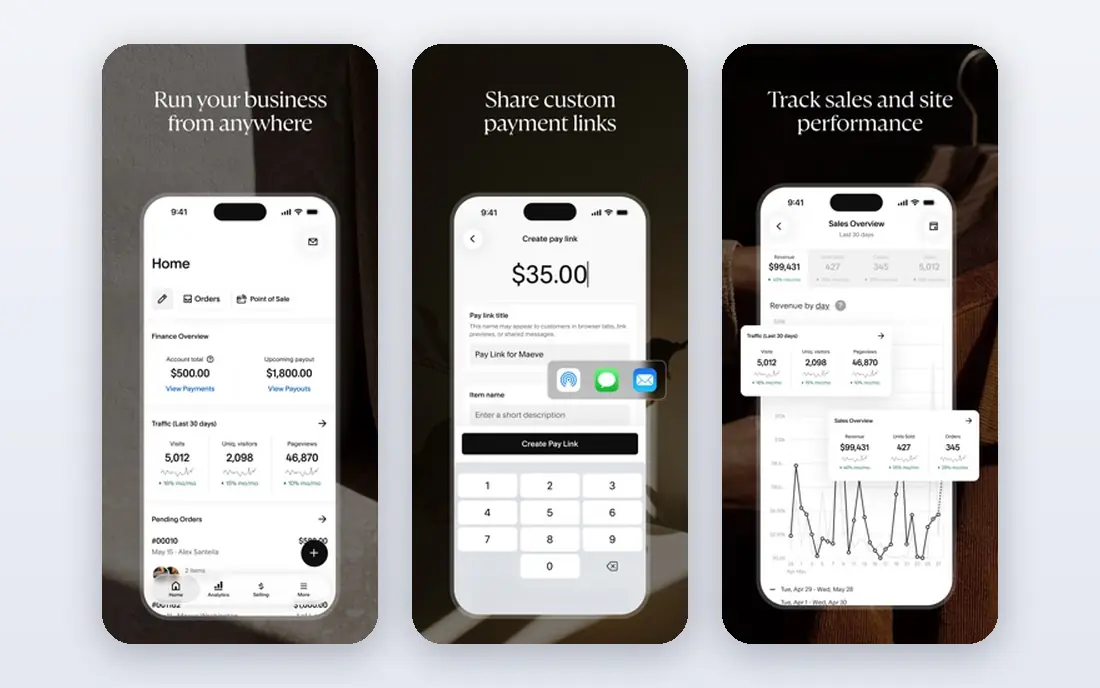
Squarespace remains the design led choice for photographers, restaurants, consultants, and small brands. Blueprint AI builds a multi page site from your answers, and the template library gives you a polished starting point for portfolios, menus, and stores. Commerce, scheduling, and email tools are built in, so you do not need many add ons.
The limit is flexibility. Squarespace guides you more than Wix does, so highly custom layouts take more work. There is also no permanent free plan, only a trial, so budget for a paid plan from the start. If you value a clean, consistent look and you are happy working inside a guided system, Squarespace is a strong pick.
- Strong templates and Blueprint AI
- Built in commerce
- Good blogging tools
- Less flexible than drag and drop rivals
- No free plan, trial only
Hostinger is the budget pick in this list. Its builder plans bundle hosting, an AI website builder, and often a free domain, which keeps the total bill low for a simple business site. AI tools help with copy, images, and layout, and the editor is easy enough for a first time site owner.
The headline price needs care. The lowest monthly figure usually requires prepaying for a long term, and renewal rates are higher, so check both numbers before you commit. Designs are clean but less distinctive than Squarespace or Framer. If price decides the choice and you need a simple site live quickly, Hostinger is good value. If design is the main selling point, spend more elsewhere.
- Very low entry price
- Hosting and domain in one bill
- AI writer and logo tools
- Best rates need long prepaid terms
- Renewal prices are higher
- Designs are simpler
Durable is built for speed. Type in a business name and location, and it generates a full site with copy, images, and contact details in well under a minute. It then adds a CRM, invoicing, and AI tools for blog posts and review replies, which suit plumbers, cleaners, consultants, and other local service businesses.
That speed comes with design limits. You will not get the fine layout control of Framer or Webflow, and Durable is not the right tool for a large magazine or a complex store. For a local business that needs a credible site, a booking form, and a way to follow up leads today, Durable is the fastest route. For a brand led site, look at Squarespace or Framer.
- Site in under a minute from a business name
- Built in CRM and invoicing
- AI blog and review tools
- Less design control
- Thin for large content sites
- Limited store features
10Web is the only tool here that builds on real WordPress, which matters for ownership. You describe your business, or paste an old site address, and 10Web generates a WordPress site with managed hosting, which you can then edit with Elementor. Because it is WordPress, you can move the site, add plugins, and grow it without being locked to one builder.
The trade off is complexity. WordPress gives you more control, but also more settings to manage, and beginners may find it busier than Wix or Durable. The trial is also short, so test quickly. If you want AI speed plus long term ownership, 10Web is the best balance. If you want the simplest possible editor, pick Wix instead.
- Real WordPress sites you own
- AI generation from prompt or old site
- Managed hosting
- WordPress learning curve
- Trial is short
- Monthly billing costs more
Webflow suits designers, agencies, and growing businesses that need a site with custom layouts and a structured content system. Its AI site builder creates a starting point, and the visual editor then gives you control over layout, interactions, and CMS collections that simple builders cannot match. Hosting, forms, and SEO settings are built in.
The learning curve is real. Webflow assumes some design knowledge, and new users should expect a few hours of learning before a site feels polished. Pricing also rises with site size and CMS items. If you want a simple brochure site, Webflow is more tool than you need. If you want a distinctive site that grows with content, it is worth the effort.
- Precise design and CMS controls
- AI site builder
- Strong hosting and SEO tools
- Steeper learning curve
- Higher cost for larger sites
- Store features are limited
Jimdo is a straightforward choice for solopreneurs who need a site, bookings, and payments without a long setup. Its AI builder asks a few questions and creates a site you can edit in a simple editor, and business features such as online booking and store tools are included on paid plans. The free plan lets you test the builder before paying.
The limit is scale. Jimdo has fewer templates and fewer advanced tools than Wix, and larger businesses may outgrow it. For a freelancer, coach, or small shop that needs a clean site and a way to take bookings, that simplicity is a plus rather than a flaw. Check whether Jimdo supports the payment and booking features you need in your country before you build.
- Simple AI builder
- Bookings and payments for small businesses
- Free plan to start
- Fewer templates than rivals
- Limited advanced features
- Smaller app ecosystem
How we picked these
We compared official feature pages, pricing pages, and public comparisons for AI website builders that work in October 2026. We looked for AI generation quality, editing control, templates, commerce and booking features, hosting and domain options, and pricing transparency. We favoured tools with a free plan or trial, and we noted where low prices depend on long prepaid terms. We did not run hands on tests, so our view rests on published features, pricing, and public user feedback.
How to choose an AI web design tool
Start with the job the site must do, then check the costs that are easy to miss.
Match the tool to the site type
A local service business needs a fast site, a contact form, and bookings, which Durable and Jimdo handle well. A creative brand needs strong templates, which points to Squarespace or Framer. A store needs commerce, shipping, and tax tools, which points to Wix or Squarespace. A content heavy site that you plan to own long term points to 10Web on WordPress or Webflow for CMS depth.
Check domains, renewal prices, and ownership
Confirm the cost of a custom domain, whether the plan removes builder branding, and what the renewal price is after any first term discount. Ask whether you can export content or move the site, since Wix and similar closed builders do not allow a full move. Build a test page first, check it on a phone, and only then invest hours in full content.
FAQ
What is the best AI web design tool?
Wix is the best all round choice for most small businesses because it combines AI creation with stores, bookings, and apps. Framer suits design led marketing sites, Squarespace suits portfolios and creative brands, and Hostinger suits tight budgets. The best tool depends on your site type and budget.
Can AI build a complete website?
Yes, for a standard business site, portfolio, or small store. AI builders create pages, copy, images, and navigation from your answers, but you should still edit the copy, check facts, replace stock images where needed, and test forms and checkout before you publish.
Are AI website builders free?
Several offer free plans, including Wix, Framer, Durable, Webflow, and Jimdo, but free plans usually use a builder subdomain and show builder branding. A custom domain, removal of branding, and full store features need a paid plan, so budget for that from the start.
Which AI web design tool is best for WordPress?
10Web is the best pick for AI built WordPress sites, since it generates a real WordPress site with managed hosting that you own and can move. Other tools in this list are closed builders, so they do not give you a WordPress site you can export in the same way.
Do I need design skills to use an AI website builder?
No, for a basic site. You answer questions, pick a style, and edit text and images in a visual editor. Design skills help if you want a custom layout in Webflow or Framer, but Wix, Durable, and Jimdo are built for people with no design background.