6 Best Test Management Software for QA Teams for 2026, Vetted and Compared
Shortlisting the best test management software for QA teams? 6 products compared on cost, free access and ideal buyer. Read the caveats before you buy. No hype.

- Editor's choice
 PractiTest
Adaptable, customizable test management
Starts atPricing on requestVisit practitest.comFull review - Great alternativeZephyr Scale
Jira-native test management at scale
Starts atPricing on requestVisit smartbear.comFull review - Also consider
 Xray
Requirement traceability inside Jira
Starts atPricing on requestVisit getxray.appFull review
Direct answer
This list puts PractiTest first for adaptable, customizable test management. Zephyr Scale is better for Jira-native test management at scale, and Xray is better for requirement traceability inside Jira. Details and limits for the rest of the 6 tools are below. None of these vendors publish plan prices, so pricing is on request for every option.
TL;DR:
- Number one here is PractiTest, a fit for adaptable, configurable test management.
- Neither PractiTest nor Azure Test Plans, nor any of the other 4 tools, has a permanent free plan; trials and quotes are the norm.
- Every tool from PractiTest to Azure Test Plans works by quote, with no list price shown.
- Azure Test Plans is the one to check for teams already in the Microsoft ecosystem.
- The main caution on TestRail: separate from your issue tracker by default.
Last checked November 2026. Pricing on request: vendors did not publish plan prices when this guide was last checked (November 2026), so ask each vendor for a written quote.
Quick comparison
| Tool | Best for | Starts at | Free plan? | |
|---|---|---|---|---|
| PractiTest | Adaptable, customizable test management | Pricing on request | Not stated | Visit |
| Zephyr Scale | Jira-native test management at scale | Pricing on request | Not stated | Visit |
| Xray | Requirement traceability inside Jira | Pricing on request | Not stated | Visit |
 TestRail | Dedicated standalone test management | Pricing on request | Not stated | Visit |
| TestLink | Open-source, self-hosted test management | Pricing on request | Not stated | Visit |
| Azure Test Plans | Teams already in the Microsoft ecosystem | Pricing on request | Free trial | Visit |
6 test management software for QA teams in detail
Short on time? The summary and table above give the quick view of 6 test management software for QA teams, and the profiles that follow give the detail behind each entry.
That adaptability includes configuration effort, and teams wanting a simple out-of-the-box setup may find it takes longer to settle in. PractiTest does not show a starting price in this comparison, so check the vendor site for current pricing. Trial and free access: Not stated.
Drawbacks to consider: Configuration takes planning.
- Highly customizable test workflows
- Fits mixed manual and automatic testing
- Less familiar to some teams PractiTest if this describes you: adaptable, customizable test management. If your priority is the tightest possible Jira integration, a Jira-native tool may be the simpler path.
Zephyr Scale
Best for: Jira-native test management at scale
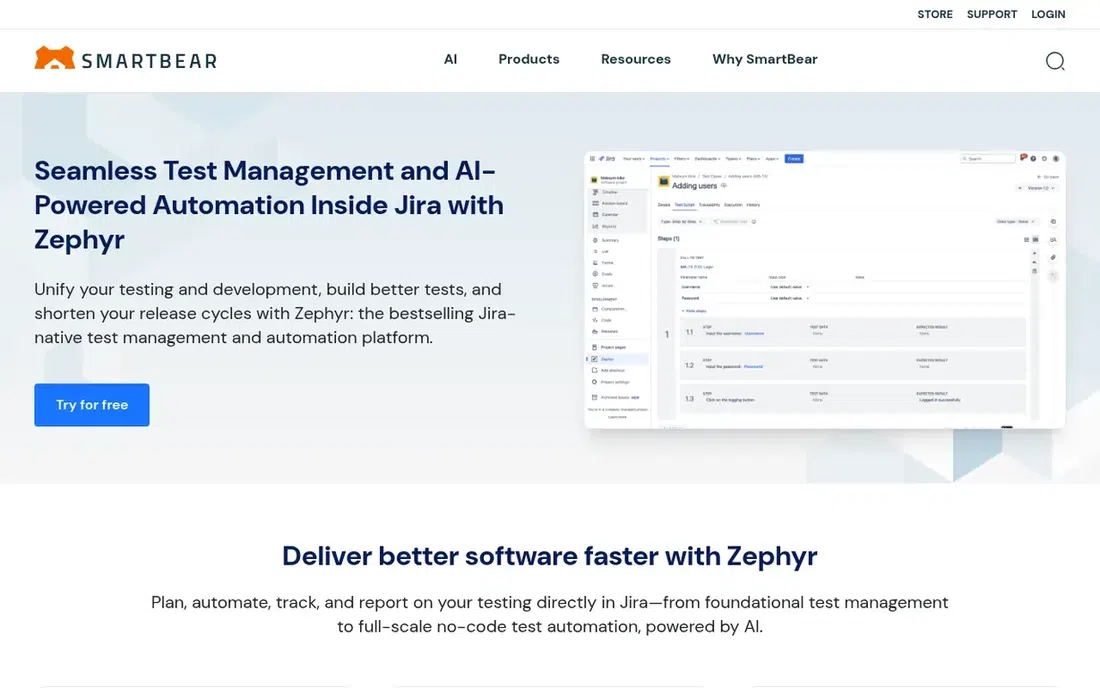
Zephyr Scale targets Jira-native test management at scale. Zephyr Scale, part of the SmartBear Zephyr family, is enterprise test management built to run natively on Jira, with a secure on-premises choice as well. It supports Agile, Waterfall and hybrid workflows, which makes it a reasonable fit for bigger QA organizations already standardized on Jira and looking to keep requirements, tests and defects together.
Its close Jira dependency means teams on other trackers will not get the full benefit. The breadth of features can feel heavy for small teams. Also, groups that want a light, standalone test tool may prefer a more straightforward choice. No starting price is listed for Zephyr Scale here; confirm pricing on the vendor site. Trial and free access: Not stated.
Watch-outs: Feature depth can feel heavy for small teams.
- Runs natively inside Jira
- Supports Agile and Waterfall
- Tied closely to the Jira ecosystem
Xray works best for requirement traceability inside Jira. Xray is AI-powered test management aimed at Jira, letting QA and development design, prioritize and automate tests whereas keeping every requirement traceable.
Beyond that, since it is Jira-centric, organizations outside Jira will not get the intended experience. The way tests map to Jira issues shapes your process. Xray shows no starting price here, so confirm the cost on the vendor site. Free plan details: Not stated.
Points against: Needs Jira to be handy.
- Solid requirement traceability
- AI-assisted test design and prioritization
- Jira-centric setup shapes how you work
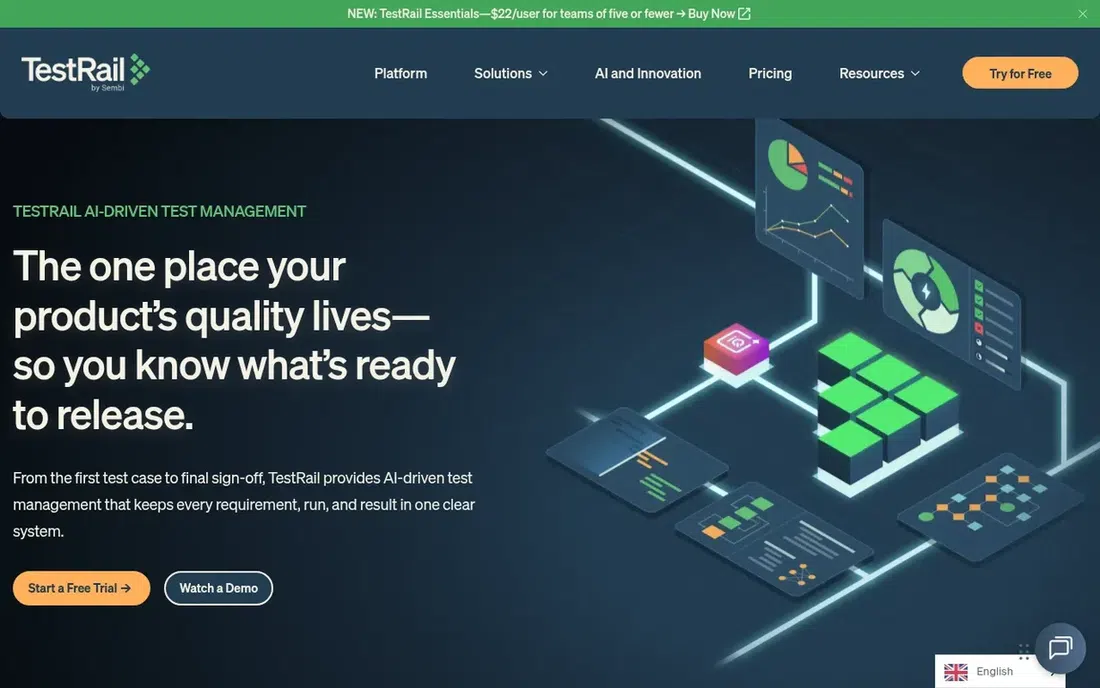
TestRail was built for dedicated standalone test management. TestRail is a well-known, dedicated test management system that QA teams use to organize test cases, plan runs and track leads to one place.
No starting price is listed for TestRail here; confirm pricing on the vendor site. As for free access: Not stated.
Limits to weigh: Setup and administration take effort.
- Works alongside plenty of issue trackers
- Clear test run and reporting structure
- Separate from your issue tracker by default
TestLink
Best for: Open-source, self-hosted test management
TestLink works best for open-source, self-hosted test management. It suits teams that want to host testing infrastructure themselves, avoid vendor lock-in and keep costs contained, especially organizations with the internal skills to install, maintain and customize the software.
Trade-offs to know: Interface feels dated.
TestLink does not show a starting price in this comparison, so check the vendor site for current pricing. As for free access: Not stated.
- Includes test cases
- No vendor lock-in
- Needs internal hosting and maintenance
Azure Test Plans
Best for: Teams already in the Microsoft ecosystem
In short, Azure Test Plans is for teams already in the Microsoft ecosystem. If you need a vendor-neutral test management tool, a standalone platform is likely a better match.
Downsides: Most handy only within Azure DevOps.
Azure Test Plans supplies manual and exploratory testing tools from Microsoft Azure, formerly part of Visual Studio Team Services, to help teams test and ship software. Its value depends heavily on being inside the Microsoft ecosystem; teams using other trackers or CI systems will not get the same benefit. Azure Test Plans shows no starting price here, so confirm the cost on the vendor site. Free plan details: Free trial.
- Fits Azure DevOps workflows
- Familiar to Microsoft-centric teams
- Less appealing outside Microsoft stacks
How the list was put together
We compared the tools on published pricing, free plan or trial availability, feature coverage for test management software for QA teams, and the limits each vendor documents. Seat minimums, billing terms and add-ons can move the real cost, so the starting prices here are a guide and not a quote. The sequence is a judgement call: typical use case first, then pricing transparency, then free access. Use the profiles to check fit.
A buyer's checklist
- Confirm the entry price with every vendor: no tool from PractiTest to Azure Test Plans shows a fixed starting price.
- Take the trial from Azure Test Plans and push a live task through it before you pay.
- Before choosing PractiTest, weigh its main limit: configuration takes planning.
- Read the plan comparison for PractiTest carefully; key features often start on a higher tier.
- Confirm you can export your data from TestRail, so leaving later does not mean losing records.
FAQ
Do these tools publish their prices?
No. None of the tools, from PractiTest to Azure Test Plans, shows a fixed starting price here, so budget time for quotes.
Is open-source test management software a realistic choice?
The trade-off is that your team owns hosting, maintenance and upgrades, and the interface may feel dated. It fits best for organizations with internal technical capacity.
Does any tool for test management software for QA teams here have a free plan?
A permanent free plan is not offered by PractiTest, Azure Test Plans or the other tools here. Azure Test Plans offer a trial. Plan a short evaluation period instead.
Should QA teams a Jira-native tool or a standalone one?
Jira-native tools like Zephyr Scale and Xray keep tests, requirements and defects in one place, which fits teams already standardized on Jira. Standalone tools for example TestRail provide testing a focused home and work alongside numerous trackers.
Can I try these tools before paying?
Often, yes. Azure Test Plans offers a free trial. Use your own data and a real task during the test, and check what the free tier or trial limits before you rely on it. Each of the 6 options in this test management software for QA teams guide has its own card above with the price, free plan and limits.
What should QA teams check before committing to a tool?
Also estimate setup and administration effort, since configuration can consume more time than expected. Beyond that, verifying these on the vendor site avoids surprises later.
Sources
- https://www.practitest.com
- https://smartbear.com/test-management/zephyr-scale
- https://www.getxray.app
- https://www.testrail.com
- https://testlink.org
- https://azure.microsoft.com/en-us/products/devops/test-plans