Best QA Practices in Software Testing (2026): 5 Picks Checked on Vendor Pages
Compare 5 picks for the best QA practices in software testing, with prices, free plans and who each fits. Fit, price and catches for every tool. Details below.

- Editor's choice
 Xray
AI-powered test management in Jira
Starts atPricing on requestVisit getxray.appFull review - Great alternativeAzure Test Plans
Manual and exploratory testing in Azure DevOps
Starts atPricing on requestVisit azure.microsoft.comFull review - Also consider
 TestRail
Dedicated test management
Starts atPricing on requestVisit testrail.comFull review
Direct answer
This list puts Xray first for AI-powered test management in Jira. For a different need, Azure Test Plans covers manual and exploratory testing in Azure DevOps and TestRail covers dedicated test management. The remaining 2 options are covered below with pricing notes and limits. None of these vendors publish plan prices, so pricing is on request for every option.
TL;DR:
- This list starts with Xray, which is built for AI-powered test management in Jira.
- No starting price is shown for any of the 5 tools, Xray and Selenium included, so plan time for sales calls.
- Selenium suits browser automation.
- Before buying Azure Test Plans, weigh this: Azure DevOps ecosystem required.
- Xray, Selenium and the 3 others all need a premium plan or a trial, since no free plan is listed.
Last checked November 2026. Pricing on request: vendors did not publish plan prices when this guide was last checked (November 2026), so ask each vendor for a written quote.
Quick comparison
| Tool | Best for | Starts at | Free plan? | |
|---|---|---|---|---|
| Xray | AI-powered test management in Jira | Pricing on request | Not stated | Visit |
| Azure Test Plans | Manual and exploratory testing in Azure DevOps | Pricing on request | Free trial | Visit |
| TestRail | Dedicated test management | Pricing on request | Not stated | Visit |
| TestLink | Open-source test management | Pricing on request | Not stated | Visit |
 Selenium | Browser automation | Pricing on request | Not stated | Visit |
QA Practices in Software Testing, one by one
Short on time? The summary and table above give the quick view of 5 tools for QA practices in software testing, and the profiles that follow give the detail behind each entry.
Xray is built with AI-powered test management in Jira in mind. Xray is a test management app for Jira that uses AI to help design, prioritize, and automate tests whereas keeping requirements traceable.
Check the vendor site for Xray pricing; none is listed in this comparison. Free access: Not stated.
The main drawbacks: Jira-dependent.
- AI-assisted test design
- Requirement traceability
- AI features may need configuration
Azure Test Plans
Best for: Manual and exploratory testing in Azure DevOps
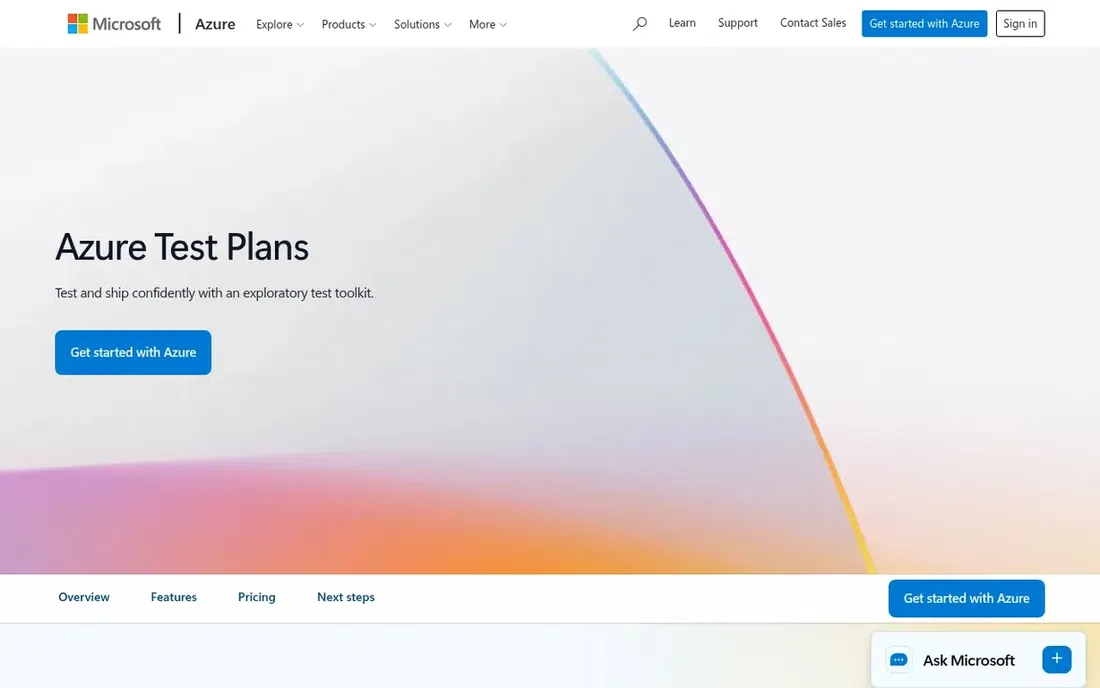
Think of Azure Test Plans for manual and exploratory testing in Azure DevOps. Azure Test Plans supplies manual and exploratory testing tools as part of Azure DevOps, formerly Visual Studio Team Services.
Azure Test Plans does not show a starting price in this comparison, so check the vendor site for current pricing. On free options: Free trial.
What to check first: Azure DevOps ecosystem required.
- Full test planning
- Integrated with Azure DevOps
- Restricted standalone use
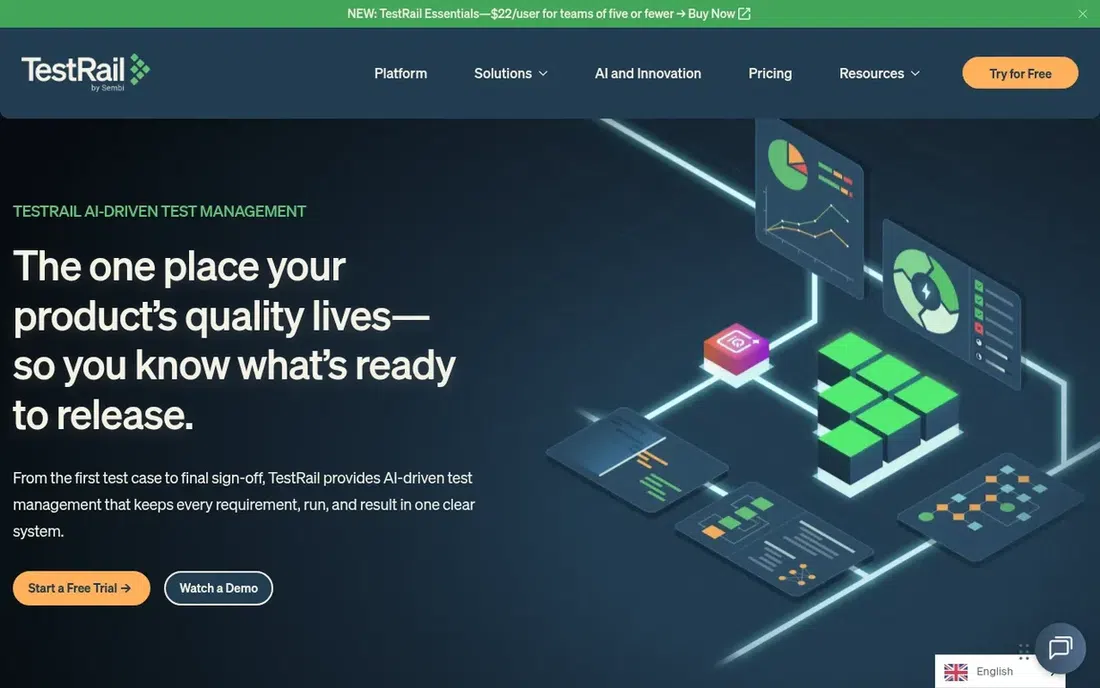
Think of TestRail for dedicated test management. TestRail is a test management tool that helps teams organize test cases, plan test runs, and track results.
More specifically, TestRail does not supply automation capabilities itself. So teams looking for built-in test execution may have to pair it with other tools. Check the vendor site for TestRail pricing; none is listed in this comparison. On free options: Not stated.
Downsides: Needs setup.
- Organizes test cases and runs
- Supports traceability
- No native automation
TestLink
Best for: Open-source test management
Think of TestLink for open-source test management. TestLink is an open-source test management tool that supports test planning, execution, and reporting.
It is right for teams looking for a no-cost option with entry-level test management capabilities and are comfortable with self-hosting and configuration. Check the vendor site for TestLink pricing; none is listed in this comparison. Free plan details: Not stated.
Watch-outs: Restricted modern integrations.
- Community-driven
- Open-source and free
- Dated interface
Where Selenium fits: browser automation. Selenium is a browser automation tool that provides full control over Chrome, Firefox, Edge, and Safari, with scripting in Java, Python, C#, Ruby, JavaScript, or Kotlin using the W3C WebDriver standard.
Downsides: No built-in test management.
It is a strong match for teams building automatic test suites for web applications. Selenium does not show a starting price in this comparison, so check the vendor site for current pricing. Free access: Not stated.
- Supports several browsers
- W3C WebDriver standard
- Needs coding skills
Selection criteria
LinkVetted looked at what each vendor publishes: pricing, plan limits, feature coverage for QA practices in software testing and stated drawbacks. No hands-on testing is claimed. Plan names, prices and limits change often. Treat the figures here as a starting point and verify them with the vendor. Position on the page reflects fit for a typical buyer first, with price clarity and free access breaking ties. Treat it as a guide, not a ruling.
Questions to settle before buying
- Ask each vendor, from Xray to Selenium, for a written quote; none of them publishes a starting price.
- Use real work to test the free trial from Azure Test Plans, rather than a demo project.
- Read the limits listed for Xray first: Jira-dependent.
- Let daily users try Selenium on real work; their feedback beats any feature checklist.
- Test how quickly Azure Test Plans answers a pre-sales question; it hints at how support will feel later.
FAQ
Does any tool for QA practices in software testing here have a free plan?
A permanent free plan is not offered by Xray, Selenium or the other tools here. Azure Test Plans offer a trial. Plan a short evaluation period instead.
Can I try these tools before paying?
Often, yes. Azure Test Plans offers a free trial. Use your own data and a real task during the test, and check what the free tier or trial limits before you rely on it.
Is TestLink still a viable choice for QA teams?
TestLink remains a viable open-source choice for teams with technical resources and entry-level test management needs. Even so, it may lack the modern integrations and user experience of commercial tools, so evaluate if it meets your requirements.
How does Azure Test Plans differ from other test management tools?
Azure Test Plans is tightly integrated with Azure DevOps and centres on manual and exploratory testing. Unlike standalone tools, it is a good match for teams already using the Azure DevOps ecosystem and may need extra tools for automation.
How are the tools for QA practices in software testing ordered?
Xray sits first and Selenium last because the order follows typical fit for QA practices in software testing, then price clarity and free access. It is a judgement call, so read each profile for fit and limits.
Do these tools publish their prices?
No. None of the tools, from Xray to Selenium, shows a fixed starting price here, so budget time for quotes.
Sources
- https://www.getxray.app
- https://azure.microsoft.com/en-us/products/devops/test-plans
- https://www.testrail.com
- https://testlink.org
- https://www.selenium.dev