The 5 Best SQL Integrated Development Environments Software in 2026, Ranked
Best sql integrated development environments software, compared. 5 tools with published prices, free plans and limits. Short, factual notes on every option.
- Editor's choicePL/SQL Developer
Oracle PL/SQL development work
Starts atPricing on requestVisit allroundautomations.comFull review - Great alternativedbForge Studio for SQL Server
SQL Server development and schema comparison
Starts atPricing on requestVisit devart.comFull review - Also considerDataGrip
Cross-platform relational and NoSQL work
Starts atPricing on requestVisit jetbrains.comFull review
Direct answer
Our first pick is PL/SQL Developer, best for Oracle PL/SQL development work. dbForge Studio for SQL Server is better for SQL Server development and schema comparison, and DataGrip is better for cross-platform relational and NoSQL work. The other 2 tools in the list cover narrower or pricier cases. None of these vendors publish plan prices, so pricing is on request for every option.
TL;DR:
- This list starts with PL/SQL Developer, which is built for Oracle PL/SQL development work.
- None of the 5 tools, from PL/SQL Developer to DBeaver, has a free plan, so budget for a subscription or use a trial.
- Every tool from PL/SQL Developer to DBeaver works by quote, with no list price shown.
- DBeaver suits open-source multi-database management.
Last checked November 2026. Pricing on request: vendors did not publish plan prices when this guide was last checked (November 2026), so ask each vendor for a written quote.
Quick comparison
| Tool | Best for | Starts at | Free plan? | |
|---|---|---|---|---|
| PL/SQL Developer | Oracle PL/SQL development work | Pricing on request | Not stated | Visit |
| dbForge Studio for SQL Server | SQL Server development and schema comparison | Pricing on request | Not stated | Visit |
| DataGrip | Cross-platform relational and NoSQL work | Pricing on request | Not stated | Visit |
| Navicat Premium | Managing numerous database types in one app | Pricing on request | Not stated | Visit |
 DBeaver | Open-source multi-database management | Pricing on request | Not stated | Visit |
Tool-by-tool breakdown
Choosing sql integrated development environments software usually comes down to price, fit and limits. This LinkVetted guide sets 5 tools side by side on those three points, with the facts kept short and checkable.
PL/SQL Developer
Best for: Oracle PL/SQL development work
PL/SQL Developer is designed for Oracle PL/SQL development work. It is a long-standing, Oracle-focused tool used by developers who write and maintain stored procedures, functions and packages.
In daily use, the tool is specific to Oracle, so any organization running extra database systems will need separate clients for that work. More specifically, developers who largely write ad hoc queries across numerous engines should look at a cross-platform IDE instead. Check the vendor site for PL/SQL Developer pricing; none is listed in this comparison. Free options: Not stated.
What to check first: Not a fit for other database engines.
- Built around stored program unit editing
- Dedicated to PL/SQL development
- Oracle-specific scope
dbForge Studio for SQL Server
Best for: SQL Server development and schema comparison
dbForge Studio for SQL Server is a good fit for SQL Server development and schema comparison. The vendor describes building, debugging, profiling, comparing, syncing and managing SQL Server and Azure SQL databases in one studio. Its focus on SQL Server and Azure SQL means other engines are out of scope, so mixed estates need extra clients.
Choose dbForge Studio when development productivity and schema change management are the priority. On top of that, teams that chiefly administer servers instead of develop code may prefer the official Microsoft tooling. This comparison lists no price for dbForge Studio for SQL Server; ask the vendor. Free plan details: Not stated.
Drawbacks to consider: Centred on SQL Server and Azure SQL.
- Debug and profile in one IDE
- Runs on Windows
- Windows-centric heritage for some workflows
DataGrip
Best for: Cross-platform relational and NoSQL work
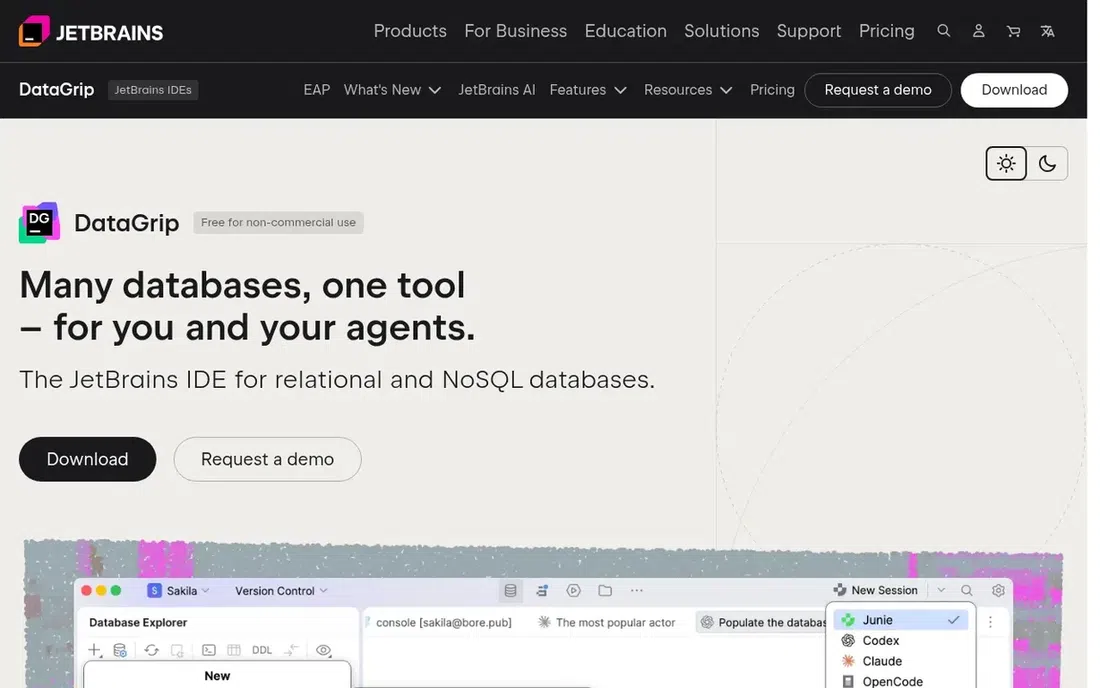
Think of DataGrip for cross-platform relational and NoSQL work. Consider it when query writing and code editing are the core of your daily work. In practice, since it is a full IDE, the ramp-up time is steeper than a straightforward query window.
Teams that only touch one engine may find it broader than needed. Database administrators who prioritize server configuration and maintenance may prefer a vendor-specific tool. More specifically, DataGrip is the JetBrains IDE aimed at relational and NoSQL databases. It lets you link, query and run databases inside one interface. The vendor notes support for working with AI agents alongside traditional workflows. No starting price is listed for DataGrip here; confirm pricing on the vendor site. On free options: Not stated.
Honest limits: Wide feature set may overwhelm beginners.
- Single interface for link
- Cross-platform desktop IDE
- Centred on developers instead of DBAs
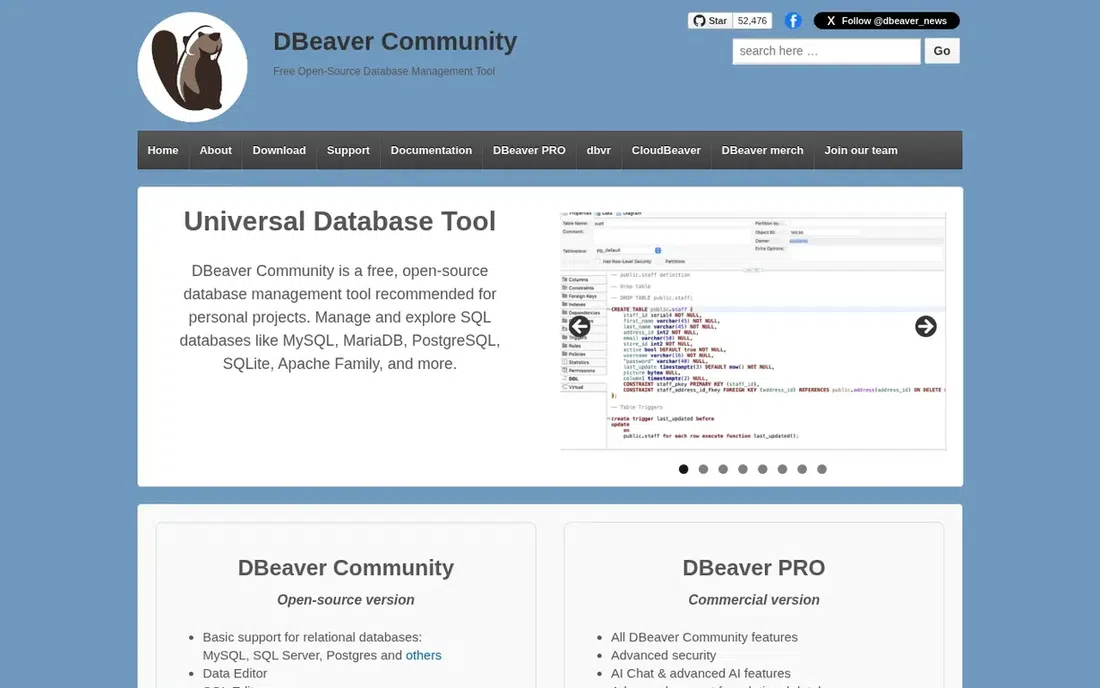
DBeaver makes the most sense for open-source multi-database management. DBeaver is a free open-source database management tool distributed with a community edition. It is widely used as a general-purpose client for connecting to and querying plenty of database systems.
Where it is weaker: Feature depth varies by database driver.
It appeals to developers and analysts who want a capable tool without a commercial commitment. Its open-source model also makes it simple to evaluate before standardizing. Since it supports numerous engines through drivers, behavior and feature depth can differ from one database to another, and very specialized administration tasks may be better served by vendor tools. In practice, DBeaver is a sensible default for mixed, cost-sensitive environments. Pricing for DBeaver is not stated here, so ask the vendor for current figures. As for free access: Not stated.
- Open-source database management tool
- Community edition available
- Advanced needs may push users elsewhere
How these tools were picked
A buyer's checklist
- Confirm the entry price with every vendor: no tool from PL/SQL Developer to DBeaver shows a fixed starting price.
- Read the limits listed for PL/SQL Developer first: Oracle-specific scope.
- Pick one real project and run it in DBeaver first; a small pilot shows fit faster than a checklist.
- Check whether dbForge Studio for SQL Server bills monthly or annually, and what cancelling early costs.
- Check the support hours and onboarding help DataGrip offers; smaller vendors vary a lot here.
FAQ
How are the tools for sql integrated development environments software ordered?
PL/SQL Developer sits first and DBeaver last because the order follows typical fit for sql integrated development environments software, then price clarity and free access. It is a judgement call, so read each profile for fit and limits.
Can I try these options before paying?
Not by default. None of the tools, from PL/SQL Developer to DBeaver, lists a free plan or a free trial here, so ask each vendor for a demo before committing.
Is PL/SQL Developer the right pick for everyone comparing sql integrated development environments software?
No single tool suits every team. PL/SQL Developer comes first because it fits Oracle PL/SQL development work, while dbForge Studio for SQL Server suits SQL Server development and schema comparison and DataGrip suits cross-platform relational and NoSQL work. Match the tool to your own size, budget and workflow before deciding.
Does any tool for sql integrated development environments software here have a free plan?
No tool in this list, PL/SQL Developer and DBeaver included, has a permanent free plan. Trials and quotes are the usual route, so plan a short evaluation period.
What should a SQL IDE include beyond running queries?
Most buyers look for schema browsing, code completion, debugging, and schema comparison and synchronization alongside query execution. Administration features for example user and object management matter if DBAs will use the same tool.
Sources
- https://www.allroundautomations.com/products/pl-sql-developer
- https://www.devart.com/dbforge/sql/studio
- https://www.jetbrains.com/datagrip
- https://www.navicat.com/en/products/navicat-premium
- https://dbeaver.io