6 Php Integrated Development Environments Software Worth Shortlisting in 2026
Compare 6 picks for the best php integrated development environments software, with prices, free plans and who each fits. Verdicts stay brief and factual.
- Editor's choice
 Sublime Text
Quick, light code editing
Starts atPricing on requestVisit sublimetext.comFull review - Great alternativeAptana Studio
Legacy web development environments
Starts atPricing on requestVisit aptana.comFull review - Also considerZend Studio
Professional PHP work with debugging focus
Starts atPricing on requestVisit zend.comFull review
Direct answer
If you need quick, light code editing, Sublime Text is the first tool to look at here. If your case is different, Aptana Studio suits legacy web development environments and Zend Studio suits professional PHP work with debugging focus. Free plan facts and limits for all 6 tools follow. None of these vendors publish plan prices, so pricing is on request for every option.
TL;DR:
- This list starts with Sublime Text, which is built for quick, light code editing.
- Visual Studio Code fits adaptable editor with extension-driven PHP support.
- What to know about NetBeans first: PHP tooling less specialized than dedicated IDEs.
- Neither Sublime Text nor Visual Studio Code, nor any of the other 4 tools, has a permanent free plan; trials and quotes are the norm.
- Sublime Text, Visual Studio Code and the 4 others all sell by quote; expect sales conversations before you see a price.
Last checked November 2026. Pricing on request: vendors did not publish plan prices when this guide was last checked (November 2026), so ask each vendor for a written quote.
Quick comparison
| Tool | Best for | Starts at | Free plan? | |
|---|---|---|---|---|
| Sublime Text | Quick, light code editing | Pricing on request | Not stated | Visit |
| Aptana Studio | Legacy web development environments | Pricing on request | Not stated | Visit |
| Zend Studio | Professional PHP work with debugging focus | Pricing on request | Free trial | Visit |
| NetBeans | Open source IDE with PHP support | Pricing on request | Not stated | Visit |
| PhpStorm | Dedicated PHP and framework development | Pricing on request | Not stated | Visit |
 Visual Studio Code | Adaptable editor with extension-driven PHP support | Pricing on request | Not stated | Visit |
Every option for php integrated development environments software explained
Choosing php integrated development environments software usually comes down to price, fit and limits. This LinkVetted guide sets 6 tools side by side on those three points, with the facts kept short and checkable.
Sublime Text serves quick, light code editing. Teams wanting an integrated environment from day one may prefer a dedicated IDE.
Honest limits: Not a full IDE by default.
Worth adding: choose Sublime Text when editing speed and minimal footprint matter most. Check the vendor site for Sublime Text pricing; none is listed in this comparison. As for free access: Not stated.
- Deals with code
- Markup and prose
- PHP features depend on packages
Aptana Studio
Best for: Legacy web development environments
In short, Aptana Studio is for legacy web development environments. Aptana Studio is a web development environment historically used for JavaScript, HTML and PHP work. Its current site now centers on enterprise integration instead of the editor itself.
It remains relevant mainly to developers maintaining existing setups or evaluating legacy toolchains. Active development of the editor has slowed, so modern PHP features and framework support are restricted. Consider Aptana only when you have an existing workflow tied to it. This comparison lists no price for Aptana Studio; ask the vendor. As for free access: Not stated.
Limits to weigh: Less current PHP-specific support.
- Links up with broader tooling
- Familiar to long-time users
- Development has slowed over time
Zend Studio
Best for: Professional PHP work with debugging focus
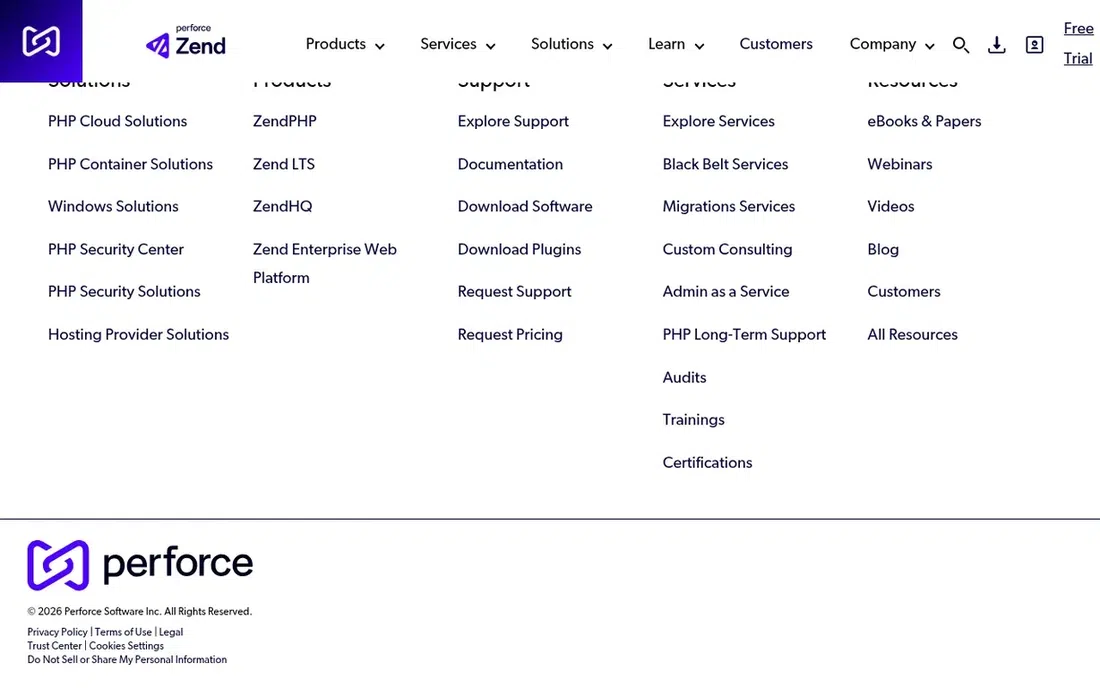
Zend Studio works best for professional PHP work with debugging focus. As a commercial, PHP-focused product, it gives you less adaptability for polyglot projects than a general-purpose editor.
Watch-outs: Narrower ecosystem than general editors.
More specifically, developers who split time across plenty of languages may prefer a more extensible choice. Zend Studio is described as a professional-grade PHP IDE aimed at boosting developer productivity through advanced debugging, code editing and integration features. Zend Studio shows no starting price here, so confirm the cost on the vendor site. On free options: Free trial.
- Integration features for professional workflows
- Advanced debugging and code editing
- Commercial product
NetBeans
Best for: Open source IDE with PHP support
NetBeans is aimed squarely at open source IDE with PHP support. Apache NetBeans is an open source IDE that supports PHP alongside other languages. It is a reasonable choice for learners and teams standardizing on open source tooling.
Also, NetBeans is not PHP-first, so some framework-specific conveniences are thinner than in dedicated IDEs. Worth adding: performance on large projects can also feel heavier. NetBeans does not show a starting price in this comparison, so check the vendor site for current pricing. Free options: Not stated.
Where it is weaker: PHP tooling less specialized than dedicated IDEs.
- Mature Apache project
- Supports several languages including PHP
- Resource usage can be high
PhpStorm
Best for: Dedicated PHP and framework development
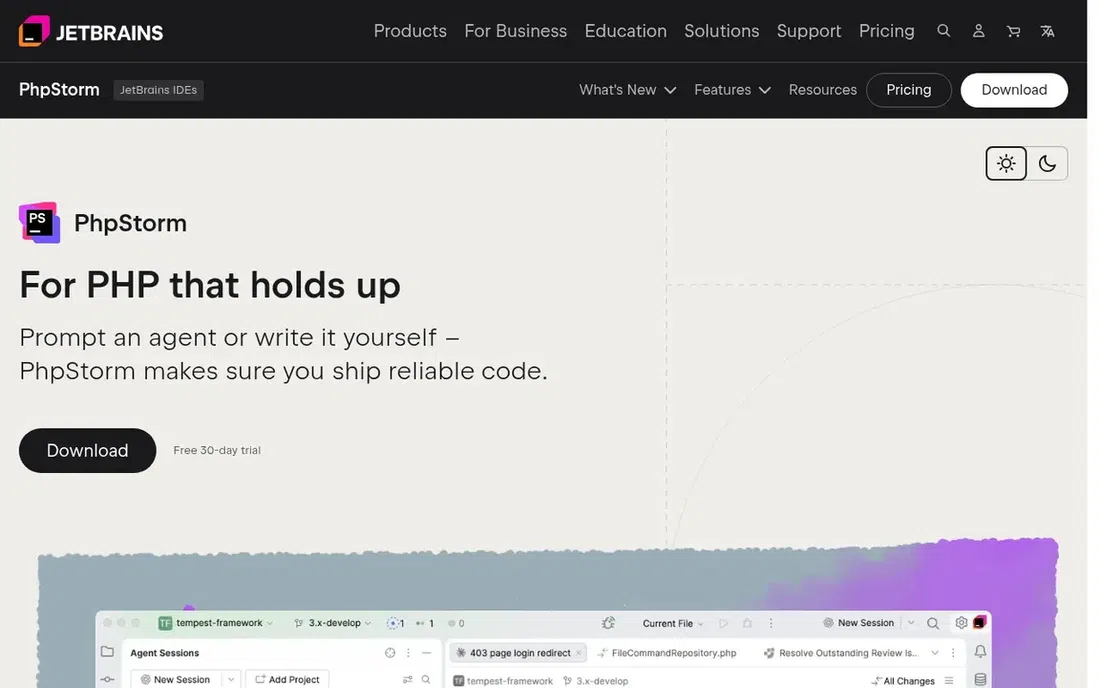
PhpStorm makes the most sense for dedicated PHP and framework development. Developers who primarily touch PHP occasionally, or who prefer assembling their own toolchain, may find a general-purpose editor a better match. It is the natural pick when PHP is your primary language.
Where it falls short: Commercial license required.
Teams that work primarily in PHP and value consistency across large codebases tend to gravitate toward it. PhpStorm is the JetBrains IDE designed for PHP, with stated support for Laravel, Symfony and other PHP frameworks. It is built for developers who want a full environment with code analysis, refactoring and framework awareness from day one. This comparison lists no price for PhpStorm; ask the vendor. On free options: Not stated.
- Deep code understanding and refactoring
- Integrated debugging and testing tools
- Heavier resource footprint than editors
Visual Studio Code
Best for: Adaptable editor with extension-driven PHP support
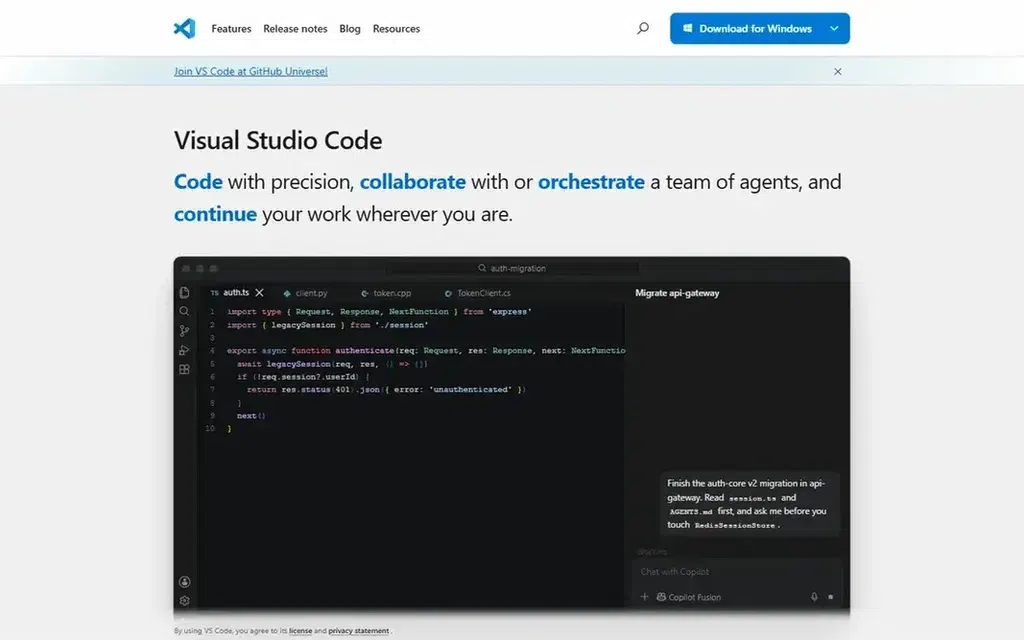
Visual Studio Code targets adaptable editor with extension-driven PHP support. Visual Studio Code is a general-purpose code editor that supports PHP through its extension marketplace. PHP features for example debugging and framework awareness come from extensions, so setup and quality vary.
What to check first: PHP support relies on extensions.
The homepage flags precision coding, agent collaboration and portability across environments. Beyond that, choose Visual Studio Code when adaptability and a wide extension base matter more than built-in PHP depth. Teams wanting an opinionated, PHP-first environment may prefer a dedicated IDE. Pricing for Visual Studio Code is not stated here, so ask the vendor for current figures. Trial and free access: Not stated.
- Light and cross-platform
- Deep extension ecosystem
- Less framework-specific from day one
How we compared the tools
LinkVetted looked at what each vendor publishes: pricing, plan limits, feature coverage for php integrated development environments software and stated drawbacks. No hands-on testing is claimed. Prices and plan limits come from vendor pages and can change, so confirm them on the vendor site before you buy. We ordered the tools by general fit, then by how clearly pricing is shown, then by free access. A buyer with unusual needs may reorder them.
A buyer's checklist
- Confirm the entry price with every vendor: no tool from Sublime Text to Visual Studio Code shows a fixed starting price.
- Take the trial from Zend Studio and push a live task through it before you pay.
- Read the limits listed for Sublime Text first: not a full IDE by default.
- Before you load data into Sublime Text, check what an export looks like and who can run it.
- Compare total cost, not headline price: for Aptana Studio, add extra seats, add-ons and any usage-based charges.
FAQ
Do these tools publish their prices?
No. None of the tools, from Sublime Text to Visual Studio Code, shows a fixed starting price here, so budget time for quotes.
How are the tools for php integrated development environments software ordered?
Sublime Text sits first and Visual Studio Code last because the order follows typical fit for php integrated development environments software, then price clarity and free access. It is a judgement call, so read each profile for fit and limits.
Do I need a full IDE or is a code editor enough for PHP?
A light editor like Sublime Text or Visual Studio Code can work well if you add the right packages and prefer speed. The choice relies on how much structure you want built in.
Does any tool for php integrated development environments software here have a free plan?
A permanent free plan is not offered by Sublime Text, Visual Studio Code or the other tools here. Zend Studio offer a trial. Plan a short evaluation period instead.
Can I try these options before paying?
Often, yes. Zend Studio offers a free trial. Use your own data and a real task during the test, and check what the free tier or trial limits before you rely on it.
Sources
- https://www.sublimetext.com
- https://www.aptana.com
- https://www.zend.com/products/zend-studio
- https://netbeans.apache.org
- https://www.jetbrains.com/phpstorm
- https://code.visualstudio.com