The 6 Best PHP Development Software in 2026, Ranked
6 options for the best PHP development software, with entry costs, free tiers and the buyer each one serves. Plus the drawbacks of each tool. Prices included.
- Editor's choice
 Visual Studio Code
Light, extensible cross-language editing
Starts atPricing on requestVisit code.visualstudio.comFull review - Great alternativeNetBeans
Open source IDE with PHP support
Starts atPricing on requestVisit netbeans.apache.orgFull review - Also considerPhpStorm
Framework-heavy PHP projects
Starts atPricing on requestVisit jetbrains.comFull review
Direct answer
Start with Visual Studio Code if you need light, extensible cross-language editing. Look at NetBeans for open source IDE with PHP support, and at PhpStorm for framework-heavy PHP projects. The full list of 6 tools follows, with free plan facts. None of these vendors publish plan prices, so pricing is on request for every option.
TL;DR:
- Visual Studio Code sits first on this list: light, extensible cross-language editing.
- What to know about NetBeans first: PHP tooling varies by version.
- Visual Studio Code, Zend Studio and the 4 others all sell by quote; expect sales conversations before you see a price.
- Neither Visual Studio Code nor Zend Studio, nor any of the other 4 tools, has a permanent free plan; trials and quotes are the norm.
Last checked November 2026. Pricing on request: vendors did not publish plan prices when this guide was last checked (November 2026), so ask each vendor for a written quote.
Quick comparison
| Tool | Best for | Starts at | Free plan? | |
|---|---|---|---|---|
| Visual Studio Code | Light, extensible cross-language editing | Pricing on request | Not stated | Visit |
| NetBeans | Open source IDE with PHP support | Pricing on request | Not stated | Visit |
| PhpStorm | Framework-heavy PHP projects | Pricing on request | Not stated | Visit |
| Aptana Studio | Legacy web development environments | Pricing on request | Not stated | Visit |
| Eclipse PDT | Eclipse-based PHP development | Pricing on request | Not stated | Visit |
| Zend Studio | Professional IDE with advanced debugging | Pricing on request | Free trial | Visit |
6 options for PHP development software in detail
This LinkVetted guide covers 6 options for PHP development software. Each profile lists a starting price, free plan details, strengths and drawbacks, so you can drop poor fits quickly.
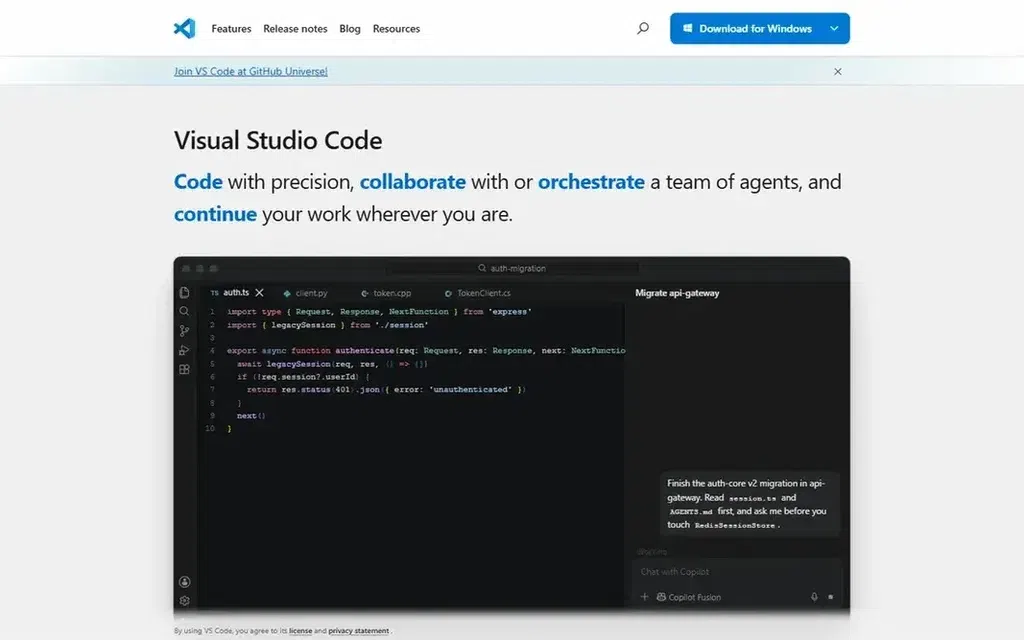
Visual Studio Code makes the most sense for lightweight, extensible cross-language editing. Since PHP features arrive via extensions, setup and configuration take more effort than a dedicated PHP IDE, and behavior can vary by extension choice.
Limits to weigh: PHP support relies on extensions.
Visual Studio Code does not show a starting price in this comparison, so check the vendor site for current pricing. Free plan details: Not stated.
- Quick
- Collaboration and agent features
- Configuration grows over time
NetBeans
Best for: Open source IDE with PHP support
Think of NetBeans for open source IDE with PHP support. Apache NetBeans is an open source IDE maintained by the Apache Software Foundation, known for supporting multiple languages including PHP through its PHP bundle.
This comparison lists no price for NetBeans; ask the vendor. Trial and free access: Not stated.
Where it falls short: Heavier than a text editor.
- Apache-backed open source IDE
- Supports several languages
- PHP tooling varies by version
PhpStorm
Best for: Framework-heavy PHP projects
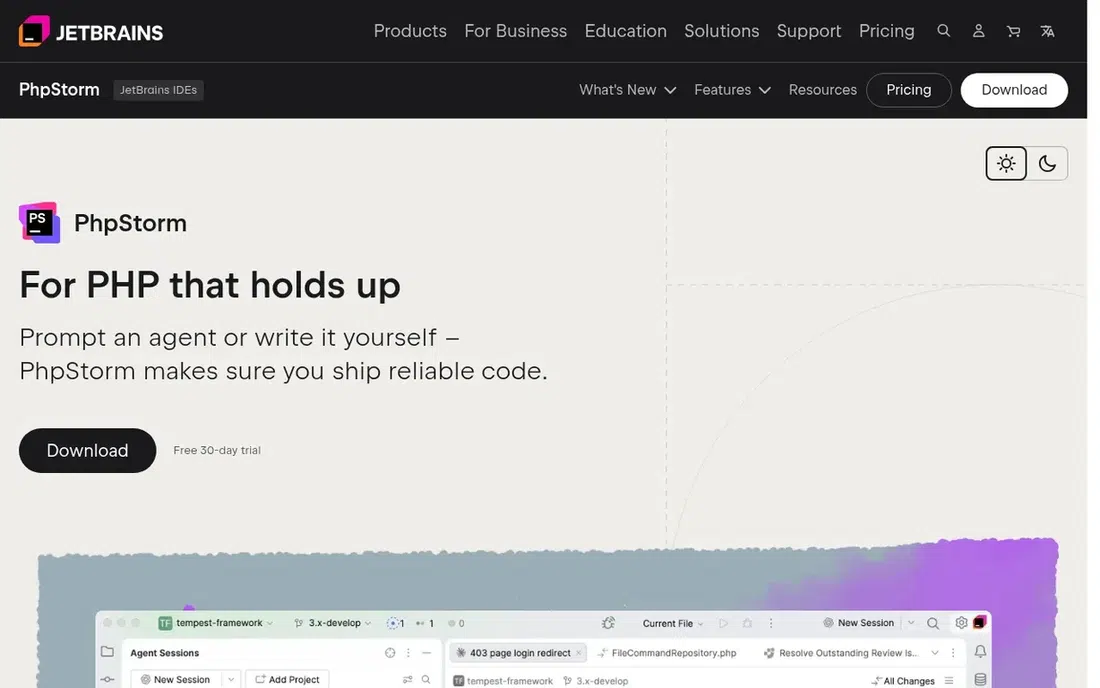
In short, PhpStorm is for framework-heavy PHP projects. PhpStorm is the JetBrains IDE made for PHP, with stated support for Laravel, Symfony and other PHP frameworks.
Where it is weaker: Best value only for regular PHP work.
In daily use, since it is a full IDE, it carries more weight and setup than a light text editor, which can feel like overhead for small scripts or occasional PHP edits. PhpStorm shows no starting price here, so confirm the cost on the vendor site. On free options: Not stated.
- Deep coding and debugging support
- Works with agents whereas keeping control
- Heavier than a plain editor
Aptana Studio
Best for: Legacy web development environments
Aptana Studio is built with legacy web development environments in mind. It may still appeal to developers maintaining older setups built around Aptana, but it is not positioned today as a primary PHP IDE.
This comparison lists no price for Aptana Studio; ask the vendor. Free options: Not stated.
Watch-outs: Restricted active PHP focus.
- Related to enterprise integration vendor
- Historically web-focused tooling
- Not positioned as a current PHP IDE
Eclipse PDT
Best for: Eclipse-based PHP development
Think of Eclipse PDT for Eclipse-based PHP development. Getting a comfortable PHP setup can take more configuration than a dedicated PHP IDE. The experience is closely tied to the Eclipse system.
Where it is weaker: Setup can be involved.
Choose Eclipse PDT when you already live in Eclipse and want PHP handled there. Also, Eclipse PDT, or PHP Development Tools, brings PHP editing and debugging into the Eclipse product, which the Eclipse Foundation describes as a mature, scalable and business-friendly open source environment. It appeals to teams that value open source governance and extensibility. Eclipse PDT does not show a starting price in this comparison, so check the vendor site for current pricing. Free access: Not stated.
- Open source foundation backing
- Suits existing Eclipse workflows
- Less simplified than dedicated IDEs
Zend Studio
Best for: Professional IDE with advanced debugging
Zend Studio is a good fit for professional IDE with advanced debugging. The professional focus means it can feel like more tooling than a solo developer needs for small projects, and lighter editors may be quicker to start with. In practice, Zend Studio is described as a professional-grade PHP IDE meant to boost developer productivity through advanced debugging, code editing and integration features.
Points against: Less appealing for fast edits.
It targets developers and teams that want a structured environment for serious PHP work, where debugging depth and editor tooling matter as much as raw coding speed. From a buyer's view, choose Zend Studio when advanced debugging and a full IDE experience are priorities for your PHP work. No starting price is listed for Zend Studio here; confirm pricing on the vendor site. On free options: Free trial.
- Integration features for bigger workflows
- Advanced debugging and code editing
- Aimed at professional setups
Selection criteria
We compared the tools on published pricing, free plan or trial availability, feature coverage for PHP development software, and the limits each vendor documents. Plan names, prices and limits change often. Treat the figures here as a starting point and verify them with the vendor. Tools are placed by general fit for PHP development software, with price clarity and free access as tie-breakers. A different team can reasonably rank them differently.
Things to verify first
- Ask each vendor, from Visual Studio Code to Zend Studio, for a written quote; none of them publishes a starting price.
- Use real work to test the free trial from Zend Studio, rather than a demo project.
- Read the limits listed for Visual Studio Code first: PHP support relies on extensions.
- Find out what support Eclipse PDT includes on your plan, and whether onboarding help costs extra.
- Test the integrations you rely on with PhpStorm before committing; some connectors sit on upper tiers.
FAQ
Is Visual Studio Code the right pick for everyone comparing PHP development software?
No single tool suits every team. Visual Studio Code comes first because it fits lightweight, extensible cross-language editing, while NetBeans suits open source IDE with PHP support and PhpStorm suits framework-heavy PHP projects. Match the tool to your own size, budget and workflow before deciding.
How do I evaluate PHP tools before adopting one?
Start with your actual workload: the frameworks you use, whether you need integrated debugging and how plenty of languages your team edits. Then check vendor documentation for PHP support and maintenance status.
Do these tools publish their prices?
No. None of the tools, from Visual Studio Code to Zend Studio, shows a fixed starting price here, so budget time for quotes.
How are the tools for PHP development software ordered?
Visual Studio Code sits first and Zend Studio last because the order follows typical fit for PHP development software, then price clarity and free access. It is a judgement call, so read each profile for fit and limits.
Does any tool for PHP development software here have a free plan?
A permanent free plan is not offered by Visual Studio Code, Zend Studio or the other tools here. Zend Studio offer a trial. Plan a short evaluation period instead.
Sources
- https://code.visualstudio.com
- https://netbeans.apache.org
- https://www.jetbrains.com/phpstorm
- https://www.aptana.com
- https://www.eclipse.org/pdt
- https://www.zend.com/products/zend-studio