The 6 Best Low Code Platform for Developers in 2026, Ranked
6 best low code platform for developers, compared on pricing, free plans and best-fit use. Plain-spoken summaries throughout. Reviewed in November 2026.
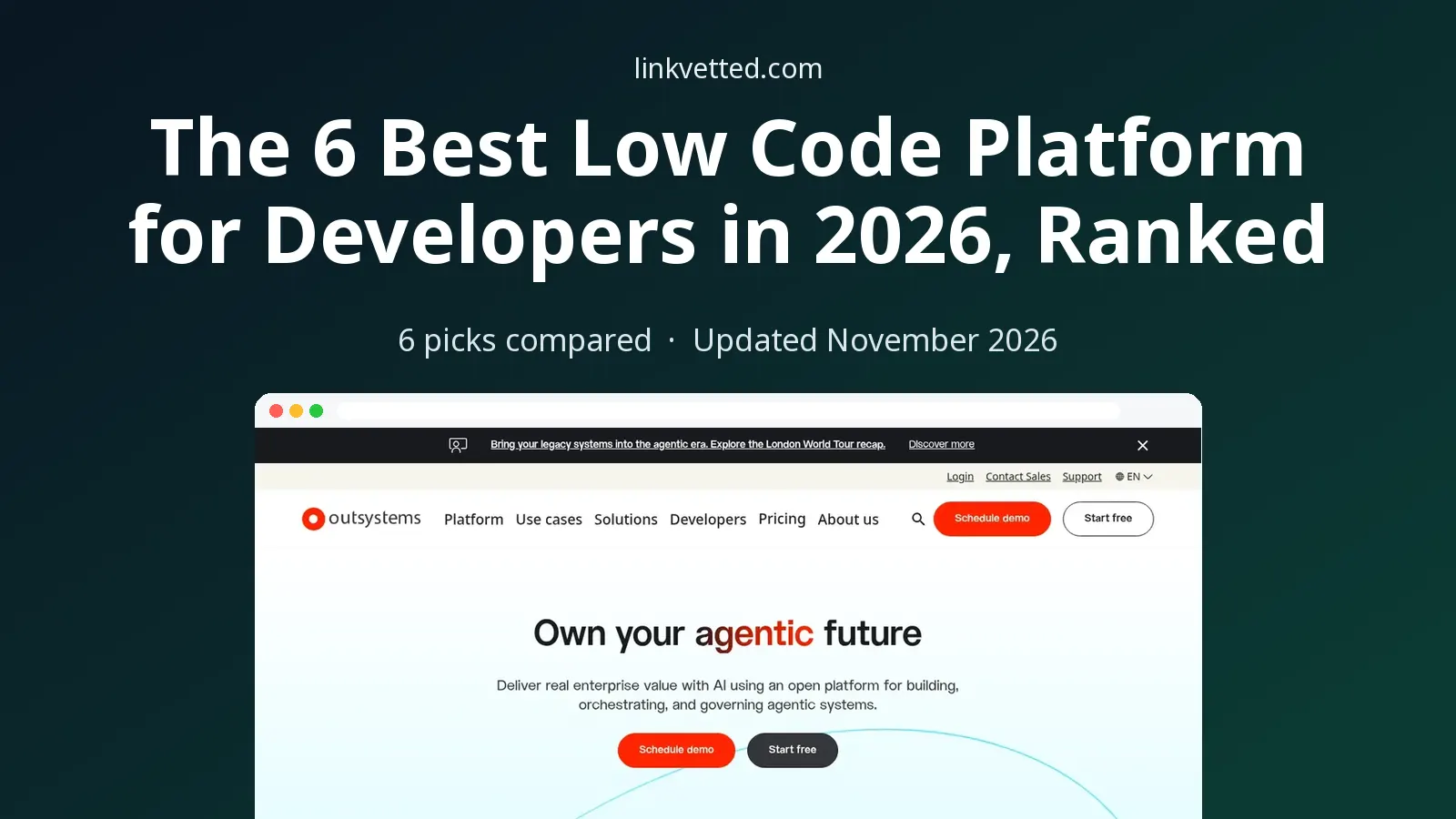
- Editor's choice
 OutSystems
Enterprise apps and legacy modernization
Starts atSee websiteVisit outsystems.comFull review - Great alternative
 Salesforce Platform
Teams already standardized on Salesforce
Starts atSee websiteVisit salesforce.comFull review - Also consider
 Zoho Creator
Custom apps, agents and workflows
Starts atSee websiteVisit zoho.comFull review
Direct answer
For enterprise apps and legacy modernization, OutSystems is where this list starts. Listed starting prices: Retool from $10 per builder per month. Look at Salesforce Platform for teams already standardized on Salesforce, and at Zoho Creator for custom apps, agents and workflows. The other 3 tools in the list cover narrower or pricier cases.
TL;DR:
- OutSystems takes the first slot, best suited to enterprise apps and legacy modernization.
- The main caution on Salesforce Platform: most valuable inside the Salesforce ecosystem.
- Mendix is the one to check for governed workflows, agents and modernization.
- The lowest published monthly entry price here is $10 per builder per month, from Retool.
Last checked November 2026. Prices and plan details were read from the vendors' own pages in November 2026; vendors change plans often, so confirm the current price on the vendor site before you buy.
Quick comparison
| Tool | Best for | Starts at | Free plan? | |
|---|---|---|---|---|
| OutSystems | Enterprise apps and legacy modernization | See website | Not stated | Visit |
| Salesforce Platform | Teams already standardized on Salesforce | See website | Not stated | Visit |
| Zoho Creator | Custom apps, agents and workflows | See website | Not stated | Visit |
 Microsoft Power Apps | Teams inside the Microsoft ecosystem | See website | Yes | Visit |
 Retool | Internal tools over databases and APIs | $10 per builder per month | Yes | Visit |
 Mendix | Governed workflows, agents and modernization | See website | Not stated | Visit |
Low Code Platform for Developers profiles
LinkVetted compared 6 low code platform for developers. The goal is a practical shortlist: published prices, free plan facts, best-fit use cases and honest limits for every entry.
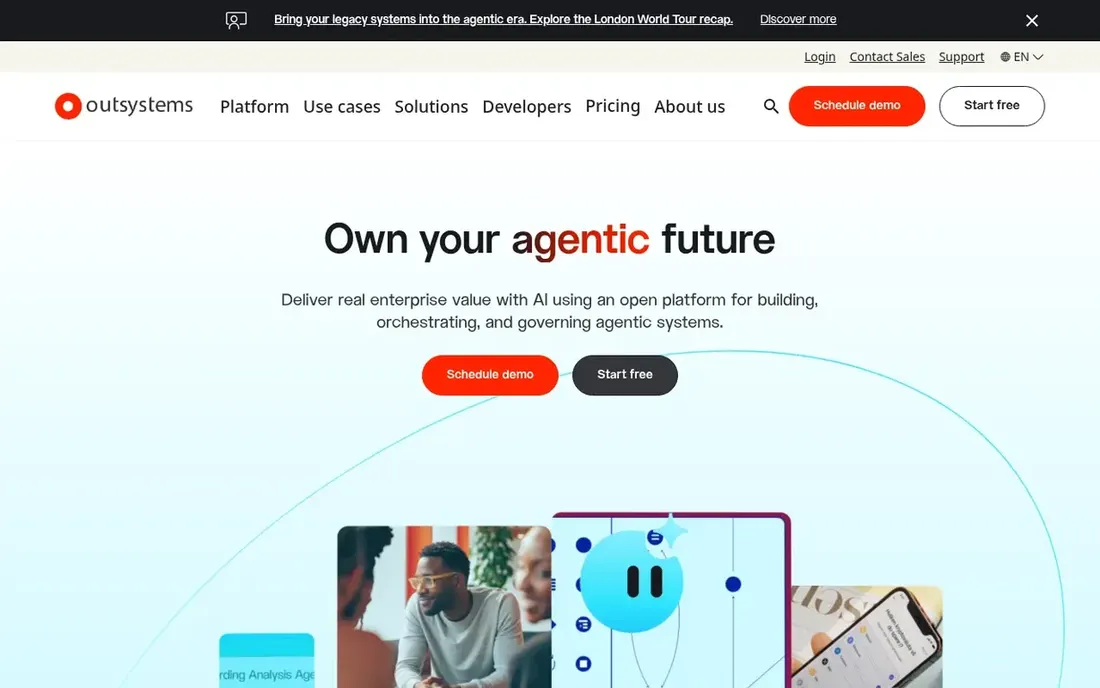
In short, OutSystems is for enterprise apps and legacy modernization. OutSystems describes a product for building apps and AI agents with confidence, pitched at enterprises modernizing legacy systems and running custom apps that meet customer and regulator demands. Since the product targets enterprise delivery, smaller projects may not need its full scope.
Where it is weaker: Enterprise orientation can feel heavy for small builds.
For everyday use, the messaging centers on combining modernization with new application delivery. As for the details, teams should confirm how existing skills map to its development approach before committing. OutSystems shows no starting price here, so confirm the cost on the vendor site. Free plan details: Not stated.
- Build apps and AI agents
- Legacy system modernization focus
- Needs commitment to its development model
Salesforce Platform is built with teams already standardized on Salesforce in mind. Teams without existing Salesforce data and processes should weigh alternatives first.
Developers working where Salesforce is already the system of record can build apps and automation on shared metadata and integration services. In practice, the system's strength is consistency across data, governance and connectivity instead of standalone app building. Check the vendor site for Salesforce Platform pricing; none is listed in this comparison. On free options: Not stated.
Points against: Most valuable inside the Salesforce ecosystem.
- MuleSoft and Data Cloud integration
- Metadata-driven product approach
- Product concepts need dedicated learning
Zoho Creator was built for custom apps, agents and workflows. Teams outside the Zoho ecosystem may get less from shared data and identity across products.
As for the details, highly specialized applications can also push past what a low code builder manages comfortably. Worth adding: Zoho Creator is described as an AI app development product that helps firms build custom applications, agents and workflows securely. Pricing for Zoho Creator is not stated here, so ask the vendor for current figures. As for free access: Not stated.
Points against: Advanced needs may need custom logic.
- Workflow support described
- Builds custom applications and agents
- Suits best within the wider Zoho suite
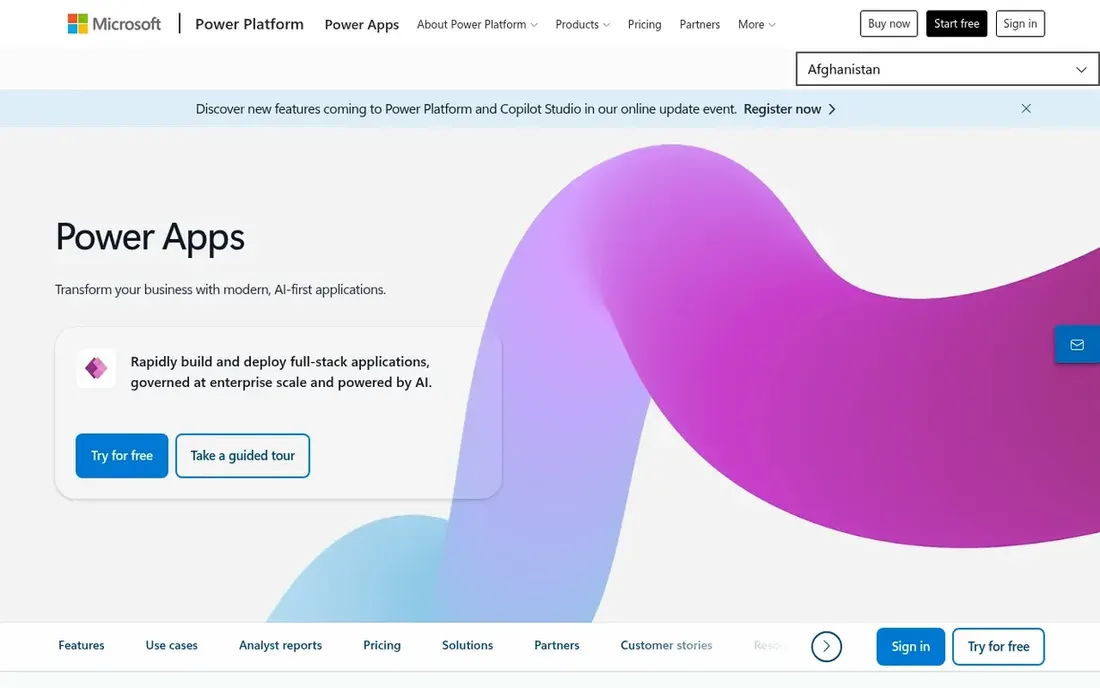
Think of Microsoft Power Apps for teams inside the Microsoft ecosystem. Microsoft Power Apps is a low code app builder for creating custom business apps that simplify processes and boost productivity across an organization. Worth adding: outside a Microsoft-centered environment, the system's advantages shrink and integration work grows.
Honest limits: Complicated apps may need pro developer work.
Consider Power Apps when organizational alignment with Microsoft services matters more than maximum design freedom. In practice, the homepage flags AI-assisted building, which appeals to teams that want quicker starts on routine internal apps. Microsoft Power Apps does not show a starting price in this comparison, so check the vendor site for current pricing. You can start on Microsoft Power Apps without paying.
- Suits Microsoft cloud and productivity tools
- AI-assisted app creation described
- Best value depends on Microsoft stack fit
In short, Retool is for internal tools over databases and APIs. It suits developers who already have backend services and want to assemble admin panels, dashboards and operational tools rapidly.
Where it falls short: Relies on well-structured backend data.
Entry price for Retool: $10 per builder per month. A free plan is available with Retool.
- APIs and LLMs
- AI used throughout the build process
- Centred on internal instead of customer apps
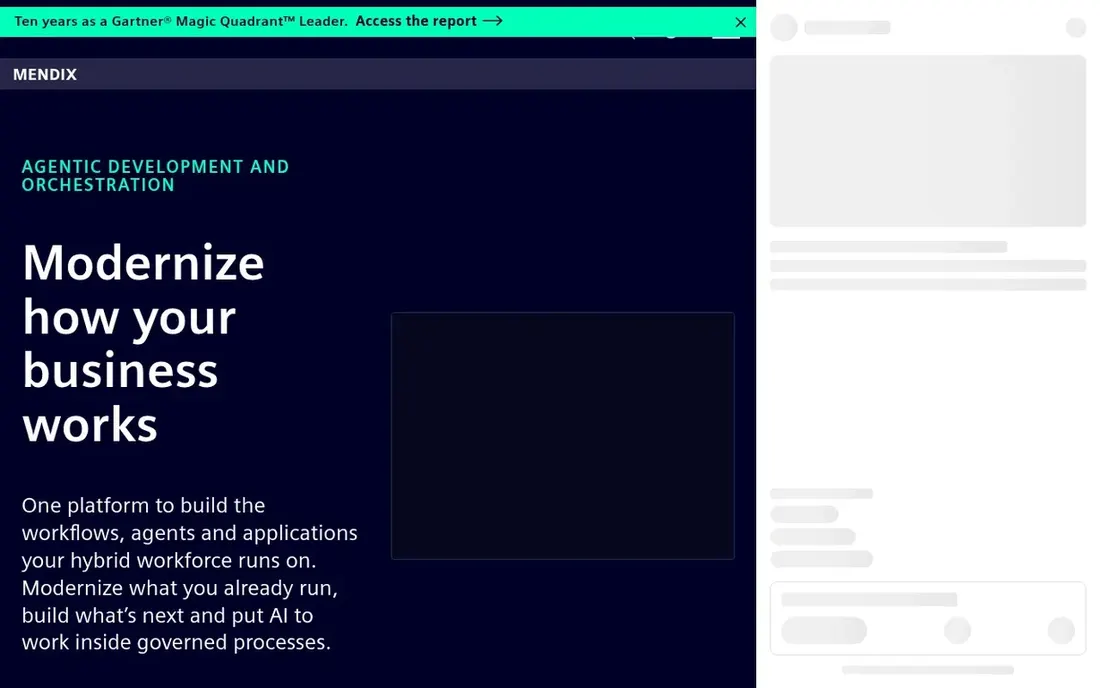
Mendix is designed for governed workflows, agents and modernization. It emphasizes modernizing what organizations already operate and putting AI to work inside governed processes.
That positions it for developers in bigger organizations who require structure around citizen and professional development instead of a single app builder. Check the vendor site for Mendix pricing; none is listed in this comparison. As for free access: Not stated.
Watch-outs: Governance features may be more than small teams need.
- One product for workflows
- AI inside governed processes
- Wide scope can need onboarding time
How we chose
LinkVetted looked at what each vendor publishes: pricing, plan limits, feature coverage for low code platform for developers and stated drawbacks. No hands-on testing is claimed. Figures are shown as the vendors publish them. Billing terms, seat minimums and add-ons can change the real cost. The ranking is editorial: typical fit first, then clear pricing, then free access. If your needs are unusual, read the profiles rather than relying on position.
Before you commit
- Ask OutSystems, Salesforce Platform, Zoho Creator and others for a written quote, since no starting price is shown.
- Check what the free option really includes: Microsoft Power Apps and Retool offer a free plan, and usage caps differ.
- Before choosing OutSystems, weigh its main limit: enterprise orientation can feel heavy for small builds.
- Make sure OutSystems lets you export your data in a format another tool can read.
- Work out what Salesforce Platform costs with your real seat count, add-ons and usage, not just the entry price.
FAQ
Do low code systems replace traditional development?
They extend it instead of replace it. Products like Mendix and OutSystems support professional development with governance and lifecycle features, whereas still leaving room for custom code. Complicated or unusual requirements frequently still need developer involvement.
Can I try these tools before paying?
Often, yes. Microsoft Power Apps and Retool have a free plan. Use your own data and a real task during the test, and check what the free tier or trial limits before you rely on it.
How are the low code platform for developers ordered?
OutSystems sits first and Mendix last because the order follows typical fit for low code platform for developers, then price clarity and free access. It is a judgement call, so read each profile for fit and limits.
Which low code platform for developers have a free plan?
Microsoft Power Apps and Retool offer a free plan in this list. Free plans usually cap users, projects or features, so check the limits on the vendor page.
Is OutSystems the right pick for everyone comparing low code platform for developers?
No single tool suits every team. OutSystems comes first because it fits enterprise apps and legacy modernization, while Salesforce Platform suits teams already standardized on Salesforce and Zoho Creator suits custom apps, agents and workflows. Match the tool to your own size, budget and workflow before deciding.
Sources
- https://www.outsystems.com
- https://www.salesforce.com/platform
- https://www.zoho.com/creator
- https://powerapps.microsoft.com
- https://retool.com
- https://www.mendix.com