Best Frontend Cloud Platform for Developers in 2026: 8 Tools Compared
Compare the best frontend cloud platform for developers for deploys, previews and edge hosting, with free tiers, current pricing and honest limits today.
- Editor's choice
 Vercel
Next.js and React apps
Starts atFreeVisit vercel.comFull review - Great alternative
 Netlify
Jamstack sites and forms
Starts atFreeVisit netlify.comFull review - Also consider
 Cloudflare Pages
Low-cost edge hosting
Starts atFreeVisit pages.cloudflare.comFull review
TL;DR:
- Vercel and Netlify remain the easiest paths from a Git push to a live frontend, with preview links for every change.
- Cloudflare Pages and Workers offer the lowest cost at scale for static sites and edge functions.
- Render and Railway suit developers who also need a database or backend service beside the frontend.
- Free tiers differ sharply, so check if commercial use, bandwidth and build minutes are included.
- Framework choice matters: Next.js teams gain the most from Vercel, while framework-agnostic teams may prefer Netlify or Cloudflare.
Quick comparison
| Tool | Best for | Starts at | Free plan? | |
|---|---|---|---|---|
| Vercel | Next.js and React apps | Free | Yes | Visit |
| Netlify | Jamstack sites and forms | Free | Yes | Visit |
| Cloudflare Pages | Low-cost edge hosting | Free | Yes | Visit |
 Render | Full-stack apps with databases | Free | Yes | Visit |
 Railway | Fast full-stack deploys | $5 per month | No | Visit |
 Firebase Hosting | Google ecosystem apps | Free | Yes | Visit |
 AWS Amplify | AWS-based frontend teams | See website | Yes | Visit |
 Azure Static Web Apps | Microsoft ecosystem teams | Free | Yes | Visit |
The best frontend cloud platform for developers
We picked platforms that deploy a frontend from Git, handle custom domains and SSL, and support previews or rollbacks. Each one fits a different stack and budget.
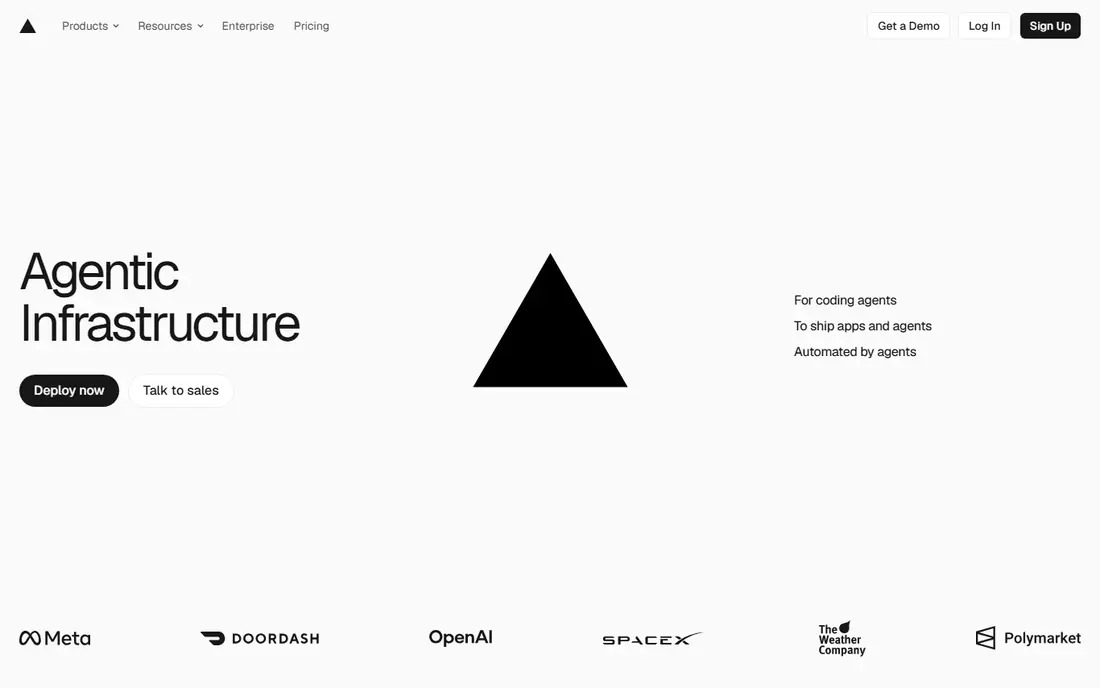
Vercel feels built around the way modern frontend teams work. Push to Git and you get a preview link, automatic SSL and a production deploy without manual steps. For Next.js apps, features such as server components, image optimization and edge middleware work with little extra setup.
The catch is the Hobby limit. Once a project is commercial, you need Pro at $20 per user per month, plus usage beyond the included amount. Solo developers with side projects can stay free, but a small commercial team should budget for Pro from the start.
- Excellent Next.js support
- Preview deploys for every push
- Fast global edge network
- Hobby plan is for personal, non-commercial use
- Pro starts at $20 per user per month
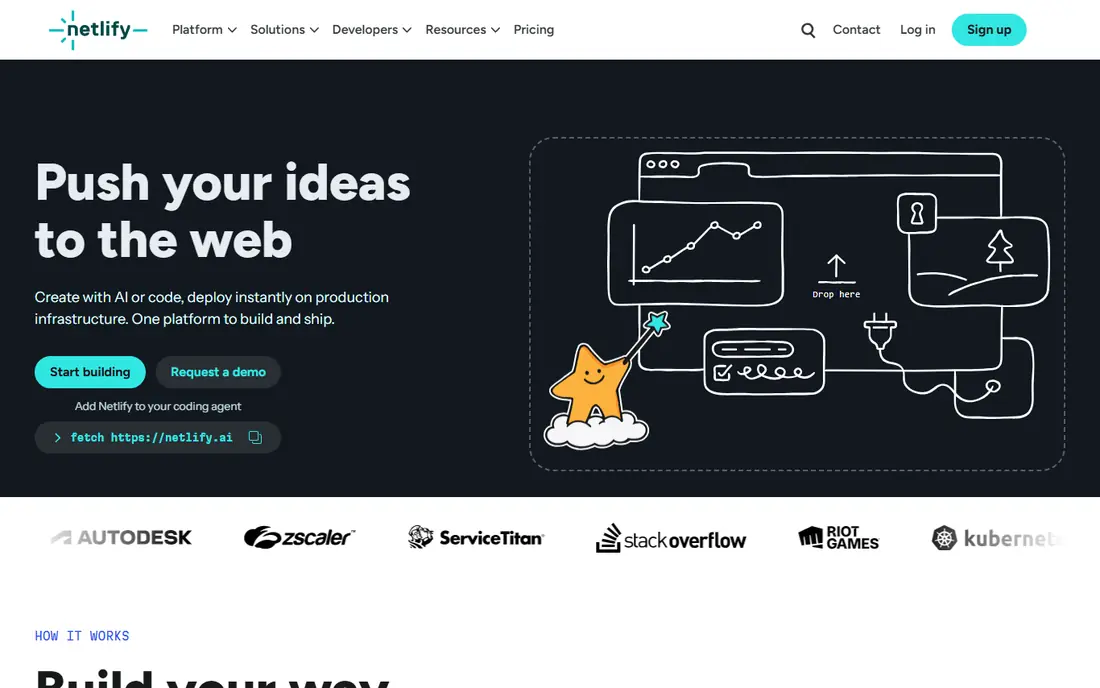
Netlify made Jamstack deploys simple long before most rivals, and that simplicity still shows. Connect a repo, set a build command and your site is live with a custom domain and SSL. Forms, serverless functions and scheduled functions cover many small sites without a separate backend.
Recent pricing uses credits for builds, bandwidth and functions, which makes bills harder to forecast than a flat plan. The free tier gives 300 credits per month, which suits personal sites. Production teams should track credit use in the first month before settling on a plan.
- Simple Git deploys
- Built-in forms and identity
- Good preview workflow
- Credit-based billing can be hard to predict
- Bandwidth overages add up
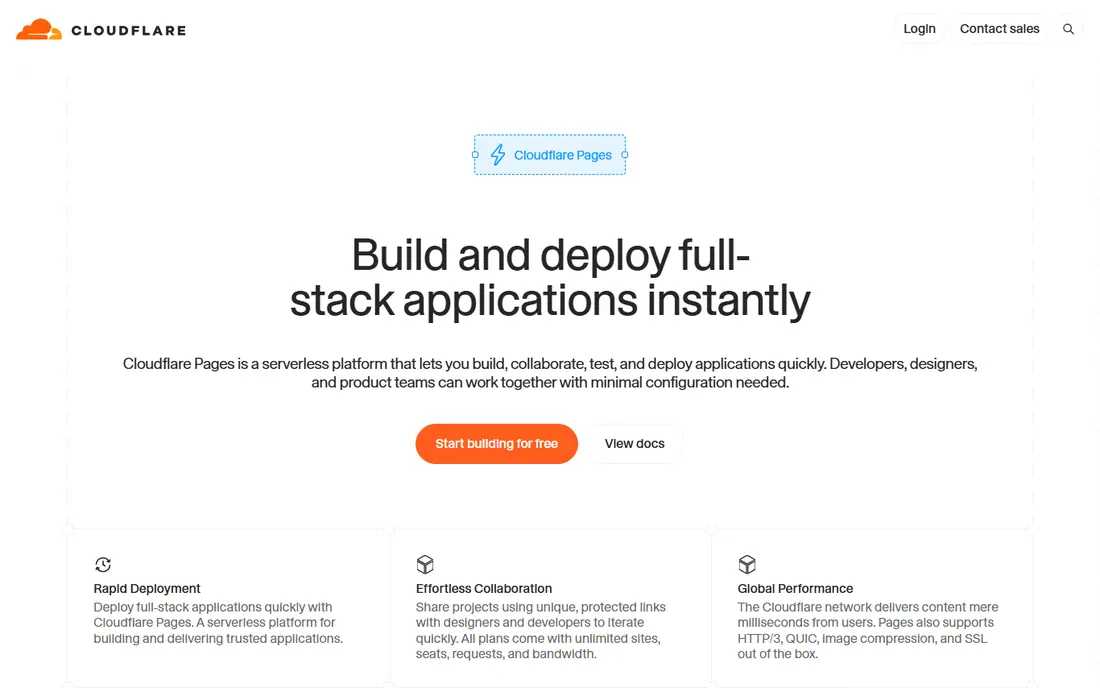
Cloudflare Pages stands out on cost. Static sites get generous bandwidth on the free tier, and the edge network keeps pages fast for visitors around the world. For sites with dynamic parts, Workers functions can handle APIs and personalization close to the visitor.
The platform is shifting, and Cloudflare now points new work toward Workers for many use cases. That change is not a problem for most developers, but it means docs and examples may mix Pages and Workers terms. If low cost and global speed matter most, this is hard to beat.
- Generous free bandwidth
- Global edge network
- Workers integration for dynamic parts
- Build limits on free tier
- Newer projects are steered toward Workers
Render appeals to developers who want one place for a frontend, an API and a database. Static sites are free, and paid web services start at $7 per month with clear per-service pricing. Managed Postgres removes the need to run a database server yourself.
Free services sleep after 15 minutes without traffic, which makes them poor for production but fine for demos. Paid services stay awake and suit small production apps. If your frontend needs a real backend, Render keeps the whole stack in one dashboard.
- Simple per-service pricing
- Managed Postgres
- Static sites and web services together
- Free web services sleep after idle time
- Free Postgres expires after 30 days
Railway is built for speed. Pick a template, connect a repo and you get an app plus a database in minutes. It suits prototypes, hackathon projects and small full-stack apps where you want to move fast without writing deployment config.
There is no permanent free tier. New accounts get a trial credit, then the Hobby plan starts at $5 per month plus usage. That honesty is useful: budget for at least $5 to $10 per month for a small app with a database, and watch usage as traffic grows.
- Very fast deploys from templates
- Databases as one-click services
- Clear usage metering
- No true free tier, only a trial credit
- Costs can rise with usage
Firebase Hosting gives frontend developers a fast CDN, custom domains and SSL with very little setup. It pairs naturally with Firebase Auth, Firestore and Cloud Functions, so a single-page app can gain login and data without a separate backend host. The free Spark tier covers small sites well.
Larger apps move to the Blaze pay-as-you-go plan, where costs follow Google Cloud rates for storage and transfer. That model is flexible, but it requires monitoring to avoid surprise bills. For teams already in the Google ecosystem, Firebase is a natural fit.
- Free Spark tier
- Fast global CDN
- Easy pairing with Auth and Firestore
- Blaze plan is pay-as-you-go
- Deeper Google Cloud setup can confuse beginners
AWS Amplify connects Git hosting, builds and deploys to the wider AWS platform. Frontend teams can add authentication, storage and APIs from the same console, which helps when the rest of the company already runs on AWS. Preview deploys and custom domains are included.
Pricing is pay-as-you-go for build minutes, storage and data transfer, so there is no simple flat monthly figure. Small teams may find the AWS console heavier than Vercel or Netlify. Enterprise and AWS-first teams will value the control and integration more than the extra setup.
- Deep AWS integration
- CI and hosting together
- Auth and data backends available
- Pay-as-you-go pricing is hard to estimate
- AWS console can overwhelm small teams
Azure Static Web Apps suit teams that already use GitHub and Azure. Deploys run through GitHub Actions, and managed functions let a static site call APIs without a separate host. The free tier covers many personal and small team sites.
Teams outside the Microsoft ecosystem may find fewer guides and templates than for the larger frontend platforms. If your code, identity and data already live in Azure, though, the integration saves time and keeps billing in one place.
- Free tier for static sites
- GitHub Actions integration
- Azure Functions support
- Best with GitHub and Azure
- Less community content than Vercel or Netlify
How we picked these
We reviewed official pricing pages, docs and free tier terms, plus public developer reviews about deploy speed, preview workflows and billing surprises. We kept only platforms that currently deploy frontends from Git and offer a usable free or low-cost entry point. Where pricing is pay-as-you-go or quote-based, we wrote See website rather than inventing a flat rate.
How to choose a frontend platform
Start with your framework and your backend needs. A static marketing site, a Next.js app and a full-stack app with a database lead to different winners, even if all three could run on any platform here.
Check the free tier rules first
Free does not always mean free for commercial use. Vercel Hobby is for personal projects, while other free tiers allow commercial sites within limits. Read the terms for your use case, and check bandwidth, build minutes and function limits before launch.
Test previews and rollbacks
A good platform gives every pull request a preview link and lets you roll back a bad deploy in one click. Test both during a trial week. Those two features save more time over a year than a small price difference.
Watch usage-based costs
Credit and pay-as-you-go models can stay cheap at low traffic and rise fast with a traffic spike. Set billing alerts on day one, and review the first invoice line by line. A platform with a clear $7 or $20 starting plan may be cheaper in practice than a metered plan that looks free.
FAQ
What is a frontend cloud platform?
It is a service that builds, hosts and serves the user-facing part of a web app, usually from a Git repo. It handles domains, SSL, caching and preview deploys so developers do not manage servers by hand.
Is Vercel only for Next.js?
No, Vercel hosts many frameworks, but Next.js gets the deepest support because Vercel builds Next.js. React, Vue, Svelte and static sites also deploy well, though some Next.js-specific features will not apply.
Can I host a frontend for free in 2026?
Yes, several platforms offer free tiers for personal or small sites, including Vercel Hobby, Netlify Free, Cloudflare Pages and Firebase Spark. Check commercial use rules and bandwidth limits before using a free tier for a business site.
Do I need a backend platform too?
Only if your app needs logins, a database or server logic. Static sites and simple forms can run on a frontend platform alone, while full-stack apps need a backend service, database or serverless functions as well.
How do preview deploys help a team?
Preview deploys give each code change its own live link, so designers, product managers and reviewers can test the change before it reaches production. That catches layout and content errors earlier and reduces risky direct edits to the live site.
Can I move a frontend between platforms later?
Yes, in most cases, because the code lives in Git and the build settings transfer with small changes. Features tied to one vendor, such as edge middleware or platform-specific storage, need rebuilding, so keep vendor-specific code isolated when you plan a possible move.