6 Software for Managing Parallel Builds Worth Shortlisting in 2026
Best software for managing parallel builds in 2026: 6 tools with starting prices, free plans and limits. Every pick includes one clear drawback. No hype.
- Editor's choiceApache Maven
Convention-driven Java project builds
Starts atSee websiteVisit maven.apache.orgFull review - Great alternative
 CircleCI
Hosted validation and automation at scale
Starts at$15 a monthVisit circleci.comFull review - Also considerGradle
Java, Android and Kotlin build automation
Starts atSee websiteVisit gradle.orgFull review
Direct answer
Apache Maven leads the list, best for Convention-driven Java project builds. Listed starting prices: CircleCI from $15 a month. Look at CircleCI for hosted validation and automation at scale, and at Gradle for Java, Android and Kotlin build automation. The full list of 6 tools follows, with prices and free plan facts.
TL;DR:
- This list starts with Apache Maven, which is built for Convention-driven Java project builds.
- Just one of the 6 tools, CircleCI, has a free plan.
- Check the limits for Apache Maven before you commit: less adaptable for unusual build logic.
- The cheapest monthly starting price in the list is $15 per month, offered by CircleCI.
Last checked November 2026. Prices and plan details were read from the vendors' own pages in November 2026; vendors change plans often, so confirm the current price on the vendor site before you buy.
Quick comparison
| Tool | Best for | Starts at | Free plan? | |
|---|---|---|---|---|
| Apache Maven | Convention-driven Java project builds | See website | Not stated | Visit |
| CircleCI | Hosted validation and automation at scale | $15 a month | Yes | Visit |
| Gradle | Java, Android and Kotlin build automation | See website | Not stated | Visit |
 Jenkins | Configurable open source automation | See website | Not stated | Visit |
| Bazel | Multi-language, multi-platform parallel builds | See website | Not stated | Visit |
 TeamCity | Managed CI/CD with build orchestration | See website | Not stated | Visit |
Tool-by-tool breakdown
LinkVetted put together this guide to software for managing parallel builds for readers who want a clear shortlist without reading every vendor page. It compares 6 tools on starting price, free plans, who each one suits and where each one falls short.
Apache Maven
Best for: Convention-driven Java project builds
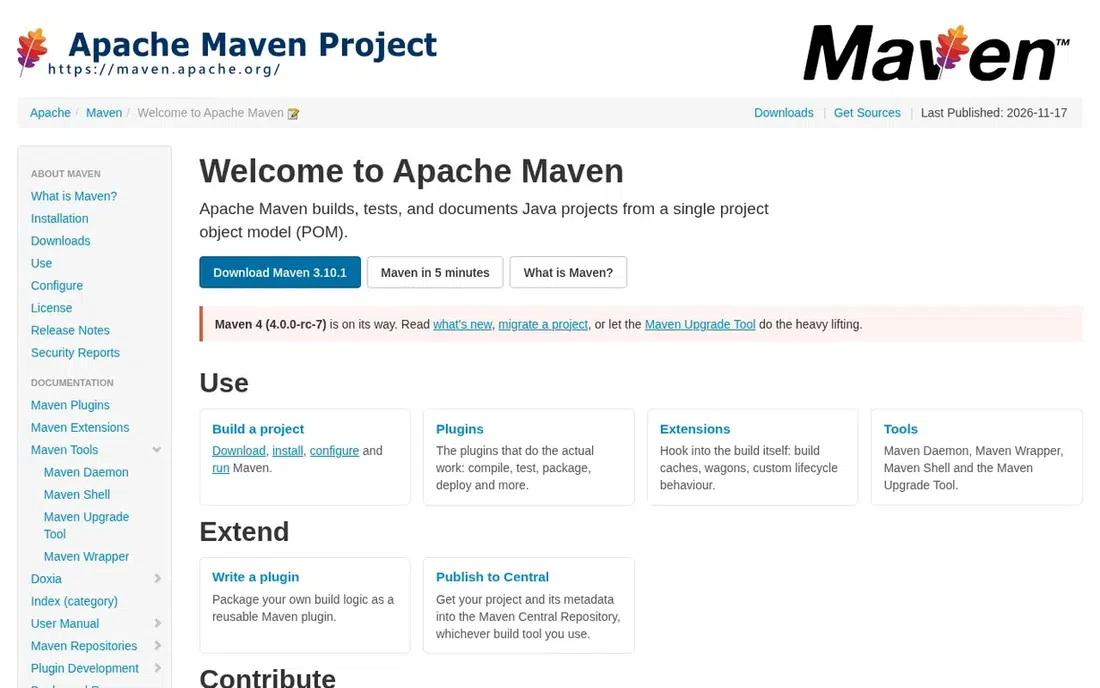
Where Apache Maven fits: Convention-driven Java project builds. Choose Maven when standard Java structure and predictable builds are the priority.
In daily use, teams needing highly dynamic build logic may prefer a code-driven system. Apache Maven is a long-established build and project management tool for Java, known for a convention-based approach where standard project layouts cut configuration work. Pricing for Apache Maven is not stated here, so ask the vendor for current figures. Free plan details: Not stated.
Limits to weigh: Configuration can feel rigid.
- Long-established Apache project
- Widely used for Java builds
- Less adaptable for unusual build logic
Pick CircleCI if this describes you: hosted validation and automation at scale. Organizations shipping often across many changes frequently look to hosted CI to keep feedback loops tight.
Where it is weaker: Configuration tied to the system.
Teams with strict self-hosting requirements may prefer an on-premises server. The starting price for CircleCI: $15 per month. Free access exists with CircleCI.
- Focus on validating every change
- Intelligent automation positioning
- Less control than self-hosted servers
Gradle
Best for: Java, Android and Kotlin build automation
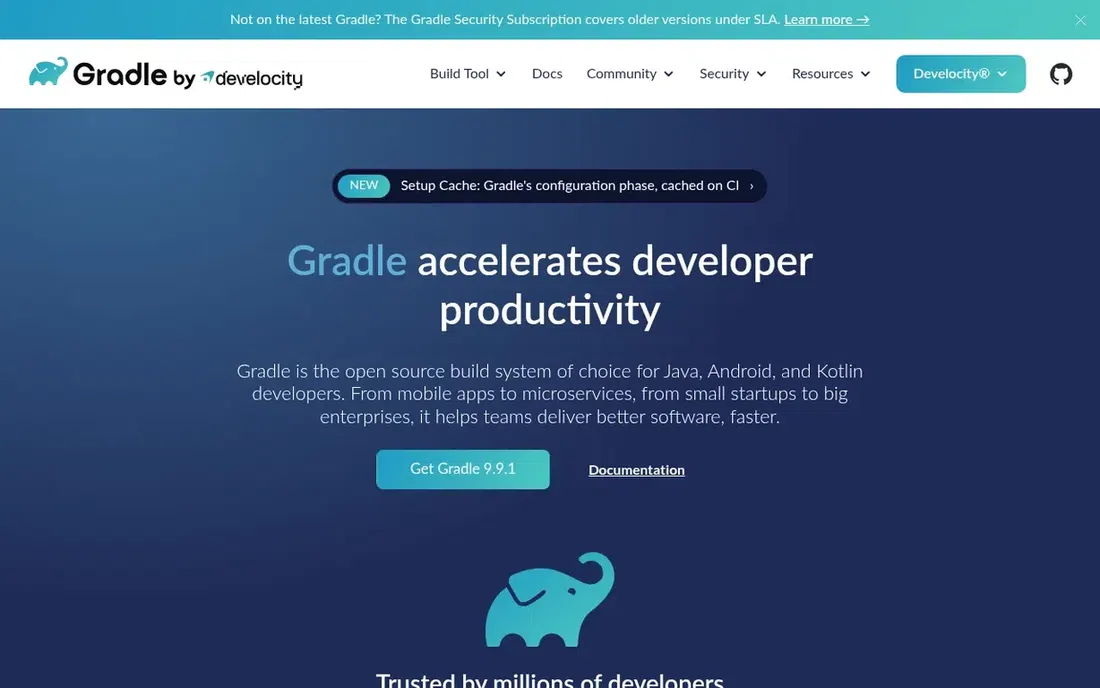
Choose Gradle for Java, Android and Kotlin build automation. Gradle is described as the open source build system for Java, Android and Kotlin developers, presented by Develocity.
More specifically, if your work spans plenty of unrelated ecosystems, a broader build system may fit better. Beyond that, organizations standardizing on Kotlin or Android will find it closely aligned with their stack. No starting price is listed for Gradle here; confirm pricing on the vendor site. Free options: Not stated.
Drawbacks to consider: Less pitched at non-JVM languages.
- Concentrated on Java
- Android and Kotlin
- Build scripts can grow complicated
Jenkins is a good fit for configurable open source automation. Its long history and extensibility make it a common choice for teams that want full control over automation and are comfortable assembling their own setup.
That adaptability includes maintenance: plugins and configuration need continuing attention as environments change. From a buyer's view, choose Jenkins when customization and self-hosting matter more than out-of-the-box simplicity. Jenkins does not show a starting price in this comparison, so check the vendor site for current pricing. On free options: Not stated.
What to check first: Plugin upkeep brings maintenance.
- Manages build
- Highly extensible via plugins
- Configuration can get complicated
Bazel
Best for: Multi-language, multi-platform parallel builds
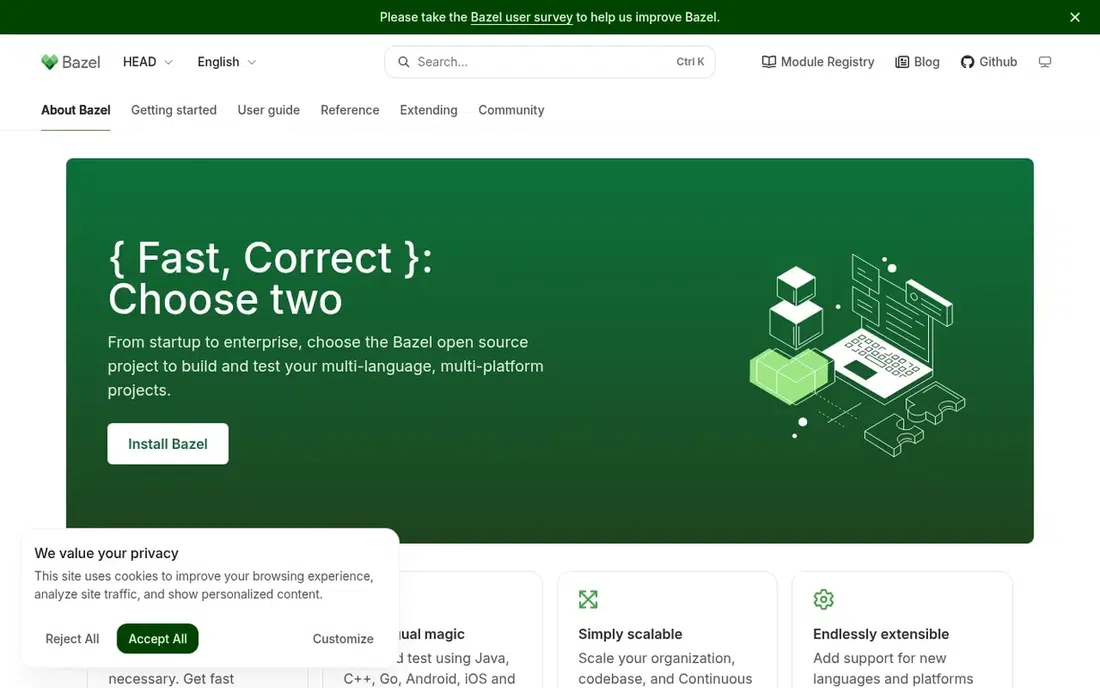
Bazel serves multi-language, multi-platform parallel builds. Bazel is an open source build and test system positioned for projects that span several languages and systems, from startup to enterprise use. Its homepage frames the choice as quick and correct, signaling a focus on steady results at speed.
Choose Bazel when cross-language consistency and build correctness matter more than fast initial setup. In daily use, the tradeoff is setup effort: Bazel asks you to describe builds explicitly, which takes time on small or straightforward projects. On top of that, teams working purely in one ecosystem may find a language-specific build tool lighter. Check the vendor site for Bazel pricing; none is listed in this comparison. On free options: Not stated.
Watch-outs: Best value at bigger project scale.
- Open source project
- Correct builds
- Configuration has a ramp-up time
TeamCity is designed for managed CI/CD with build orchestration. If your needs are restricted to a single repository with straightforward automation, a hosted choice could be lighter. For everyday use, teams already using JetBrains tools may find the workflow familiar.
From a buyer's view, running a CI server means installation, maintenance and administration overhead that small teams may not want. More specifically, pick TeamCity when you want a dedicated, controllable CI/CD server behind your parallel builds. TeamCity is a CI/CD option from JetBrains that keeps delivery steady, repeatable and under control, based on its homepage, for both the humans and AI agents on a team. This comparison lists no price for TeamCity; ask the vendor. Free plan details: Not stated.
The main drawbacks: Server setup and upkeep required.
- Aims at dependable
- Repeatable delivery
- Heavier than a straightforward build script
Our selection method
Selection started from tools commonly considered for software for managing parallel builds, then narrowed to 6 that have clear pricing information or a clear quote process. Where a price is missing, the vendor does not list one publicly or ties it to a quote. Always confirm before budgeting. We ordered the tools by general fit, then by how clearly pricing is shown, then by free access. A buyer with unusual needs may reorder them.
Before you commit
- Get a written quote from Apache Maven, Gradle, Jenkins and others; the list shows no starting price for them.
- Test the free plan from CircleCI against your real workload before relying on it.
- Before choosing Apache Maven, weigh its main limit: less adaptable for unusual build logic.
- Before rolling out Bazel, verify the integrations your workflow depends on.
- Ask Gradle about contract length, onboarding fees and user minimums before you sign.
FAQ
Can I try these tools before paying?
Often, yes. CircleCI has a free plan. Use your own data and a real task during the test, and check what the free tier or trial limits before you rely on it.
Which software for managing parallel builds have a free plan?
CircleCI is the only tool in this list with a free plan. Free plans usually cap users, projects or features, so check the limits on the vendor page.
Is Apache Maven the right pick for everyone comparing software for managing parallel builds?
No single tool suits every team. Apache Maven comes first because it fits Convention-driven Java project builds, while CircleCI suits hosted validation and automation at scale and Gradle suits Java, Android and Kotlin build automation. Match the tool to your own size, budget and workflow before deciding.
Should I choose a build system or a CI/CD server?
Build systems like Bazel, Gradle and Maven define how code compiles and tests, whereas CI/CD servers like TeamCity, Jenkins and CircleCI orchestrate when those builds run. Numerous teams use both together, so decide whether you need build definition, pipeline orchestration, or both.
What is the cheapest option for software for managing parallel builds in this list?
On published monthly entry prices, CircleCI is the lowest here at $15 per month. Entry price is only part of the cost, because seats, add-ons and billing terms can change the total. Each of the 6 options in this software for managing parallel builds guide has its own card above with the price, free plan and limits.
Sources
- https://maven.apache.org
- https://circleci.com
- https://gradle.org
- https://www.jenkins.io
- https://bazel.build
- https://www.jetbrains.com/teamcity