Top 5 Streaming Software for Creators for 2026 (Prices and Free Plans)
Need the best streaming software for creators? We compare 5 tools on cost, free access and who each suits. Weak spots flagged for every entry. Numbers first.
- Editor's choice
 Wirecast
Mac and PC broadcast production
Starts at$34 per monthVisit telestream.netFull review - Great alternativeRestream Studio
Browser-based multistreaming
Starts at$239 a monthVisit restream.ioFull review - Also considerLightstream Studio
Cloud-native production without downloads
Starts atSee websiteVisit golightstream.comFull review
Direct answer
This list puts Wirecast first for Mac and PC broadcast production. Listed starting prices: Wirecast from $34 per month and Restream Studio from $239 a month. Restream Studio is the stronger choice for browser-based multistreaming, while Lightstream Studio suits cloud-native production without downloads. The remaining 2 options are covered below with prices and limits.
TL;DR:
- Wirecast is the opening pick, best for Mac and PC broadcast production.
- For the cheapest start, look at Wirecast: $34 per month.
- OBS Studio suits free open-source streaming and recording.
- None of the 5 tools, from Wirecast to OBS Studio, has a free plan, so budget for a subscription or use a trial.
Last checked November 2026. Prices and plan details were read from the vendors' own pages in November 2026; vendors change plans often, so confirm the current price on the vendor site before you buy.
Quick comparison
| Tool | Best for | Starts at | Free plan? | |
|---|---|---|---|---|
| Wirecast | Mac and PC broadcast production | $34 per month | Free trial | Visit |
| Restream Studio | Browser-based multistreaming | $239 a month | Not stated | Visit |
| Lightstream Studio | Cloud-native production without downloads | See website | Not stated | Visit |
 vMix | Professional live production on Windows | See website | Not stated | Visit |
 OBS Studio | Free open-source streaming and recording | See website | Not stated | Visit |
Our 5 streaming software for creators
Choosing streaming software for creators usually comes down to price, fit and limits. This LinkVetted guide sets 5 tools side by side on those three points, with the facts kept short and checkable.
Wirecast works best for Mac and PC broadcast production. Wirecast is desktop software, so it does not offer the browser-based convenience of cloud tools, and beginners may face a ramp-up time.
Trade-offs to know: May be complicated for beginners.
It lets creators switch unlimited cameras, add remote guests, and multistream to every platform. Wirecast starts at: $34 per month. Trial and free access: Free trial.
- Add remote guests and multistream
- Switch unlimited cameras
- Desktop software only
Restream Studio
Best for: Browser-based multistreaming
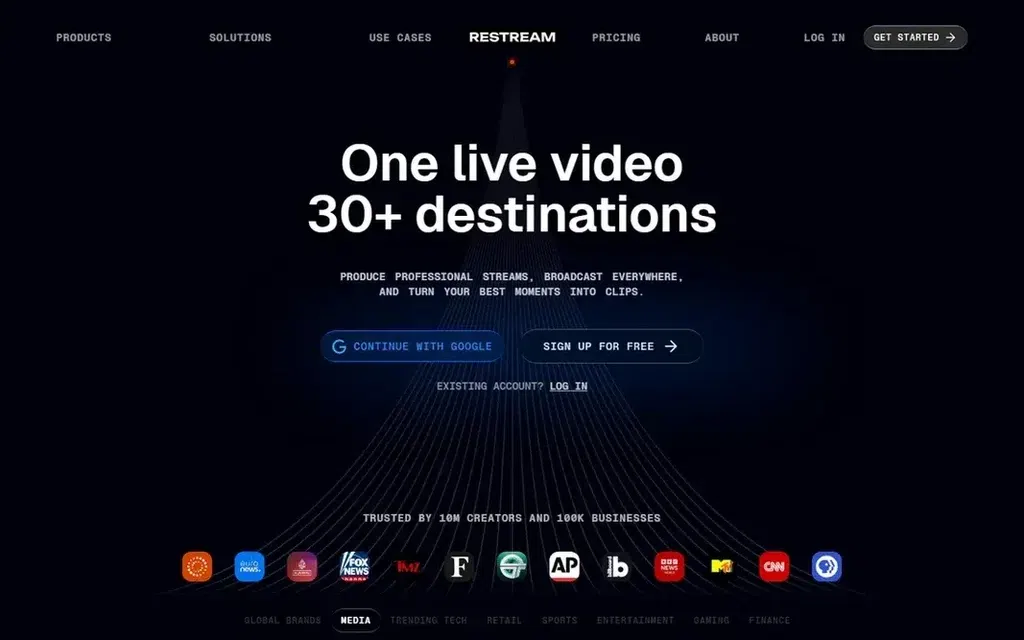
In short, Restream Studio is for browser-based multistreaming. Restream Studio is a straightforward live video product that lets creators make videos and multistream them to favorite channels.
Points against: Cloud-dependent.
On top of that, the cloud-first design means you rely on your connection and the product's feature set instead of deep local control. As for the details, creators who require advanced scene composition or local recording may prefer OBS Studio or vMix. Restream Studio pricing: $239 per month. As for free access: Not stated.
- Straightforward live video product
- Multistreams to favorite channels
- Less control over local encoding
Lightstream Studio
Best for: Cloud-native production without downloads
In short, Lightstream Studio is for cloud-native production without downloads. Lightstream Studio is cloud-native live streaming software for business, podcast, talk present, and console gaming content. It aims to help creators make more impactful live streams with no downloads needed.
Also, since production happens in the cloud, a dependable internet connection is essential, and very specialized local hardware setups may be harder to integrate. Worth adding: creators who require deep local control or offline recording should consider vMix or OBS Studio. On top of that, Lightstream Studio is best when simplicity and cloud access are priorities. No starting price is listed for Lightstream Studio here; confirm pricing on the vendor site. Trial and free access: Not stated.
Points against: Needs stable internet.
- Suited to business and podcast streams
- Cloud-native live streaming
- Fewer local hardware choices
vMix is aimed squarely at professional live production on Windows. It helps creators produce, record, and live stream professional-looking content from a PC.
As for the details, if you want a lighter desktop tool or a cloud choice, OBS Studio or Restream Studio may be a better match. vMix shows no starting price here, so confirm the cost on the vendor site. Trial and free access: Not stated.
Points against: Windows only.
- Records and streams from a PC
- Suited to multi-source productions
- Can be demanding on hardware
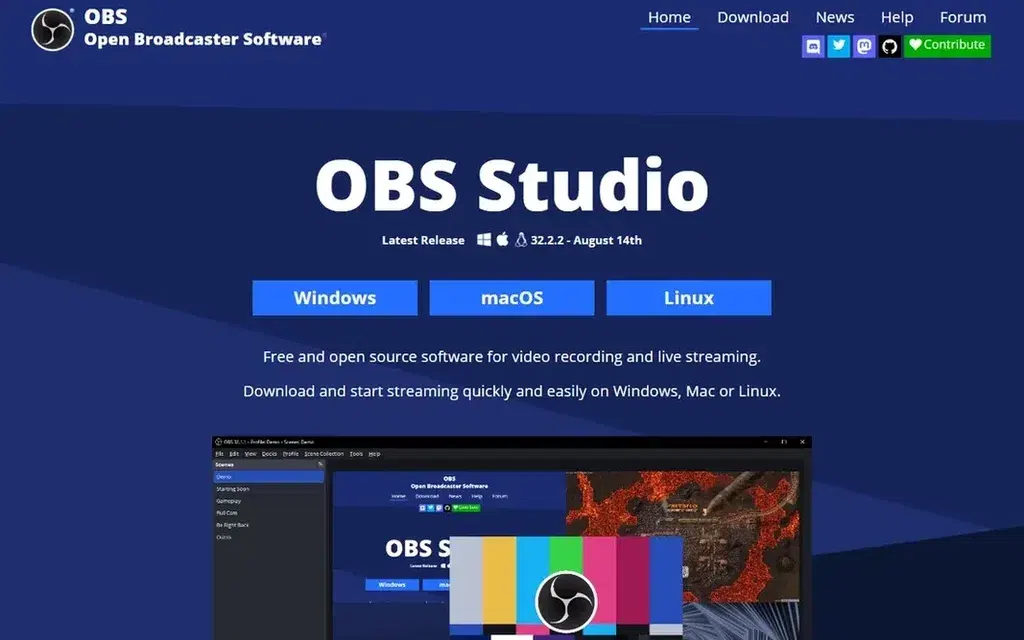
Pick OBS Studio if this describes you: free open-source streaming and recording. Creators who want a capable, no-cost foundation for live production frequently start here, notably when they are comfortable adjusting settings and building scenes manually. It sends streams to Twitch, YouTube, and many other providers, and it records locally with high-quality H264 and AAC encoding.
Honest limits: Setup can feel technical.
Worth adding: the trade-off is complexity. New users may need time to understand sources, scenes, and encoding choices, and there is no built-in multistreaming to multiple destinations at once. This comparison lists no price for OBS Studio; ask the vendor. Trial and free access: Not stated.
- High-quality H264 and AAC encoding
- No cost and open source
- Advanced scenes need learning
What went into this list
LinkVetted looked at what each vendor publishes: pricing, plan limits, feature coverage for streaming software for creators and stated drawbacks. No hands-on testing is claimed. Treat prices as a snapshot: vendors change plans often, so check the vendor site for the figure that applies today. We ordered the tools by general fit, then by how clearly pricing is shown, then by free access. A buyer with unusual needs may reorder them.
Things to verify first
- Confirm the entry price on the vendor page. For Lightstream Studio, vMix and OBS Studio that means a quote rather than a fixed price.
- Run a trial of Wirecast with real work before paying for a year; your own workflow is the best test.
- Read the limits listed for Wirecast first: desktop software only.
- Ask the daily users to test Wirecast on a live task before you roll it out to everyone.
- See whether vMix offers onboarding or training, and whether it is included in the price.
FAQ
What is the cheapest option for streaming software for creators in this list?
On published monthly entry prices, Wirecast is the lowest here at $34 per month. Entry price is only part of the cost, because seats, add-ons and billing terms can change the total. Each of the 5 options in this Streaming software for Creators guide has its own card above with the price, free plan and limits.
Do these tools publish their prices?
Not all of them. Lightstream Studio, vMix and OBS Studio publish no starting price, so expect a quote request for those. The rest, Wirecast included, show a starting price, though seats and billing terms still change the final cost.
How are the tools for streaming software for creators ordered?
The order follows typical fit for streaming software for creators, with Wirecast first and OBS Studio last, then price clarity and free access. It is editorial judgement, not a score, so another team could rank the tools differently.
Can I try these tools before paying?
Often, yes. Wirecast offers a free trial. Use your own data and a real task during the test, and check what the free tier or trial limits before you rely on it. All 5 picks in this Streaming software for Creators comparison list a starting price, free plan details and the main limits on their cards above.
Which streaming software is a good match for beginners?
This list starts with Wirecast, which fits Mac and PC broadcast production. For other needs, Restream Studio is aimed at browser-based multistreaming, and Lightstream Studio at cloud-native production without downloads. Check each tool's price and main limit first.
Sources
- https://www.telestream.net/wirecast
- https://restream.io
- https://golightstream.com
- https://www.vmix.com
- https://obsproject.com