Podcast Video Editing Software for Creators in 2026: The 6 Best Options Side by Side
Need the best podcast video editing software for creators? We compare 6 tools on cost, free access and who each suits. Each pick comes with its main catch.
- Editor's choice
 Riverside
Recording and editing podcast video online
Starts at$24 per monthVisit riverside.fmFull review - Great alternative
 Filmora
Accessible AI-assisted editing for creators
Starts atSee websiteVisit filmora.wondershare.comFull review - Also consider
 Descript
Text-based podcast editing and transcription
Starts at$16 per person per monthVisit descript.comFull review
Direct answer
Our first pick is Riverside, best for recording and editing podcast video online. Listed starting prices: Riverside from $24 per month and Descript from $16 per person per month. Filmora is better for accessible AI-assisted editing for creators, and Descript is better for text-based podcast editing and transcription. All 6 tools are compared below on price, free plan and limits.
TL;DR:
- Riverside takes the first slot, best suited to recording and editing podcast video online.
- For the cheapest start, look at Descript: $16 per person per month.
- Final Cut Pro suits Mac and iPad creators wanting quick pro editing.
- Free plans exist at 3 of 6 tools (Riverside, Descript, CapCut).
- What to know about Descript first: less suited to complicated visual effects.
Last checked November 2026. Prices and plan details were read from the vendors' own pages in November 2026; vendors change plans often, so confirm the current price on the vendor site before you buy.
Quick comparison
| Tool | Best for | Starts at | Free plan? | |
|---|---|---|---|---|
| Riverside | Recording and editing podcast video online | $24 per month | Yes | Visit |
| Filmora | Accessible AI-assisted editing for creators | See website | Not stated | Visit |
| Descript | Text-based podcast editing and transcription | $16 per person per month | Yes | Visit |
 Adobe Premiere Pro | Full professional editing and postproduction | See website | Not stated | Visit |
 CapCut | Quick social-first podcast clips and templates | See website | Yes | Visit |
 Final Cut Pro | Mac and iPad creators wanting quick pro editing | See website | Not stated | Visit |
6 podcast video editing software for creators in detail
LinkVetted put together this guide to podcast video editing software for creators for readers who want a clear shortlist without reading every vendor page. It compares 6 tools on starting price, free plans, who each one suits and where each one falls short.
Riverside is aimed squarely at recording and editing podcast video online. Choose a dedicated editor if your episodes need heavy effects, multicamera color work or in-depth audio mixing.
Riverside is an online studio for high-quality podcast and video recording and editing, powered by AI and aimed at human conversations. Its editing features are narrower than a full professional suite, so complicated postproduction may still need another application. Price to start with Riverside: $24 per month. A free plan is available with Riverside.
Trade-offs to know: Relies on a stable internet connection.
- AI-assisted editing for conversations
- Aimed at podcast and video production
- Editing depth is narrower than pro suites
Filmora is aimed squarely at accessible AI-assisted editing for creators. Filmora is not positioned for high-end postproduction, so creators with demanding color, effects or audio needs may hit limits.
From a buyer's view, advanced editors may also want finer control. No starting price is listed for Filmora here; confirm pricing on the vendor site. Free options: Not stated.
Reasons to shortlist it: effects and captions.
Trade-offs to know: Not aimed at high-end postproduction.
- AI features
- Easy-to-learn timeline tools
- Advanced users may want more control
Descript makes the most sense for text-based podcast editing and transcription. Pick a full nonlinear editor if frame-level visual control is the priority.
Highlights: Record, transcribe.
In practice, Descript is an AI video and audio editor that makes editing as simple as editing text. More specifically, since the workflow is built around text, creators who need in-depth visual compositing or advanced color work may outgrow it. The starting price for Descript: $16 per person per month. A free plan is available with Descript. Points against: Less suited to complicated visual effects.
- Edit and publish together
- Edit audio and video by editing text
- Text-first workflow may not fit every editor
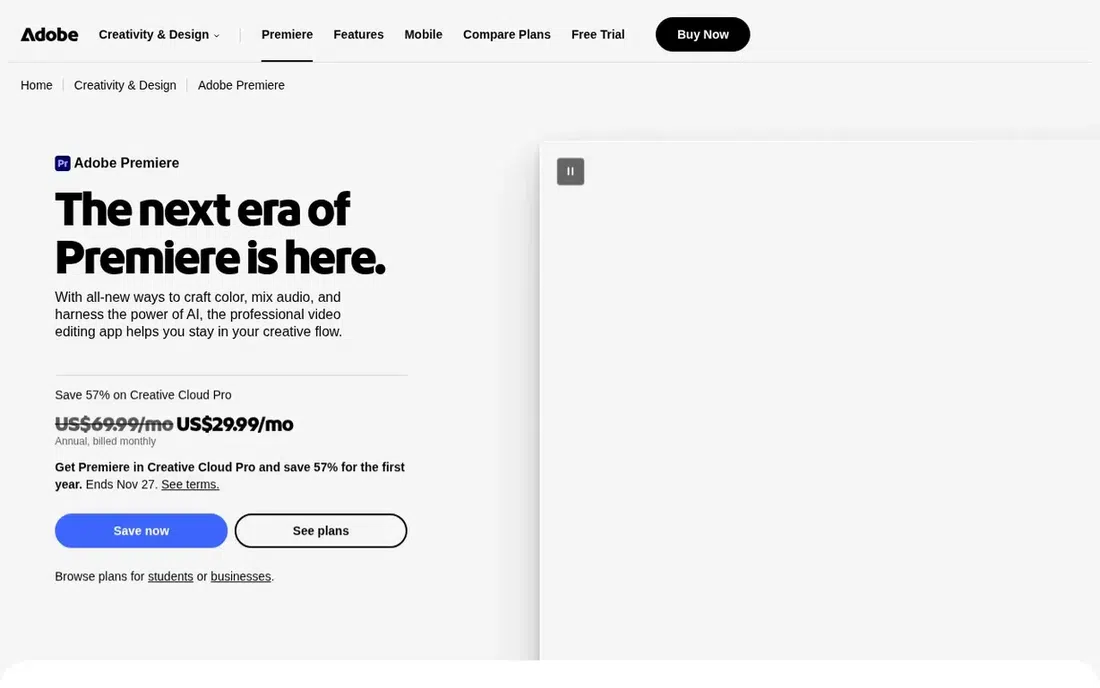
Adobe Premiere Pro makes the most sense for full professional editing and postproduction. It handles editing and trimming, effects, audio mixing and video extension. So a podcast episode can be cut, refined and finished in one application.
More specifically, pick something else if you chiefly want text-based editing or recording and editing in a single browser studio. The depth includes a ramp-up time, and beginners may find more straightforward editors quicker for entry-level podcast cuts. It also expects a reasonably capable machine for smooth playback. This comparison lists no price for Adobe Premiere Pro; ask the vendor. Trial and free access: Not stated.
What to check first: Deeper ramp-up time for beginners.
- Handles trimming
- Wide editing
- Needs a capable computer
CapCut makes the most sense for quick social-first podcast clips and templates. Podcast creators can use it to turn full episodes into short promotional clips with captions and effects, or to edit lighter video formats rapidly. It performs best as a companion to a primary editor.
Pick a professional suite if your podcast video needs careful long-form polish. As for the details, CapCut is an AI video editor geared toward YouTube and Instagram content, with smart templates and creative effects across desktop, mobile and online. CapCut does not show a starting price in this comparison, so check the vendor site for current pricing. CapCut offers a free plan.
Points against: Less depth for long-form postproduction.
- Creative effects for short-form video
- Desktop
- Template style may feel generic
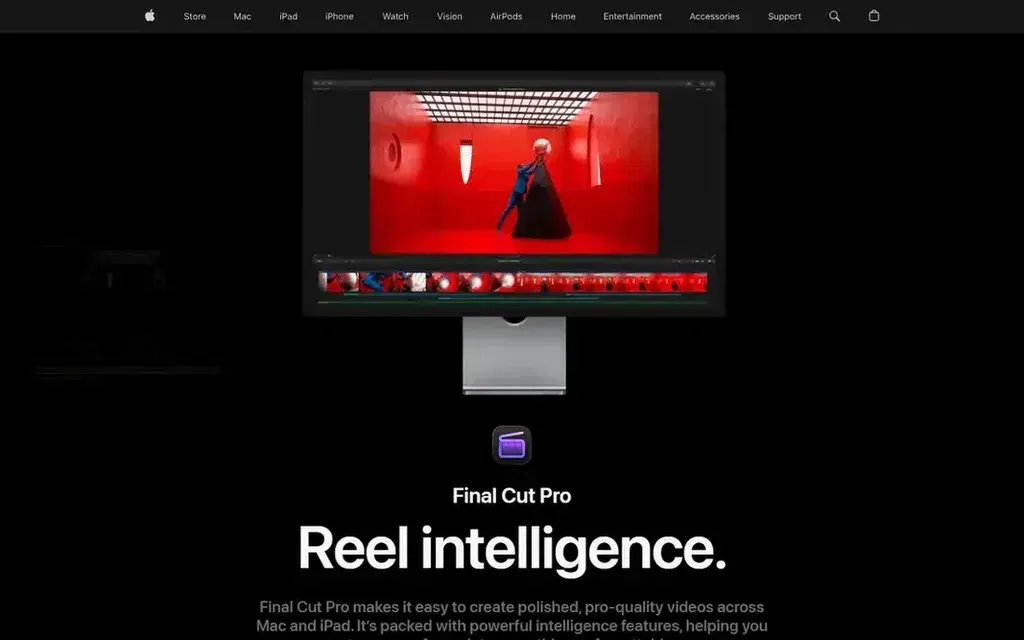
Think of Final Cut Pro for Mac and iPad creators wanting fast pro editing. Final Cut Pro is Apple's professional editing application, packed with intelligence features that make pro-quality video creation and editing simpler on Mac and iPad. In practice, Podcast creators who already work in the Apple ecosystem can cut multicamera conversations, add graphics and finish episodes on familiar hardware.
Its editing approach differs from traditional track-based timelines, which takes adjustment. As for the details, consider another tool if you need cross-platform access or text-based editing as the core workflow. Final Cut Pro shows no starting price here, so confirm the cost on the vendor site. Free access: Not stated.
Honest limits: Tied to Apple devices.
- Intelligence features accelerate typical tasks
- Runs on Mac and iPad
- Interface differs from track-based editors
How we compared the tools
Selection started from tools commonly considered for podcast video editing software for creators, then narrowed to 6 that have clear pricing information or a clear quote process. Where a vendor does not publish a price, the entry says quote. Where a price depends on seats or billing term, the entry says so. We ordered the tools by general fit, then by how clearly pricing is shown, then by free access. A buyer with unusual needs may reorder them.
What to confirm before you sign up
- Ask Filmora, Adobe Premiere Pro, CapCut and Final Cut Pro for a written quote, since no starting price is shown.
- Look at free plan limits closely: Riverside, Descript and CapCut have one, and the caps decide whether it is usable for real work.
- Read the limits listed for Riverside first: editing depth is narrower than pro suites.
- Verify that exporting from Final Cut Pro is possible on your plan and covers all your records.
- Check the integration list for CapCut against the tools you run today, and note which ones need a higher plan.
FAQ
Is Riverside the right pick for everyone comparing podcast video editing software for creators?
No single tool suits every team. Riverside comes first because it fits recording and editing podcast video online, while Filmora suits accessible AI-assisted editing for creators and Descript suits text-based podcast editing and transcription. Match the tool to your own size, budget and workflow before deciding.
Which options for podcast video editing software for creators have a free plan?
Riverside, Descript and CapCut offer a free plan in this list. Free plans usually cap users, projects or features, so check the limits on the vendor page.
What is the cheapest option for podcast video editing software for creators in this list?
On published monthly entry prices, Descript is the lowest here at $16 per person per month. Entry price is only part of the cost, because seats, add-ons and billing terms can change the total. Prices, free plan details and limits for all 6 tools in this Podcast video editing software for Creators roundup sit on the individual cards above.
Can I try these tools before paying?
Often, yes. Riverside, Descript and CapCut have a free plan. Use your own data and a real task during the test, and check what the free tier or trial limits before you rely on it.
Sources
- https://riverside.fm
- https://filmora.wondershare.com
- https://www.descript.com
- https://www.adobe.com/products/premiere.html
- https://www.capcut.com
- https://www.apple.com/final-cut-pro