Platforms for Professional Presentations in 2026: The 6 Best Options Side by Side
Best platforms for professional presentations in 2026: 6 contenders with entry costs and free tiers. Short verdicts, no fluff. Built for quick decisions.
- Editor's choice
 Pitch
Collaborative team presentations with AI assistance
Starts at€10 a monthVisit pitch.comFull review - Great alternative
 Prezi
Interactive and non-linear storytelling
Starts atSee websiteVisit prezi.comFull review - Also consider
 Google Slides
Live collaboration and cloud-based sharing
Starts atSee websiteVisit workspace.google.comFull review
Direct answer
If you need collaborative team presentations with AI assistance, Pitch is the first tool to look at here. Listed starting prices: Pitch from €10 a month and Beautiful.ai from $14.50 per month. Look at Prezi for interactive and non-linear storytelling, and at Google Slides for live collaboration and cloud-based sharing. The other 3 tools in the list cover narrower or pricier cases.
TL;DR:
- Pitch sits first on this list: collaborative team presentations with AI assistance.
- Pitch is the only tool of the 6 with a free plan.
- Check the limits for Prezi before you commit: ramp-up time for navigation.
- Apple Keynote suits refined presentations on Apple devices.
- The cheapest monthly starting price in the list is $14.50 per month, offered by Beautiful.ai.
Last checked November 2026. Prices and plan details were read from the vendors' own pages in November 2026; vendors change plans often, so confirm the current price on the vendor site before you buy.
Quick comparison
| Tool | Best for | Starts at | Free plan? | |
|---|---|---|---|---|
| Pitch | Collaborative team presentations with AI assistance | €10 a month | Yes | Visit |
| Prezi | Interactive and non-linear storytelling | See website | Not stated | Visit |
| Google Slides | Live collaboration and cloud-based sharing | See website | Not stated | Visit |
 Microsoft PowerPoint | Thorough slide creation and pitch decks | See website | Not stated | Visit |
 Beautiful.ai | Enterprise teams needing on-brand, AI-generated slides | $14.50 per month | Free trial | Visit |
 Apple Keynote | Refined presentations on Apple devices | See website | Not stated | Visit |
The 6 tools in detail
If you are comparing platforms for professional presentations, this page covers 6 tools in one place: what each is best for, what it costs to start, whether it has a free plan, and the main limit to know about.
Where Pitch fits: collaborative team presentations with AI assistance. Pitch is a collaborative presentation product for teams that want to produce, share, and deliver better work. It combines AI assistance with live collaboration, allowing teams to build presentations together efficiently.
Best features of Pitch: AI-powered content suggestions.
It is a strong match for startups and teams that value speed and modern design over traditional slide software. It also needs an internet connection for most tasks. On top of that, if you need deep offline capabilities or deep Microsoft integration, consider PowerPoint instead. What you pay to start with Pitch: €10 per month. Pitch offers a free plan. Watch-outs: Newer product with smaller user base.
- Intuitive interface
- Real-time collaboration
- Restricted offline functionality
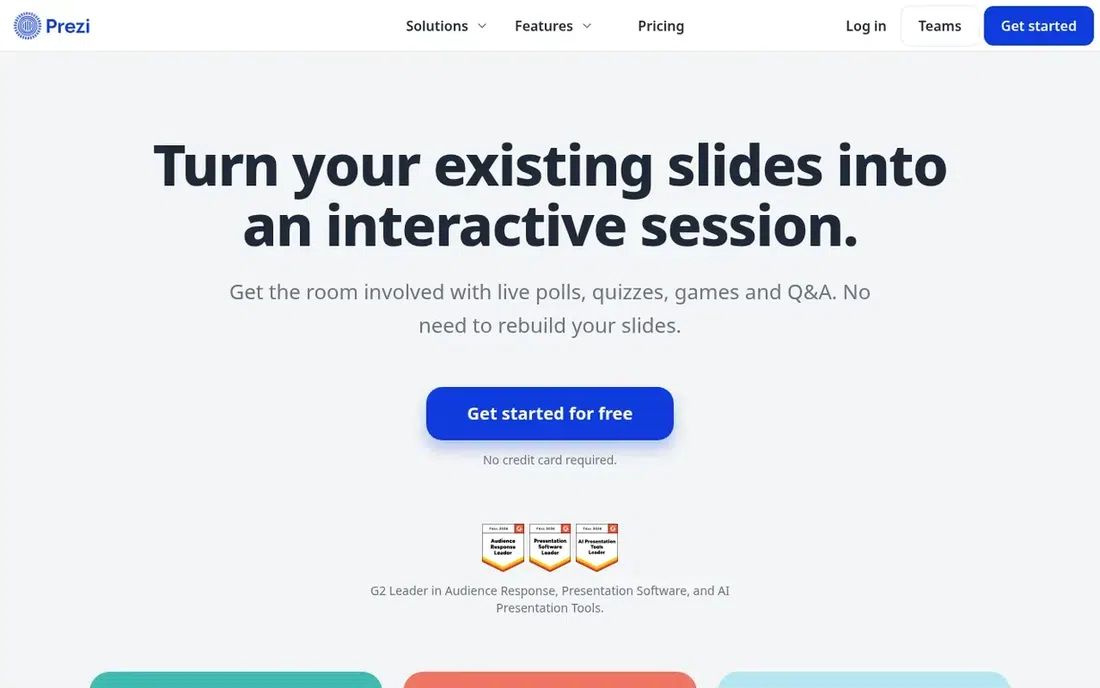
Prezi is aimed squarely at interactive and non-linear storytelling. Prezi is an interactive presentation system built for educators, trainers, and teams. It is a strong match for those who want to break away from linear slides and build a more dynamic, conversational experience.
Drawbacks to consider: Less right for traditional slide structure.
Worth adding: the product's unique navigation can be disorienting for some audiences and may need practice to master. It is less suited for highly structured corporate decks. Check the vendor site for Prezi pricing; none is listed in this comparison. As for free access: Not stated.
- Live polls and quizzes
- Engaging zooming interface
- Ramp-up time for navigation
Where Google Slides fits: live collaboration and cloud-based sharing. Google Slides is a presentation slideshow maker that is part of Google Workspace. Its strength lies in live collaboration, allowing several people to edit simultaneously, and its simple sharing via links.
The main drawbacks: Fewer design options than Canva.
It is well suited to teams and educators who work within the Google ecosystem. It also depends on an internet connection for most tasks. If you need more design adaptability or offline capabilities, PowerPoint or Keynote may be preferable. Google Slides shows no starting price here, so confirm the cost on the vendor site. Trial and free access: Not stated.
- Accessible from any device
- Smooth collaboration
- Needs internet connection for full functionality
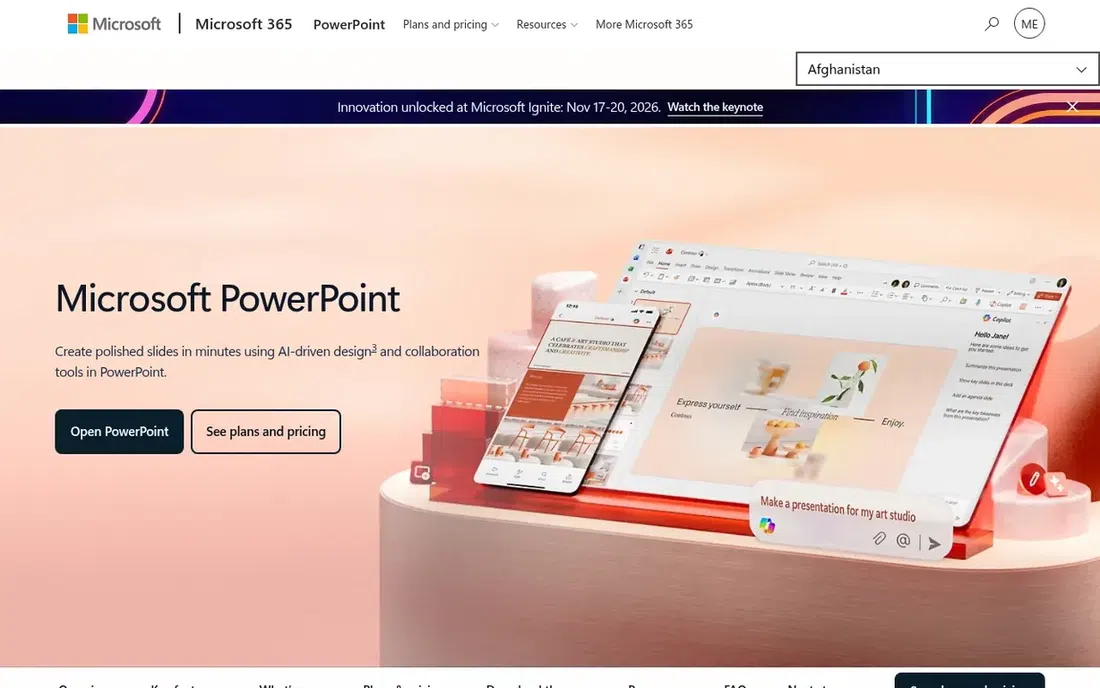
Microsoft PowerPoint is a good fit for thorough slide creation and pitch decks. Microsoft PowerPoint is a feature-rich presentation maker that lets you build clean slideshows and intricate pitch decks.
Downsides: Needs Microsoft 365 for full features.
It provides a solid set of tools for design, animation, and multimedia integration, making it a good match for professionals who require full control over their slides. Even so, PowerPoint can be overwhelming for new users due to its deep options. Microsoft PowerPoint shows no starting price here, so confirm the cost on the vendor site. As for free access: Not stated.
- Advanced animation tools
- Broad compatibility
- Can be complicated for beginners
Choose Beautiful.ai for enterprise teams needing on-brand, AI-generated slides. The product's automation can limit creative freedom for users who want pixel-perfect control over slide layouts. Worth adding: if you need full manual control, PowerPoint or Keynote might be more appropriate.
Honest limits: Less manual design control.
As for the details, beautiful.ai is an AI presentation product aimed at enterprise teams. It keeps every deck on-brand and ready to share across the entire company by automatically applying design rules as you add content. Beautiful.ai cost at the entry level: $14.50 per month. Trial and free access: Free trial.
- Simple sharing
- AI-driven design automation
- May need adaptation for complicated layouts
Apple Keynote works best for refined presentations on Apple devices. Apple Keynote is Apple's presentation software, available on Mac, iPad, iPhone, iPod touch, and the web. It is noted for its clean interface, beautiful templates, and smooth animations.
It is especially well-suited for users who are already invested in the Apple ecosystem and want to build high-quality presentations with ease. If you need cross-platform compatibility, PowerPoint or Google Slides are safer choices. Keynote's full feature set is best experienced on Apple devices, and sharing with Windows users can be less smooth. It is also less prevalent in corporate environments that standardize on Microsoft Office. Apple Keynote shows no starting price here, so confirm the cost on the vendor site. As for free access: Not stated.
Drawbacks to consider: Restricted to Apple ecosystem for best experience.
- ICloud syncing
- Optimized for Apple hardware
- Less typical in Windows-centric workplaces
What went into this list
The comparison looks at four things: starting price, free access, how well the feature set matches platforms for professional presentations, and the main limit of each tool. Treat prices as a snapshot: vendors change plans often, so check the vendor site for the figure that applies today. Order on the page follows fit for the typical buyer first, then price transparency and free access. Your own requirements should decide the final pick.
Before you commit
- Ask Prezi, Google Slides, Microsoft PowerPoint and Apple Keynote for a written quote, since no starting price is shown.
- Look at the free plan from Pitch closely: its caps decide whether it is usable for real work.
- Use real work to test the free trial from Beautiful.ai, rather than a demo project.
- Before choosing Pitch, weigh its main limit: newer product with smaller user base.
- List the apps you already depend on and check that Microsoft PowerPoint supports each one on the plan you would buy.
- Check how data leaves Google Slides: formats, limits and whether exports are available on every plan.
FAQ
Can I try these tools before paying?
Often, yes. Pitch has a free plan and Beautiful.ai offers a free trial. Use your own data and a real task during the test, and check what the free tier or trial limits before you rely on it. Prices, free plan details and limits for all 6 tools in this platforms for professional Presentations roundup sit on the individual cards above.
Which options for platforms for professional presentations have a free plan?
Pitch is the only tool in this list with a free plan. Free plans usually cap users, projects or features, so check the limits on the vendor page. One other tool offers a trial instead. Each of the 6 options in this platforms for professional Presentations guide has its own card above with the price, free plan and limits.
Is Pitch the right pick for everyone comparing platforms for professional presentations?
No single tool suits every team. Pitch comes first because it fits collaborative team presentations with AI assistance, while Prezi suits interactive and non-linear storytelling and Google Slides suits real-time collaboration and cloud-based sharing. Match the tool to your own size, budget and workflow before deciding.
Which tool is a good match for interactive presentations?
Pitch comes first here and is built for collaborative team presentations with AI assistance. Buyers with other needs may prefer Prezi (for interactive and non-linear storytelling) or Google Slides (for live collaboration and cloud-based sharing). Compare costs and limits first.
What is the best product for professional presentations?
This list starts with Pitch, which fits collaborative team presentations with AI assistance. For other needs, Prezi is aimed at interactive and non-linear storytelling, and Google Slides at live collaboration and cloud-based sharing. Check each tool's price and main limit first.
How are the tools for platforms for professional presentations ordered?
The order follows typical fit for platforms for professional presentations, with Pitch first and Apple Keynote last, then price clarity and free access. It is editorial judgement, not a score, so another team could rank the tools differently.
Sources
- https://pitch.com
- https://prezi.com
- https://workspace.google.com/products/slides
- https://www.microsoft.com/microsoft-365/powerpoint
- https://www.beautiful.ai
- https://www.apple.com/keynote