Best Professional Animation Software in 2026: Prices, Free Plans and 5 Picks
5 tools for the best professional animation software, compared on pricing, free plans and best-fit use. Caveats come with every verdict. Read before you buy.
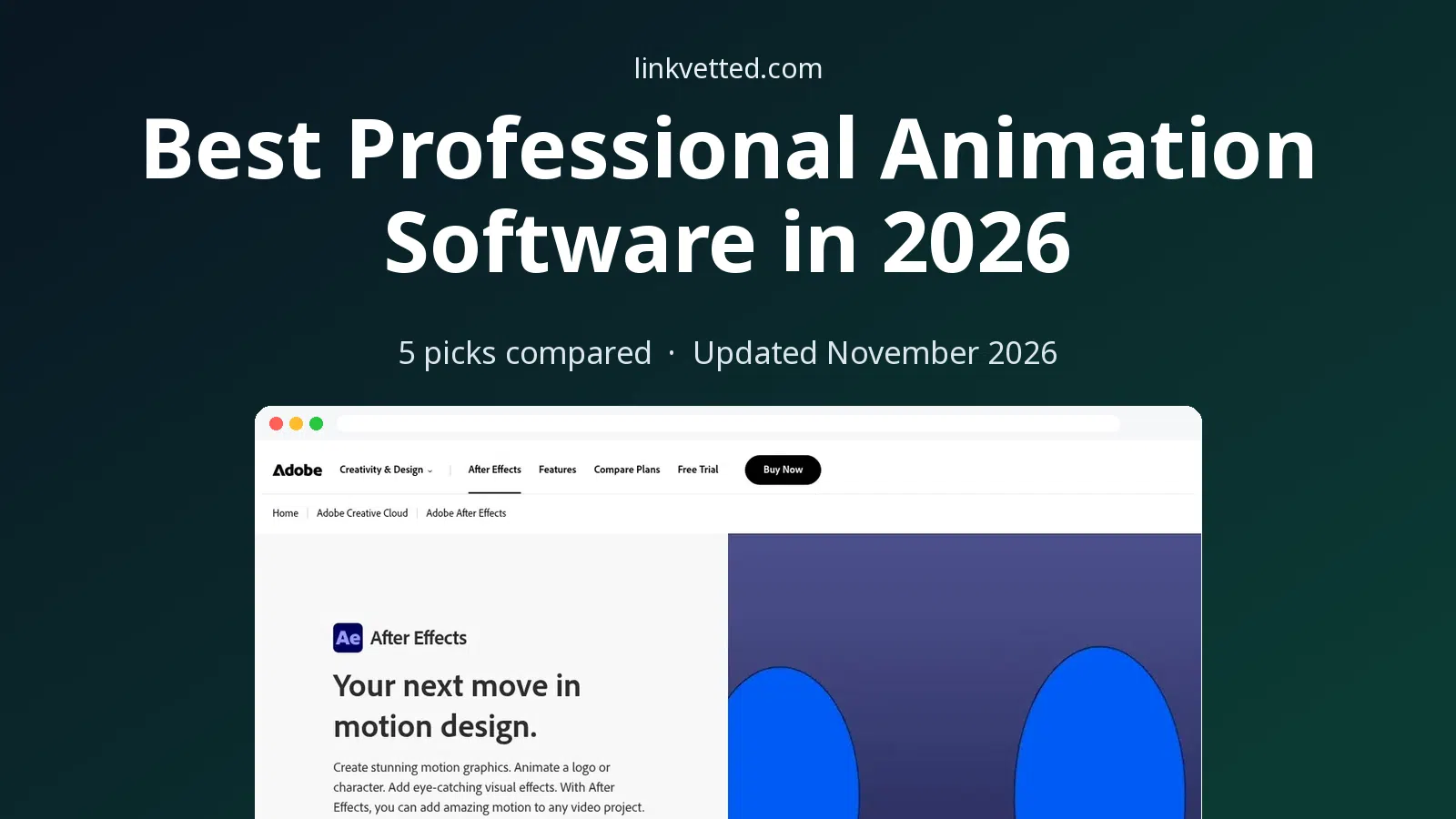
- Editor's choice
 Adobe Animate
Interactive 2D and web animation
Starts atPricing on requestVisit adobe.comFull review - Great alternative
 Houdini
Procedural VFX and simulation
Starts atPricing on requestVisit sidefx.comFull review - Also consider
 Adobe After Effects
Motion graphics and compositing
Starts atPricing on requestVisit adobe.comFull review
Direct answer
Start with Adobe Animate if you need interactive 2D and web animation. Houdini is the stronger choice for Procedural VFX and simulation, while Adobe After Effects suits motion graphics and compositing. Details and limits for the rest of the 5 tools are below. None of these vendors publish plan prices, so pricing is on request for every option.
TL;DR:
- This list starts with Adobe Animate, which is built for interactive 2D and web animation.
- Adobe Animate, Cinema 4D and the 3 others all sell by quote; expect sales conversations before you see a price.
- Cinema 4D fits 3D motion graphics and visualization.
- Neither Adobe Animate nor Cinema 4D, nor any of the other 3 tools, has a permanent free plan; trials and quotes are the norm.
Last checked November 2026. Pricing on request: vendors did not publish plan prices when this guide was last checked (November 2026), so ask each vendor for a written quote.
Quick comparison
| Tool | Best for | Starts at | Free plan? | |
|---|---|---|---|---|
| Adobe Animate | Interactive 2D and web animation | Pricing on request | Not stated | Visit |
| Houdini | Procedural VFX and simulation | Pricing on request | Not stated | Visit |
| Adobe After Effects | Motion graphics and compositing | Pricing on request | Not stated | Visit |
 Autodesk Maya | 3D character animation and VFX | Pricing on request | Not stated | Visit |
 Cinema 4D | 3D motion graphics and visualization | Pricing on request | Not stated | Visit |
5 options for professional animation software in detail
If you are comparing professional animation software, this page covers 5 tools in one place: what each is best for, what it costs to start, whether it has a free plan, and the main limit to know about.
Where Adobe Animate fits: interactive 2D and web animation. Adobe Animate is 2D animation software for creating Flash animation films, GIFs and cartoons, with tools for puppet design and tweening.
Pricing for Adobe Animate is not stated here, so ask the vendor for current figures. Free plan details: Not stated.
Drawbacks to consider: Less suited for high-end 2D series.
- Tools for puppet design and tweening
- GIFs and cartoons
- Subscription-based licensing
Where Houdini fits: Procedural VFX and simulation. It suits VFX artists and technical directors in film, TV and game development who require procedural control for effects, simulation and complicated scenes.
Limits to weigh: Node-based workflow can be intimidating.
The procedural, node-based approach includes a steep ramp-up time and may be overkill for more straightforward motion graphics or 2D animation. Houdini shows no starting price here, so confirm the cost on the vendor site. Trial and free access: Not stated.
- Very good for iterative workflows
- Capable for effects and simulation
- Steep ramp-up time
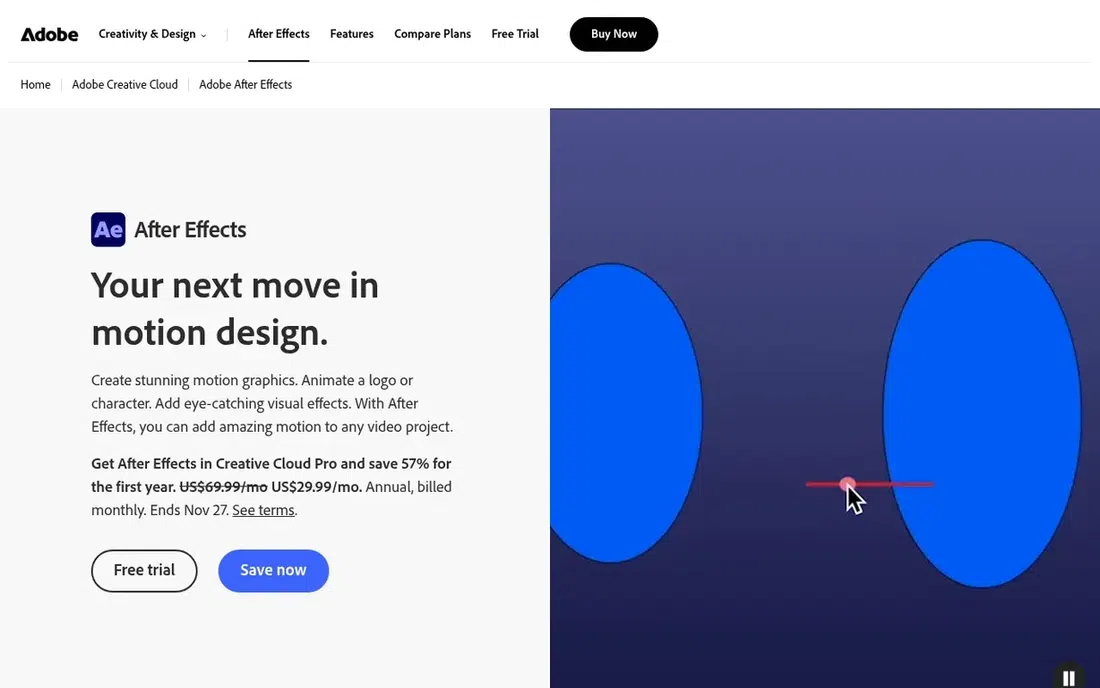
Adobe After Effects is designed for motion graphics and compositing. It suits animators and designers who require to combine typography, effects and footage into refined motion pieces, and it is widely adopted in broadcast and online content workflows.
Honest limits: Can be demanding on system resources.
The software is licensed by subscription and can be resource-intensive for complicated projects. Check the vendor site for Adobe After Effects pricing; none is listed in this comparison. Free options: Not stated.
- Industry-standard for motion graphics
- Solid integration with Adobe ecosystem
- Subscription-based licensing
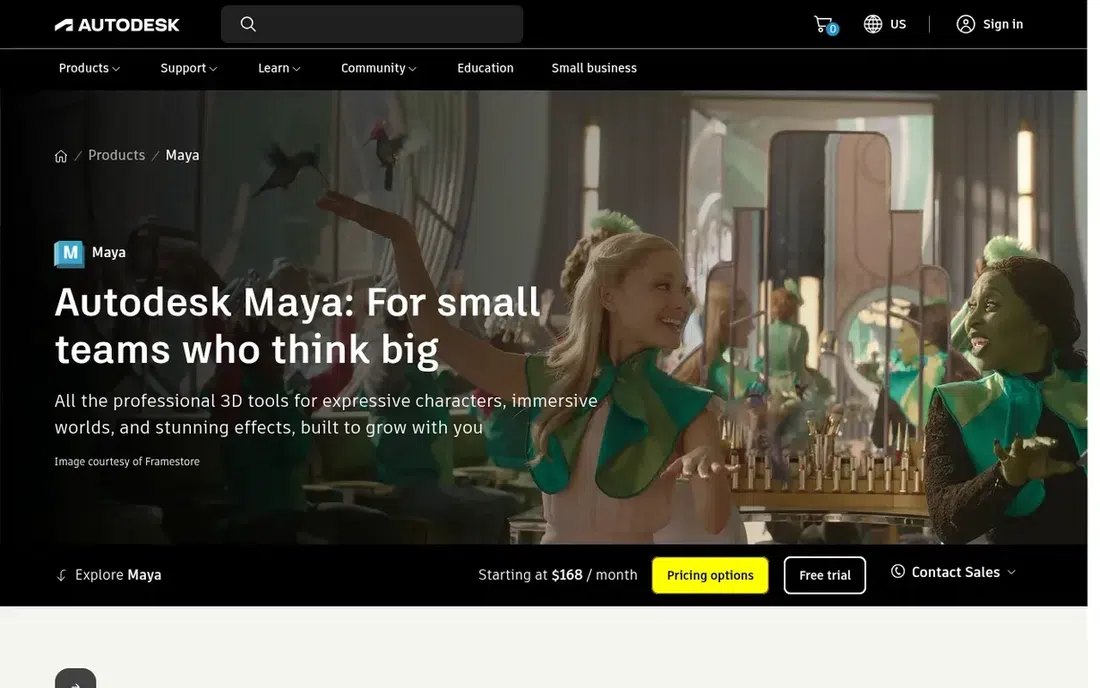
Autodesk Maya is a good fit for 3D character animation and VFX. Maya is professional 3D animation and VFX software for creating expansive worlds, complicated characters and realistic effects.
Where it is weaker: Steep ramp-up time.
Worth adding: Maya has a steep ramp-up time and demands capable hardware, which can be a barrier for beginners or smaller teams. No starting price is listed for Autodesk Maya here; confirm pricing on the vendor site. As for free access: Not stated.
- Widely used in professional studios
- Comprehensive 3D animation toolset
- Needs feature-rich hardware
Cinema 4D serves 3D motion graphics and visualization. Cinema 4D is a 3D modeling, animation and rendering application known for its approachable workflow and use in motion graphics and visualization.
Downsides: Needs capable hardware.
Worth adding: teams concentrated on procedural workflows or deep VFX simulation may find those tools more appropriate. For everyday use, whereas capable for plenty of 3D tasks, it is less specialized for complicated character animation and large-scale effects than Maya or Houdini. Cinema 4D does not show a starting price in this comparison, so check the vendor site for current pricing. Free access: Not stated.
- Solid for motion graphics
- Decent integration with compositing tools
- Less specialized for character animation
What went into this list
Questions to settle before buying
- Ask each vendor, from Adobe Animate to Cinema 4D, for a written quote; none of them publishes a starting price.
- Read the limits listed for Adobe Animate first: subscription-based licensing.
- A short pilot of Cinema 4D with your real workflow tells you more than a feature table.
- See whether Autodesk Maya offers onboarding or training, and whether it is included in the price.
- Check whether Adobe After Effects bills monthly or annually, and what cancelling early costs.
FAQ
Do these tools publish their prices?
No. None of the tools, from Adobe Animate to Cinema 4D, shows a fixed starting price here, so budget time for quotes.
What is the best animation software for beginners?
Adobe Animate comes first here and is built for interactive 2D and web animation. Buyers with other needs may prefer Houdini (for Procedural VFX and simulation) or Adobe After Effects (for motion graphics and compositing). Compare costs and limits first.
Does any tool for professional animation software here have a free plan?
No tool in this list, Adobe Animate and Cinema 4D included, has a permanent free plan. Trials and quotes are the usual route, so plan a short evaluation period.
Is Adobe Animate the right pick for everyone comparing professional animation software?
No single tool suits every team. Adobe Animate comes first because it fits interactive 2D and web animation, while Houdini suits Procedural VFX and simulation and Adobe After Effects suits motion graphics and compositing. Match the tool to your own size, budget and workflow before deciding.
Can I try these options before paying?
Not by default. None of the tools, from Adobe Animate to Cinema 4D, lists a free plan or a free trial here, so ask each vendor for a demo before committing.
Sources
- https://www.adobe.com/products/animate.html
- https://www.sidefx.com/products/houdini
- https://www.adobe.com/products/aftereffects.html
- https://www.autodesk.com/products/maya/overview
- https://www.maxon.net/en/cinema-4d