Best Professional Photo Retouching Software in 2026: Prices, Free Plans and 5 Picks
5 tools for the best professional photo retouching software, compared on pricing, free plans and best-fit use. Strengths and weak spots are spelled out.
- Editor's choice
 Affinity Photo
Precise editing with creative freedom
Starts atSee websiteVisit affinity.serif.comFull review - Great alternative
 Adobe Lightroom
Editing and organizing across desktop and mobile
Starts atSee websiteVisit adobe.comFull review - Also consider
 ON1 Photo RAW
All-in-one raw editing and organization
Starts at$49.99Visit on1.comFull review
Direct answer
Affinity Photo comes first here, mainly for precise editing with creative freedom. Listed starting prices: ON1 Photo RAW from $49.99. Alternatives: Adobe Lightroom for editing and organizing across desktop and mobile, and ON1 Photo RAW for all-in-one raw editing and organization. All 5 tools are compared below on price, free plan and limits.
TL;DR:
- Affinity Photo is the opening pick, best for precise editing with creative freedom.
- For deep layer-based retouching and compositing, Adobe Photoshop is worth a look.
- Expect to ask for a quote from Affinity Photo, Adobe Lightroom, Corel PaintShop Pro and Adobe Photoshop; the other tools show a starting price.
- None of the 5 tools, from Affinity Photo to Adobe Photoshop, has a free plan, so budget for a subscription or use a trial.
- Affinity Photo comes with a trade-off: smaller ecosystem than Adobe.
Last checked November 2026. Prices and plan details were read from the vendors' own pages in November 2026; vendors change plans often, so confirm the current price on the vendor site before you buy.
Quick comparison
| Tool | Best for | Starts at | Free plan? | |
|---|---|---|---|---|
| Affinity Photo | Precise editing with creative freedom | See website | Not stated | Visit |
| Adobe Lightroom | Editing and organizing across desktop and mobile | See website | Not stated | Visit |
| ON1 Photo RAW | All-in-one raw editing and organization | $49.99 | Free trial | Visit |
 Corel PaintShop Pro | Accessible editing with tutorials and updates | See website | Not stated | Visit |
 Adobe Photoshop | Deep layer-based retouching and compositing | See website | Not stated | Visit |
Professional Photo Retouching Software compared in detail
LinkVetted compared 5 tools for professional photo retouching software. The goal is a practical shortlist: published prices, free plan facts, best-fit use cases and honest limits for every entry.
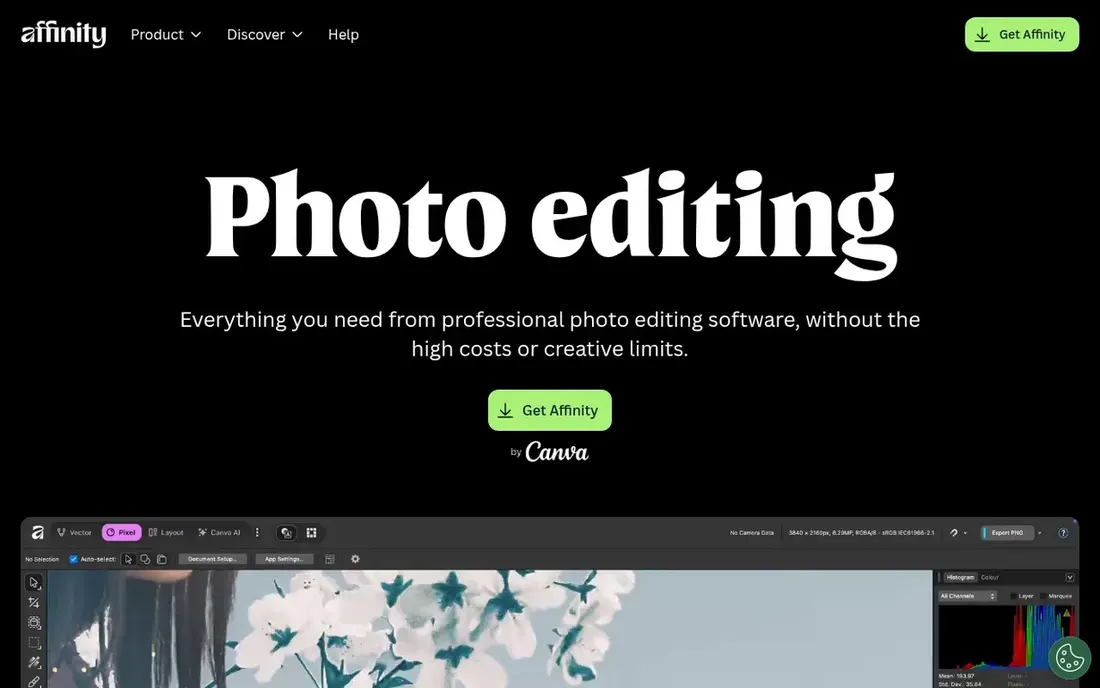
Affinity Photo is a good fit for precise editing with creative freedom. Affinity Photo is a professional photo editor marketed around precision, speed and total creative freedom.
Where it falls short: Smaller ecosystem than Adobe.
On top of that, Affinity Photo has a smaller ecosystem of plugins and integrations than some rivals, which can matter in team workflows. Affinity Photo shows no starting price here, so confirm the cost on the vendor site. On free options: Not stated.
- Quick performance
- Made for creative freedom
- Fewer external integrations
Adobe Lightroom is designed for editing and organizing across desktop and mobile. Adobe Lightroom is made for professional photographers and enthusiasts who want to make capable photos from anywhere through editing and organizing. Its homepage stresses desktop, web and mobile access.
Honest limits: Subscription-based access.
As for the details, if your work is largely precision retouching instead of catalog-driven processing, a dedicated editor may be the better primary tool. In practice, Lightroom is not a full layered pixel editor, so in-depth retouching for example skin cleanup or compositing normally calls for Photoshop alongside it. Adobe Lightroom shows no starting price here, so confirm the cost on the vendor site. Free options: Not stated.
- Web and mobile
- Editing and organizing combined
- Less precise than a full pixel editor
ON1 Photo RAW makes the most sense for all-in-one raw editing and organization. ON1 Photo RAW is an AI-powered raw photo editor that merges editing, organizing and processing in a single application.
Best features of ON1 Photo RAW: One-time purchase model.
Its homepage emphasizes pro-level quality and a one-time purchase with no subscription required. For everyday use, check the vendor site for current feature and compatibility details. ON1 Photo RAW pricing: $49.99. Free access: Free trial.
Watch-outs: Interface can feel busy.
- Editing
- Organizing and processing in one
- Less deep than dedicated compositors
Corel PaintShop Pro serves accessible editing with tutorials and updates. Corel PaintShop Pro is a photo editing application whose official site offers product information, updates, tutorials and videos. It can handle everyday correction, cleanup and creative editing tasks.
Watch-outs: Less industry-standard than Adobe.
In daily use, PaintShop Pro is less of an industry standard than Adobe tools, which can matter when exchanging layered files with collaborators. Retouchers doing high-end commercial work may need a more specialized editor, whereas casual users should confirm which features belong to which edition on the vendor site. Corel PaintShop Pro does not show a starting price in this comparison, so check the vendor site for current pricing. Free plan details: Not stated.
- Tutorials and videos available
- Product information and updates in one place
- Feature depth varies by edition
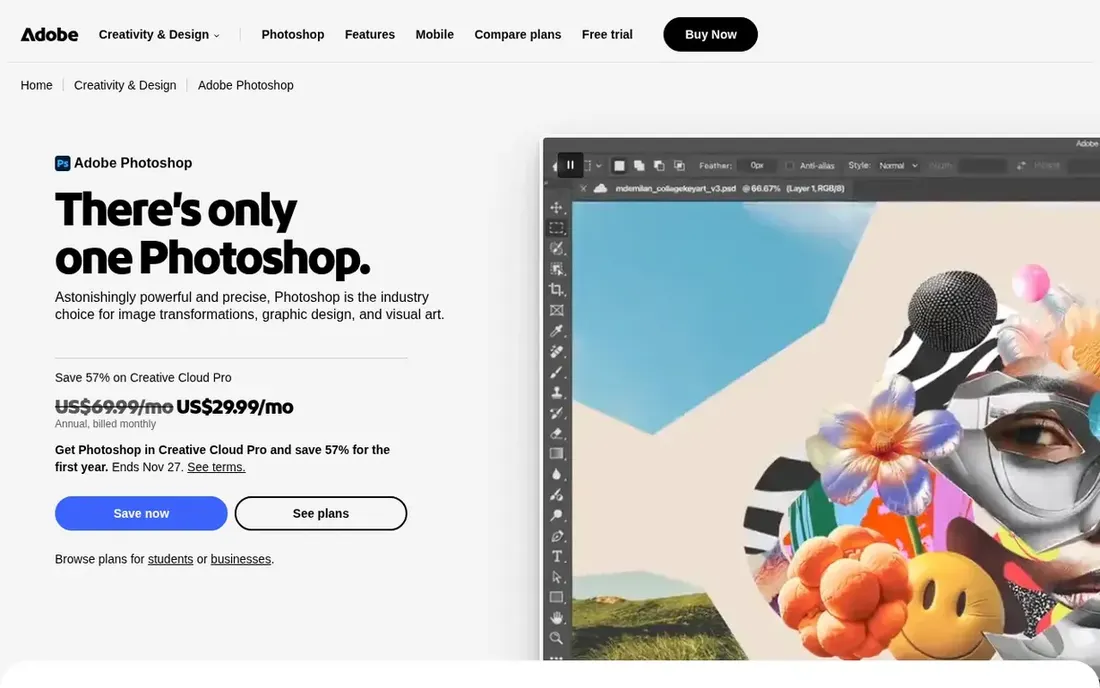
Choose Adobe Photoshop for deep layer-based retouching and compositing. Adobe Photoshop is a long-standing standard for professional image editing, built around layers, selections and precise pixel control. Its homepage flags fast ways to create custom scenes, make complicated edits and combine images online or through the mobile app.
For everyday use, the depth of Photoshop means a steeper ramp-up time and subscription-based access instead of a one-time purchase. Worth adding: Retouchers who chiefly process large RAW batches may prefer a catalog-centered tool, and those wanting a more straightforward, focused editor may find a lighter choice simpler to live with. No starting price is listed for Adobe Photoshop here; confirm pricing on the vendor site. Free plan details: Not stated.
What to check first: Subscription-based access.
- Deep layer and selection tools
- Works online and on mobile
- Dense interface for newcomers
How we compared the tools
The comparison looks at four things: starting price, free access, how well the feature set matches professional photo retouching software, and the main limit of each tool. Seat minimums, billing terms and add-ons can move the real cost, so the starting prices here are a guide and not a quote. The order reflects how well each tool fits the most common buying scenario for professional photo retouching software, then price clarity, then free plan access. It is a starting point, not a verdict.
Things to verify first
- Get a written quote from Affinity Photo, Adobe Lightroom, Corel PaintShop Pro and Adobe Photoshop; the list shows no starting price for them.
- Take the trial from ON1 Photo RAW and push a live task through it before you pay.
- Read the limits listed for Affinity Photo first: smaller ecosystem than Adobe.
- Ask Adobe Lightroom whether prices are locked for the first term and what happens at renewal.
- Price Affinity Photo for your actual team size; headline prices rarely include add-ons or overage.
FAQ
What should I check before buying retouching software?
Confirm file format support, layered editing, tethering, catalog features and system requirements. Also review how the software fits your existing workflow and whether you need cross-device access. Vendor sites list the authoritative details for each product.
How are the tools for professional photo retouching software ordered?
Affinity Photo sits first and Adobe Photoshop last because the order follows typical fit for professional photo retouching software, then price clarity and free access. It is a judgement call, so read each profile for fit and limits.
Do these tools publish their prices?
Not all of them. Affinity Photo, Adobe Lightroom, Corel PaintShop Pro and Adobe Photoshop publish no starting price, so expect a quote request for those. The rest, ON1 Photo RAW included, show a starting price, though seats and billing terms still change the final cost.
Does any tool for professional photo retouching software here have a free plan?
No tool in this list, Affinity Photo and Adobe Photoshop included, has a permanent free plan. ON1 Photo RAW offer a trial. Trials and quotes are the usual route, so plan a short evaluation period.
Is a one-time purchase choice available?
Check each vendor site for current licensing details, since terms can change. Your choice should match how commonly you upgrade and how you collaborate with others.
Can I try these options before paying?
Often, yes. ON1 Photo RAW offers a free trial. Use your own data and a real task during the test, and check what the free tier or trial limits before you rely on it. Each of the 5 options in this professional photo retouching software guide has its own card above with the price, free plan and limits.
Sources
- https://affinity.serif.com/en-us/photo
- https://www.adobe.com/products/photoshop-lightroom.html
- https://www.on1.com/products/photo-raw
- https://www.paintshoppro.com
- https://www.adobe.com/products/photoshop.html