The 5 Best Photo Retouching Software for Portrait Photographers in 2026, Ranked
Best photo retouching software for portrait photographers: 5 tools compared on price, free plans and fit. Honest caveats for every entry. See the full list.
- Editor's choice
 Adobe Lightroom
Efficient organizing and global adjustments
Starts atSee websiteVisit adobe.comFull review - Great alternative
 ON1 Photo RAW
All-in-one raw editing and organization
Starts at$49.99Visit on1.comFull review - Also consider
 Capture One
Tethering and color precision in studio
Starts atSee websiteVisit captureone.comFull review
Direct answer
Adobe Lightroom comes first here, mainly for efficient organizing and global adjustments. Listed starting prices: ON1 Photo RAW from $49.99. ON1 Photo RAW is the stronger choice for all-in-one raw editing and organization, while Capture One suits Tethering and color precision in studio. The full list of 5 tools follows, with prices and free plan facts.
TL;DR:
- Top of the list is Adobe Lightroom, which targets efficient organizing and global adjustments.
- For precise, layer-based portrait retouching, Adobe Photoshop is worth a look.
- One limit worth knowing about Adobe Lightroom: restricted local retouching precision.
- A permanent free plan is missing from all 5 tools, Adobe Lightroom and Adobe Photoshop included; plan for a trial or a premium start.
Last checked November 2026. Prices and plan details were read from the vendors' own pages in November 2026; vendors change plans often, so confirm the current price on the vendor site before you buy.
Quick comparison
| Tool | Best for | Starts at | Free plan? | |
|---|---|---|---|---|
| Adobe Lightroom | Efficient organizing and global adjustments | See website | Not stated | Visit |
| ON1 Photo RAW | All-in-one raw editing and organization | $49.99 | Free trial | Visit |
| Capture One | Tethering and color precision in studio | See website | Not stated | Visit |
| Skylum Luminar Neo | AI-assisted fast portrait enhancements | See website | No | Visit |
 Adobe Photoshop | Precise, layer-based portrait retouching | See website | Not stated | Visit |
The best photo retouching software for portrait photographers
If you are comparing photo retouching software for portrait photographers, this page covers 5 tools in one place: what each is best for, what it costs to start, whether it has a free plan, and the main limit to know about.
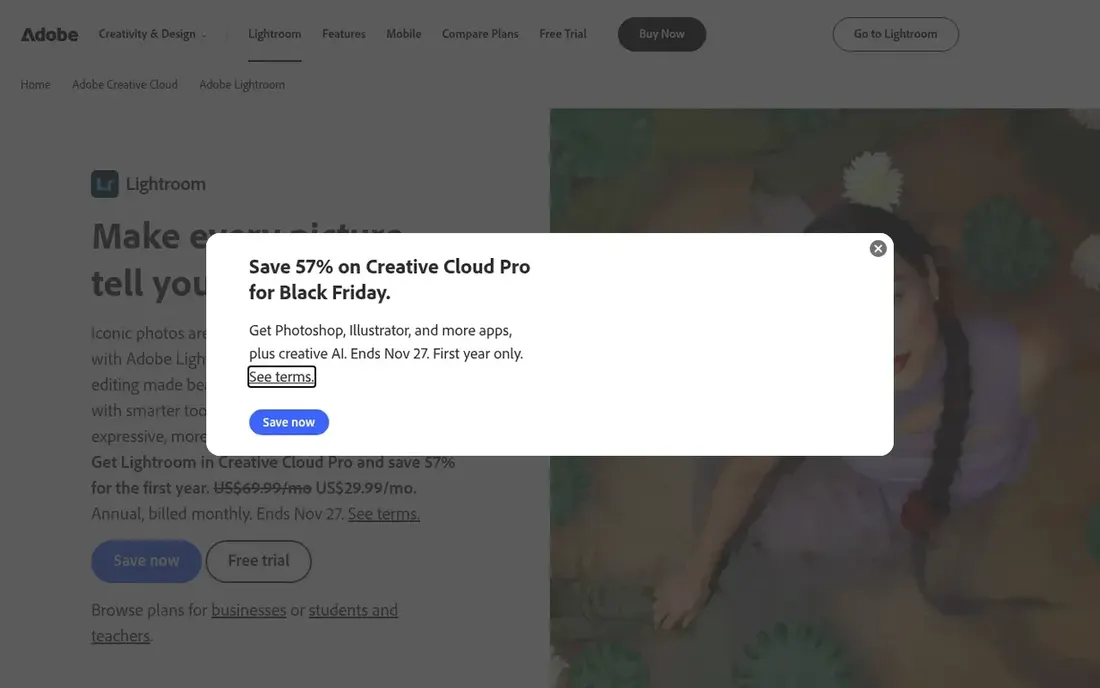
For efficient organizing and global adjustments, Adobe Lightroom is a natural candidate. Adobe Lightroom is a photo editing and organizing application aimed at photographers who need to handle large volumes of images. It supplies feature-rich global adjustments, presets, and cloud synchronization, making it a strong match for portrait photographers who want to simplify their workflow from capture to delivery.
Drawbacks to consider: Restricted local retouching precision.
The software's non-destructive editing and easy-to-learn interface help maintain consistency across a shoot. For advanced retouching, photographers frequently round-trip to Photoshop. Those seeking a one-time purchase might prefer alternatives. Adobe Lightroom does not show a starting price in this comparison, so check the vendor site for current pricing. Free options: Not stated.
- Smooth sync across devices
- Quick global edits
- Subscription required
Choose ON1 Photo RAW for all-in-one raw editing and organization. ON1 Photo RAW is an AI-powered raw photo editor that merges editing, organizing, and processing in a single application. It gives you pro-level quality with tools like AI masking and sky replacement, making it right for portrait photographers who want a simplified workflow without subscriptions.
What to check first: Smaller ecosystem than Adobe.
From a buyer's view, for photographers deeply integrated into Adobe's ecosystem, switching might need adjusting workflows. ON1 Photo RAW may perform slowly on older hardware, and its plugin ecosystem is smaller compared with industry giants. Price to start with ON1 Photo RAW: $49.99. Trial and free access: Free trial.
- Integrated organization
- AI-powered editing features
- Can be resource-intensive
Capture One works best for Tethering and color precision in studio. Capture One may be less easy-to-learn for beginners and lacks some of the advanced compositing features found in pixel-level editors.
Where it falls short: Restricted layer-based compositing.
Pricing for Capture One is not stated here, so ask the vendor for current figures. As for free access: Not stated.
- Very good RAW processing
- Feature-rich tethering capabilities
- Higher ramp-up time
Skylum Luminar Neo
Best for: AI-assisted fast portrait enhancements
Skylum Luminar Neo makes the most sense for AI-assisted fast portrait enhancements. It comes with features like face retouching, skin smoothing, and eye enhancement, making it accessible for portrait photographers who want fast, effective results.
Where it falls short: Restricted advanced compositing.
Photographers needing broad layer-based editing might find it insufficient. Skylum Luminar Neo does not show a starting price in this comparison, so check the vendor site for current pricing. No free plan comes with Skylum Luminar Neo.
- AI-powered retouching tools
- Quick edits
- Less manual control
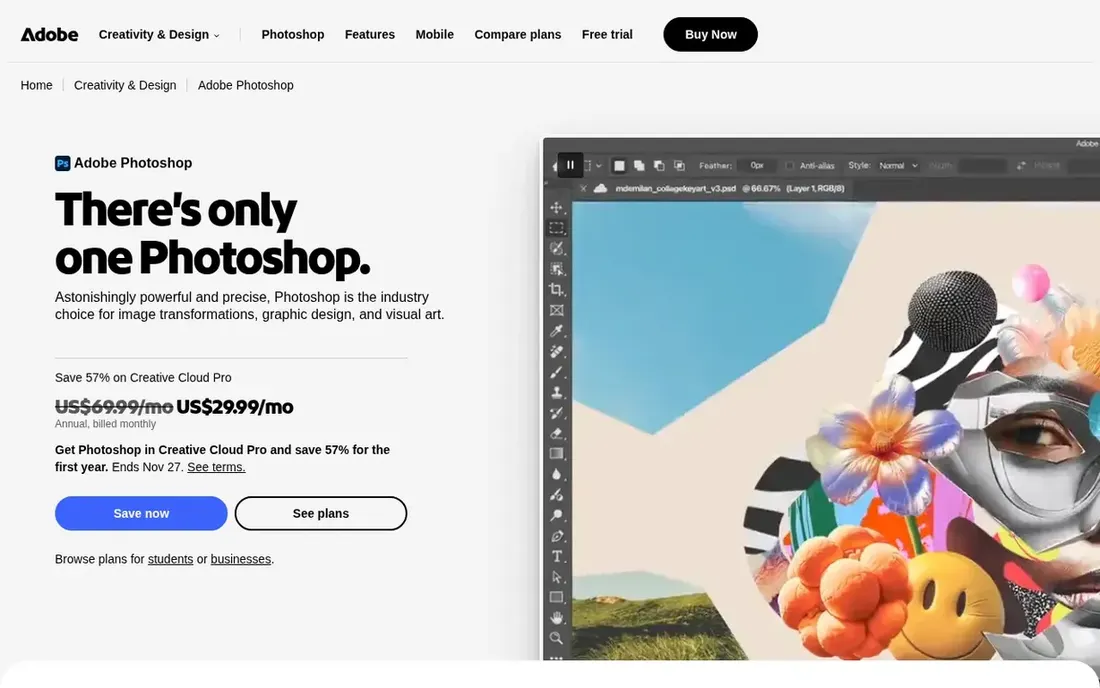
Adobe Photoshop serves precise, layer-based portrait retouching. Adobe Photoshop is a full image editor widely used for portrait retouching. It gives you capable tools for skin smoothing, blemish removal, and in-depth adjustments through layers and masks.
The main drawbacks: Can be complicated for beginners.
Photoshop has a steep ramp-up time and may overwhelm those new to retouching. In practice, for more straightforward, quicker edits, lighter alternatives may be more efficient. The subscription model might not suit photographers who prefer one-time purchases. Check the vendor site for Adobe Photoshop pricing; none is listed in this comparison. Trial and free access: Not stated.
- Advanced healing and cloning tools
- Wide file format support
- Needs subscription
How we compared the tools
We compared the tools on published pricing, free plan or trial availability, feature coverage for photo retouching software for portrait photographers, and the limits each vendor documents. Treat prices as a snapshot: vendors change plans often, so check the vendor site for the figure that applies today. Position on the page reflects fit for a typical buyer first, with price clarity and free access breaking ties. Treat it as a guide, not a ruling.
What to check before you buy
- Confirm the entry price on the vendor page. For Adobe Lightroom, Capture One, Skylum Luminar Neo and Adobe Photoshop that means a quote rather than a fixed price.
- Take the trial from ON1 Photo RAW and push a live task through it before you pay.
- Before choosing Adobe Lightroom, weigh its main limit: restricted local retouching precision.
- Map your must-have features to a specific Adobe Lightroom plan before you compare prices.
- Confirm that Capture One connects to the apps your team already uses, on the plan you would actually buy.
FAQ
How are the photo retouching software for portrait photographers ordered?
The order follows typical fit for photo retouching software for portrait photographers, with Adobe Lightroom first and Adobe Photoshop last, then price clarity and free access. It is editorial judgement, not a score, so another team could rank the tools differently.
Can I try these tools before paying?
Often, yes. ON1 Photo RAW offers a free trial. Use your own data and a real task during the test, and check what the free tier or trial limits before you rely on it. All 5 picks in this photo retouching software for portrait photographers comparison list a starting price, free plan details and the main limits on their cards above.
What is the best photo retouching software for beginners?
Adobe Lightroom is the pick this page puts first, mainly for efficient organizing and global adjustments. If your situation differs, ON1 Photo RAW suits all-in-one raw editing and organization, and Capture One suits Tethering and color precision in studio. Compare price and limits before you decide.
Do these tools publish their prices?
Not all of them. Adobe Lightroom, Capture One, Skylum Luminar Neo and Adobe Photoshop publish no starting price, so expect a quote request for those. The rest, ON1 Photo RAW included, show a starting price, though seats and billing terms still change the final cost.
Is Adobe Lightroom the right pick for everyone comparing photo retouching software for portrait photographers?
No single tool suits every team. Adobe Lightroom comes first because it fits efficient organizing and global adjustments, while ON1 Photo RAW suits all-in-one raw editing and organization and Capture One suits Tethering and color precision in studio. Match the tool to your own size, budget and workflow before deciding.
Sources
- https://www.adobe.com/products/photoshop-lightroom.html
- https://www.on1.com/products/photo-raw
- https://www.captureone.com
- https://skylum.com/luminar
- https://www.adobe.com/products/photoshop.html