Photo Editing Software for Portrait Studios in 2026: The 5 Best Options Side by Side
5 best photo editing software for portrait studios, with entry costs, free tiers and the buyer each one serves. Real limits included. Read the profiles.
- Editor's choice
 Affinity Photo
Precise editing without subscription pressure
Starts atSee websiteVisit affinity.serif.comFull review - Great alternativeSkylum Luminar Neo
Quick AI-assisted portrait adjustments
Starts atSee websiteVisit skylum.comFull review - Also consider
 Capture One
Tethered studio shoots with precise control
Starts atSee websiteVisit captureone.comFull review
Direct answer
Start with Affinity Photo if you need precise editing without subscription pressure. Listed starting prices: ON1 Photo RAW from $49.99. Look at Skylum Luminar Neo for fast AI-assisted portrait adjustments, and at Capture One for tethered studio shoots with precise control. Prices, free plans and limits for all 5 tools follow.
TL;DR:
- The list opens with Affinity Photo, aimed at precise editing without subscription pressure.
- ON1 Photo RAW comes with a trade-off: smaller ecosystem than major suites.
- Pricing for Affinity Photo, Skylum Luminar Neo, Capture One and Adobe Photoshop is quote-based, which adds a sales step before you can compare cost.
- Affinity Photo, Adobe Photoshop and the 3 others all need a premium plan or a trial, since no free plan is listed.
Last checked November 2026. Prices and plan details were read from the vendors' own pages in November 2026; vendors change plans often, so confirm the current price on the vendor site before you buy.
Quick comparison
| Tool | Best for | Starts at | Free plan? | |
|---|---|---|---|---|
| Affinity Photo | Precise editing without subscription pressure | See website | Not stated | Visit |
| Skylum Luminar Neo | Quick AI-assisted portrait adjustments | See website | No | Visit |
| Capture One | Tethered studio shoots with precise control | See website | Not stated | Visit |
 ON1 Photo RAW | All-in-one raw editing and organization | $49.99 | Free trial | Visit |
 Adobe Photoshop | Deep layered retouching and compositing | See website | Not stated | Visit |
Photo Editing Software for Portrait Studios, one by one
LinkVetted put together this guide to photo editing software for portrait studios for readers who want a clear shortlist without reading every vendor page. It compares 5 tools on starting price, free plans, who each one suits and where each one falls short.
Affinity Photo works best for precise editing without subscription pressure. It lacks the deep catalog and culling features of dedicated organizing applications, so high-volume studios commonly pair it with separate asset management.
Upsides: Precision editing tools.
Honest limits: No built-in catalog management.
Choose it for editing power, and plan your organization workflow separately. Check the vendor site for Affinity Photo pricing; none is listed in this comparison. As for free access: Not stated.
- Quick
- Professional feature set
- Smaller external ecosystem
Skylum Luminar Neo
Best for: Quick AI-assisted portrait adjustments
Skylum Luminar Neo targets quick AI-assisted portrait adjustments. It is approachable for photographers who want results without a deep technical curve. Choose it for efficient everyday adjustments, not for the most demanding retouching jobs.
Studios needing precise channel work, complicated masking or deep asset management may outgrow it. The emphasis on automation means fewer granular manual controls than professional retouching suites offer. Check the vendor site for Skylum Luminar Neo pricing; none is listed in this comparison. There is no free plan with Skylum Luminar Neo.
Limits to weigh: Fewer manual precision controls.
- Fast creative adjustments
- Simple interface for PC and Mac
- Restricted catalog depth
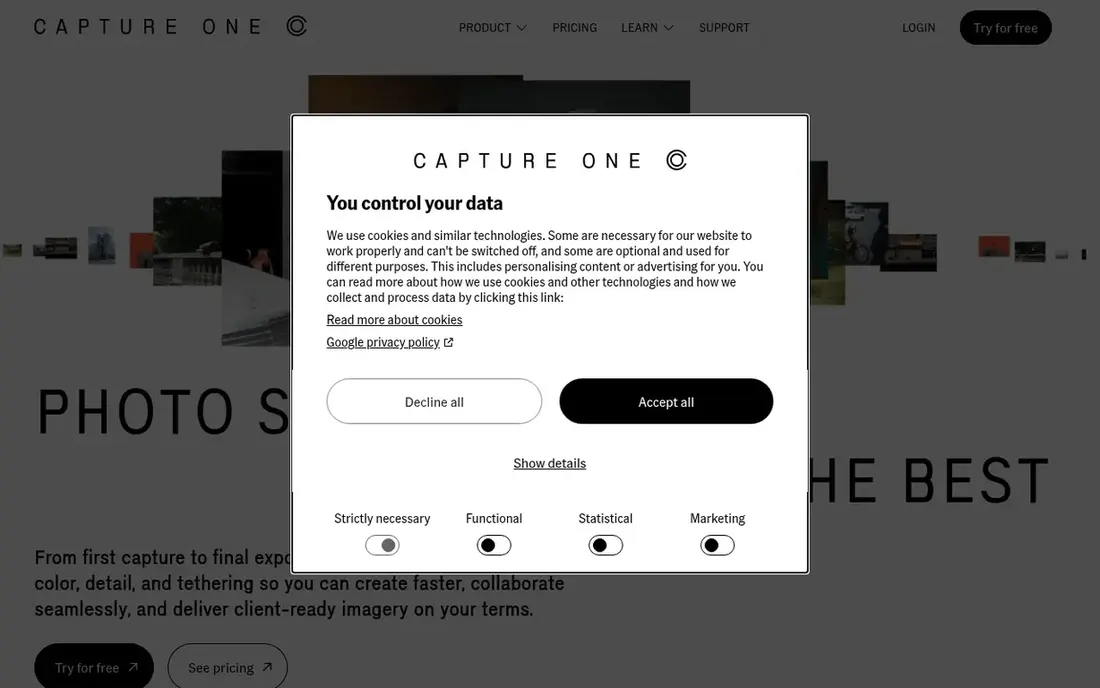
Capture One is aimed squarely at tethered studio shoots with precise control. Capture One is positioned for photographers who demand precision and control, with advanced editing tools, RAW handling and tethering aimed at studio environments. Portrait studios that shoot tethered and want consistent color and detail from capture through edit will find it a solid fit.
The main drawbacks: Less suited to heavy compositing.
Its toolset supports careful adjustments instead of fast automatic fixes. Consider it when tethering and RAW precision are central to your studio process. Capture One shows no starting price here, so confirm the cost on the vendor site. Trial and free access: Not stated.
- Capable tethering capabilities
- Advanced editing tools
- Ramp-up time for newcomers
Pick ON1 Photo RAW if this describes you: all-in-one raw editing and organization. ON1 Photo RAW is an AI-powered raw editor that merges editing, organizing and processing in a single application with pro-level quality goals. From a buyer's view, the one-time purchase approach appeals to studios that avoid recurring commitments.
Its ecosystem of plug-ins, learning resources and integrations is smaller than the largest editing suites. Some users report an adjustment period with the interface and module layout. Portrait studios that prefer an all-in-one hub for raw files and catalogs may find it a practical alternative to juggling separate tools. Starting cost for ON1 Photo RAW: $49.99. Free options: Free trial.
Highlights: AI-powered raw processing.
Where it falls short: Smaller ecosystem than major suites.
- One-time purchase model
- Editing and organizing together
- Interface takes adjustment
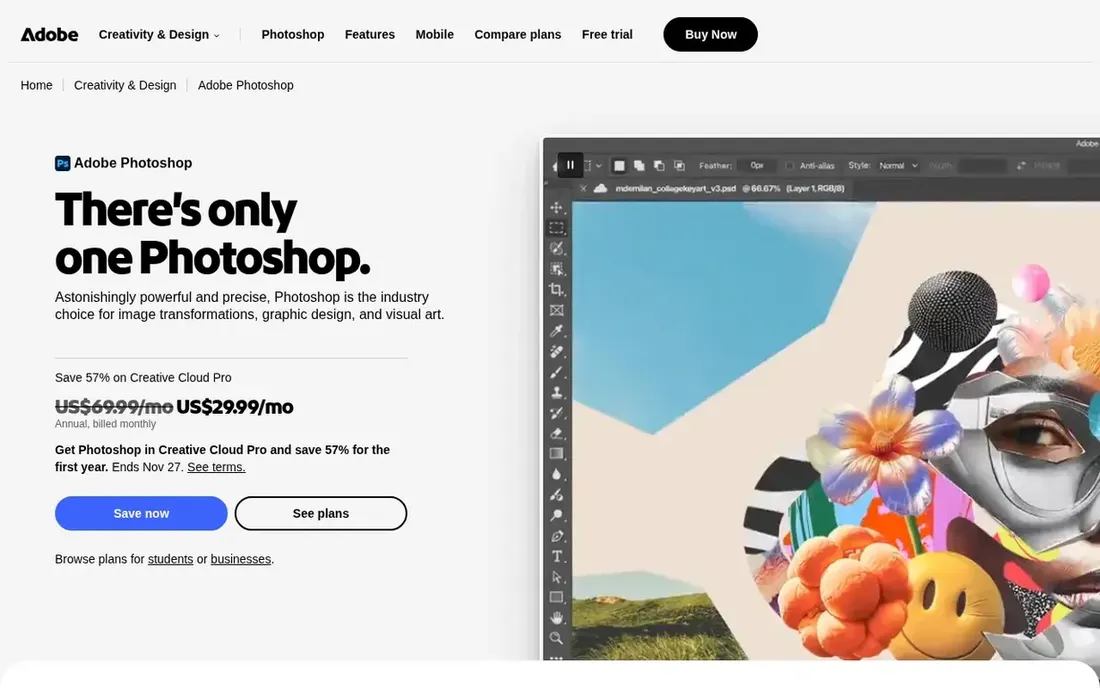
Adobe Photoshop serves deep layered retouching and compositing. Adobe Photoshop is the industry reference for pixel-level editing, offering layered retouching, masking, healing and compositing in one environment. For everyday use, for portrait studios it suits workflows that demand in-depth skin work, background cleanup and creative composites, and it runs on desktop and online with a mobile app.
Its depth includes complexity, and new users face a real ramp-up time before retouching becomes efficient. Beyond that, choose a lighter editor if your work is largely global adjustments. This comparison lists no price for Adobe Photoshop; ask the vendor. Free plan details: Not stated.
Points against: Steeper ramp-up time.
- Merges images and builds custom scenes
- Extensive layer and masking tools
- Subscription-based access
How the list was put together
What to confirm before you sign up
- Ask Affinity Photo, Skylum Luminar Neo, Capture One and Adobe Photoshop for a written quote, since no starting price is shown.
- Use real work to test the free trial from ON1 Photo RAW, rather than a demo project.
- Before choosing Affinity Photo, weigh its main limit: no built-in catalog management.
- Confirm that Affinity Photo connects to the apps your team already uses, on the plan you would actually buy.
- Ask Adobe Photoshop about contract length, onboarding fees and user minimums before you sign.
FAQ
Can I try these tools before paying?
Often, yes. ON1 Photo RAW offers a free trial. Use your own data and a real task during the test, and check what the free tier or trial limits before you rely on it. Prices, free plan details and limits for all 5 tools in this photo editing software for portrait studios roundup sit on the individual cards above.
Does any tool for photo editing software for portrait studios here have a free plan?
A permanent free plan is not offered by Affinity Photo, Adobe Photoshop or the other tools here. ON1 Photo RAW offer a trial. Plan a short evaluation period instead.
What should small portrait studios prioritize?
Small studios commonly benefit from quick culling, consistent color and approachable retouching tools before advanced compositing. Luminar Neo and Lightroom suit quicker workflows, whereas Photoshop and Affinity Photo add depth as demands grow.
Do portrait studios need both an organizer and a pixel editor?
Numerous studios separate culling and catalog work from in-depth retouching, using Lightroom or ACDSee for organization and Photoshop or Affinity Photo for layers. The right balance relies on session volume and retouch depth.
How are the tools for photo editing software for portrait studios ordered?
Affinity Photo sits first and Adobe Photoshop last because the order follows typical fit for photo editing software for portrait studios, then price clarity and free access. It is a judgement call, so read each profile for fit and limits.
Do these tools publish their prices?
Not all of them. Affinity Photo, Skylum Luminar Neo, Capture One and Adobe Photoshop publish no starting price, so expect a quote request for those. The rest, ON1 Photo RAW included, show a starting price, though seats and billing terms still change the final cost.
Sources
- https://affinity.serif.com/en-us/photo
- https://skylum.com/luminar
- https://www.captureone.com
- https://www.on1.com/products/photo-raw
- https://www.adobe.com/products/photoshop.html