5 Retouching Software for Portrait Photographers Worth Shortlisting in 2026
Weighing the best retouching software for portrait photographers? We lined up 5 products by cost, free access and fit. Caveats come with every verdict.
- Editor's choice
 PortraitPro
Quick facial and skin retouching
Starts atSee websiteVisit portraitpro.comFull review - Great alternative
 Luminar Neo
AI-assisted creative portrait edits
Starts atSee websiteVisit skylum.comFull review - Also consider
 Retouch4me
AI skin retouching plugins
Starts at$169 a yearVisit retouch4.meFull review
Direct answer
Start with PortraitPro if you need fast facial and skin retouching. Listed starting prices: Retouch4me from $169 a year. If your case is different, Luminar Neo suits AI-assisted creative portrait edits and Retouch4me suits AI skin retouching plugins. Details, prices and limits for the rest of the 5 tools are below.
TL;DR:
- The list opens with PortraitPro, aimed at quick facial and skin retouching.
- What to know about PortraitPro first: narrower scope than full editors.
- Evoto fits all-in-one AI portrait workflow.
- Neither PortraitPro nor Evoto, nor any of the other 3 tools, has a permanent free plan; trials and quotes are the norm.
Last checked November 2026. Prices and plan details were read from the vendors' own pages in November 2026; vendors change plans often, so confirm the current price on the vendor site before you buy.
Quick comparison
| Tool | Best for | Starts at | Free plan? | |
|---|---|---|---|---|
| PortraitPro | Quick facial and skin retouching | See website | Not stated | Visit |
| Luminar Neo | AI-assisted creative portrait edits | See website | No | Visit |
| Retouch4me | AI skin retouching plugins | $169 a year | Not stated | Visit |
 Adobe Photoshop | Deep manual retouching control | See website | Not stated | Visit |
 Evoto | All-in-one AI portrait workflow | See website | Free trial | Visit |
Every option for retouching software for portrait photographers explained
LinkVetted put together this guide to retouching software for portrait photographers for readers who want a clear shortlist without reading every vendor page. It compares 5 tools on starting price, free plans, who each one suits and where each one falls short.
PortraitPro was built for fast facial and skin retouching. Pick it for fast portrait retouching, and use a broader editor for complicated work. More specifically, PortraitPro is retouching software centred on portrait photos, with quick and easy-to-learn controls for facial and skin adjustments.
PortraitPro is narrower in scope than a full image editor, so it may not handle every compositing or color need. Also, automatic adjustments can look overdone if pushed too far. PortraitPro shows no starting price here, so confirm the cost on the vendor site. Free access: Not stated.
What to check first: Narrower scope than full editors.
- Aimed at portrait workflows
- Quick facial retouching
- Results may need manual adjustment
Luminar Neo makes the most sense for AI-assisted creative portrait edits. Portrait photographers can apply automatic adjustments and creative looks with a straightforward interface, which suits users who want quicker results without deep manual editing.
Downsides: Less manual precision than pro editors.
Also, for precise, repeatable portrait retouching, a more manual tool may be better. Luminar Neo shows no starting price here, so confirm the cost on the vendor site. Luminar Neo does not include a free plan.
- AI-based editing tools
- Straightforward
- AI results may need refinement
Retouch4me is aimed squarely at AI skin retouching plugins. Results can vary by image, so review is still needed.
For everyday use, choose it to accelerate repetitive skin tasks, not to replace full editing control. Retouch4me starts at: $169 per year. Free options: Not stated.
What to check first: Restricted manual control.
- Straightforward one-click operation
- AI plugins for retouching
- Plugin dependent on host editor
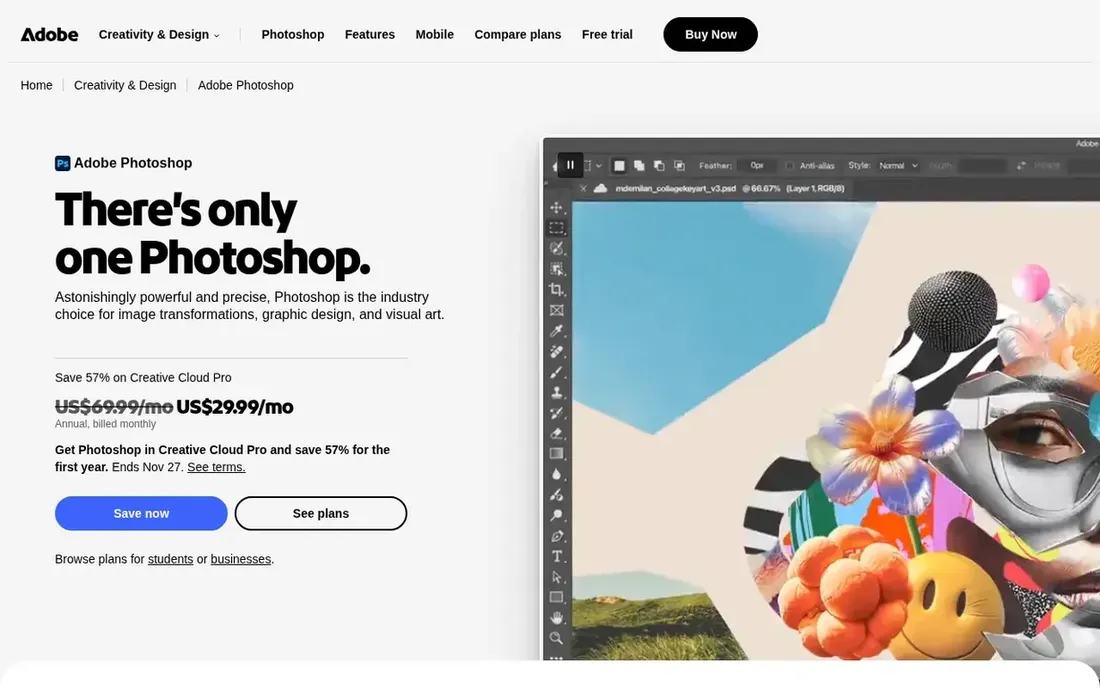
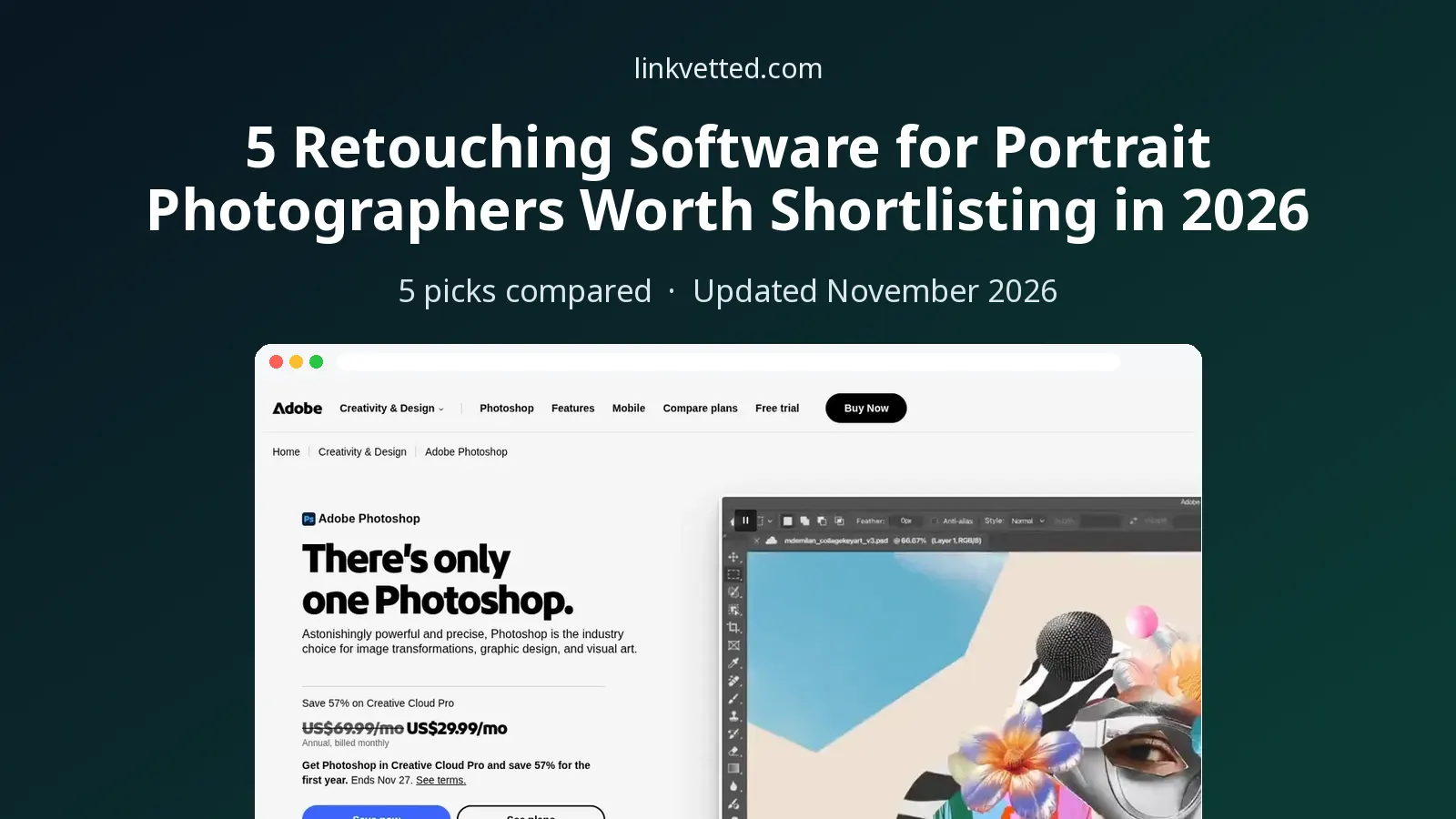
Adobe Photoshop targets deep manual retouching control. For high-volume skin retouching, automatic plugins can be quicker.
On top of that, Adobe Photoshop is a layered image editor used widely for portrait retouching, from skin cleanup to composite work. Its selection, masking and healing tools let retouchers work at an in-depth level. Check the vendor site for Adobe Photoshop pricing; none is listed in this comparison. Free options: Not stated.
Downsides: Can be slow on large layered files.
- Extensive layer and mask controls
- Precise healing and cloning tools
- Steeper learning curve
Evoto is aimed squarely at all-in-one AI portrait workflow. Evoto is AI photo editing software that includes RAW editing, color grading and portrait retouching in one workflow, from first cull to final delivery.
Points against: AI-driven results need review.
In daily use, Evoto depends on AI-driven adjustments, which still need review for natural results, and adopting a new workflow takes time. No starting price is listed for Evoto here; confirm pricing on the vendor site. As for free access: Free trial.
- Single workflow from cull to delivery
- Portrait retouching tools
- Workflow change for existing users
How these tools were picked
Selection started from tools commonly considered for retouching software for portrait photographers, then narrowed to 5 that have clear pricing information or a clear quote process. Plan names, prices and limits change often. Treat the figures here as a starting point and verify them with the vendor. We ordered the tools by general fit, then by how clearly pricing is shown, then by free access. A buyer with unusual needs may reorder them.
A buyer's checklist
- Confirm the entry price on the vendor page. For PortraitPro, Luminar Neo, Adobe Photoshop and Evoto that means a quote rather than a fixed price.
- Use real work to test the free trial from Evoto, rather than a demo project.
- Read the limits listed for PortraitPro first: narrower scope than full editors.
- Get the contract term, renewal terms and any onboarding fees from Adobe Photoshop in writing.
- Check the integration list for Luminar Neo against the tools you run today, and note which ones need a higher plan.
FAQ
Do these tools publish their prices?
Not all of them. PortraitPro, Luminar Neo, Adobe Photoshop and Evoto publish no starting price, so expect a quote request for those. The rest, Retouch4me included, show a starting price, though seats and billing terms still change the final cost.
Can I try these tools before paying?
Often, yes. Evoto offers a free trial. Use your own data and a real task during the test, and check what the free tier or trial limits before you rely on it.
Can AI retouching replace manual portrait editing?
AI tools can accelerate skin and facial retouching, but results still need review for natural texture and consistency. Plenty of photographers combine automatic and manual steps.
Does any tool for retouching software for portrait photographers here have a free plan?
No tool in this list, PortraitPro and Evoto included, has a permanent free plan. Evoto offer a trial. Trials and quotes are the usual route, so plan a short evaluation period.
Is PortraitPro the right pick for everyone comparing retouching software for portrait photographers?
No single tool suits every team. PortraitPro comes first because it fits fast facial and skin retouching, while Luminar Neo suits AI-assisted creative portrait edits and Retouch4me suits AI skin retouching plugins. Match the tool to your own size, budget and workflow before deciding.
Sources
- https://www.portraitpro.com
- https://skylum.com/luminar
- https://retouch4.me
- https://www.adobe.com/products/photoshop.html
- https://www.evoto.ai