5 SlideShare Alternatives Worth Switching To in 2026
SlideShare alternatives: 5 contenders ranked by fit, with entry costs and free tiers. Each profile ends with a plain caveat. Reviewed in November 2026.
- Editor's choiceCalameo
Publishing digital magazines and catalogs
Starts atSee websiteVisit en.calameo.comFull review - Great alternativeEmaze
AI-powered presentations and content creation
Starts at$1 per user per monthVisit emaze.comFull review - Also consider
 FlippingBook
Creating branded flipbooks with tracking
Starts at$20 a monthVisit flippingbook.comFull review
Direct answer
Calameo comes first here, mainly for publishing digital magazines and catalogs. Listed starting prices: Emaze from $1 per user per month, FlippingBook from $20 a month and DocDroid from $19 a month. Look at Emaze for AI-powered presentations and content creation, and at FlippingBook for creating branded flipbooks with tracking. The remaining 2 options are covered below with prices and limits.
TL;DR:
- Calameo is the opening pick, best for publishing digital magazines and catalogs.
- Neither Calameo nor Scribd, nor any of the other 3 tools, has a permanent free plan; trials and quotes are the norm.
- The lowest published monthly entry price here is $1 per user per month, from Emaze.
- Scribd suits accessing a vast document library.
Last checked November 2026. Prices and plan details were read from the vendors' own pages in November 2026; vendors change plans often, so confirm the current price on the vendor site before you buy.
Quick comparison
| Tool | Best for | Starts at | Free plan? | |
|---|---|---|---|---|
| Calameo | Publishing digital magazines and catalogs | See website | Not stated | Visit |
| Emaze | AI-powered presentations and content creation | $1 per user per month | Not stated | Visit |
| FlippingBook | Creating branded flipbooks with tracking | $20 a month | Free trial | Visit |
| DocDroid | Straightforward PDF uploading and sharing | $19 a month | Free trial | Visit |
 Scribd | Accessing a vast document library | See website | Not stated | Visit |
5 options for SlideShare in detail
LinkVetted put together this guide to SlideShare for readers who want a clear shortlist without reading every vendor page. It compares 5 tools on starting price, free plans, who each one suits and where each one falls short.
Calameo
Best for: Publishing digital magazines and catalogs
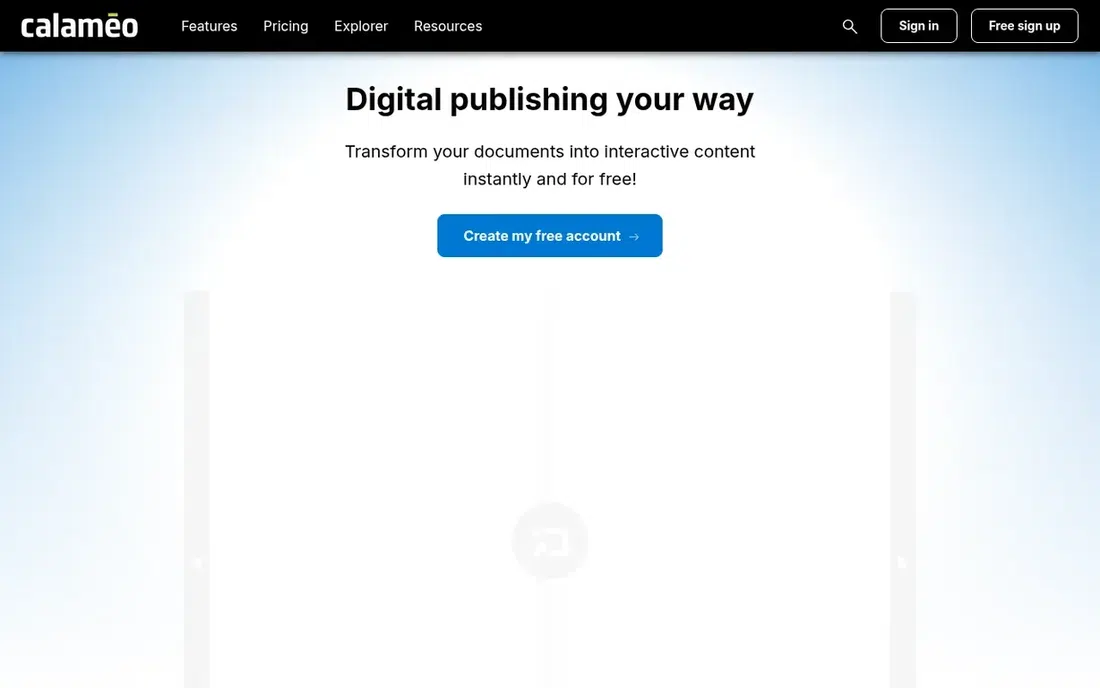
Pick Calameo if this describes you: publishing digital magazines and catalogs. It converts documents into visually appealing publications and permits sharing worldwide.
Honest limits: May have limitations on free usage.
This tool suits publishers, marketers, and firms that want to present content in an engaging, magazine-like format. This comparison lists no price for Calameo; ask the vendor. On free options: Not stated.
- Converts documents into interactive publications
- Worldwide sharing capabilities
- Less focus on analytics
Emaze
Best for: AI-powered presentations and content creation
Emaze is designed for AI-powered presentations and content creation. Emaze may have a ramp-up time for new users. Its focus on content creation means it may not be the best fit for straightforward document sharing.
Where it is weaker: Less centred on document sharing.
Emaze is a content creation system that provides AI-powered presentations, websites, photo albums, eCards, blogs, and more. It is built for users who want to build high-quality content rapidly and easily. For straightforward PDF sharing, consider DocDroid or Calameo. Price to start with Emaze: $1 per user per month. Free access: Not stated.
- Versatile content types (presentations, websites, etc.)
- Fast creation process
- May need a ramp-up time
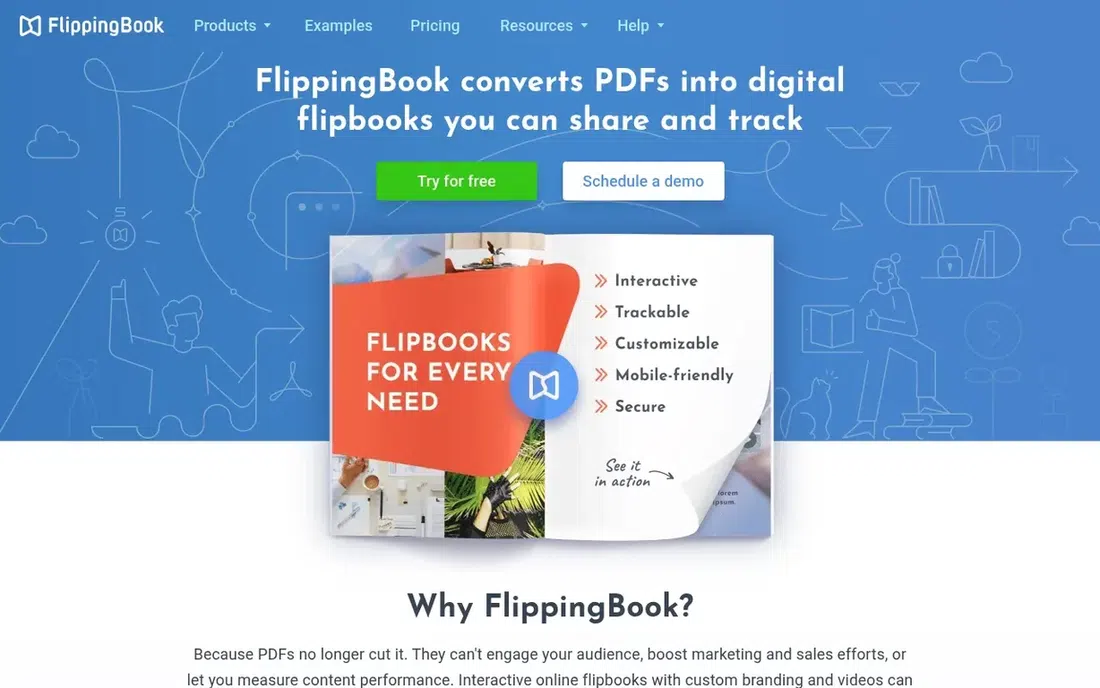
FlippingBook is a good fit for creating branded flipbooks with tracking. FlippingBook is a digital publishing tool that converts PDFs into online flipbooks.
Points against: premium plans required for full features.
It lets users to brand their flipbooks, share them with clients, and track statistics. Entry price for FlippingBook: $20 per month. Free options: Free trial.
- Branding and customization choices
- Tracks reader statistics
- May be overkill for straightforward sharing
DocDroid
Best for: Straightforward PDF uploading and sharing
DocDroid serves straightforward PDF uploading and sharing. DocDroid is a product for uploading and sharing PDF documents. It supplies a straightforward way to host and share PDFs without extra features.
Trade-offs to know: Restricted customization.
This tool is a strong match for users who require a fast, straightforward option for sharing documents online without worrying about design or interactivity. DocDroid lacks the advanced customization and engagement features found in other tools. Starting cost for DocDroid: $19 per month. On free options: Free trial. Highlights: No-frills approach.
- Straightforward sharing
- Simple PDF upload
- Fewer features for engagement
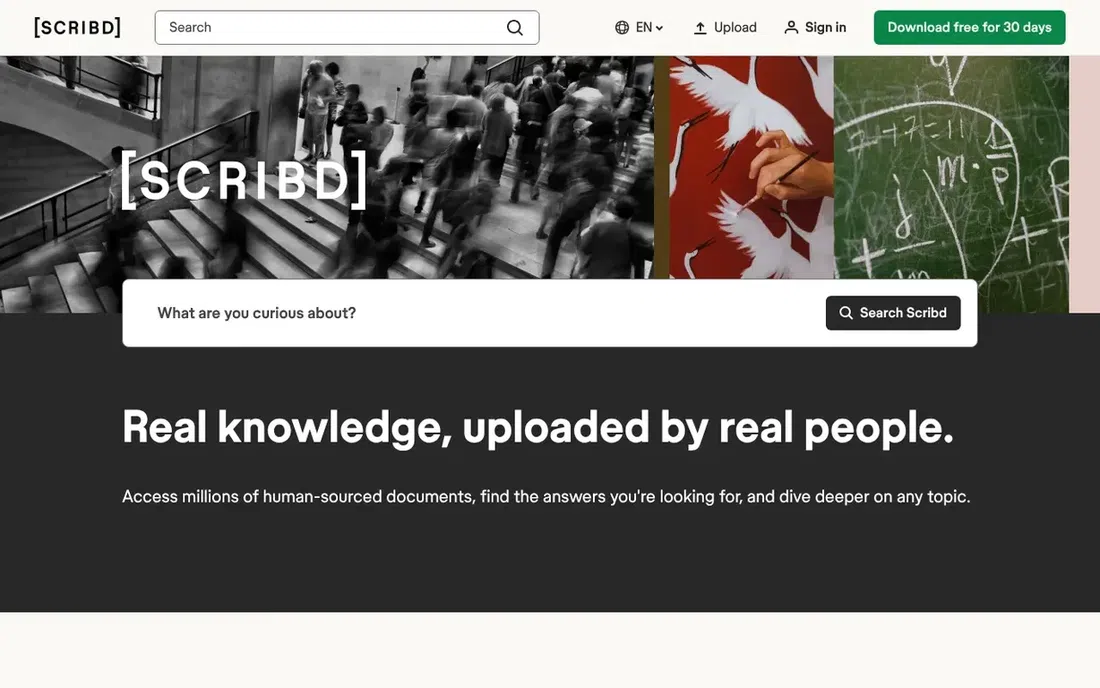
Scribd works best for accessing a vast document library. It is well suited to users who want to discover and read content rather than publish their own.
Points against: Restricted customization for published documents.
Even so, Scribd may not offer deep customization or branding choices for users who want to publish their own documents. Scribd shows no starting price here, so confirm the cost on the vendor site. Free access: Not stated.
- Answers not found elsewhere
- Large collection of documents
- May need a subscription for full access
How these tools were picked
Selection started from tools commonly considered for SlideShare, then narrowed to 5 that have clear pricing information or a clear quote process. Figures are shown as the vendors publish them. Billing terms, seat minimums and add-ons can change the real cost. Order on the page follows fit for the typical buyer first, then price transparency and free access. Your own requirements should decide the final pick.
What to check before you buy
- Confirm the entry price on the vendor page. For Calameo and Scribd that means a quote rather than a fixed price.
- Take the trial from FlippingBook and DocDroid and push a live task through it before you pay.
- Before choosing Calameo, weigh its main limit: may have limitations on free usage.
- Look at which plan of DocDroid unlocks the features you need; entry tiers are often cut down.
- Confirm minimum seats and billing terms with Scribd before you commit to an annual plan.
FAQ
Does any tool for SlideShare here have a free plan?
No tool in this list, Calameo and Scribd included, has a permanent free plan. FlippingBook, DocDroid offer a trial. Trials and quotes are the usual route, so plan a short evaluation period.
Can I try these tools before paying?
Often, yes. FlippingBook and DocDroid offer a free trial. Use your own data and a real task during the test, and check what the free tier or trial limits before you rely on it.
What is the cheapest option for SlideShare in this list?
On published monthly entry prices, Emaze is the lowest here at $1 per user per month. Entry price is only part of the cost, because seats, add-ons and billing terms can change the total.
Is Calameo the right pick for everyone comparing SlideShare?
No single tool suits every team. Calameo comes first because it fits publishing digital magazines and catalogs, while Emaze suits AI-powered presentations and content creation and FlippingBook suits creating branded flipbooks with tracking. Match the tool to your own size, budget and workflow before deciding.
Which tool is best for creating interactive magazines?
For most readers this guide would start with Calameo, built for publishing digital magazines and catalogs. Emaze is the alternative for AI-powered presentations and content creation, and FlippingBook for creating branded flipbooks with tracking. The right answer depends on budget and workflow.
Sources
- https://en.calameo.com
- https://www.emaze.com
- https://flippingbook.com
- https://www.docdroid.net
- https://www.scribd.com