5 Software for Jewelry Design Worth Shortlisting in 2026
Shortlisting the best software for jewelry design? 5 products compared on cost, free access and ideal buyer. The catches are listed up front. No hype.

- Editor's choice
 Adobe Illustrator
Vector drawings and design presentation
Starts atSee websiteVisit adobe.comFull review - Great alternative
 Fusion 360
Parametric CAD and manufacturing prep
Starts atSee websiteVisit autodesk.comFull review - Also consider
 KeyShot
Live product rendering
Starts at$7.92 a monthVisit keyshot.comFull review
Direct answer
Adobe Illustrator comes first here, mainly for vector drawings and design presentation. Listed starting prices: KeyShot from $7.92 a month. Look at Fusion 360 for Parametric CAD and manufacturing prep, and at KeyShot for live product rendering. The remaining 2 options are covered below with prices and limits.
TL;DR:
- Adobe Illustrator takes the first slot, best suited to vector drawings and design presentation.
- Neither Adobe Illustrator nor 3Design, nor any of the other 3 tools, has a permanent free plan; trials and quotes are the norm.
- One limit worth knowing about Adobe Illustrator: not a 3D modeling tool.
- 3Design is the one to check for dedicated jewelry CAD and production.
Last checked November 2026. Prices and plan details were read from the vendors' own pages in November 2026; vendors change plans often, so confirm the current price on the vendor site before you buy.
Quick comparison
| Tool | Best for | Starts at | Free plan? | |
|---|---|---|---|---|
| Adobe Illustrator | Vector drawings and design presentation | See website | Not stated | Visit |
| Fusion 360 | Parametric CAD and manufacturing prep | See website | Not stated | Visit |
| KeyShot | Live product rendering | $7.92 a month | Free trial | Visit |
 V-Ray | Photorealistic rendering inside design products | See website | Not stated | Visit |
| 3Design | Dedicated jewelry CAD and production | See website | Not stated | Visit |
The full software for jewelry design list
Choosing software for jewelry design usually comes down to price, fit and limits. This LinkVetted guide sets 5 tools side by side on those three points, with the facts kept short and checkable.
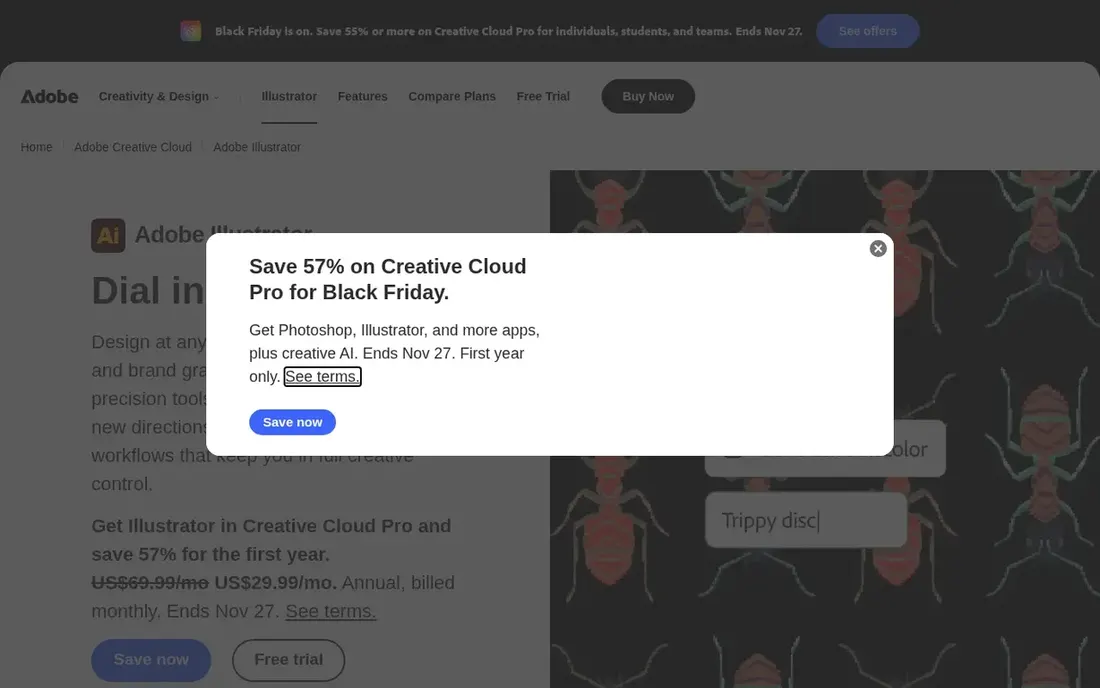
Adobe Illustrator is aimed squarely at vector drawings and design presentation. In jewelry work it suits concept sketches, technical line drawings, pattern art and marketing materials, complementing a 3D modeling tool instead of replacing it.
Choose it for the two-dimensional side of the work and use dedicated 3D software for the model itself. Adobe Illustrator shows no starting price here, so confirm the cost on the vendor site. Free access: Not stated.
Downsides: Not a 3D modeling tool.
- Industry-standard vector graphics software
- Generative AI can turn a text prompt into editable vectors
- No manufacturing output
Fusion 360 is built with Parametric CAD and manufacturing prep in mind. Autodesk Fusion, formerly Fusion 360, is a cloud-based product for 3D CAD, modeling, manufacturing, industrial design and mechanical engineering.
If your work is purely fine jewelry, a dedicated package may feel more direct. Fusion 360 does not show a starting price in this comparison, so check the vendor site for current pricing. On free options: Not stated.
Limits to weigh: General CAD instead of jewelry-specific.
- Includes modeling through manufacturing
- Cloud-based 3D CAD
- Wide feature set takes time to learn
KeyShot works best for live product rendering. KeyShot is 3D rendering and visualization software whose page describes live rendering technology that supports collaboration from concept to product launch for product design companies.
Limits to weigh: Needs models from other software.
KeyShot pricing: $7.92 per month. On free options: Free trial.
- Designed for product design visuals
- Live 3D rendering technology
- Rendering only, not modeling
Where V-Ray fits: Photorealistic rendering inside design products. V-Ray from Chaos is a photorealistic 3D rendering plugin available for widely used design products like 3ds Max, SketchUp, Rhino, Maya and Blender. Choose V-Ray when your modeling already lives in a supported product.
From a buyer's view, for jewelry, it suits studios already modeling in a supported system who want high-quality visuals of metal and stone without leaving their central tool. Since it is a plugin, V-Ray relies on a compatible host application and does not model jewelry by itself. This comparison lists no price for V-Ray; ask the vendor. On free options: Not stated.
Drawbacks to consider: Plugin, not standalone modeling.
- Photorealistic rendering plugin
- Works inside popular design systems
- Needs a host application
3Design
Best for: Dedicated jewelry CAD and production
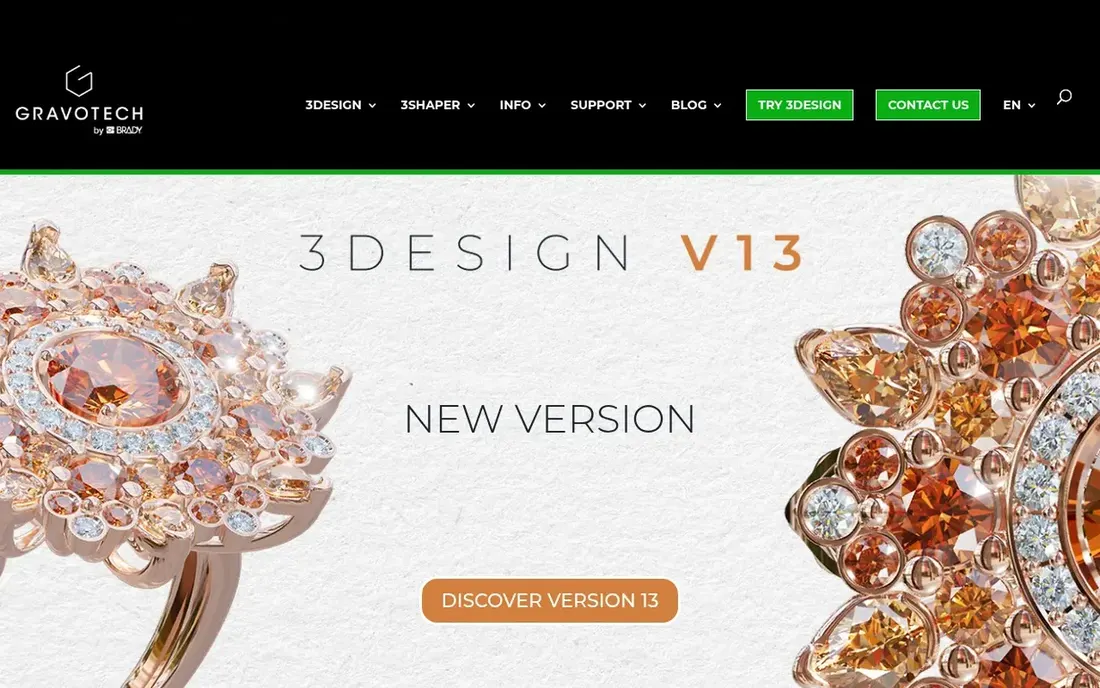
For dedicated jewelry CAD and production, 3Design is a natural candidate. Since the tool is framed around the jewelry workflow, it suits designers and workshops that want modeling and production preparation in one place instead of adapting a general-purpose CAD package. Its jewelry focus means it is less suited to wide industrial design or product work outside the trade.
Honest limits: Narrow focus outside jewelry.
What 3Design does well: Includes the workflow from concept to manufacturing output. In practice, if your work spans jewelry and mechanical parts, a general CAD product may include more ground. Choose 3Design when jewelry is the core of what you make. 3Design shows no starting price here, so confirm the cost on the vendor site. On free options: Not stated.
- Built around jewelry design
- Geared toward professional jewelry work
- Specialized ramp-up time
How we compared the tools
The comparison looks at four things: starting price, free access, how well the feature set matches software for jewelry design, and the main limit of each tool. Treat prices as a snapshot: vendors change plans often, so check the vendor site for the figure that applies today. Tools are placed by general fit for software for jewelry design, with price clarity and free access as tie-breakers. A different team can reasonably rank them differently.
Questions to settle before buying
- Get a written quote from Adobe Illustrator, Fusion 360, V-Ray and 3Design; the list shows no starting price for them.
- Use real work to test the free trial from KeyShot, rather than a demo project.
- Read the limits listed for Adobe Illustrator first: not a 3D modeling tool.
- Look at which plan of KeyShot unlocks the features you need; entry tiers are often cut down.
- See whether Fusion 360 offers onboarding or training, and whether it is included in the price.
FAQ
Does any tool for software for jewelry design here have a free plan?
No tool in this list, Adobe Illustrator and 3Design included, has a permanent free plan. KeyShot offer a trial. Trials and quotes are the usual route, so plan a short evaluation period.
What should I check before choosing jewelry design software?
Confirm whether it takes care of manufacturing output, which file formats it supports, and whether rendering is built in or needs a plugin. Also check the ramp-up time and whether the tool targets jewelry specifically or general product design.
How are the tools for software for jewelry design ordered?
Adobe Illustrator sits first and 3Design last because the order follows typical fit for software for jewelry design, then price clarity and free access. It is a judgement call, so read each profile for fit and limits.
Do these tools publish their prices?
Not all of them. Adobe Illustrator, Fusion 360, V-Ray and 3Design publish no starting price, so expect a quote request for those. The rest, KeyShot included, show a starting price, though seats and billing terms still change the final cost.
Is Adobe Illustrator the right pick for everyone comparing software for jewelry design?
No single tool suits every team. Adobe Illustrator comes first because it fits vector drawings and design presentation, while Fusion 360 suits Parametric CAD and manufacturing prep and KeyShot suits real-time product rendering. Match the tool to your own size, budget and workflow before deciding.
Sources
- https://www.adobe.com/products/illustrator.html
- https://www.autodesk.com/products/fusion-360
- https://www.keyshot.com
- https://www.chaos.com/vray
- https://www.3design.com