Best Ad Design Services in 2026: 8 Services Compared
We compare the best ad design services and the best ad design platform choices in 2026, covering AI generation, templates, banners and pricing for campaigns.
- Editor's choice
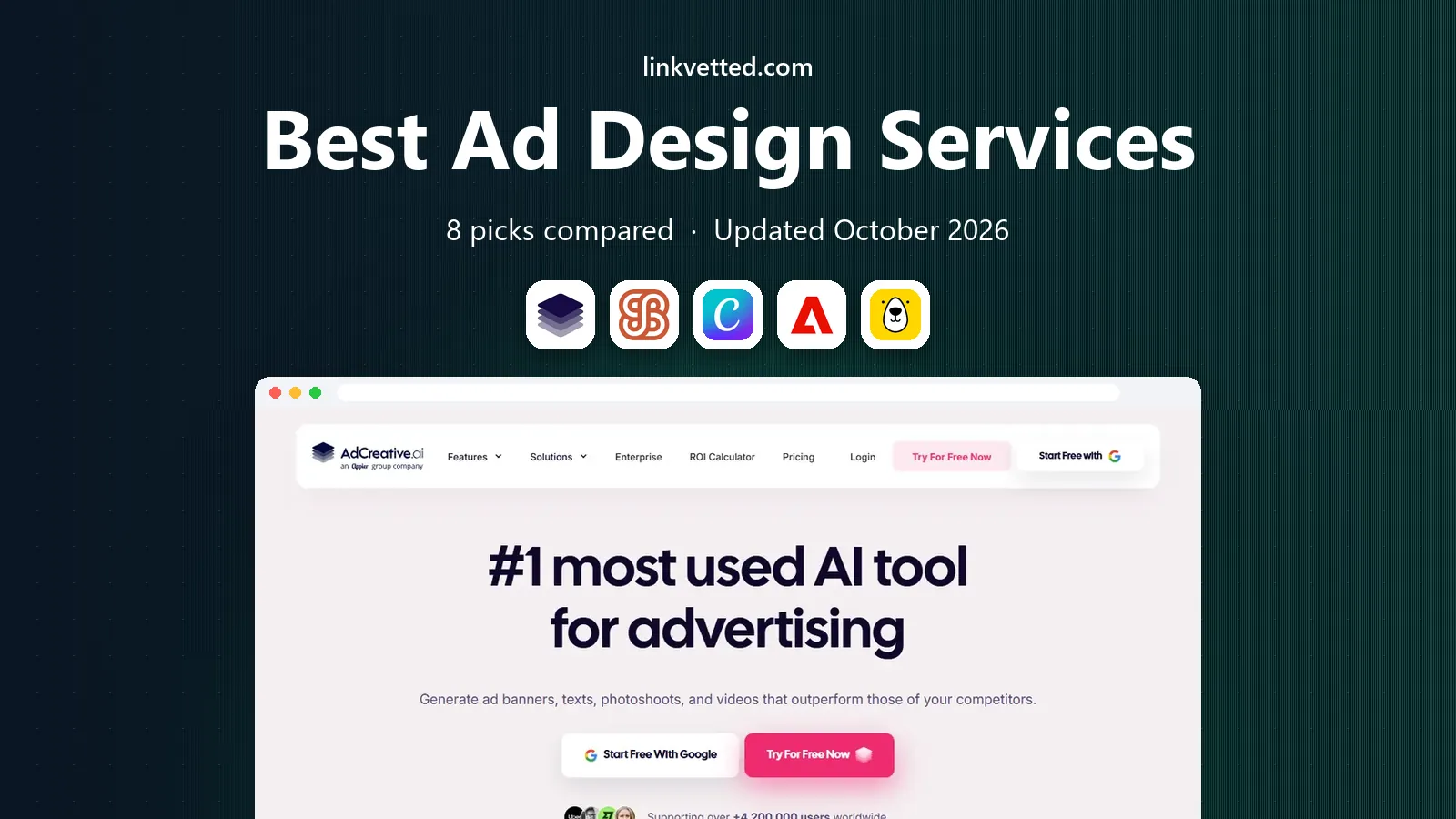
 AdCreative.ai
AI ad variants with scoring
Starts at$39 per monthVisit adcreative.aiFull review - Great alternative
 Creatopy
Animated and HTML5 banners
Starts at$36 per monthVisit creatopy.comFull review - Also consider
 Canva
General ad and social design
Starts atSee websiteVisit canva.comFull review
TL;DR:
- AdCreative.ai leads for AI-generated ad variants with performance scoring, while Creatopy leads for animated and HTML5 banners.
- Canva and Adobe Express remain the best general tools for teams that design ads alongside organic social content.
- Bannerbear and similar automation tools win when ads must be generated from data, such as product feeds or listings.
- Credit-based pricing needs careful maths, because a low monthly price can become costly at high download volume.
- Always check platform specs and policy rules before finalising a design, since a beautiful ad that gets rejected wastes budget.
Quick comparison
| Tool | Best for | Starts at | Free plan? | |
|---|---|---|---|---|
| AdCreative.ai | AI ad variants with scoring | $39 per month | Free trial | Visit |
| Creatopy | Animated and HTML5 banners | $36 per month | Free trial | Visit |
| Canva | General ad and social design | See website | Yes | Visit |
 Adobe Express | Affordable branded ads | $9.99 per month | Yes | Visit |
 Bannerbear | Automated image generation | See website | No | Visit |
 VistaCreate | Budget ad templates | $10 per month | Yes | Visit |
 Snappa | Fast static ad graphics | $10 per month | Yes | Visit |
 Celtra | Enterprise creative automation | See website | No | Visit |
The best ad design services
Paid ads need many variants, correct sizes and clear messages, all produced quickly. The services below cover AI generation, banner automation and general design, so teams can match the tool to their campaign type.

AdCreative.ai is built for performance marketers who need volume. Upload brand assets, add a message, and the platform generates static ads in many sizes at once, with copy suggestions and a pre-launch score based on patterns in past ad data. The Starter plan starts at $39 per month on monthly billing, with a 7-day trial that includes trial credits for testing.
The catch is credits. One credit is used when you download a generated creative, so a team that downloads many variants can exhaust a plan faster than expected. Video and UGC-style features sit on Professional at $249 per month, a steep jump. For teams running paid social and search at volume, the scoring and variant speed can justify the cost, but small teams should test download volume first.
- Generates many ad variants from brand assets
- Creative Scoring AI rates creatives before launch
- Competitor insights on paid plans
- Credit system means downloads, not generations, drive cost
- Video and advanced features need higher tiers
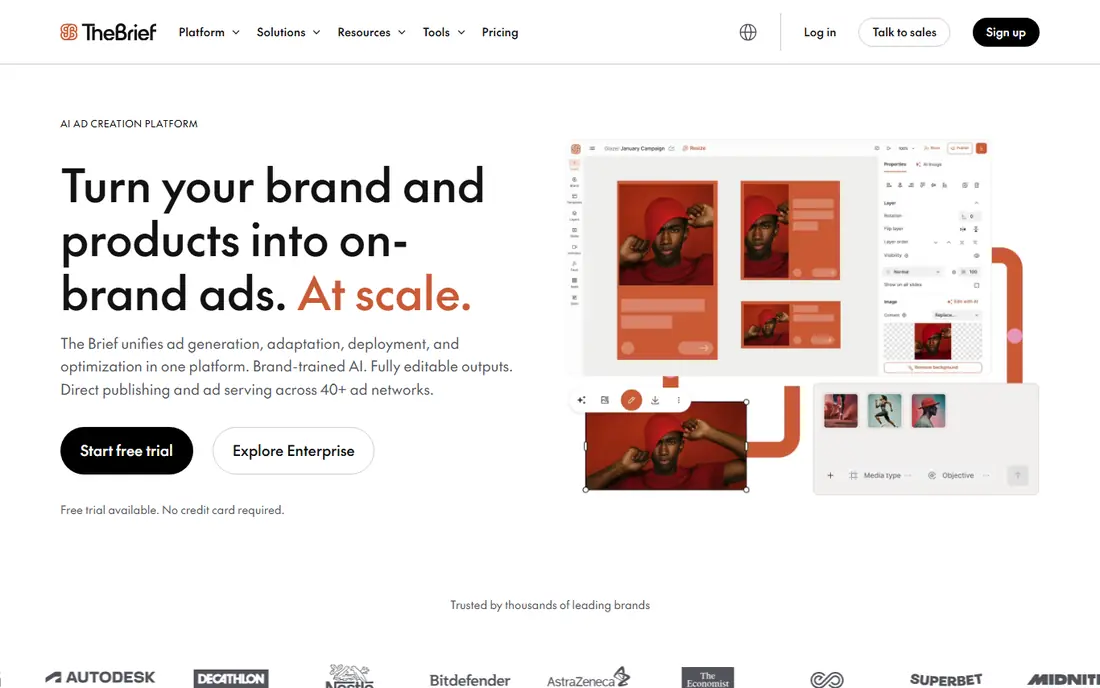
Creatopy is the best pick for display and banner campaigns that need animation. It supports animated and HTML5 ads, templates for common banner sizes, and bulk resizing so one campaign can cover many placements. The Pro plan starts at about $36 per month, with export credits, brand kits and AI credits included, and higher plans add more editors and impressions.
The downside is complexity. Plan details, credits and impression limits need careful reading, and support response times have drawn criticism from some users. For display advertisers, the animation and HTML5 output still make Creatopy stand out. Test a real banner set during the trial, including export and trafficking, before committing.
- Strong animated and HTML5 banner tools
- Brand kits and bulk resizing
- Team collaboration and version history on higher plans
- Pricing structure can confuse new users
- Some users report bugs and slower support responses
Canva works well for social ads, especially when the same team also produces organic content. Templates cover Meta, Google, LinkedIn and other formats, brand kits keep colours and fonts consistent, and Bulk Create helps launch many variants for testing. The free plan is useful for small tests, while Pro adds brand controls, background removal and larger storage.
The limit is display. Canva is weaker for animated HTML5 banners and for the trafficking workflows that display teams need. It also risks generic-looking ads if teams rely on stock templates alone. For social-first advertisers, Canva is a strong, flexible default, and it pairs well with a specialised banner tool for display.
- Huge ad and social template library
- Brand kits and bulk create
- Easy resizing and scheduling for social campaigns
- Less specialised for HTML5 display banners
- Template-heavy ads can look generic without custom work
Adobe Express is the best value option for branded social ads. At $9.99 per month for Premium, it offers strong typography, AI image generation with commercial safety claims, and templates sized for paid social. The scheduler helps small teams publish and test variants without a separate tool, and Adobe Fonts give ads a more polished look than many template tools.
The trade-off is automation. Express does not generate dozens of scored variants or HTML5 banners like the specialised tools in this list. For a team that designs a smaller number of high-quality ads and values brand polish over volume, that is a fair trade. For high-volume testing, pair Express with AdCreative.ai or a bulk tool.
- Low premium price
- Adobe Fonts and commercially safe AI image tools
- Scheduler for major social channels
- Fewer specialised ad automation features than AdCreative.ai or Creatopy
- Advanced Adobe work still needs separate apps
Bannerbear is an automation platform, not a general design editor. You design a template once, then Bannerbear generates images automatically from data via its API, such as product names, prices, photos or user details. That makes it ideal for ecommerce ads, real estate listings, dynamic social images and personalised campaigns where manual design cannot keep up with volume.
The catch is setup. Bannerbear needs template design and API integration, so non-technical teams may need developer help. It is also not the tool for a single artistic campaign. If your ads come from a feed or database, Bannerbear can cut production time sharply and keep branding consistent across thousands of variants.
- Generates images automatically from templates and data
- API for product feeds, listings and personalised ads
- Consistent branding at scale
- Needs template setup and API work
- Not a general design editor for one-off creative work
VistaCreate is a budget-friendly option for social ads, at about $10 per month billed annually for Pro. Its templates cover most social ad sizes, and animation options help small teams create motion ads without video editing skill. The editor is simple enough for a marketer to produce a test set in an afternoon.
The limits are team controls and display depth. Larger teams may miss Canva approval workflows, and display advertisers will still need Creatopy or a similar tool for HTML5. For a startup or small business running social ads on a tight budget, VistaCreate gives good value without a steep learning curve.
- Low annual price
- Large template library for social ads
- Animation and video formats for social campaigns
- Brand and team controls are lighter than Canva
- HTML5 display features are limited
Snappa suits teams that need static ads quickly. Preset dimensions for Meta, Google and LinkedIn remove sizing guesswork, stock photos are built in, and the editor is minimal. A marketer can create a test variant, export it, and launch it in minutes, which helps when a campaign needs a fast turnaround.
The downside is scope. Snappa does not offer AI scoring, HTML5 banners or bulk automation, and the free plan limits downloads. Pro at about $10 per month billed annually removes that limit for most small teams. Use Snappa for fast static tests, and a specialised tool when volume or animation becomes the main need.
- Very fast for static ads and headers
- Preset sizes for paid social
- Built-in stock photos for quick campaigns
- Free plan limits downloads
- Video and advanced ad automation are limited
Celtra is aimed at large brands and agencies that produce ads at scale from data and templates. It supports creative automation, brand controls, approvals and distribution across channels, which helps when dozens of markets, products or partners need consistent ads. For a global campaign, that control and scale matter more than a low monthly price.
The trade-off is clear: Celtra is enterprise software, with quoted pricing and onboarding that small teams do not need. A startup running a handful of social ads should not start here. A large advertiser with complex, data-driven campaigns should request a demo and compare total cost against Bannerbear and AdCreative.ai at its real volume.
- Creative automation for large brands and agencies
- Data-driven ad variants at scale
- Strong brand control and approvals
- Enterprise pricing and onboarding
- Overkill for small teams or single campaigns
How we picked these
We compared official pricing pages, ad format coverage, AI generation, banner automation, brand controls and team features. We favoured tools operating in October 2026 that cover paid social, display or automated ads, and we wrote See website where pricing is quoted or varies by billing period. We did not claim hands-on testing, and we treated credit-based pricing as download cost, not generation cost, where the vendor states that rule.
How to design ads that get approved and perform
Start with one clear message per ad. A headline, a product visual and a single call to action beat a crowded layout, especially on mobile feeds where attention is short. Match the format to the placement: vertical video for stories, square or portrait for feeds, and standard banner sizes for display. Check text limits, image ratios and policy rules for each platform before design, since rejected ads waste both time and budget.
Testing, sizing and brand control
Launch several variants that change one element at a time, such as headline, image or call to action, so you can learn what drives clicks. Use bulk resize and brand kits to keep variants consistent, and keep a record of which variant won and why. For display, test HTML5 file size and animation length against publisher specs. For social, check legibility at small sizes and avoid text that gets cut off in preview. A simple approval checklist covering claims, pricing, links and brand use prevents costly errors.
FAQ
What is the best ad design platform for small businesses?
Canva or Adobe Express are best for most small businesses, because they are affordable, easy to learn and cover social ads well. VistaCreate and Snappa are good budget alternatives for static ads. High-volume advertisers should also trial AdCreative.ai for AI variants and scoring.
How does AdCreative.ai pricing work?
AdCreative.ai Starter starts at $39 per month on monthly billing, with lower rates on quarterly and annual billing. Plans use credits, and one credit is used when you download a generated creative. Video and advanced features need Professional at $249 per month, so check download volume before choosing a tier.
Can I create HTML5 banner ads with these tools?
Creatopy is the strongest option in this list for animated and HTML5 banners, while Celtra serves enterprise HTML5 automation. Canva, Adobe Express and VistaCreate focus mainly on static and social video formats. If display banners are your main format, trial Creatopy first and check publisher specs.
Do I need a designer to use ad design tools?
For routine social ads, templates, brand kits and AI generation cover most needs without a designer. For a major brand campaign, complex animation or a full rebrand, a designer still adds value. Many teams use tools for volume testing and hire design help for hero campaigns.
How many ad variants should I test?
Test enough variants to learn, not so many that budget spreads too thin. For a small campaign, three to five variants that change one element at a time is a practical start. Larger campaigns can test more, but keep tracking clear so you know which change drove the result.
Are AI-generated ads allowed on Meta and Google?
Yes, AI-generated ads are allowed, but they must still follow platform policies on claims, prohibited content, disclosure and image quality. Avoid misleading claims, check product and pricing accuracy, and follow any AI disclosure rules for the platform. A tool that generates an ad does not remove the advertiser duty to check it.