Best Adobe Connect Alternatives in 2026: 9 Tools Compared
Looking for adobe connect alternatives in 2026? We compare 9 meeting and webinar tools, from Zoom and Teams to Webex, GoTo Webinar, and Livestorm today.
- Editor's choice
 Zoom
General meetings and webinars
Starts atSee websiteVisit zoom.usFull review - Great alternative
 Microsoft Teams
Microsoft 365 organizations
Starts atSee websiteVisit microsoft.comFull review - Also consider
 Webex
Formal meetings and webinars
Starts atSee websiteVisit webex.comFull review
TL;DR:
- Zoom is the safest general replacement, with meetings, webinars, and phone tools that most attendees already know.
- Microsoft Teams suits organizations already on Microsoft 365, with chat, files, and meetings in one place.
- Webex and GoTo Webinar fit formal webinars and training, with strong host controls and registration tools.
- Livestorm, Demio, and Zoho Meeting are simpler, browser-friendly options for marketing webinars and small teams.
- BigBlueButton is the best open-source choice for schools and training, with whiteboards and breakout rooms built in.
Quick comparison
| Tool | Best for | Starts at | Free plan? | |
|---|---|---|---|---|
| Zoom | General meetings and webinars | See website | Yes | Visit |
| Microsoft Teams | Microsoft 365 organizations | See website | Yes | Visit |
| Webex | Formal meetings and webinars | See website | Yes | Visit |
 GoTo Webinar | Large marketing webinars | See website | Free trial | Visit |
 Livestorm | Browser-based webinars | See website | Free trial | Visit |
 Demio | Simple marketing webinars | See website | Free trial | Visit |
 BigBlueButton | Open-source classes | Free | Yes | Visit |
 Zoho Meeting | Low-cost team meetings | See website | Free trial | Visit |
 On24 | Enterprise webinar experiences | See website | No | Visit |
The best adobe connect alternatives
Adobe Connect is known for virtual classrooms, webinars, and meetings with breakout rooms, whiteboards, polls, and persistent rooms. The tools below cover those jobs, from everyday meetings to large webinars and online classes.
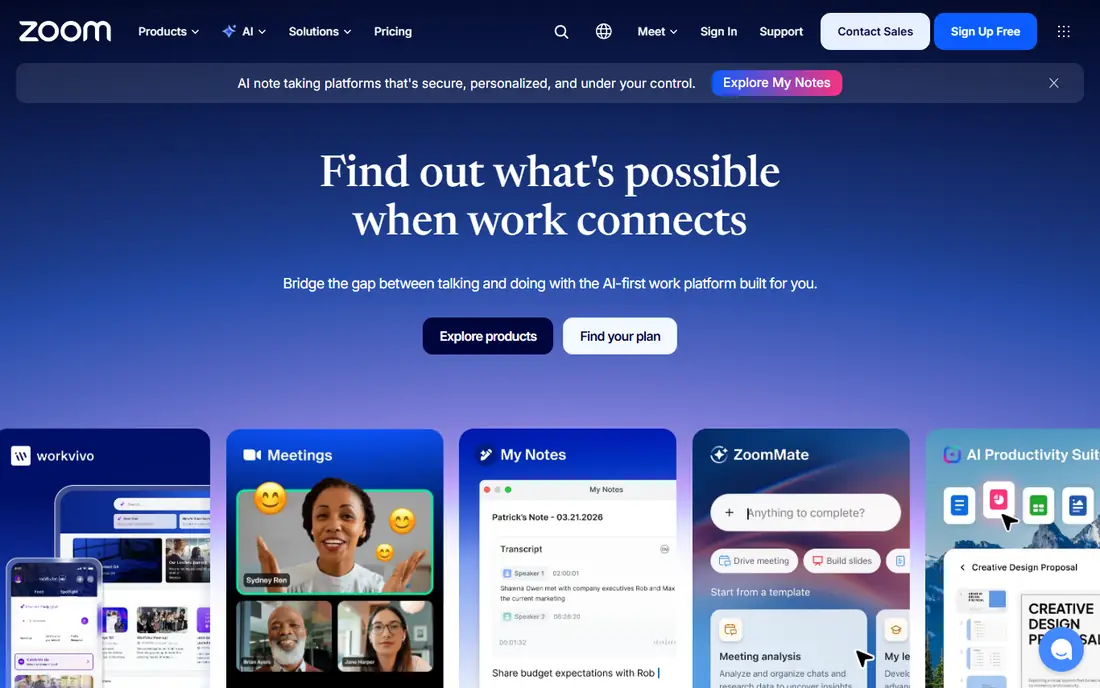
Zoom is our pick for most Adobe Connect users because attendees already know how to join, and hosts get meetings, webinars, breakout rooms, polls, whiteboards, and recording in one system. Zoom Workplace plans cover everyday meetings, while Zoom Webinars adds registration, Q&A, and reporting for larger events.
The free plan limits group meetings to 40 minutes, so paid plans are needed for classes and long webinars. For a general replacement that works for training, sales, and team meetings, Zoom is the safest choice.
- Widely known by attendees
- Meetings, webinars, phone, and whiteboard
- Breakout rooms and polls
- Webinar and large-meeting features need paid plans
- Meeting limits on the free plan
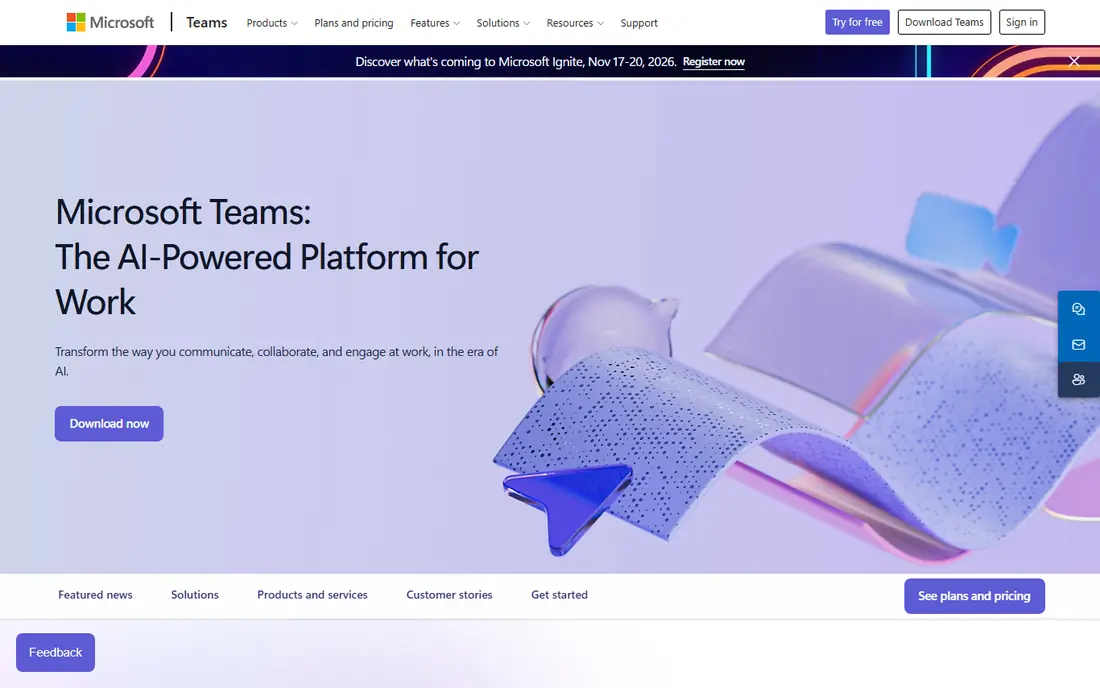
Microsoft Teams combines meetings, chat, channels, files, and apps, which suits schools and companies already using Outlook, Word, and SharePoint. Meetings support breakout rooms, whiteboards, polls, and recording, while webinars and town halls cover larger events.
Teams can feel heavy for a simple webinar, and some advanced event features need higher plans. If your organization already pays for Microsoft 365, Teams is a natural Adobe Connect alternative with little extra cost.
- Meetings, chat, files, and apps in one place
- Strong for organizations on Microsoft 365
- Webinars and town halls
- Interface can feel busy
- Best value appears with a Microsoft 365 subscription
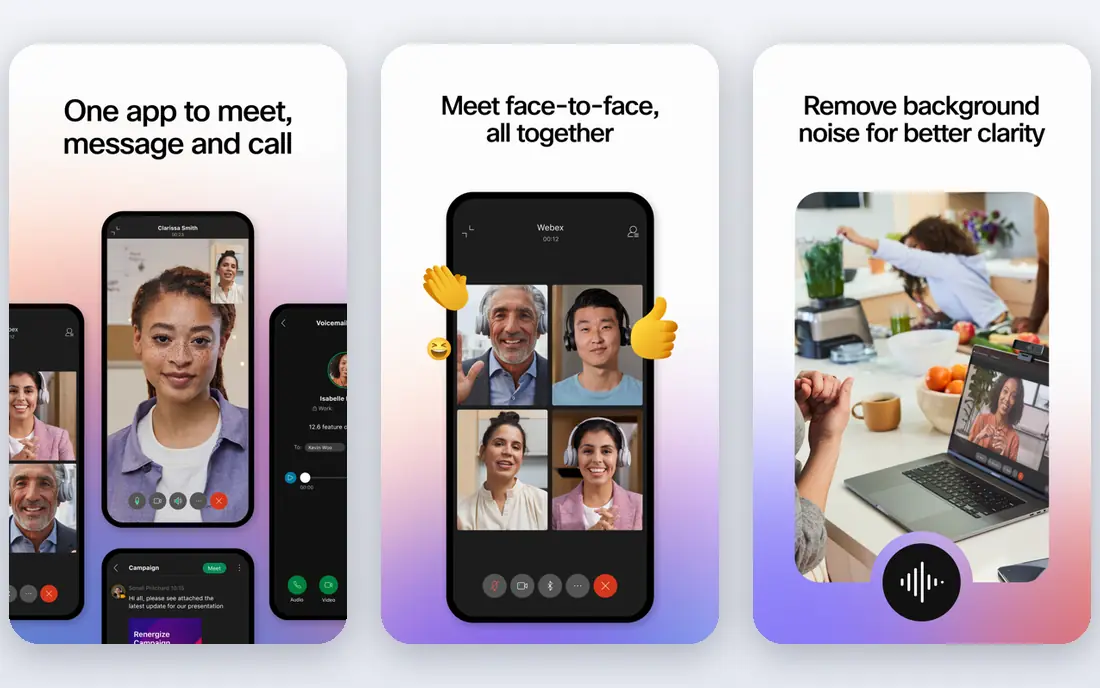
Webex, from Cisco, is a strong choice for formal meetings, training, and webinars where security and host control matter. Hosts get registration, breakout sessions, polls, Q&A, and reporting, with enterprise-grade security and admin controls. Audio and video quality are consistently good, even on large calls.
The experience feels more corporate than Zoom or Livestorm, and setup takes a little longer. For regulated industries, large training programs, and formal events, Webex is a dependable Adobe Connect alternative.
- Strong security and host controls
- Meetings, webinars, and events
- Good audio and video quality
- Interface and setup can feel formal
- Advanced webinar features need paid plans
GoTo Webinar is designed for marketing and training webinars rather than everyday meetings. Hosts can set up registration pages, send reminders, run polls and Q&A, share handouts, and review attendee analytics after the event. That webinar focus makes it a strong Adobe Connect replacement for lead generation and product demos.
Everyday team meetings are better handled elsewhere, and pricing scales with attendee numbers, so check the tier for your typical audience size. For regular webinars, GoTo Webinar is reliable and easy for attendees to join.
- Built for webinars with registration, reminders, and analytics
- Polls, Q&A, and handouts
- Reliable at scale
- Meeting and classroom features are lighter than Zoom or Teams
- Pricing rises with attendee count
Livestorm is a browser-based platform for webinars, meetings, and virtual events, which removes the download barrier for attendees. Hosts can run live, recorded, and automated webinars, with polls, Q&A, chat, and analytics built in. That simplicity suits marketing teams and small businesses that run frequent webinars.
Attendee and duration limits on lower plans mean larger events need a paid tier. For a modern, browser-friendly webinar tool that is easy for guests, Livestorm is a strong Adobe Connect alternative.
- Runs in the browser with no download
- Webinars, meetings, and events
- Polls, Q&A, and analytics
- Free and low plans limit attendees and duration
- Advanced customization needs higher tiers
Demio focuses on simple, good-looking webinars for marketing and sales. You can run live events, automated replays, and hybrid series, with registration pages, email reminders, polls, and handouts. The interface is clean, and hosts can learn it quickly without training.
Classroom features such as persistent rooms and deep breakout work are lighter than Adobe Connect or BigBlueButton. For marketing webinars where ease and conversion matter most, Demio is a practical choice.
- Simple webinar setup
- Live, automated, and hybrid events
- Registration and email reminders
- Analytics
- Attendee limits by plan
- Fewer classroom features like persistent rooms than Adobe Connect
BigBlueButton is an open-source virtual classroom built for schools and training. It includes a multi-user whiteboard, breakout rooms, polls, shared notes, chat, and recording, with a focus on teaching rather than marketing. Many learning platforms integrate it directly, so students join from inside a course.
You need to host it yourself or use a hosting provider, which adds setup and maintenance work. For schools, universities, and training companies that want control and no per-user license cost, BigBlueButton is the best open-source Adobe Connect alternative.
- Free and open source
- Whiteboard, breakout rooms, polls, and shared notes
- Built for teaching
- Requires hosting or a provider
- Support and scale depend on your setup
Zoho Meeting offers video meetings and webinars at prices that often undercut larger rivals. Hosts get screen sharing, polls, Q&A, recording, and moderation tools, with integration into Zoho CRM and other Zoho apps. That makes it a good value choice for small teams and Zoho users.
Attendees are less familiar with Zoho Meeting than Zoom or Teams, and webinar analytics are simpler than specialist tools. For low-cost meetings and small webinars, it is a solid Adobe Connect alternative.
- Meetings and webinars at a competitive price
- Screen sharing, polls, and recording
- Zoho integrations
- Webinar features are lighter than GoTo Webinar
- Smaller attendee familiarity than Zoom
On24 is an enterprise platform for webinars, virtual events, and content experiences. It offers branded landing pages, engagement tools, polls, Q&A, resource lists, and detailed analytics that connect to CRM and marketing automation. Large B2B marketing teams use it to run webinar programs at scale.
Pricing is enterprise-level, and smaller teams will find Livestorm or Demio simpler and cheaper. For a large webinar program where engagement data and branding matter, On24 is a strong Adobe Connect alternative.
- Rich webinar and virtual event experiences
- Engagement tools, analytics, and integrations
- Enterprise support
- Enterprise pricing
- Setup and content work suit larger marketing teams
How we picked these
We compared official product pages, pricing and trial terms, and feature lists, focusing on the jobs Adobe Connect covers: meetings, webinars, virtual classrooms, breakout rooms, polls, and recording. We included general meeting tools, webinar specialists, and an open-source classroom, since Adobe Connect users split across those needs. Where pricing varies by attendees and plan, we used See website rather than a single figure.
What to check before you switch
Meeting type and audience size
A tool that is great for 20-person classes may struggle with a 1,000-person webinar, and vice versa. List your typical meeting sizes, whether attendees need to speak or only watch, and whether you need registration, breakout rooms, or persistent rooms. Pick a tool that fits your largest regular event, not just your smallest.
Attendee experience and access
Check whether attendees need to download an app, create an account, or use a specific browser. Browser-based tools like Livestorm reduce friction, while Zoom and Teams benefit from familiarity. Test joining from a phone, a low-bandwidth connection, and a work laptop with restrictions before you commit.
Recording, accessibility, and reporting
Confirm recording, captions, transcripts, attendance reports, and poll results, since training and compliance often require them. Check where recordings are stored, how long they are kept, and whether captions are automatic or need a paid add-on. These details matter more after an event than during it.
FAQ
What is the closest alternative to Adobe Connect?
Zoom and Microsoft Teams are the closest general replacements, with meetings, breakout rooms, whiteboards, and webinars. For virtual classrooms, BigBlueButton is closer in teaching features and open-source control.
Is there a free Adobe Connect alternative?
Yes. Zoom, Microsoft Teams, and Webex offer free plans for meetings, and BigBlueButton is free and open source if you host it or use a provider. Free plans limit duration, attendees, or features, so check the tier for your use.
Which Adobe Connect alternative is best for webinars?
GoTo Webinar, Livestorm, and Demio are the best webinar-focused choices, with registration, reminders, and analytics. On24 suits enterprise webinar programs, while Zoom Webinars works well if you already use Zoom for meetings.
Can I run breakout rooms in these tools?
Yes. Zoom, Teams, Webex, and BigBlueButton all support breakout rooms for classes and workshops. Check the plan, since some breakout and reporting features need a paid tier.
Do attendees need to download software?
It depends on the tool. Livestorm runs in the browser, while Zoom and Teams offer browser joining plus apps for full features. Test the join flow your attendees will actually use, especially on phones and restricted work devices.
Should I keep Adobe Connect or switch?
Keep Adobe Connect if persistent rooms, custom layouts, and classroom workflows are central to your training. Switch if cost, attendee familiarity, or simpler webinar tools matter more, and if a rival covers your breakout, poll, and recording needs.