Best Adobe Firefly Alternatives in 2026: 9 AI Image Tools Compared
Compare the best Adobe Firefly alternatives for AI images in 2026, with pricing, text rendering, commercial use, and design features compared for creators.
- Editor's choice
 Midjourney
Artistic image quality
Starts at$10 per monthVisit midjourney.comFull review - Great alternative
 Ideogram
Text inside images
Starts at$20 per monthVisit ideogram.aiFull review - Also consider
 Leonardo AI
Creator production volume
Starts at$12 per monthVisit leonardo.aiFull review
TL;DR:
- Midjourney remains our pick for pure image quality and art direction, while Ideogram leads for readable text inside images.
- Recraft suits brand and design teams that need editable vectors, icons, and illustrations rather than only raster images.
- Canva is the best choice for non-designers who need finished social and marketing assets in one editor.
- Stable Diffusion and Flux suit builders and tinkerers who want open models, local control, or pay-per-image pricing.
- Commercial use terms differ by plan, so check licensing and whether generated images stay private before using work for clients.
Quick comparison
| Tool | Best for | Starts at | Free plan? | |
|---|---|---|---|---|
| Midjourney | Artistic image quality | $10 per month | No | Visit |
| Ideogram | Text inside images | $20 per month | Yes | Visit |
| Leonardo AI | Creator production volume | $12 per month | Yes | Visit |
 Recraft | Vectors and brand design | $12 per month | Yes | Visit |
 Canva | Finished design assets | $144 per year | Yes | Visit |
 ChatGPT | Chat-based image edits | $20 per month | Yes | Visit |
 Stable Diffusion | Free and local generation | Free | Yes | Visit |
 Flux | Open model quality | See website | Yes | Visit |
 Freepik | Stock plus AI generation | See website | Yes | Visit |
The best Adobe Firefly alternatives
Adobe Firefly appeals to creative teams that want commercially safer generation inside Adobe tools. The alternatives below trade that Adobe link for stronger art direction, better text rendering, vector output, or lower cost.
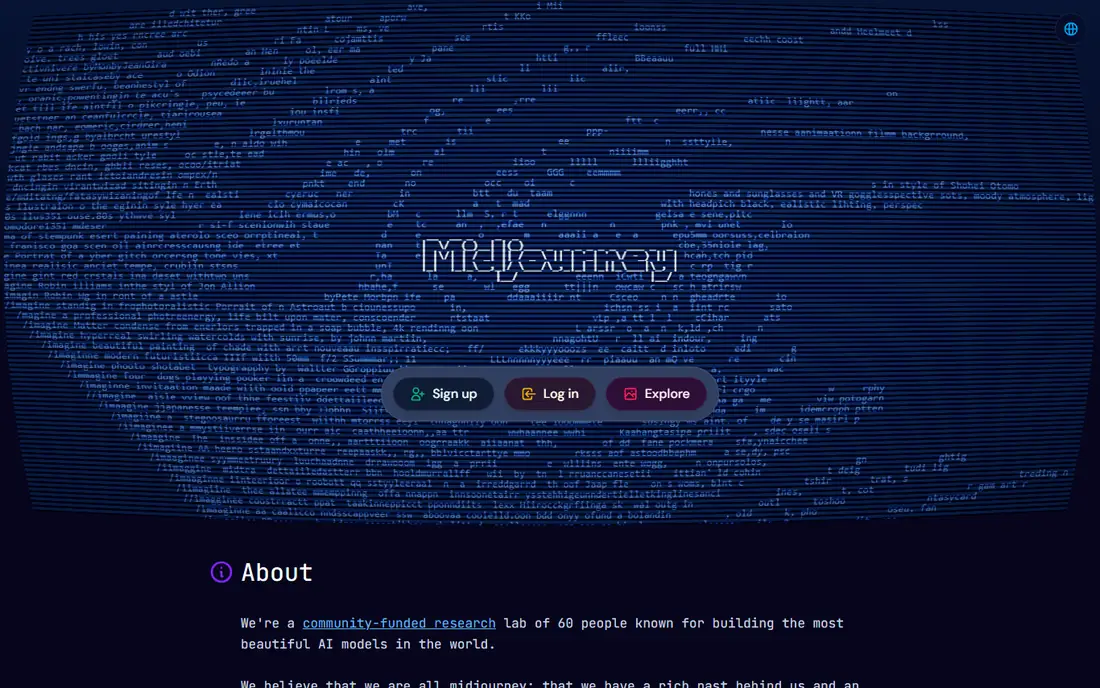
Midjourney is still the reference point for image quality. Its output has a polished, art-directed feel that suits concept art, moodboards, hero images, and brand illustration, and its style controls help teams keep a consistent look across a set. For many creative professionals, the image itself is the reason to subscribe.
The downsides are practical. There is no free tier, and the Discord-based interface can feel awkward if you expect a normal web app. Private generations require a higher plan, so check that detail if client work must stay out of public galleries.
- Distinctive, high-quality art direction
- Strong style control
- Active community for inspiration
- No free plan
- Discord-based workflow still feels unusual
- Private generations need higher plans
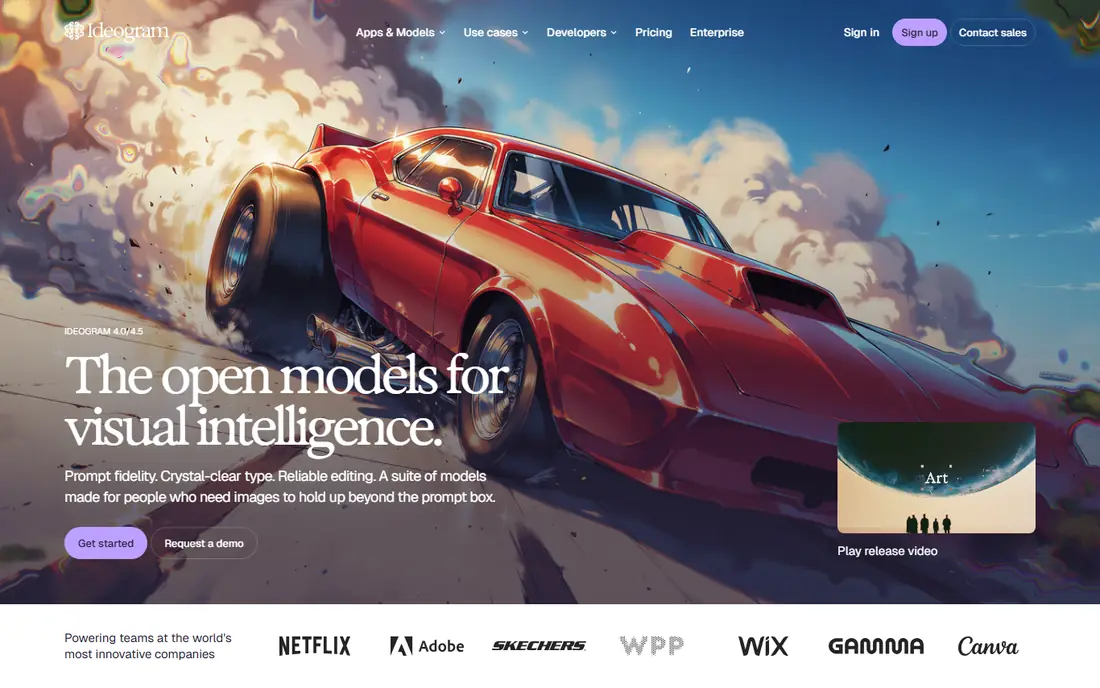
Ideogram is the tool we recommend when the image must contain words. Posters, logos, memes, product labels, and social graphics with headlines come out far more reliably than with most rivals, which saves the editing time that ruined text usually costs. It is also a capable general image generator, not only a typography trick.
Pricing has moved during 2026, so confirm the current plan before you buy, and note credit expiry rules if you generate in bursts. If text accuracy matters more than pure art style, Ideogram is the better spend.
- Reliable readable text in posters and logos
- Good all-round quality
- Free tier to test
- Paid plans cost more than some rivals
- Credits expire monthly on some plans
- Less art-directed than Midjourney

Leonardo AI suits creators who generate a lot of images and want model choice without juggling several subscriptions. It offers different models for photorealism, illustration, and game assets, plus canvas tools and motion features for short video clips. The free tier, with daily tokens, is genuinely useful for testing.
The token system is the main learning curve. Different models and settings consume tokens at different rates, so costs are less transparent than a flat subscription until you learn your own usage pattern. Once you do, it is a productive daily tool.
- Generous free tier for testing
- Multiple models in one place
- Tools for game and product assets
- Token system takes learning
- Best features sit on higher plans
- Quality varies by model choice
Recraft is different from most image generators because it can produce editable vector graphics. That matters for logos, icons, and illustrations that must scale cleanly for print, packaging, and large displays. Brand teams can also set style controls to keep output closer to an existing identity.
It is weaker for photorealistic photography-style images, where Midjourney or Ideogram usually do better. Use Recraft when the deliverable is a design asset you will edit further, not a finished photo-style image.
- Native vector output for logos and icons
- Brand style controls
- Clean, sharp illustrations
- Less suited to photorealistic scenes
- Smaller community than Midjourney
- Plan details change often
Canva is the practical choice for teams that need finished assets, not just raw images. You can generate an image, drop it into a template, add text, apply brand colors, and export for social, print, or presentation without leaving the editor. That end-to-end workflow saves more time for small teams than a slightly better image model would.
Specialist tools still beat Canva on fine style control and image quality for hero creative. If your team already designs in Canva, though, its AI features are often enough, and the free plan lets you test them before paying.
- Templates, brand kits, and editing in one place
- Easy for non-designers
- Good for social teams
- AI generation is one feature among many
- Heavy AI use may need extra allowances
- Less control than specialist tools
ChatGPT image generation suits people who think in conversation. You can describe an image, ask for a change, request a different background, and iterate without learning prompt syntax for a specialist tool. If you already pay for ChatGPT Plus, image generation is included, which makes it the cheapest good option for occasional use.
Limits vary with demand, and style control is coarser than in Midjourney or Leonardo. For everyday images, thumbnails, and quick edits, it is excellent. For client-grade art direction, a specialist tool still wins.
- Edit images through conversation
- Easy revisions
- Useful if you already pay for ChatGPT
- Generation limits vary with demand
- Less fine style control than Midjourney
- Not a specialist design tool
Stable Diffusion is the open route. You can run models locally for free, keep images private, and choose from thousands of community models and fine-tunes. For developers, researchers, and privacy-minded creators, that control is worth the setup effort.
The cost is your time and hardware. A decent graphics card helps a lot, and you become responsible for updates, model choices, and troubleshooting. If you want instant, polished results with no setup, pay for a hosted tool instead.
- Free open models
- Local generation keeps images private
- Huge community model library
- Needs a capable computer or hosted setup
- Setup and upkeep take time
- Out-of-box quality trails paid tools
Flux, from Black Forest Labs, is known for prompt fidelity and clean typography for an open model family. Builders can use open weights locally or pay per image through hosted providers, which suits pipelines where volume varies month to month. It is a strong engine behind many other apps and APIs.
Casual users may find it less friendly than Midjourney or Ideogram, since there is no single simple consumer app with a flat plan. Choose Flux if you build products or pipelines, or if you already use a hosted provider that offers it.
- Strong prompt fidelity
- Open weights for builders
- Pay-per-image options through hosted providers
- No simple flat monthly app for casual users
- Licensing varies by version
- Hosted pricing varies
Freepik suits marketing teams that mix stock photos, vectors, templates, and AI images in one workflow. You can start from a stock asset, generate a matching image, and finish a design without switching services. That breadth is handy for social and content teams producing at volume.
Read the licensing terms for your plan before using images commercially, and confirm which AI features are included at each tier. As a pure image generator it is less focused than Midjourney, but as an all-round asset library with AI added, it is useful.
- Combines stock assets with AI generation
- Useful for marketing teams
- Templates and vectors included
- AI features sit inside a larger stock platform
- Licensing terms need reading
- Best plans cost more
How we picked these
We compared official feature pages, pricing pages, and public reviews for AI image tools that overlap with Adobe Firefly: text-to-image generation, editing, commercial use, and design workflows. We included art-focused, text-focused, vector, and open options, and we used October 2026 pricing reports where vendor pages were hard to pin down, noting where prices should be confirmed before purchase.
How to choose the right image tool
Start with the deliverable. A poster needs readable text, a logo needs vectors, a hero image needs art direction, and a social post needs speed and templates. No single tool wins all four jobs.
Check commercial terms before client work
Confirm whether your plan allows commercial use, whether images are public by default, and whether the vendor offers any indemnity for training data. Adobe Firefly is often chosen for its licensed training approach, so alternatives need a closer licensing check for brand and client work.
Test your own prompts, not demo prompts
Run your real briefs through each finalist: your product, your style, your text, your aspect ratios. Demo galleries show best cases, while your briefs show what you will actually get week after week.
Watch credit and token math
Some tools charge per image, some per token, and some offer unlimited slower generation on higher plans. Track how many usable images you get per dollar in a real week, since a cheap plan with strict limits can cost more than a dearer plan with room to iterate.
FAQ
Is Midjourney better than Adobe Firefly?
For pure image quality and art direction, Midjourney usually wins. For commercially safer generation inside Adobe apps, Firefly has the edge, since it is trained on licensed content and integrates with Photoshop and Express. Choose by whether image quality or Adobe workflow and licensing matters more.
Which AI image generator is best for text in images?
Ideogram is the strongest general choice for readable text in posters, logos, and graphics. Flux also handles typography well for an open model, and ChatGPT is useful for simple text edits in conversation.
Can I use AI-generated images commercially?
Usually yes on paid plans, but terms differ by vendor and plan, and free tiers may restrict commercial use or keep images public. Read the current terms for your plan, upgrade when client work is involved, and keep records of which tool and plan produced each asset.
Is there a free Adobe Firefly alternative?
Yes. Stable Diffusion is free if you run it locally, and Leonardo, Ideogram, Recraft, Canva, ChatGPT, and Freepik all offer free tiers with limits. Free tiers suit testing and occasional use, while regular commercial work usually needs a paid plan.
What is the best Adobe Firefly alternative for designers?
Recraft suits designers who need editable vectors and brand control, while Midjourney suits designers focused on illustration and art direction. Canva suits designers who need finished marketing assets fast, with templates and brand kits included.