Best Adobe Sign Alternatives in 2026: 8 eSignature Tools Compared
Compare 8 Adobe Sign alternatives for eSignatures, with current pricing, free plans, envelope limits and the best fit for freelancers, teams and sales.
- Editor's choice
 DocuSign
Broad integrations and workflows
Starts at$10 per monthVisit docusign.comFull review - Great alternative
 PandaDoc
Sales proposals and quotes
Starts at$19 per seat per monthVisit pandadoc.comFull review - Also consider
 Dropbox Sign
Dropbox-focused signing
Starts at$10.05 per monthVisit hellosign.comFull review
TL;DR:
- DocuSign is our pick for broad integrations and workflows, but its envelope caps make it pricey for high volume.
- SignNow suits teams on a budget, with low entry pricing and unlimited users on the workspace in recent listings.
- PandaDoc is best for sales teams that need proposals, quotes, and signing in one document.
- Zoho Sign, BoldSign, and SignWell offer free plans that cover low-volume signing well.
- Check envelope or document limits before you buy, because a low monthly price can hide a strict cap.
Quick comparison
| Tool | Best for | Starts at | Free plan? | |
|---|---|---|---|---|
| DocuSign | Broad integrations and workflows | $10 per month | Free trial | Visit |
| PandaDoc | Sales proposals and quotes | $19 per seat per month | Yes | Visit |
| Dropbox Sign | Dropbox-focused signing | $10.05 per month | Free trial | Visit |
 SignNow | Budget teams and bulk workflows | $8 per user per month | Free trial | Visit |
 Zoho Sign | Teams already using Zoho | $10 per user per month | Yes | Visit |
 Signeasy | Mobile signing for growing businesses | $10 per seat per month | Free trial | Visit |
 SignWell | Simple low-volume signing | $10 per month | Yes | Visit |
 BoldSign | Low entry price and free plan | $5 per user per month | Yes | Visit |
The best Adobe Sign alternatives
Adobe Acrobat Sign, formerly Adobe Sign, is strong for PDF workflows and enterprise compliance, but many users want lower prices, free plans, or simpler signing. These alternatives to Adobe Sign cover everyday signing, sales documents, and regulated use, with clear notes on limits.
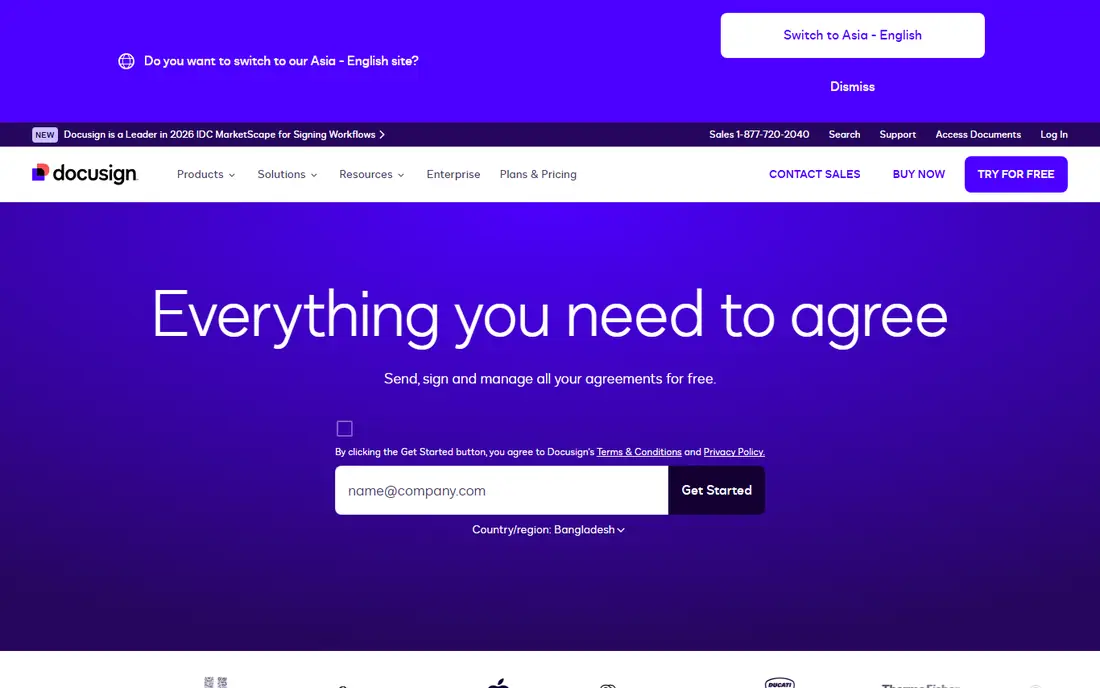
DocuSign is the best-known eSignature brand, and that recognition helps when recipients are wary of signing online. It offers templates, bulk send, conditional fields, and links to Salesforce, Google, Microsoft, and many other tools. The Personal plan starts at 10 dollars per month when billed annually, with a 30-day trial, while team plans start higher.
The catch is envelope limits. Personal allows five envelopes per month in recent listings, and Standard allows 100 envelopes per user per year. High-volume teams can hit those caps and need a higher tier. DocuSign is best when integration depth and recipient trust matter more than the lowest price.
- Very wide integration set
- Configurable signing workflows
- Strong brand recognition with recipients
- Personal plan caps at five envelopes per month in recent listings
- Standard caps at 100 envelopes per user per year

PandaDoc is more than a signing tool. Sales teams build proposals, quotes, and contracts with pricing tables, then collect a signature and payment in the same document. That workflow saves the back-and-forth of separate proposal and signing tools. The free plan covers a small number of documents per year, while Starter is 19 dollars per seat per month when billed annually.
PandaDoc is less suited to simple, one-off signing than SignWell or BoldSign, because its strength is the document builder. CRM links and bulk send need higher tiers. For a sales team that lives in proposals, PandaDoc is the best Adobe Sign alternative here.
- Proposal and quote builder with signing built in
- Payments and CRM links
- Free plan for low volume
- Full sales features need Business tier
- Per-seat pricing adds up for large teams
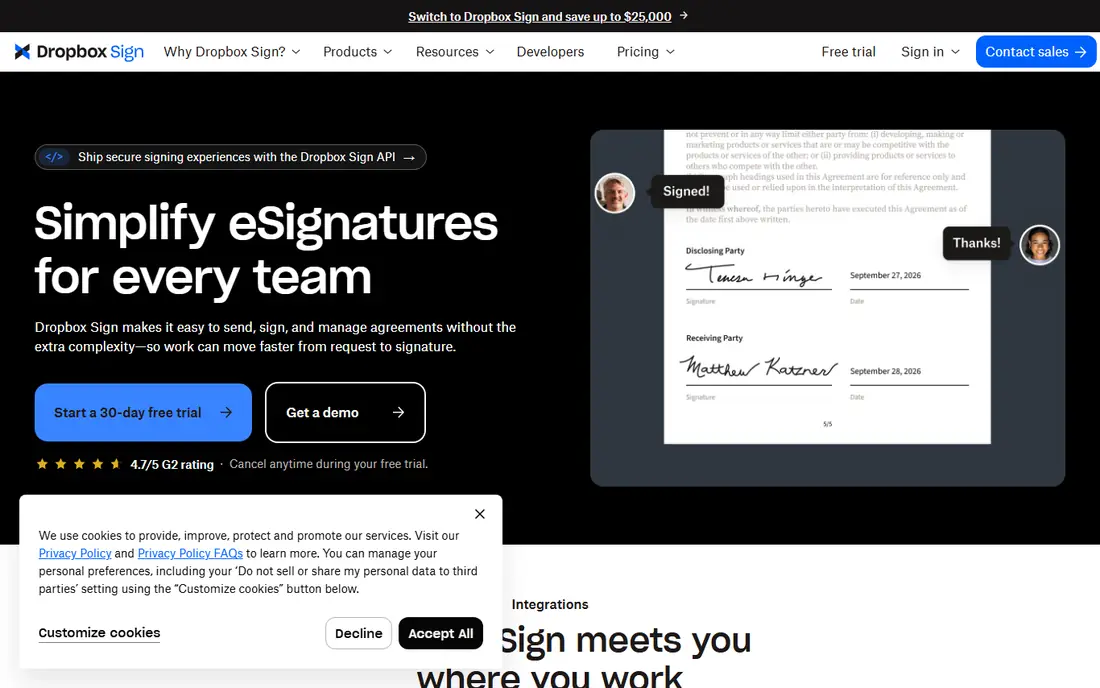
Dropbox Sign, formerly HelloSign, is a focused eSignature tool for teams whose files already live in Dropbox. You upload a document, add signer fields, and send it, with templates and audit trails included. Essentials is listed at 10.05 dollars per month with yearly billing in recent listings, with a free trial and three signature requests per month on a limited free option in some listings.
Dropbox Sign is simpler than PandaDoc or DocuSign, which is a plus for everyday signing and a minus for complex sales workflows. Its API and advanced features sit on Premium. For a small business or freelancer already using Dropbox, it is a clean, low-friction pick.
- Simple signing flow
- Strong Dropbox integration
- Unlimited requests on paid plans in recent listings
- No standard free plan, only a trial
- Standard tier needs a minimum in some listings
- API features need Premium
SignNow, from airSlate, is one of the best value options for teams that send many documents. Business plans start at 8 dollars per user per month when billed annually, with a 7-day trial, and recent listings note unlimited users on the workspace. That model helps a team where many staff need to send, not just a few senders. Bulk send, templates, and integrations are included on paid plans.
SignNow's interface is functional rather than polished, and its highest compliance features need higher tiers. For a team that wants low cost and high volume without a per-sender penalty, SignNow is a strong Adobe Sign alternative.
- Low entry price
- Unlimited users on the workspace in recent listings
- Bulk send and templates
- Interface is less polished than DocuSign
- Advanced compliance features need higher tiers
Zoho Sign fits teams that already run Zoho CRM, Zoho Books, or other Zoho apps. Documents flow from those apps into signing without manual uploads, and signed copies return to the same system. The free plan covers five documents per month, while paid plans start at 10 dollars per user per month when billed annually in recent listings, with a 14-day trial.
Outside Zoho, Zoho Sign is still a capable signing tool, but its main advantage fades. Standard plans cap documents per user per month, so high-volume users need Professional or above. For a Zoho shop, it is the obvious, low-cost Adobe Sign replacement.
- Free plan with five documents per month
- Deep Zoho CRM and app links
- Affordable paid plans
- Best value only inside the Zoho ecosystem
- Standard plan caps documents per user per month
Signeasy is built for everyday business signing with a strong mobile experience. You can prepare, send, and sign documents from a phone, use templates for repeat contracts, and track status in a simple dashboard. Individual plans start at 10 dollars per seat per month when billed annually, with a 14-day trial, while team plans start higher.
Signeasy does not offer a standard free plan, so low-volume users may prefer SignWell or BoldSign. It also does not match PandaDoc on proposals. For a growing business that signs on the go and wants a simple setup, Signeasy is a practical pick.
- Simple setup and strong mobile app
- Templates and team workflows
- 14-day trial
- No standard free plan
- Team plans start higher than the individual tier
- Advanced features need higher plans
SignWell is a simple tool for individuals and small teams with repeat signing needs. Templates make it fast to send the same contract again, and paid plans offer unlimited documents, which removes the envelope anxiety of DocuSign Personal. The free plan covers three documents per month, and Light starts at 10 dollars per month when billed annually.
SignWell has no mobile app in recent listings, and it does not try to be a proposal builder. For a freelancer or small team that sends a steady stream of similar contracts, that simplicity is a plus. For sales proposals or mobile-first signing, PandaDoc or Signeasy fit better.
- Free plan with three documents per month
- Unlimited documents on paid plans
- Quick setup for repeat documents
- No mobile app in recent listings
- Editing after upload is limited
- Fewer sales features than PandaDoc
BoldSign stands out on price and on its free plan. The free tier covers 25 envelopes per month for one user in recent listings, which is the largest hosted free allowance here. Growth starts at 5 dollars per user per month when billed annually. That makes BoldSign a good first tool for a solo user or a small team testing eSignatures.
The free plan is single-user only, so a team needs to pay for extra seats. BoldSign also has less brand recognition than DocuSign, which can matter for wary recipients, though its audit trails and legal standing are standard for the category. For low cost and a generous free plan, BoldSign is hard to beat.
- Lowest paid starting price here
- Free plan with 25 envelopes per month for one user
- Published document allowances
- Free plan allows only one user
- Extra users and teams need paid plans
- Smaller brand than DocuSign
How we picked these
We compared official pricing pages, free plans, envelope and document limits, integrations, and compliance features. We kept tools that are active in 2026 and that offer legally binding eSignatures in the US, not just PDF annotation. We also mixed signing-only tools with sales document tools, because a freelancer and a sales team do not need the same product.
How to choose an eSignature tool without hitting a cap
Check three numbers before you buy: documents or envelopes per month, users included, and templates or bulk send access. A plan that looks cheap can cap you at five documents a month, while a slightly pricier plan offers unlimited documents. Also check audit trails, signer authentication, and whether the tool meets your industry needs, such as HIPAA or eIDAS rules for some use cases.
Test with a real recipient
Send a test document to a colleague outside your team and ask how the signing flow felt on mobile and desktop. Check whether the email looks trustworthy, whether fields are clear, and whether the signed copy arrives promptly. A tool that is easy for you but confusing for signers will slow deals more than a small price saving is worth.
FAQ
What is the best Adobe Sign alternative for a freelancer?
BoldSign and SignWell are strong for freelancers because both offer free plans and low paid prices. BoldSign's free plan covers 25 envelopes per month for one user, while SignWell's paid plan offers unlimited documents. If you already use Dropbox, Dropbox Sign is also a simple pick.
Is DocuSign better than Adobe Sign?
DocuSign is better for broad integrations and recipient recognition, while Adobe Acrobat Sign is better for PDF-heavy workflows and teams already paying for Acrobat. Both have envelope caps on lower tiers and quote-based enterprise pricing. For everyday signing at a lower price, SignNow or BoldSign are often better value.
Are electronic signatures legally binding?
In the US, electronic signatures are generally legally binding under the ESIGN Act and state UETA laws when consent, intent, and an audit trail are present. Some documents, such as certain wills and court filings, have special rules, so check legal advice for those cases. For most business contracts, the tools here provide the audit trail and authentication needed.
Does PandaDoc replace Adobe Sign for sales teams?
Yes, for many sales teams. PandaDoc builds proposals and quotes with pricing tables, then collects signatures and payments in the same document. Adobe Sign is stronger for pure PDF signing and enterprise compliance, but it does not offer the same proposal builder. Choose PandaDoc when the proposal itself is part of the sale.
Which eSignature tool has the best free plan?
BoldSign has the largest free allowance here, at 25 envelopes per month for one user in recent listings. Zoho Sign offers five documents per month free, SignWell offers three, and PandaDoc offers a small annual free allowance. Check current free limits before you rely on them, because vendors change free tiers.
Can I sign documents on mobile with these tools?
Yes, most tools here offer mobile signing for recipients, and several offer mobile apps for senders. Signeasy is noted for a strong mobile app, while SignWell has no mobile app in recent listings but still supports mobile signing through the browser. Test mobile signing with a real recipient before you commit.