9 Best Adobe Captivate Alternatives in 2026
Compare the best adobe captivate alternatives for interactive courses and software simulations, with current pricing and honest trade-offs for teams in 2026.

- Editor's choice
 Articulate 360
Custom interactive courses at scale
Starts at$1,449 per author per yearVisit articulate.comFull review - Great alternative
 iSpring Suite
Turning PowerPoint decks into courses
Starts at$970 per author per yearVisit ispringsolutions.comFull review - Also consider
 Easygenerator
Fast browser-based authoring by subject experts
Starts at$1,499 per yearVisit easygenerator.comFull review
TL;DR:
- Articulate 360 is the closest all-round replacement, pairing Storyline for custom interactions with Rise for fast responsive courses.
- iSpring Suite is the quickest route for teams whose training already lives in PowerPoint, with quizzes, role-plays and SCORM export built in.
- Easygenerator and Elucidat suit teams that need browser-based authoring and shared templates, while ActivePresenter is the budget pick for software recording.
- Pricing models differ sharply, from per-author annual licences to one-time desktop purchases, so compare the licence scope, not just the headline price.
- Every tool here publishes to SCORM or xAPI for use in a learning management system, so check your LMS compatibility before you commit.
Quick comparison
| Tool | Best for | Starts at | Free plan? | |
|---|---|---|---|---|
| Articulate 360 | Custom interactive courses at scale | $1,449 per author per year | Free trial | Visit |
| iSpring Suite | Turning PowerPoint decks into courses | $970 per author per year | Free trial | Visit |
| Easygenerator | Fast browser-based authoring by subject experts | $1,499 per year | Free trial | Visit |
 Elucidat | Large teams producing many courses | See website | Free trial | Visit |
 Lectora | Accessible courses with complex logic | See website | Free trial | Visit |
 dominKnow | Enterprise content reuse and responsive output | $1,997 per author per year | Free trial | Visit |
 Camtasia | Video-led tutorials and software demos | $179.88 per year | Free trial | Visit |
 ActivePresenter | Software recording on a one-time budget | $249 one-time | Yes | Visit |
 Gomo | Mobile-first courses built in a browser | See website | Free trial | Visit |
The best Adobe Captivate alternatives
We compared official feature pages, pricing pages, app listings and public reviews to find tools that cover Captivate's core jobs: interactive courses, software simulations, quizzes and LMS-ready publishing.
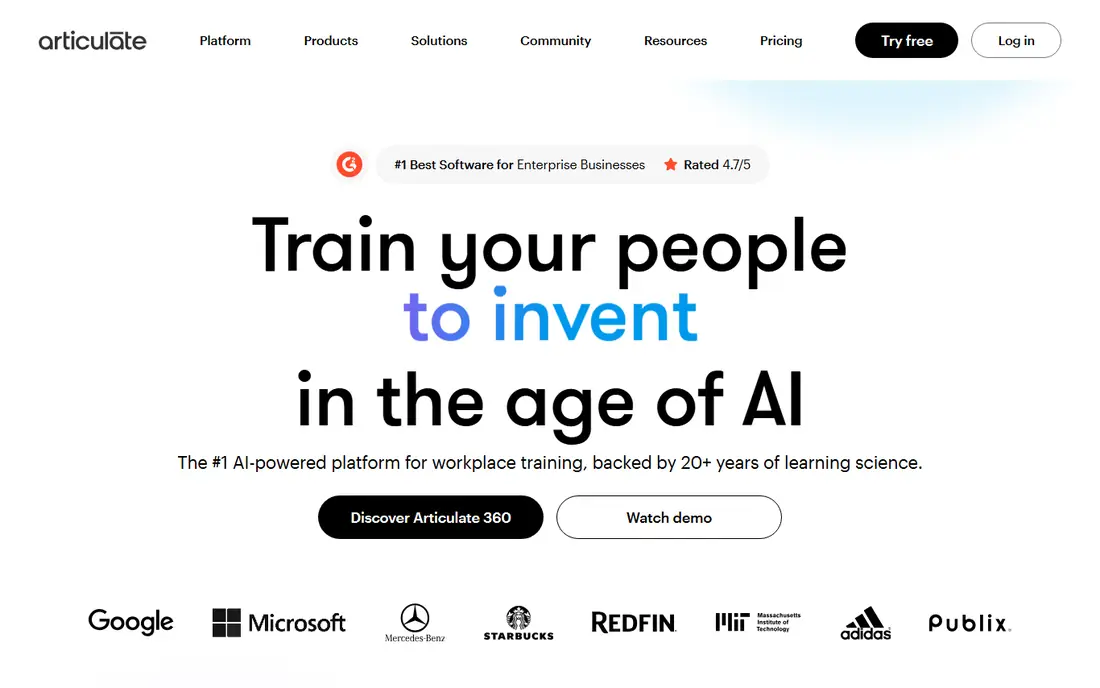
Articulate 360 is our pick for most teams leaving Captivate, because it covers both ends of the job. Storyline 360 handles the detailed, slide-based courses with triggers, variables and branching that Captivate users expect, while Rise 360 builds clean responsive courses from blocks in a browser. The shared content library, review workflow and LMS export options make it a practical home for a whole training catalogue.
The honest catch is cost and complexity. At $1,449 per author per year for the personal plan, it is a serious budget line, and teams pricing applies per seat as well. Storyline's depth is a strength only if someone on the team has time to learn it, since casual authors may find Rise alone simpler but less flexible.
- Storyline and Rise in one subscription
- Deep triggers, layers and branching
- Large template and stock media library
- High annual price per author
- Storyline runs on Windows desktop
- Advanced features take time to learn
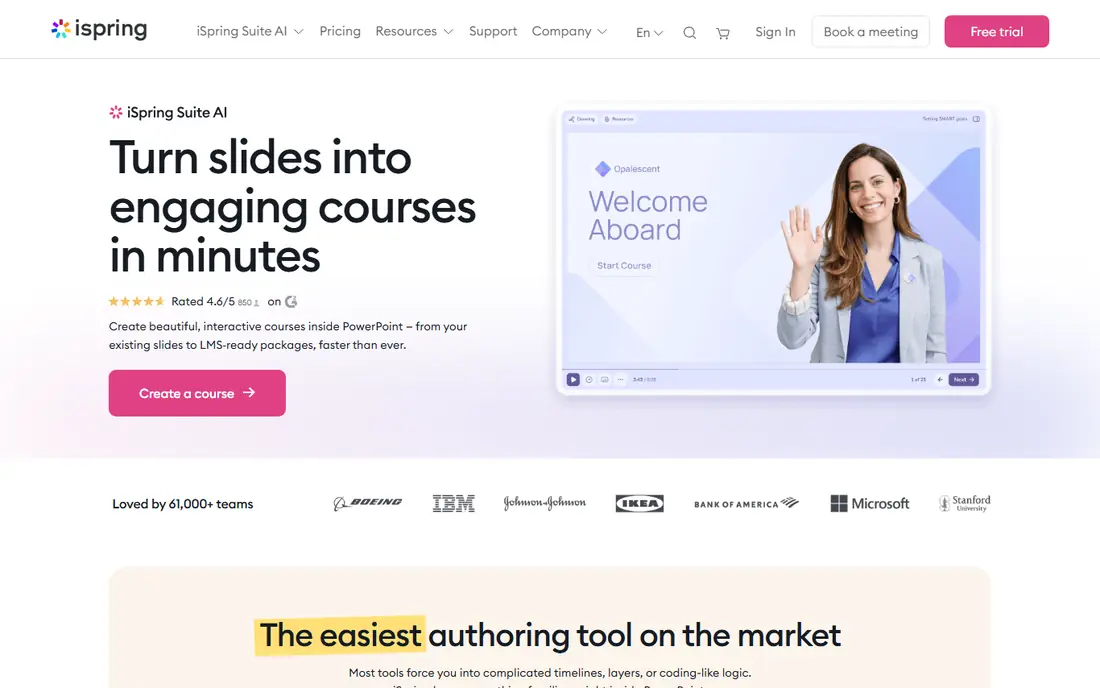
For teams whose training already lives in slide decks, iSpring Suite is the fastest path to a finished course. Authors keep working in PowerPoint and add quizzes, dialog simulations, video narration and interactions without learning a new authoring environment. Publishing to SCORM or xAPI means the output drops into most learning management systems with tracking intact.
The trade-off is that iSpring follows the slide model closely, so it is less flexible than Storyline for unusual interactions or fully custom layouts. It is also a Windows-first product, which matters for Mac-based teams. Still, for slide-based corporate training, the short learning curve is a genuine advantage.
- Works inside PowerPoint
- Quizzes, role-plays and branching scenarios included
- SCORM and xAPI publishing
- Windows and PowerPoint based
- Less suited to fully custom interaction design
- AI features sit on a higher tier
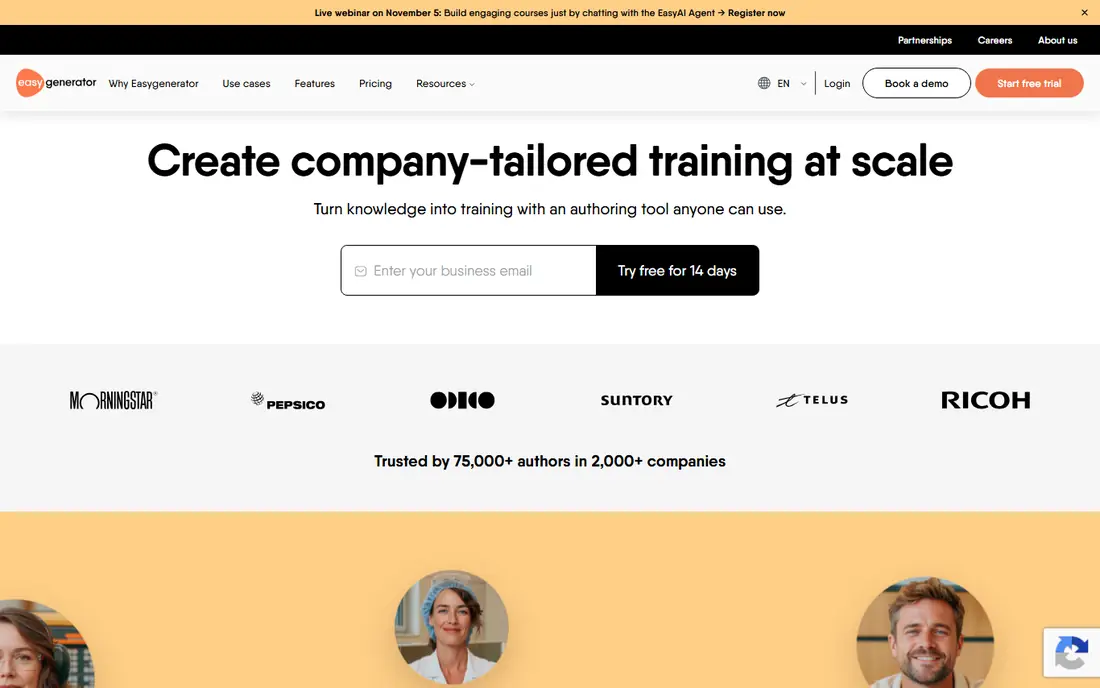
Easygenerator is built for people who know a subject but are not instructional designers. Its block editor, templates and guided course structure let a subject expert draft a presentable course quickly, and reviewers can comment without extra software. Because it runs in a browser, it works across Windows and Mac and suits distributed teams.
The limit shows up when a course needs intricate branching or custom simulations, where Storyline or Lectora give more control. The Pro plan is also capped at 10 courses and 100 learners, so growing teams should price the Team plan from the start. For straightforward knowledge sharing, though, the speed is hard to beat.
- Fully browser based, no install needed
- Block editor with templates
- Co-authoring and review tools on team plans
- Limited depth for complex custom interactions
- Pro plan caps courses and learners
- Higher team pricing
Elucidat, now sold as Create by its parent company, targets organisations that produce courses in volume. Shared templates, locked brand styles and central asset control keep output consistent when many authors work at once, and the platform is designed around translating and updating courses across regions. That governance is exactly what a large learning team needs.
Smaller teams may find the enterprise setup and quote-based pricing harder to justify, and the template model can feel restrictive for a single unusual course. If your problem is ten authors producing inconsistent courses, though, Elucidat answers it directly.
- Template-driven authoring for consistent output
- Brand control and asset management
- Built for localisation at scale
- Quote-based pricing
- Template approach limits one-off custom designs
- Enterprise focus may be more than small teams need
Lectora has long been the choice for instructional designers who need precise control and accessible output. It supports detailed scripting, variables and conditions for branching, and its accessibility tooling helps teams meet WCAG and Section 508 requirements. Courses can be built in responsive or fixed layouts depending on the audience.
That power comes with a learning curve that casual authors will feel, and pricing is quote-based rather than published, which slows down budgeting. For regulated training where accessibility is not optional, Lectora remains one of the strongest Captivate replacements.
- Strong accessibility controls for WCAG and Section 508
- Scripting and variables for complex logic
- Responsive and fixed layouts
- Steeper learning curve
- Quote-based pricing
- Interface feels dated next to browser tools
dominKnow combines authoring and content management in one platform, which suits teams that reuse the same material across many courses. Authors build responsive or fixed-layout projects, share content objects between courses, and update a shared element once rather than editing every course that uses it. Software simulations and screen capture are part of the toolkit.
The price, from $1,997 per author per year, puts it firmly in enterprise territory, and getting the content model right takes upfront planning. For a large catalogue where reuse saves real maintenance time, that investment can pay back. Small teams with a handful of courses will likely find it more than they need.
- One platform for responsive and fixed-layout courses
- Reusable content objects
- Software simulations included
- High per-author price
- Enterprise setup takes planning
- Smaller template community than Articulate
Camtasia answers a different question from most tools here: what if the training is mostly video. It records screens, edits video with annotations and callouts, and adds quizzes, then exports SCORM packages for LMS tracking. For software demos, onboarding walkthroughs and how-to libraries, that workflow is faster and more polished than building slides.
It is not a like-for-like Captivate replacement for interactive branching courses, since its interaction depth is limited. Teams that need both video and deep interactivity often pair Camtasia with a course authoring tool. On its own, it is the best pick when video carries the lesson.
- Strong screen recording and video editing
- Annotations, callouts and quizzes
- SCORM export for video-led lessons
- Not a full course authoring suite
- Limited branching and interaction depth
- Video projects take more storage
ActivePresenter is the value pick in this list, and the only one here with a one-time purchase. The Standard edition costs $249 once, and the Pro edition adds more interaction and export options. It records software screens, builds interactive videos and courses with quizzes and branching, and publishes to SCORM or xAPI.
The trade-offs are a smaller community, fewer ready-made templates, and video editing that is solid but not as deep as Camtasia. For a solo trainer, a small business or a school watching annual costs, the one-time licence makes it easy to recommend.
- One-time licence, no annual subscription
- Screen recording plus quizzes and branching
- SCORM and xAPI export
- Smaller community and template library
- Video editing is basic next to Camtasia
- Interface is functional rather than polished
Gomo is a cloud authoring tool built around mobile-first output, so courses look consistent on phones, tablets and desktops without extra responsive work. It includes hosting and analytics options, which can simplify delivery for teams without a separate LMS. The browser-based editor suits teams that author from different locations.
The catch is pricing transparency, since Gomo works on quotes, and custom interaction depth is lower than Storyline or Lectora. For teams publishing mainly to mobile learners and wanting a managed service, it is a strong fit.
- Fully browser based with responsive output
- Built-in delivery and analytics
- Consistent playback across devices
- Quote-based pricing
- Less customisation depth than desktop tools
- Smaller ecosystem of templates
How we picked these
We compared official feature pages, pricing pages and public reviews for tools that match Captivate's core work: interactive slide-based courses, software simulations, quizzes, branching and SCORM or xAPI publishing. We favoured tools that are actively sold and supported in 2026, and we left out general course platforms that do not offer true authoring depth. Pricing figures come from vendor pricing pages and recent published comparisons, and where a vendor prices by quote we say so rather than guessing.
What to check before you switch
Match the tool to your course type
Start from the courses you actually make. Slide-based compliance training, software simulations and scenario-based learning each favour different tools, and buying a deep tool for simple courses wastes money and training time. List your five most common course types, then shortlist tools that handle all five.
Test LMS publishing early
Build one real lesson in each finalist and publish it to your LMS before you buy. Check that completion, quiz scores and resume behaviour work as expected, since SCORM implementations differ in small ways that only show up in testing. This single test catches more problems than any feature checklist.
Count authors, not just seats
Per-author pricing means the bill depends on who builds courses, not who takes them. Map out every person who will author or edit, including subject experts who only update text, and price the team on that number. Browser tools with reviewer roles can keep that count lower.
Plan the migration
Captivate projects do not convert cleanly into other tools, so budget time to rebuild your most-used courses rather than importing them. Rebuild the top three first, keep Captivate available during the transition if your licence allows, and archive the originals with their media files.
FAQ
Is Articulate 360 the best Adobe Captivate alternative for most teams?
For most teams, yes, because it pairs Storyline for custom work with Rise for fast responsive courses in one subscription. The price is high per author, so small teams should weigh iSpring Suite or ActivePresenter first. Run a trial with a real course before deciding.
Can I move my Captivate courses to another tool?
There is no clean one-click conversion, since each tool stores interactions differently. Expect to rebuild courses, reusing text, images and video from the originals. Start with your most-used courses and treat the rebuild as a chance to update outdated content.
Which Adobe Captivate alternative is cheapest?
ActivePresenter is the cheapest long-term option here, with a one-time licence from $249 and a free edition for basic use. Camtasia is the next most affordable annual option at $179.88 per year, though it is video-focused rather than a full authoring suite.
Do these tools work with my LMS?
All nine publish to SCORM or xAPI, which most modern learning management systems support. Confirm the exact SCORM version your LMS accepts, and test completion and quiz reporting with a sample course before rolling out widely.
Which alternative is best for software simulations?
Articulate Storyline, Lectora, dominKnow and ActivePresenter all handle software simulations with screen recording and click-path interactions. Camtasia is best when the simulation is mainly a recorded video demo with light quizzing rather than a try-it-yourself exercise.