8 Procreate Alternatives in 2026: Drawing Apps Compared
Searching for procreate alternatives for iPad, desktop, and Android? We compare 8 drawing apps on price, brushes, and free options for illustrators today.
- Editor's choice
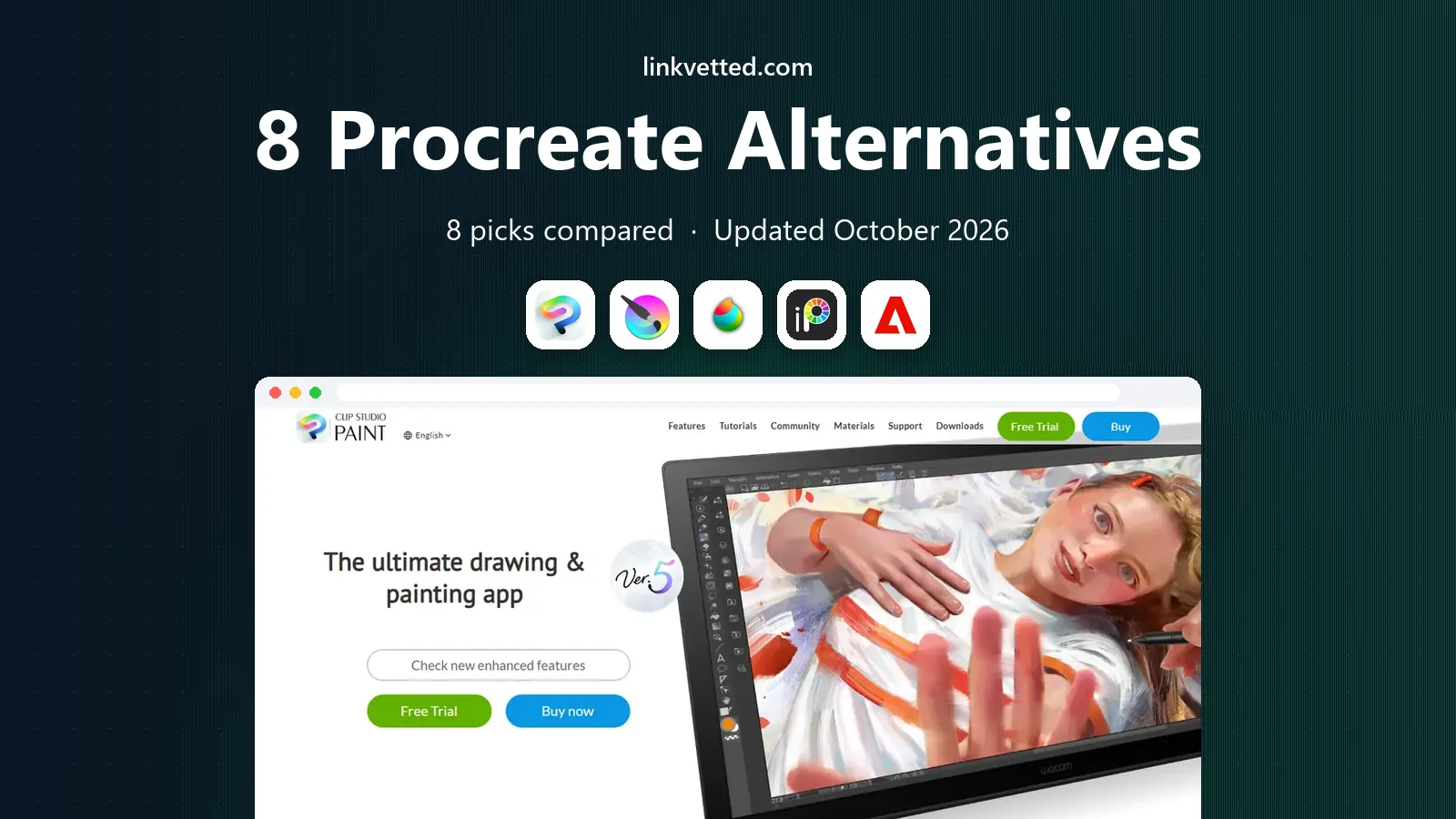
 Clip Studio Paint
Professional illustration and comics
Starts at$49.99 one-timeVisit clipstudio.netFull review - Great alternative
 Krita
Free desktop painting
Starts atFreeVisit krita.orgFull review - Also consider
 MediBang Paint
Free comics and manga
Starts atFreeVisit medibangpaint.comFull review
TL;DR:
- Clip Studio Paint is the closest professional match for illustration and comics, with a one-time desktop license at $49.99 for Pro.
- Krita, MediBang Paint, and ibisPaint give you a genuine free route, with Krita the strongest free desktop pick.
- Procreate remains iPad only, so Android, Windows, and Mac artists need a different app from this list.
- Adobe Fresco and Sketchbook suit simpler sketching, while Concepts and Infinite Painter suit flexible, on-the-go drawing.
Quick comparison
| Tool | Best for | Starts at | Free plan? | |
|---|---|---|---|---|
| Clip Studio Paint | Professional illustration and comics | $49.99 one-time | Free trial | Visit |
| Krita | Free desktop painting | Free | Yes | Visit |
| MediBang Paint | Free comics and manga | Free | Yes | Visit |
 ibisPaint | Free mobile drawing | Free | Yes | Visit |
 Adobe Fresco | Simple sketching in Adobe apps | See website | Yes | Visit |
 Autodesk Sketchbook | Clean, simple sketching | See website | Yes | Visit |
 Concepts | Flexible vector sketching | See website | Yes | Visit |
 Infinite Painter | Mobile painting with many brushes | See website | Free trial | Visit |
The best Procreate alternatives
Procreate set a high bar for iPad drawing, with a one-time price and a brush engine that feels natural. The apps below do not all copy it, and that is a strength. Some are free, some run on desktop, and some focus on comics, vector sketching, or simple daily drawing.

Clip Studio Paint is the pick most working illustrators name first when they leave Procreate, and the reason is breadth. It covers painting, inking, comic panels, screen tones, and animation in one app, with a brush engine that rewards careful setup. Posable 3D models help with tricky poses, and the comic tools handle multi-page projects in the EX edition, which is a real step beyond a sketching app.
The price structure needs a careful read. Pro costs $49.99 as a one-time desktop license, while EX costs $219.00 one-time and adds unlimited animation frames and multi-page management. Mobile plans are subscriptions, so an iPad artist who wants the desktop license deal should check the current plan page. If you draw comics or client illustration, Clip Studio Paint is the most complete replacement here.
- Strong brush and comic tools
- 3D models for posing
- One-time desktop license for Pro
- Interface can feel crowded at first
- Mobile use needs a subscription rather than a one-time license
Krita is the free desktop answer that does not feel like a compromise. It offers a wide brush set, layer and mask tools, color management, and an animation timeline, all without a subscription or a paywall. Concept artists, comic artists, and hobby painters all use it, and the open source model means your files and your workflow are not tied to a vendor subscription.
The trade-off is polish and support. Krita asks you to learn its panels and shortcuts, and the tablet experience is less settled than the desktop one. If you draw on a Windows PC or a Linux machine and want Procreate-style painting for free, Krita is the first app to install, and many artists never need to move on from it.
- Free and open source
- Strong brush engines and animation tools
- Runs on Windows, Mac, and Linux
- Tablet app experience varies by device
- Interface takes time to learn
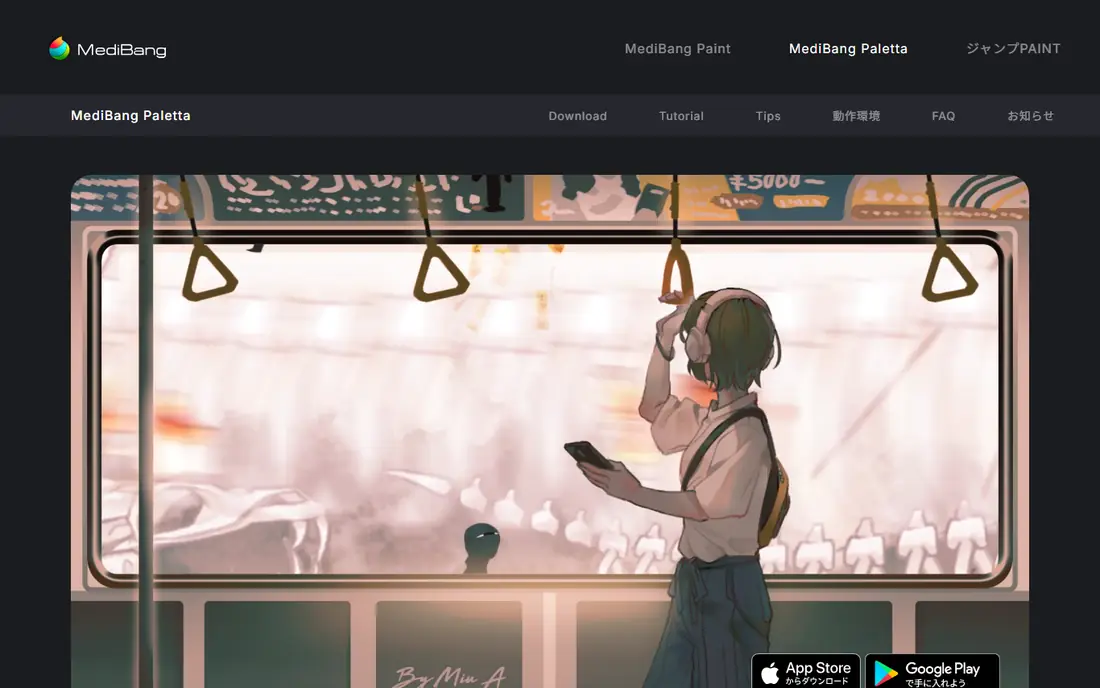
MediBang Paint aims at comic and manga artists who want to start free and stay free. It includes panel tools, tones, and a large library of brushes and materials, plus cloud saving that lets you move a project between phone, tablet, and computer. For students and webtoon artists, that combination is hard to beat at no cost.
The app is less refined than Procreate in pure painting feel, and the free model comes with account prompts and cloud limits that paid plans remove. Still, if your main work is comics, or you draw on several devices and want one free app across them, MediBang Paint is a practical pick that covers the basics well.
- Free on desktop and mobile
- Comic panels and cloud saving
- Large free brush and material library
- Cloud features need an account
- Interface shows more clutter than Procreate
ibisPaint is built for phone and tablet drawing, and it shows in the best way. The brush count is large, filters and blending modes are easy to reach, and the app records your drawing process so you can share a speedpaint video. That social side makes it popular with younger artists and with anyone who draws mainly on a phone.
Ads in the free version are the main annoyance, and some brushes, materials, and storage need the paid plan. The core drawing tools, though, are free and capable, which is why ibisPaint works as a no-cost Procreate alternative on Android, where Procreate does not run at all. It is also a good second app on iPad for quick sketches.
- Free on iOS and Android
- Huge brush and filter set
- Social sharing and speedpaint recording
- Free version shows ads
- Advanced features and storage sit behind a paid plan
Adobe Fresco focuses on the feel of real media, with live brushes that bloom and blend like watercolor and oil on paper. That makes it a pleasure for sketching, storyboards, and loose illustration, and it opens a path into Photoshop and Illustrator when a project needs finishing. The free tier lets you test the brushes without a Creative Cloud subscription.
Fresco is not a full comic or animation studio, and artists who need deep panel tools or a large brush marketplace will feel the limits. It fits best as a sketching companion for people already in the Adobe world, or as a gentle first drawing app on iPad and Windows tablets. Check the current Adobe page, since Fresco pricing and bundling have changed over time.
- Live brushes that mimic watercolor and oil
- Works with Photoshop and Illustrator files
- Free starter tier
- Feature set is narrower than Clip Studio Paint
- Full value depends on other Adobe apps
Sketchbook has long been the app for people who want to draw without fighting menus. The interface hides until you need it, brushes feel direct, and rulers and guides help with product sketches and concept work. It runs on Windows, Mac, iOS, and Android, which makes it a steady choice across devices.
The downside is scope. Sketchbook does not try to match Clip Studio Paint on comics, animation, or text, and its feature updates have been quieter in recent years. That matters less if you want a calm sketchbook for ideas, thumbnails, and daily drawing practice. For that job, its simplicity is the point, not a weakness.
- Uncluttered interface that stays out of the way
- Good brush and ruler tools
- Runs on desktop and mobile
- Fewer illustration and comic features than Clip Studio Paint
- Development pace has slowed
Concepts takes a different path from most apps here, because its strokes stay editable as vectors on an infinite canvas. You can sketch, move, resize, and recolor parts of a drawing after the fact, which suits product designers, architects, and note-takers who revise ideas often. The canvas never forces you to pick a page size first, so brainstorming stays fluid.
That flexibility changes the painting feel. Concepts is less about textured raster brushes and more about clean, adjustable lines, so pure painters may miss Procreate texture. Many tools are free to start, with purchases for full libraries and export options. If your drawing is part of a design process, Concepts earns a place beside a raster app rather than replacing it outright.
- Infinite canvas with vector strokes you can edit later
- Good for notes, diagrams, and design sketches
- Cross-platform
- Painting feel differs from raster apps like Procreate
- Key tools are in-app purchases
Infinite Painter is a mobile painting app that takes brushes seriously, with a large library and settings that let you shape a brush to your hand. Layers, blending, symmetry, and perspective guides cover most illustration needs on a tablet or a large phone, and the interface stays focused on the canvas. Android artists in particular get a capable Procreate-style option here.
There is no desktop version, so studio artists who want one app across tablet and computer will need a second tool. The free version lets you test the core drawing, with a paid purchase for the full set. For mobile-first painters who want depth without a subscription, Infinite Painter is a strong, low-friction pick.
- Large brush library with deep customization
- Layer and perspective tools
- Runs on iOS and Android
- No desktop version for larger studio work
- Full version is a paid purchase
How we picked these
We compared official feature pages, pricing pages, and app store listings for drawing and painting apps, and we kept only apps that are currently offered and that cover illustration, sketching, or comics. We favored a mix of free and paid apps, desktop and mobile apps, and raster and vector approaches, since Procreate users leave for different reasons. Prices shown are the entry paid price where confirmed, and we say See website where pricing varies by platform or was not confirmed at the time of writing.
How to choose a Procreate alternative
Start with your device, since that alone removes several options. Procreate is iPad only, so Android artists need Krita, MediBang Paint, ibisPaint, or Infinite Painter, while Windows and Mac artists should look at Krita, Clip Studio Paint, and Sketchbook first. Then match the app to your work: comics favor Clip Studio Paint and MediBang Paint, loose painting favors Krita and Fresco, and design sketching favors Concepts.
Brushes, files, and workflow
Brush feel matters more than brush count, so test a few favorite strokes, pressure curves, and eraser habits before you commit. Check file support too, since PSD export, layer preservation, and cloud saving decide whether an app fits a client workflow or only a personal sketchbook. A free app that exports clean PSD files can be more useful than a paid app that locks your work inside its own format.
Cost over a year
One-time licenses look dearer at first and cheaper over time, while subscriptions spread the cost but keep charging. Clip Studio Paint Pro at $49.99 one-time for desktop is a clear example of the first model, while mobile subscriptions show the second. Add up a full year, including any brush packs or storage you would actually buy, and pick the total that fits your budget, not just the headline price.
FAQ
What is the best free alternative to Procreate?
Krita is the best free alternative for desktop artists, with a full painting and animation toolset at no cost. MediBang Paint and ibisPaint are the best free mobile options, with MediBang Paint stronger for comics and ibisPaint stronger for quick phone drawing. All three are genuinely free to start, though ibisPaint shows ads and MediBang Paint uses an account for cloud features.
Is there a Procreate alternative for Android?
Yes. Procreate does not run on Android, but Krita, MediBang Paint, ibisPaint, Infinite Painter, and Concepts all run on Android devices. Krita suits larger tablets and desktop-style work, while ibisPaint and Infinite Painter suit phones and smaller tablets. Check stylus support for your exact device, since pressure and palm rejection vary by hardware.
Is Clip Studio Paint better than Procreate?
It depends on your work. Clip Studio Paint is better for comics, multi-page projects, and desktop workflows, with deeper panel and animation tools. Procreate is simpler, cheaper as a one-time iPad purchase, and often feels faster for pure painting. Artists who do client comics or work across desktop and tablet usually gain more from Clip Studio Paint, while iPad-only painters may not need to switch.
Can I use Procreate brushes in other apps?
Some apps import brush files, but Procreate brush files do not work everywhere, and results vary by app. Krita and Clip Studio Paint have their own large brush libraries and import options, so you can usually rebuild a favorite look rather than move it directly. Test your most-used brushes in a trial before you buy, since brush feel is personal and hard to judge from a feature list.
Do these apps work with Apple Pencil and other styluses?
Most of them do, with pressure support on iPad and on supported Android and Windows devices. Apple Pencil works with the iPad versions of Clip Studio Paint, Fresco, Concepts, and others, while Windows tablets use their own pen systems. If pressure or tilt matters to you, test it on your exact tablet and stylus, since support details change with app updates.
Which alternative is best for beginners?
MediBang Paint and ibisPaint are friendly starting points because they are free and easy to learn on a phone or tablet. Sketchbook is another gentle option for people who want a calm canvas without many menus. Beginners who want to grow into professional work should also try Krita, since it is free and its skills carry into paid studio work later.