Top Adobe Animate Alternatives in 2026: 5 Picks Ranked
Adobe Animate alternatives in 2026: 5 contenders with entry costs and free tiers. Rive comes first for interactive UI and game motion. Quick comparison inside.
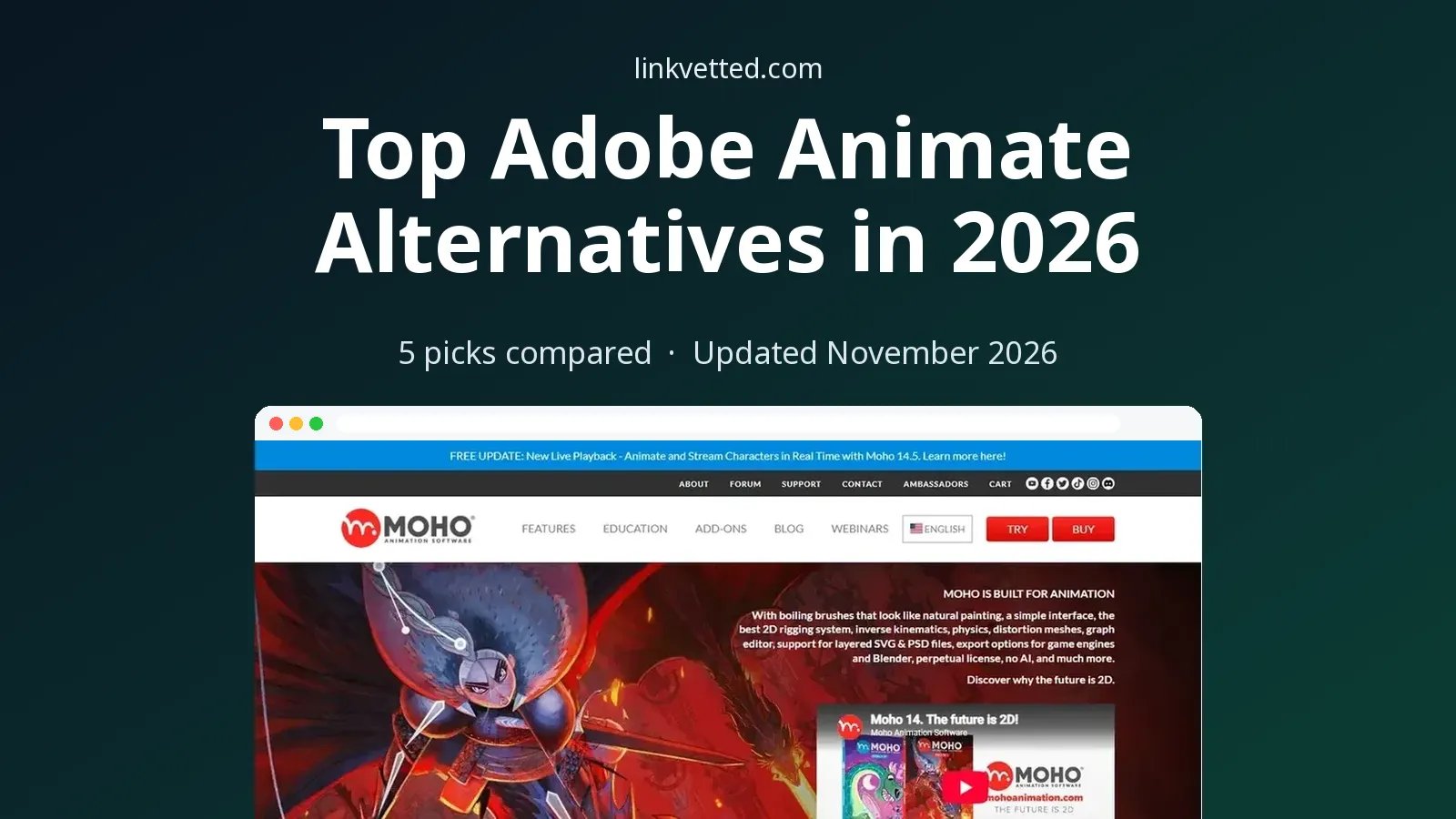
- Editor's choice
 Rive
Interactive UI and game motion
Starts at$9 per seat a monthVisit rive.appFull review - Great alternative
 Synfig Studio
Free open-source 2D animation
Starts atSee websiteVisit synfig.orgFull review - Also consider
 OpenToonz
Open-source animation production
Starts atSee websiteVisit opentoonz.github.ioFull review
Direct answer
Our first pick is Rive, best for interactive UI and game motion. Listed starting prices: Rive from $9 per seat a month. Alternatives: Synfig Studio for free open-source 2D animation, and OpenToonz for open-source animation production. Details, prices and limits for the rest of the 5 tools are below.
TL;DR:
- Rive takes the first slot, best suited to interactive UI and game motion.
- Rive stands alone as the one tool in this list with a free plan.
- Synfig Studio comes with a trade-off: smaller ecosystem of tutorials.
- Rive is the lowest-priced starter here at $9 per seat per month.
Last checked November 2026. Prices and plan details were read from the vendors' own pages in November 2026; vendors change plans often, so confirm the current price on the vendor site before you buy.
Quick comparison
| Tool | Best for | Starts at | Free plan? | |
|---|---|---|---|---|
| Rive | Interactive UI and game motion | $9 per seat a month | Yes | Visit |
| Synfig Studio | Free open-source 2D animation | See website | Not stated | Visit |
| OpenToonz | Open-source animation production | See website | Not stated | Visit |
 Moho | Efficient 2D animation for hobbyists and pros | See website | Not stated | Visit |
 Toon Boom Harmony | Studio-grade 2D animation pipelines | See website | Not stated | Visit |
Tool-by-tool breakdown
This LinkVetted guide covers 5 options for Adobe Animate. Each profile lists a starting price, free plan details, strengths and drawbacks, so you can drop poor fits quickly.
For interactive UI and game motion, Rive is a natural candidate. If you need character animation for broadcast or shorts, a dedicated tool like Harmony or Moho is the more natural choice.
The main drawbacks: Narrower fit for film production.
More specifically, Rive leans toward interactive and product-oriented animation, so traditional film or episodic animators may find it less aligned with their pipeline. Its homepage references work behind Duolingo and Spotify Wrapped, illustrating its role in interactive product motion. What you pay to start with Rive: $9 per seat per month. Rive has a free plan.
- Targets games
- Merges design and animation tools
- Pitched at interactive use cases
Synfig Studio is designed for free open-source 2D animation. Synfig Studio is a free and open-source 2D animation program for Windows, Linux and macOS.
It supports vector-based animation work and is a practical starting point for learning 2D production without licensing concerns. Check the vendor site for Synfig Studio pricing; none is listed in this comparison. Free options: Not stated.
Highlights: Geared toward film-quality output.
Points against: Vector workflow takes adjustment.
- Linux and macOS
- Runs on Windows
- Smaller ecosystem of tutorials
OpenToonz is aimed squarely at open-source animation production. OpenToonz is an open-source animation production tool maintained as a community project.
Limits to weigh: Interface can feel dated.
In practice, if you want vendor support and a smoother guided experience, a commercial tool for example Moho or Harmony may be worth considering instead. On top of that, OpenToonz can feel less refined than commercial suites, and its interface and documentation may need additional patience for newcomers. Check the vendor site for OpenToonz pricing; none is listed in this comparison. On free options: Not stated.
- Production-oriented toolset
- Free to use and modify
- Fewer guided onboarding resources
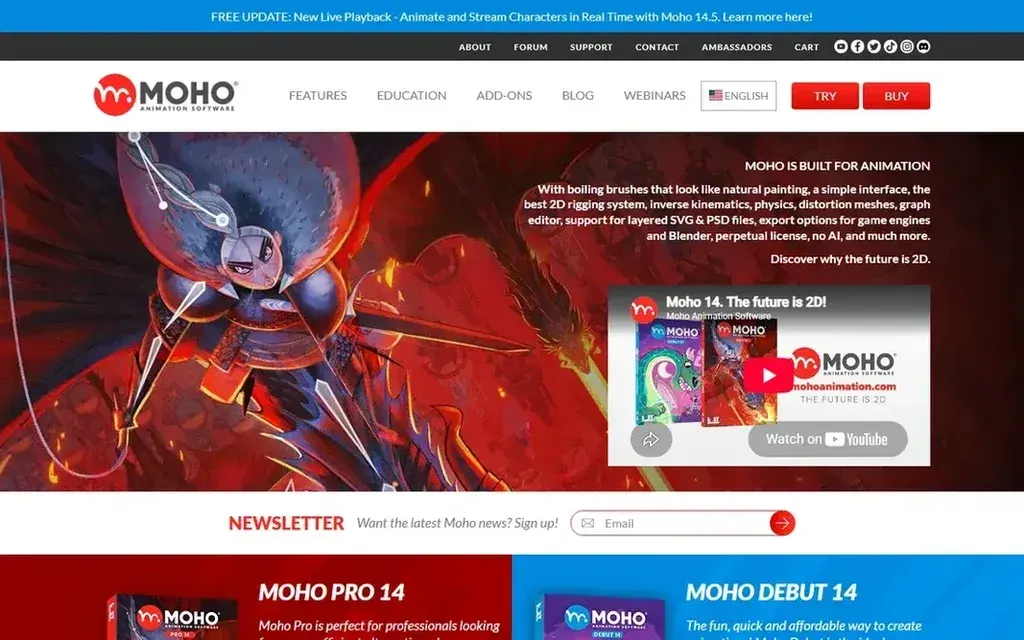
Moho works best for efficient 2D animation for hobbyists and pros. Moho is a 2D animation program from Lost Marble that the vendor presents as a more efficient alternative for creating quality animations.
Its homepage notes it suits hobbyists and professional animators alike, and it is positioned for 2D movies, films and commercial animation. Check the vendor site for Moho pricing; none is listed in this comparison. Free options: Not stated.
Points against: Interface differs from Adobe habits.
- Complete 2D animation program
- Geared toward both hobbyists and professionals
- Advanced rigging takes practice
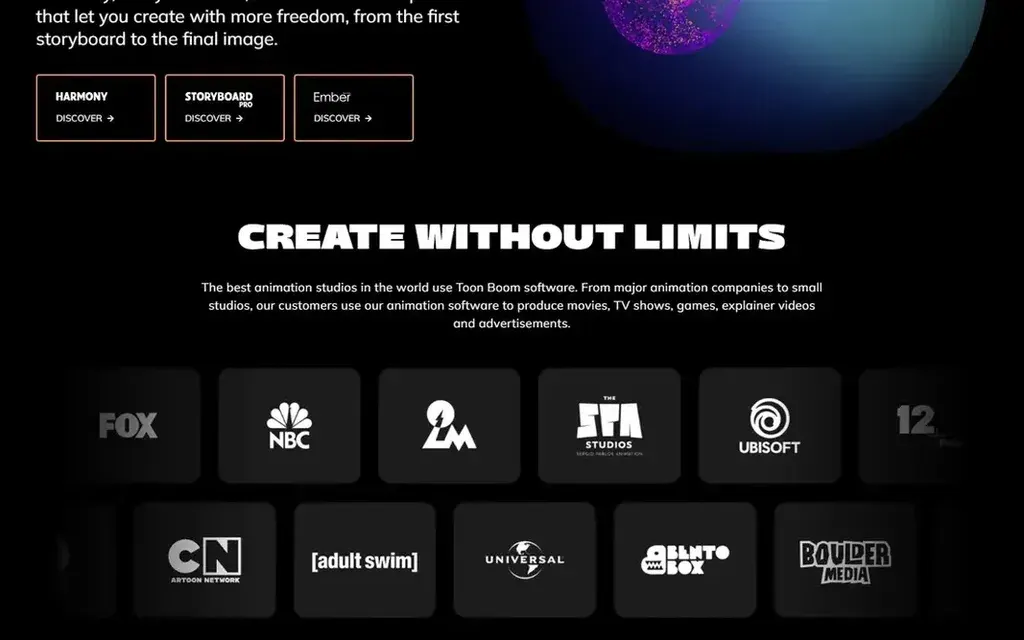
Toon Boom Harmony is a good fit for Studio-grade 2D animation pipelines. Toon Boom Harmony is a professional 2D animation system that lets animators produce art in a broad set of styles within one end-to-end workflow. It tends to fit studios and serious animators who require a full production pipeline instead of a fast drawing tool.
Drawbacks to consider: Heavier setup for straightforward projects.
It is a typical reference point for feature and series work. In practice, the tradeoff is complexity. Harmony carries more setup and a steeper ramp-up time than light tools, so casual users may find it heavy for short projects. Toon Boom Harmony shows no starting price here, so confirm the cost on the vendor site. Trial and free access: Not stated.
- Aimed at professional production
- Supports numerous art styles
- Deeper ramp-up time
What went into this list
LinkVetted used vendor pricing pages and product documentation as the base, then compared plans, free access and documented limits for 5 tools. Where a vendor does not publish a price, the entry says quote. Where a price depends on seats or billing term, the entry says so. We ordered the tools by general fit, then by how clearly pricing is shown, then by free access. A buyer with unusual needs may reorder them.
Before you commit
- Confirm the entry price on the vendor page. For Synfig Studio, OpenToonz, Moho and Toon Boom Harmony that means a quote rather than a fixed price.
- Test the free plan from Rive against your real workload before relying on it.
- Before choosing Rive, weigh its main limit: narrower fit for film production.
- Add up seats, add-ons and usage charges for OpenToonz before comparing it with cheaper entries.
- Check whether the features you need in Rive sit on the entry plan or only on higher tiers.
FAQ
Is Rive the right pick for everyone comparing Adobe Animate?
No single tool suits every team. Rive comes first because it fits interactive UI and game motion, while Synfig Studio suits free open-source 2D animation and OpenToonz suits open-source animation production. Match the tool to your own size, budget and workflow before deciding.
Which alternative is best for game animation?
This list starts with Rive, which fits interactive UI and game motion. For other needs, Synfig Studio is aimed at free open-source 2D animation, and OpenToonz at open-source animation production. Check each tool's price and main limit first.
Do these tools publish their prices?
Not all of them. Synfig Studio, OpenToonz, Moho and Toon Boom Harmony publish no starting price, so expect a quote request for those. The rest, Rive included, show a starting price, though seats and billing terms still change the final cost.
How are the tools for Adobe Animate ordered?
Rive sits first and Toon Boom Harmony last because the order follows typical fit for Adobe Animate, then price clarity and free access. It is a judgement call, so read each profile for fit and limits.
What is the best Adobe Animate alternative for professional 2D animation?
This list starts with Rive, which fits interactive UI and game motion. For other needs, Synfig Studio is aimed at free open-source 2D animation, and OpenToonz at open-source animation production. Check each tool's price and main limit first.
Can I try these tools before paying?
Often, yes. Rive has a free plan. Use your own data and a real task during the test, and check what the free tier or trial limits before you rely on it.
Sources
- https://rive.app
- https://www.synfig.org
- https://opentoonz.github.io
- https://moho.lostmarble.com
- https://www.toonboom.com/products/harmony