Top 6 Website Design Company in the World for 2026 (Prices and Free Plans)
Searching for the best website design company in the world? Here are 6 options with prices and free plans. Every tool lists pros and cons. Easy to scan.
- Editor's choice
 Framer
Quick design-to-launch websites with AI help
Starts at$10 a monthVisit framer.comFull review - Great alternative
 Adobe XD
Interface design within Adobe workflows
Starts atSee websiteVisit adobe.comFull review - Also consider
 Sketch
Focused design, prototyping, and handoff
Starts at$12 per editor per monthVisit sketch.comFull review
Direct answer
Our first pick is Framer, best for quick design-to-launch websites with AI help. Listed starting prices: Framer from $10 a month, Sketch from $12 per editor per month and Webflow from $15 a month. For a different need, Adobe XD covers interface design within Adobe workflows and Sketch covers focused design, prototyping, and handoff. The remaining 3 options are covered below with prices and limits.
TL;DR:
- Framer takes the first slot, best suited to quick design-to-launch websites with AI help.
- Figma fits collaborative design from concept to production.
- Free plans exist at 2 of 6 tools (Framer, Webflow).
- One limit worth knowing about Adobe XD: restricted website hosting capability.
- Starting prices begin at $3 per month with Figma.
Last checked November 2026. Prices and plan details were read from the vendors' own pages in November 2026; vendors change plans often, so confirm the current price on the vendor site before you buy.
Quick comparison
| Tool | Best for | Starts at | Free plan? | |
|---|---|---|---|---|
| Framer | Quick design-to-launch websites with AI help | $10 a month | Yes | Visit |
| Adobe XD | Interface design within Adobe workflows | See website | Not stated | Visit |
| Sketch | Focused design, prototyping, and handoff | $12 per editor per month | Free trial | Visit |
 Webflow | Designing, building, and hosting in one product | $15 a month | Yes | Visit |
 Squarespace | Straightforward, template-driven business websites | $12 a month | Free trial | Visit |
 Figma | Collaborative design from concept to production | $3 per month | Not stated | Visit |
Website Design Company in the World compared in detail
LinkVetted compared 6 tools for website design company in the world. The goal is a practical shortlist: published prices, free plan facts, best-fit use cases and honest limits for every entry.
Framer was built for quick design-to-launch websites with AI help. Framer describes itself as a website builder with a design agent that takes you from idea to launch, with changes staying editable afterward. Consider a more developer-oriented product if your project demands deep custom logic.
Where it falls short: Less suited to large complicated apps.
Framer is oriented toward marketing and content websites instead of large, complicated web applications. So teams with heavy custom development needs may outgrow it. Price to start with Framer: $10 per month. Free access exists with Framer. Reasons to shortlist it: analytics built in.
- Hosting, CMS
- Design agent moves idea to launch
- Newer to enterprise-scale content
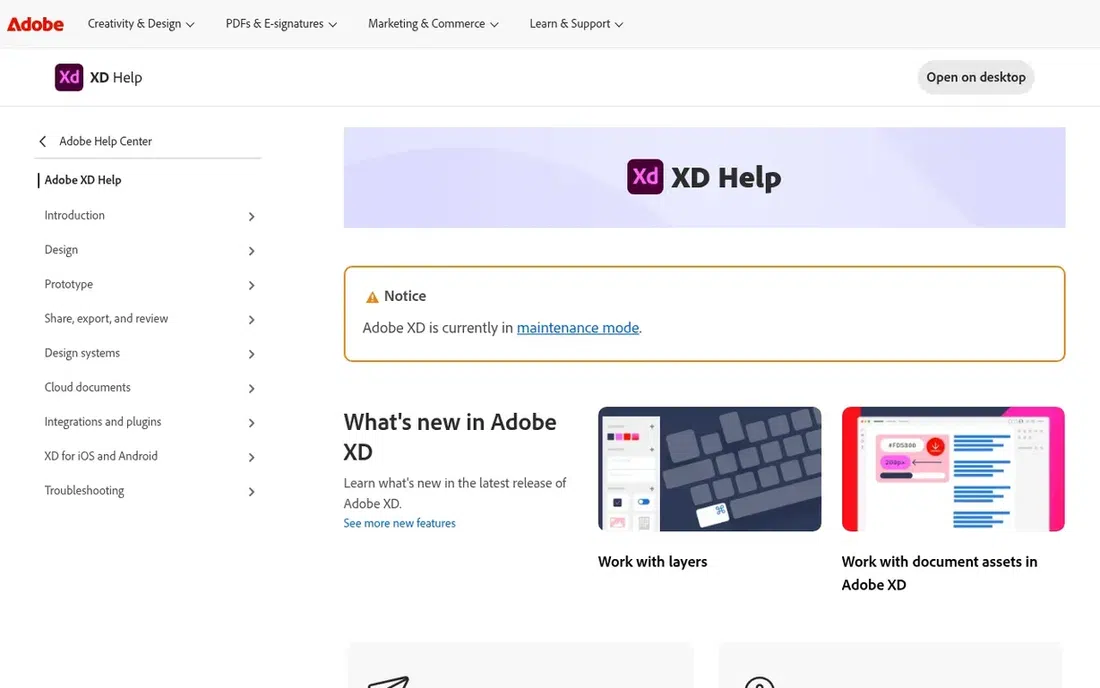
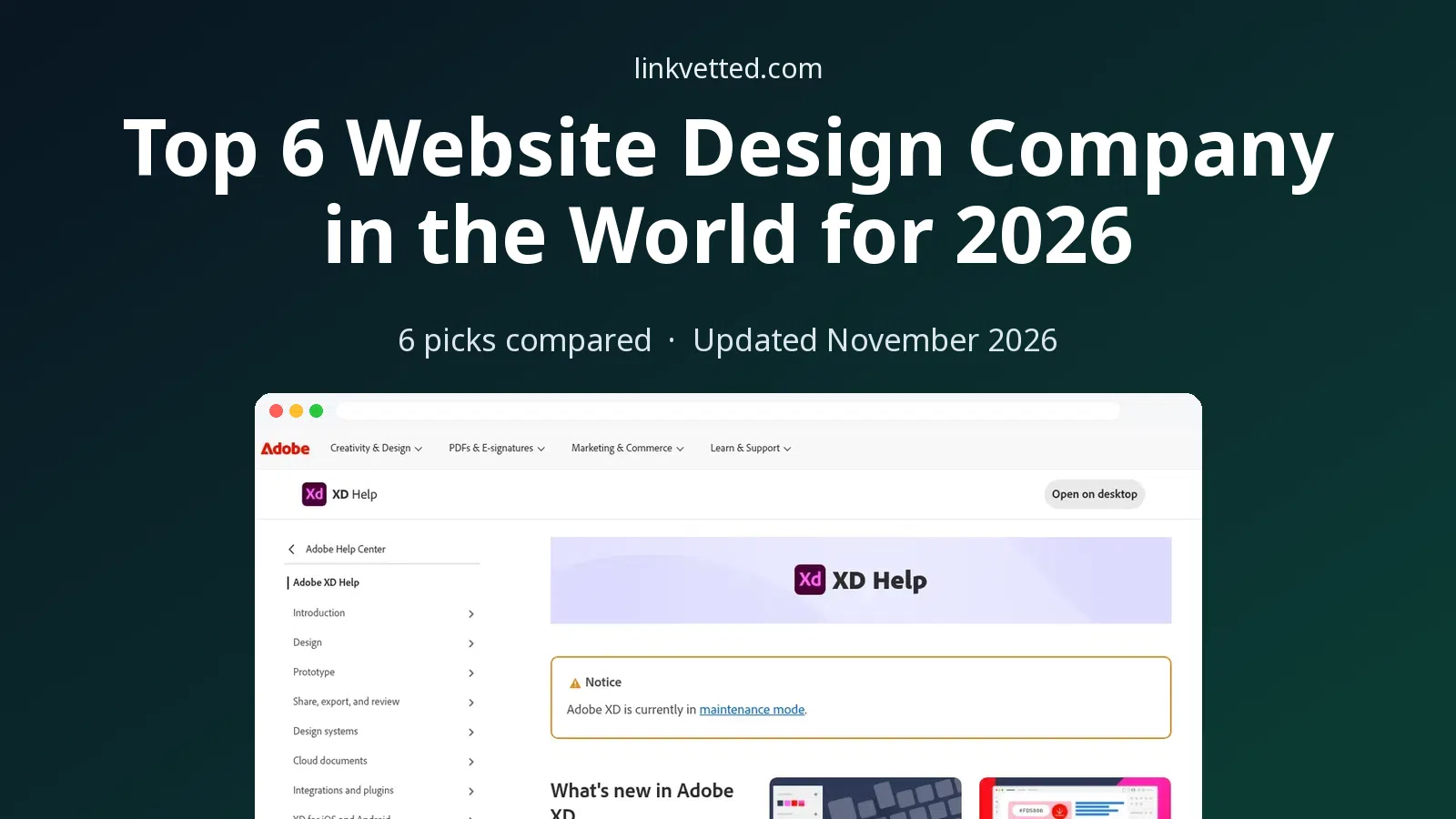
Adobe XD is built with interface design within Adobe workflows in mind. Adobe XD is not a website hosting or content system, so it spans the design phase instead of publishing.
This comparison lists no price for Adobe XD; ask the vendor. Free plan details: Not stated.
Honest limits: Feature set has seen less momentum.
- Suits alongside other Adobe tools
- Familiar to numerous designers
- Restricted website hosting capability
Sketch targets focused design, prototyping, and handoff. Sketch presents itself as a design tool that puts the focus back on you and your work, made by designers for designers. On top of that, Sketch is primarily a design and handoff tool instead of a hosting or content product, so launching a live website needs extra tools.
Its workflow is closely associated with Apple's ecosystem, which can be a limitation for teams standardized on other operating systems. Teams that value a focused, design-first tool instead of an all-in-one web product tend to fit well here. Sketch starts at: $12 per editor per month. As for free access: Free trial.
Limits to weigh: No built-in site hosting.
- Clean handoff to developers
- Made by designers for designers
- Mac-centered workflow
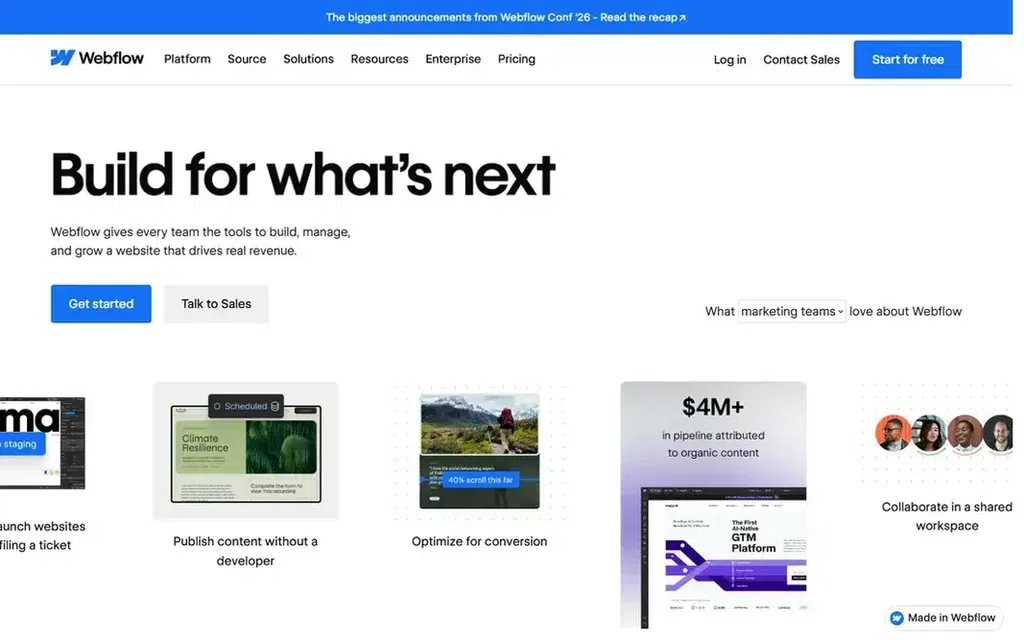
Webflow works best for designing, building, and hosting in one product. Enterprise-grade security, CMS, hosting, and answer engine optimization are built in.
Points against: Ramp-up time for advanced features.
Since Webflow spans design, content, and hosting, its advanced capabilities can take time to learn, and teams wanting only early-stage design exploration may find it heavier than needed. Starting cost for Webflow: $15 per month. You can start on Webflow without paying.
Reasons to shortlist it: hosting combined.
- Search and AI-search optimization included
- Design, CMS
- Less suited to pure design exploration
Squarespace is designed for straightforward, template-driven business websites. Pick a more adaptable design or development system if your project needs bespoke structure and advanced functionality.
Downsides: Less adaptable for custom builds.
Squarespace emphasizes guided, template-based building, so teams needing highly custom layouts or intricate integrations may find it limiting. Squarespace cost at the entry level: $12 per month. Trial and free access: Free trial.
- Domain name setup included
- Configurable website templates
- Design control is more guided
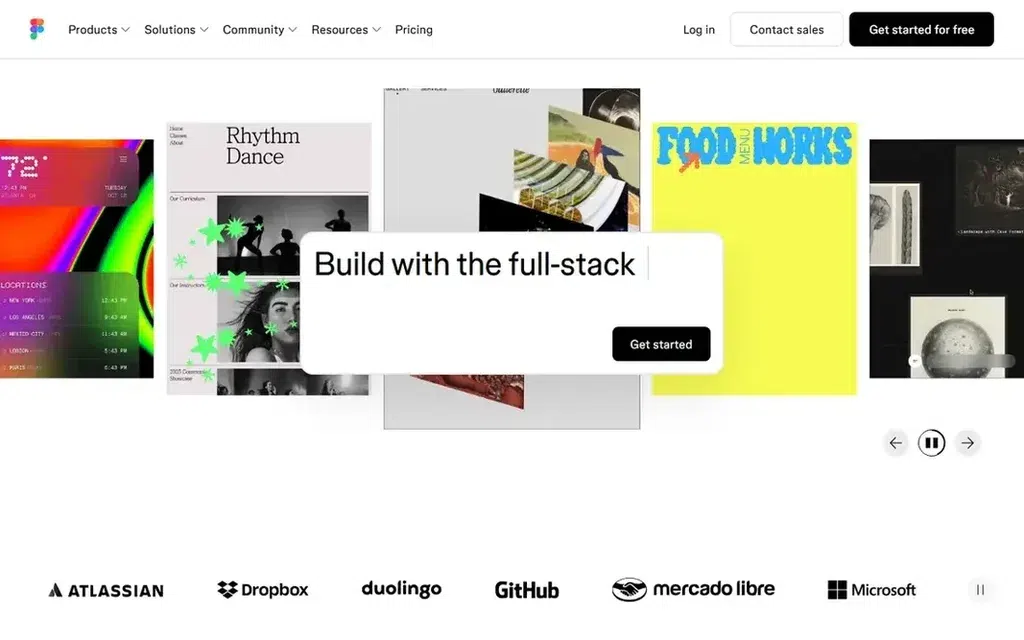
In short, Figma is for collaborative design from concept to production. It suits product and web design teams that want a shared workspace for concepts, prototypes, and handoff, and it suits organizations where several roles have to view and comment on the same designs.
Watch-outs: Complicated files need team conventions.
Where it shines: Moves from idea to shipped product. Beyond that, Figma is centered on design and collaboration instead of being a complete website hosting and content product, so publishing a live site typically means pairing it with another tool. On cost, Figma starts like this: $3 per month. Trial and free access: Not stated.
- AI in one canvas
- Solid live team collaboration
- Not a full hosting product
How we chose
For each of the 6 tools we noted price, free plan or trial, fit for website design company in the world and the main limit, using vendor pages and documentation. Plan names, prices and limits change often. Treat the figures here as a starting point and verify them with the vendor. The order reflects how well each tool fits the most common buying scenario for website design company in the world, then price clarity, then free plan access. It is a starting point, not a verdict.
Questions to settle before buying
- Get a written quote from Adobe XD; the list shows no starting price for them.
- Read the fine print on the free plans from Framer and Webflow; seat, project and feature caps differ.
- Take the trial from Sketch and Squarespace and push a live task through it before you pay.
- Before choosing Framer, weigh its main limit: less suited to large complicated apps.
- Price Framer for your actual team size; headline prices rarely include add-ons or overage.
- Ask the daily users to test Sketch on a live task before you roll it out to everyone.
FAQ
Which platform is a good match for collaborative website design?
The first pick on this list is Framer, because it suits quick design-to-launch websites with AI help. Adobe XD is better for interface design within Adobe workflows, and Sketch for focused design, prototyping, and handoff. Check price and limits against your own needs before choosing.
What is the cheapest option for website design company in the world in this list?
On published monthly entry prices, Figma is the lowest here at $3 per month. Entry price is only part of the cost, because seats, add-ons and billing terms can change the total. For the full picture, the cards above cover all 6 entries of this website design company in the world list, including price, free plan and limits.
How are the tools for website design company in the world ordered?
Framer sits first and Figma last because the order follows typical fit for website design company in the world, then price clarity and free access. It is a judgement call, so read each profile for fit and limits.
Is Framer the right pick for everyone comparing website design company in the world?
No single tool suits every team. Framer comes first because it fits fast design-to-launch websites with AI help, while Adobe XD suits interface design within Adobe workflows and Sketch suits focused design, prototyping, and handoff. Match the tool to your own size, budget and workflow before deciding.
Do these tools publish their prices?
Not all of them. Adobe XD publishes no starting price, so expect a quote request for it. The rest, Framer included, show a starting price, though seats and billing terms still change the final cost.
Sources
- https://www.framer.com
- https://www.adobe.com/products/xd.html
- https://www.sketch.com
- https://webflow.com
- https://www.squarespace.com
- https://www.figma.com