Top 5 Font for Website for 2026 (Prices and Free Plans)
Need the best font for website? We compare 5 tools on cost, free access and who each suits. Concise write-ups of every option. Last reviewed November 2026.
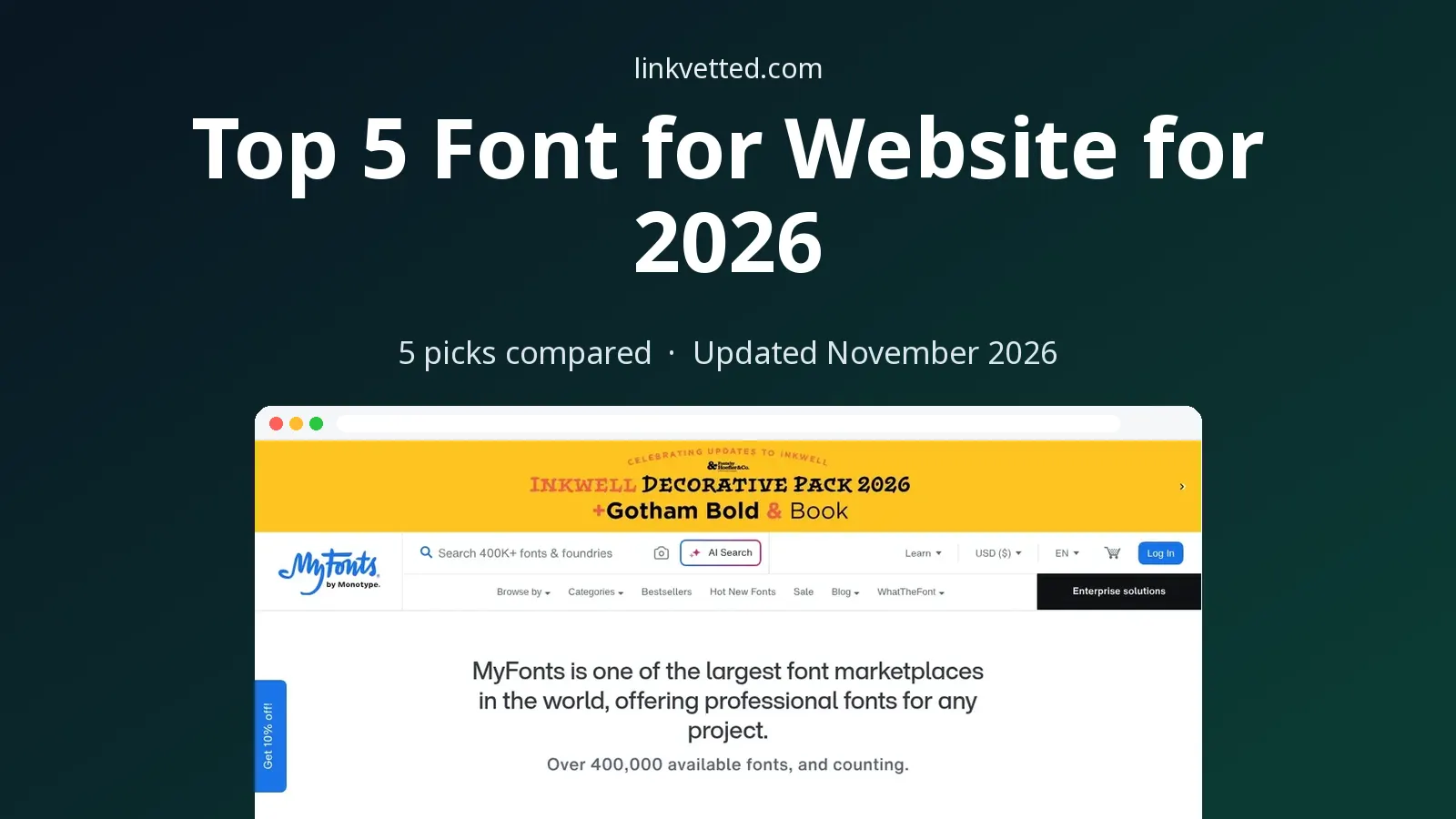
- Editor's choiceType Network
Teams comparing choices in this category
Starts atSee websiteVisit typenetwork.comFull review - Great alternativeMyFonts
Finding classics and new display faces
Starts atSee websiteVisit myfonts.comFull review - Also consider
 Envato Elements
Fonts bundled with creative assets
Starts at$16.50 per monthVisit elements.envato.comFull review
Direct answer
Our first pick is Type Network, best for teams comparing choices in this category. Listed starting prices: Envato Elements from $16.50 per month. For a different need, MyFonts covers finding classics and new display faces and Envato Elements covers Fonts bundled with creative assets. Prices, free plans and limits for all 5 tools follow.
TL;DR:
- Top of the list is Type Network, which targets teams comparing choices in this category.
- Check the limits for Envato Elements before you commit: font depth is less than specialist sites.
- Envato Elements has the lowest monthly starting price in this list: $16.50 per month.
- Adobe Fonts suits licensing ease inside Adobe workflows.
- A permanent free plan is missing from all 5 tools, Type Network and Adobe Fonts included; plan for a trial or a premium start.
Last checked November 2026. Prices and plan details were read from the vendors' own pages in November 2026; vendors change plans often, so confirm the current price on the vendor site before you buy.
Quick comparison
| Tool | Best for | Starts at | Free plan? | |
|---|---|---|---|---|
| Type Network | Teams comparing choices in this category | See website | Not stated | Visit |
| MyFonts | Finding classics and new display faces | See website | Not stated | Visit |
| Envato Elements | Fonts bundled with creative assets | $16.50 per month | Not stated | Visit |
| Fonts.com | Trying fonts before committing | See website | Not stated | Visit |
| Adobe Fonts | Licensing ease inside Adobe workflows | See website | Not stated | Visit |
The best font for website
Short on time? The summary and table above give the quick view of 5 tools for font for website, and the profiles that follow give the detail behind each entry.
Type Network
Best for: Teams comparing choices in this category
Type Network is built with teams comparing choices in this category in mind. Teams needing wide coverage plus centralized licensing might pair it with a bigger product.
It fits brand-focused website projects where typography is a defining element and someone on the team can evaluate type carefully. Type Network shows no starting price here, so confirm the cost on the vendor site. Free access: Not stated.
The main drawbacks: Smaller selection than big marketplaces.
- Focus on foundry-designed type
- Handy for distinctive brand voices
- Needs more typographic judgment
MyFonts
Best for: Finding classics and new display faces
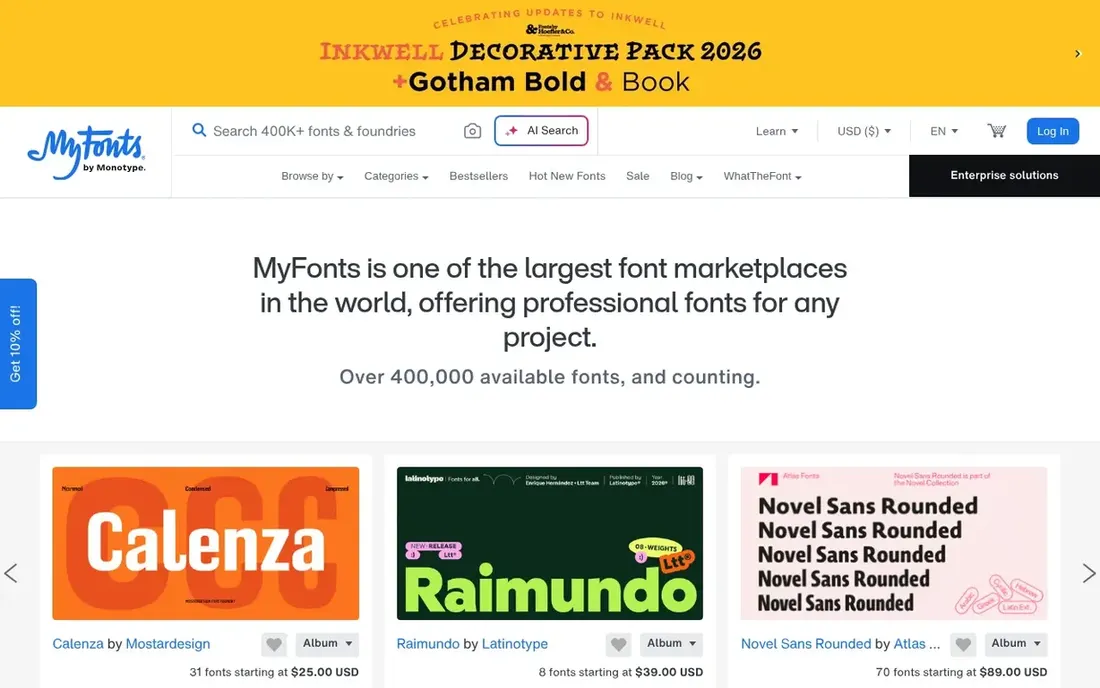
In short, MyFonts is for finding classics and new display faces. MyFonts is a marketplace for downloading webfonts and desktop fonts, mixing established classics for example Garamond and Futura with newer families targeted at contemporary branding.
It fits designers who know roughly what they want and have to compare specific typefaces side by side before licensing for a website. This comparison lists no price for MyFonts; ask the vendor. Free plan details: Not stated.
Limits to weigh: Purchases are per family.
- Newer releases for distinctive branding
- Well known classics like Baskerville and Futura
- Large catalog can slow selection
Pick Envato Elements if this describes you: Fonts bundled with creative assets. It suits website teams that also need templates, graphics, and stock material, letting them source type and supporting assets from one place.
Points against: Best value only if you use other assets.
On top of that, as a font source specifically, its depth is smaller than dedicated type marketplaces, so niche or highly specific faces may be missing. The starting price for Envato Elements: $16.50 per month. As for free access: Not stated.
- AI tools for content creation
- Fonts alongside templates and assets
- Font depth is less than specialist sites
Fonts.com
Best for: Trying fonts before committing
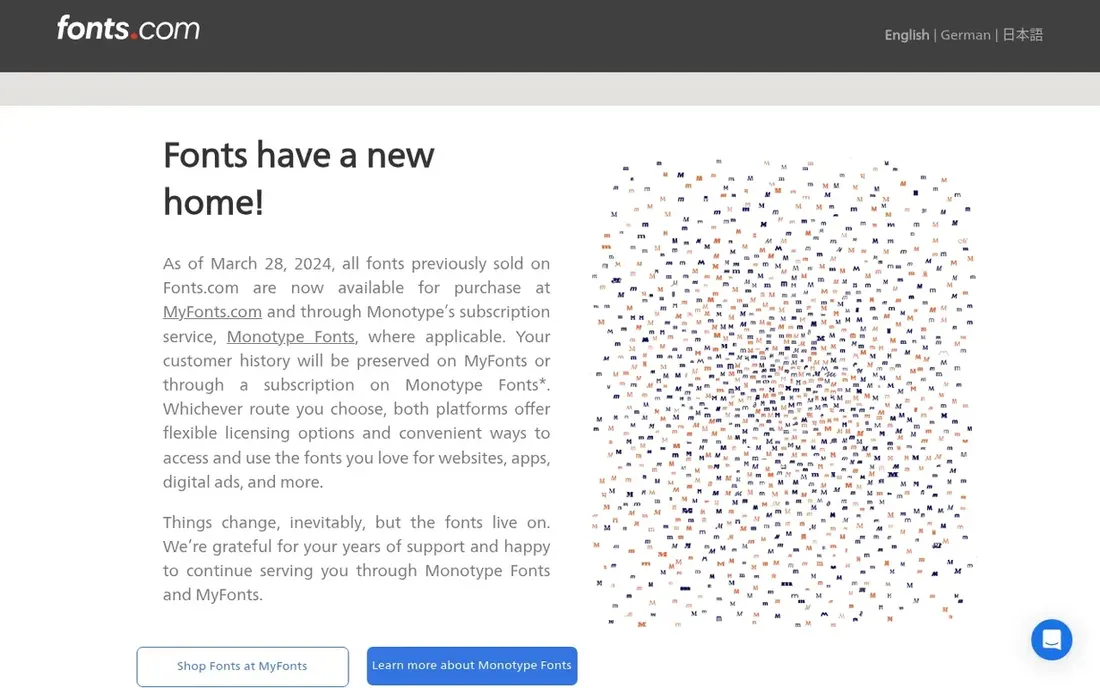
Fonts.com was built for trying fonts before committing. If your priority is centralized licensing across plenty of projects, a product built around license management may be a better fit.
Points against: Interface concentrates on shopping over curation.
The shopping-oriented model means you build a collection font by font instead of drawing from one managed library. For everyday use, Fonts.com provides a catalog of desktop and web fonts spanning classics, new releases, and widely used sellers, with the capacity to try faces before purchasing. Fonts.com shows no starting price here, so confirm the cost on the vendor site. As for free access: Not stated.
- Desktop and web font selection
- Classics alongside new releases
- Per-font purchasing model
Adobe Fonts
Best for: Licensing ease inside Adobe workflows
Adobe Fonts was built for licensing ease inside Adobe workflows. For website projects, it is a practical default when you want a wide selection without negotiating separate licenses.
Limits to weigh: Tied closely to Adobe accounts.
Check the vendor site for Adobe Fonts pricing; none is listed in this comparison. Free plan details: Not stated.
- Licensing handled within the subscription
- Large library from plenty of foundries
- Some families may not suit every budget
How we built this list
Questions to settle before buying
- Ask Type Network, MyFonts, Fonts.com and Adobe Fonts for a written quote, since no starting price is shown.
- Read the limits listed for Type Network first: smaller selection than big marketplaces.
- Find out whether the entry plan of MyFonts covers your must-haves or only a trimmed-down version.
- Test how quickly Fonts.com answers a pre-sales question; it hints at how support will feel later.
- Involve the people who will use Adobe Fonts daily; a short pilot beats a long feature checklist.
FAQ
What is the cheapest option for font for website in this list?
On published monthly entry prices, Envato Elements is the lowest here at $16.50 per month. Entry price is only part of the cost, because seats, add-ons and billing terms can change the total. For the full picture, the cards above cover all 5 entries of this Font for website list, including price, free plan and limits.
Can I mix fonts from different systems?
Yes, provided each license permits your intended use. Keep records of where each font came from so renewals and transfers stay manageable as the site grows.
Does any tool for font for website here have a free plan?
A permanent free plan is not offered by Type Network, Adobe Fonts or the other tools here. Plan a short evaluation period instead.
Do I need a subscription or a one-time purchase?
It relies on how plenty of projects you run. Subscription libraries ease licensing across numerous sites, whereas per-font purchases can suit a single site with a specific typeface need.
What makes a font good for a website?
Readability at small sizes, a usable range of weights, and clear licensing for web embedding matter most. Test candidates in real layouts instead of judging from a specimen page alone.
Can I try these tools before paying?
Not by default. None of the tools, from Type Network to Adobe Fonts, lists a free plan or a free trial here, so ask each vendor for a demo before committing.
Sources
- https://typenetwork.com
- https://www.myfonts.com
- https://elements.envato.com
- https://www.fonts.com
- https://fonts.adobe.com