Top 6 Photo for Website Optimization for 2026 (Prices and Free Plans)
Compare 6 picks for the best photo for website optimization, with prices, free plans and who each fits. Every profile names its biggest catch. No filler.
- Editor's choice
 Affinity Photo
Precise photo editing without subscription
Starts atSee websiteVisit affinity.serif.comFull review - Great alternative
 Adobe Lightroom
Batch editing and organizing photo libraries
Starts atSee websiteVisit adobe.comFull review - Also consider
 Adobe Photoshop
Full web image editing and export
Starts atSee websiteVisit adobe.comFull review
Direct answer
Affinity Photo comes first here, mainly for precise photo editing without subscription. Listed starting prices: Figma from $3 a month and Sketch from $12 per editor a month. Look at Adobe Lightroom for batch editing and organizing photo libraries, and at Adobe Photoshop for thorough web image editing and export. The other 3 tools in the list cover narrower or pricier cases.
TL;DR:
- The list opens with Affinity Photo, aimed at precise photo editing without subscription.
- Neither Affinity Photo nor Sketch, nor any of the other 4 tools, has a permanent free plan; trials and quotes are the norm.
- One limit worth knowing about Adobe Photoshop: steeper ramp-up time for beginners.
- The cheapest monthly starting price in the list is $3 per month, offered by Figma.
- Sketch fits Mac-based UI design and prototyping.
Last checked November 2026. Prices and plan details were read from the vendors' own pages in November 2026; vendors change plans often, so confirm the current price on the vendor site before you buy.
Quick comparison
| Tool | Best for | Starts at | Free plan? | |
|---|---|---|---|---|
| Affinity Photo | Precise photo editing without subscription | See website | Not stated | Visit |
| Adobe Lightroom | Batch editing and organizing photo libraries | See website | Not stated | Visit |
| Adobe Photoshop | Full web image editing and export | See website | Not stated | Visit |
 Capture One | RAW processing and tethered shooting | See website | Not stated | Visit |
 Figma | Collaborative design and prototyping | $3 a month | Not stated | Visit |
 Sketch | Mac-based UI design and prototyping | $12 per editor a month | Free trial | Visit |
Our 6 picks for photo for website optimization
LinkVetted compared 6 tools for photo for website optimization. The goal is a practical shortlist: published prices, free plan facts, best-fit use cases and honest limits for every entry.
Affinity Photo is built with precise photo editing without subscription in mind. Affinity Photo is a professional photo editor designed for precision and speed. It supplies advanced tools for retouching, compositing, and optimizing images for web use, with a focus on creative freedom.
Also, Affinity Photo's interface and workflow may need adjustment for those used to Adobe products. It also lacks some of the cloud collaboration features found in other tools. The software is available as a one-time purchase, appealing to users who prefer to avoid subscriptions. This comparison lists no price for Affinity Photo; ask the vendor. On free options: Not stated.
Where it falls short: Steeper ramp-up time for beginners.
- Quick performance for large files
- Professional editing tools with one-time purchase
- Restricted ecosystem compared with Adobe
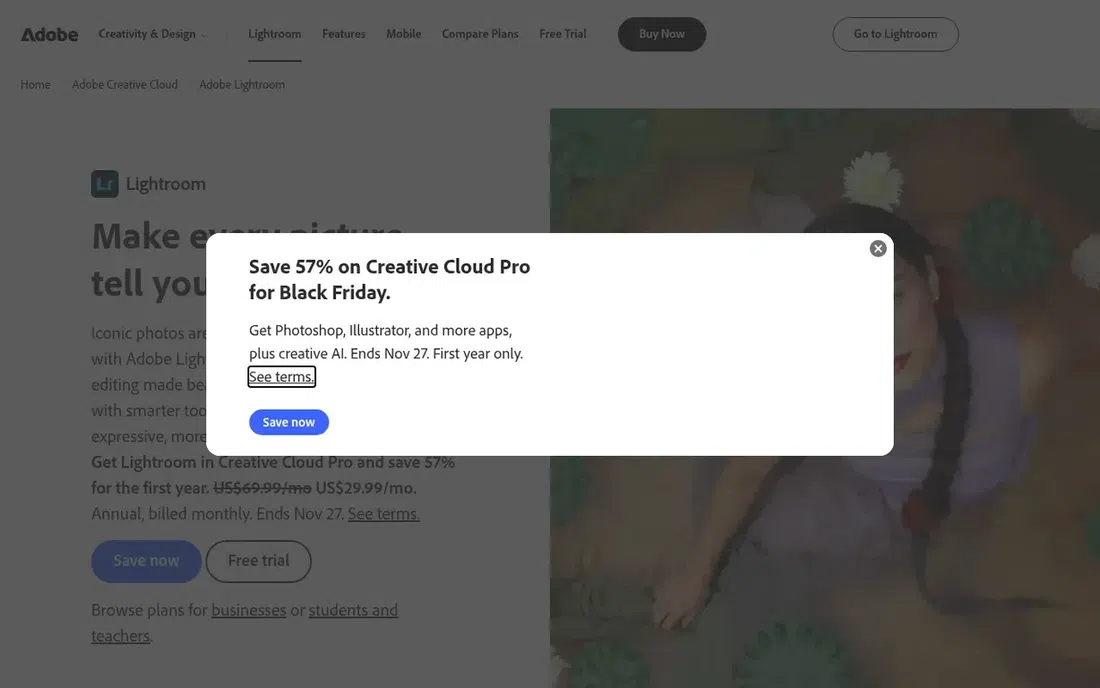
Adobe Lightroom is aimed squarely at batch editing and organizing photo libraries. It offers feature-rich batch editing, non-destructive adjustments, and cataloging tools that help maintain consistency across website photo sets.
Downsides: Restricted advanced compositing tools.
Lightroom lacks the advanced layer-based compositing found in Photoshop, so it is less suited for intricate retouching. Pricing for Adobe Lightroom is not stated here, so ask the vendor for current figures. As for free access: Not stated.
- Capable photo organization and cataloging
- Efficient batch processing for several images
- Needs subscription for full features
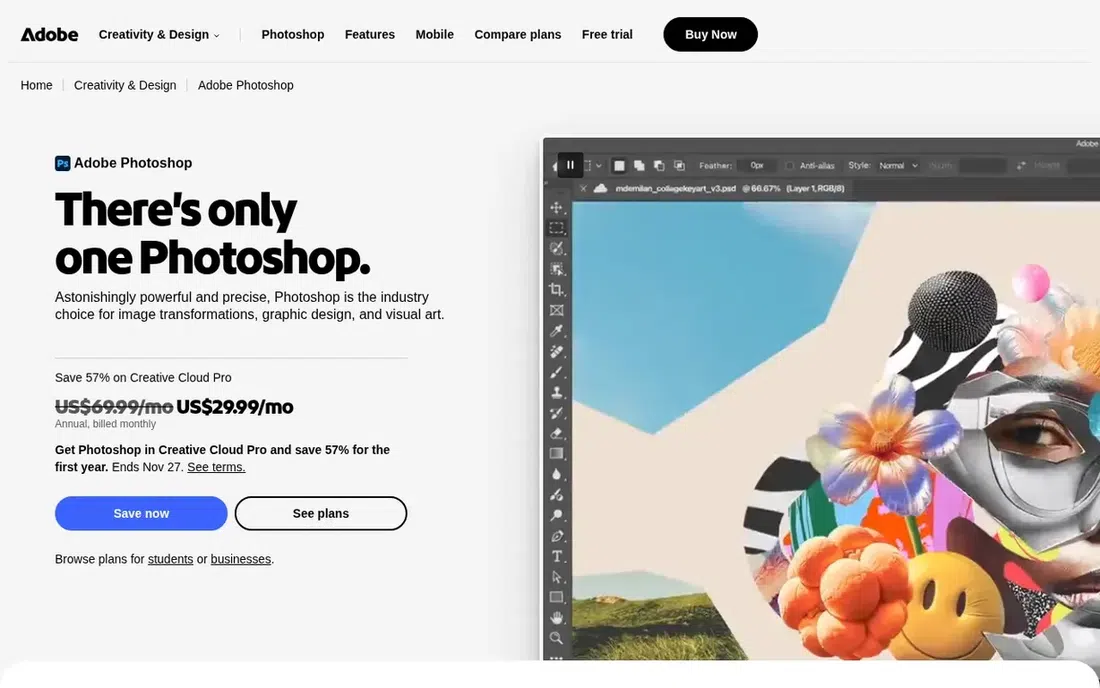
Think of Adobe Photoshop for comprehensive web image editing and export. It gives you precise control over resolution, color profiles, and export settings, making it a good match for designers and photographers who require fine-tuned results. Also, for more straightforward batch adjustments or organizing large photo libraries, Adobe Lightroom is frequently more efficient.
Photoshop's depth can overwhelm casual users, and its subscription model may not suit those needing only occasional edits. For everyday use, the mobile app and online version extend entry-level editing to other devices. Check the vendor site for Adobe Photoshop pricing; none is listed in this comparison. Free options: Not stated.
What to check first: Steeper ramp-up time for beginners.
- In-depth export controls for web formats
- Integration with other Adobe creative apps
- Subscription required for full access
Capture One is a good fit for RAW processing and tethered shooting. Capture One is professional photo editing software aimed at photographers who demand precision and control. It excels at RAW processing, color grading, and tethered shooting, making it a strong match for studio and high-volume photography workflows.
Where it falls short: Subscription or license cost may be higher.
The configurable interface supports efficient batch adjustments for website photo sets. It is also more pricey than some alternatives. Pricing for Capture One is not stated here, so ask the vendor for current figures. Free options: Not stated.
- Capable tethering for studio workflows
- Very good RAW handling and color grading
- Higher ramp-up time for new users
Figma serves collaborative design and prototyping. Figma is a collaborative canvas for design, code, and AI, used primarily for UI and UX design. It permits teams to work together on website layouts and prototypes, including image placement and entry-level adjustments.
Points against: Not concentrated on photo editing.
Worth adding: Figma is well suited to design teams that require to iterate rapidly on web interfaces. Choose Figma for collaborative design work, not for photo optimization. Price to start with Figma: $3 per month. Free options: Not stated.
- Live collaboration for design teams
- Component libraries for consistent UI elements
- Needs design software familiarity
Where Sketch fits: Mac-based UI design and prototyping. For preparing website photos, a dedicated editor is necessary. In practice, Sketch is a good match for UI design, not for photo processing.
Watch-outs: Available only on macOS.
Where it shines: Plugin ecosystem for extended functionality.
Worth adding: Sketch is well-suited for Mac-based design teams that require a light, focused tool. Sketch is not intended for photo editing or optimization; it manages entry-level image placement but lacks advanced retouching. For everyday use, Sketch is a design tool for macOS concentrated on interface and web design. It gives you vector editing, prototyping, and collaboration features that help designers build and hand off website assets. Starting cost for Sketch: $12 per editor per month. Free access: Free trial.
- Solid vector editing and symbol libraries
- Native macOS performance
- Restricted photo editing capabilities
Our selection method
Selection started from tools commonly considered for photo for website optimization, then narrowed to 6 that have clear pricing information or a clear quote process. Prices and plan limits come from vendor pages and can change, so confirm them on the vendor site before you buy. The sequence is a judgement call: typical use case first, then pricing transparency, then free access. Use the profiles to check fit.
What to confirm before you sign up
- Confirm the entry price on the vendor page. For Affinity Photo, Adobe Lightroom, Adobe Photoshop and Capture One that means a quote rather than a fixed price.
- Take the trial from Sketch and push a live task through it before you pay.
- Read the limits listed for Affinity Photo first: steeper ramp-up time for beginners.
- Make sure Affinity Photo lets you export your data in a format another tool can read.
- Find out whether the entry plan of Sketch covers your must-haves or only a trimmed-down version.
FAQ
Do these tools publish their prices?
Not all of them. Affinity Photo, Adobe Lightroom, Adobe Photoshop and Capture One publish no starting price, so expect a quote request for those. The rest, Figma included, show a starting price, though seats and billing terms still change the final cost.
Can I try these tools before paying?
Often, yes. Sketch offers a free trial. Use your own data and a real task during the test, and check what the free tier or trial limits before you rely on it. All 6 picks in this photo for website optimization comparison list a starting price, free plan details and the main limits on their cards above.
Is Affinity Photo a decent alternative to Adobe Photoshop?
Affinity Photo provides professional-level editing tools with a focus on precision and speed, and it is available as a one-time purchase. It is a solid alternative for users who prefer to avoid subscriptions, though it may have a steeper ramp-up time and fewer ecosystem integrations.
How are the tools for photo for website optimization ordered?
The order follows typical fit for photo for website optimization, with Affinity Photo first and Sketch last, then price clarity and free access. It is editorial judgement, not a score, so another team could rank the tools differently.
What is the cheapest option for photo for website optimization in this list?
On published monthly entry prices, Figma is the lowest here at $3 per month. Entry price is only part of the cost, because seats, add-ons and billing terms can change the total. For the full picture, the cards above cover all 6 entries of this photo for website optimization list, including price, free plan and limits.
Sources
- https://affinity.serif.com/en-us/photo
- https://www.adobe.com/products/photoshop-lightroom.html
- https://www.adobe.com/products/photoshop.html
- https://www.captureone.com
- https://www.figma.com
- https://www.sketch.com