Best App for Group Photo Sharing in 2026: 8 Apps Compared
Best app for group photo sharing, compared across 8 apps for shared albums, privacy controls, storage limits, and ease for families and events in 2026.
- Editor's choice
 Google Photos
General group albums
Starts atFreeVisit photos.google.comFull review - Great alternative
 Amazon Photos
Prime member groups
Starts atFreeVisit amazon.comFull review - Also consider
 iCloud Photos
Apple households
Starts atFreeVisit icloud.comFull review
TL;DR:
- Google Photos and Amazon Photos suit most groups, with shared albums, large storage, and easy phone access.
- iCloud Shared Albums suit Apple households, while Dropbox suits groups that already share files.
- Cluster and PhotoCircle focus on private group albums for events, families, and teams.
- Flickr and SmugMug suit photo enthusiasts who want quality, organization, and display options.
- Check who can add, download, and delete photos before inviting a large group.
Quick comparison
| Tool | Best for | Starts at | Free plan? | |
|---|---|---|---|---|
| Google Photos | General group albums | Free | Yes | Visit |
| Amazon Photos | Prime member groups | Free | Yes | Visit |
| iCloud Photos | Apple households | Free | Yes | Visit |
 Dropbox | File sharing groups | Free | Yes | Visit |
 Cluster | Private group albums | Free | Yes | Visit |
 PhotoCircle | Event photo sharing | Free | Yes | Visit |
 Flickr | Photo enthusiasts | Free | Yes | Visit |
 SmugMug | Quality photo display | See website | Free trial | Visit |
The best apps for group photo sharing
Group photo sharing solves a simple problem. After a trip, wedding, or family event, photos sit on many phones, and no one sees the full set. A good group app lets everyone add photos to one album, control who sees them, and download favorites. We compared official feature pages, storage terms, sharing controls, and app listings to find apps for families, friends, and events.
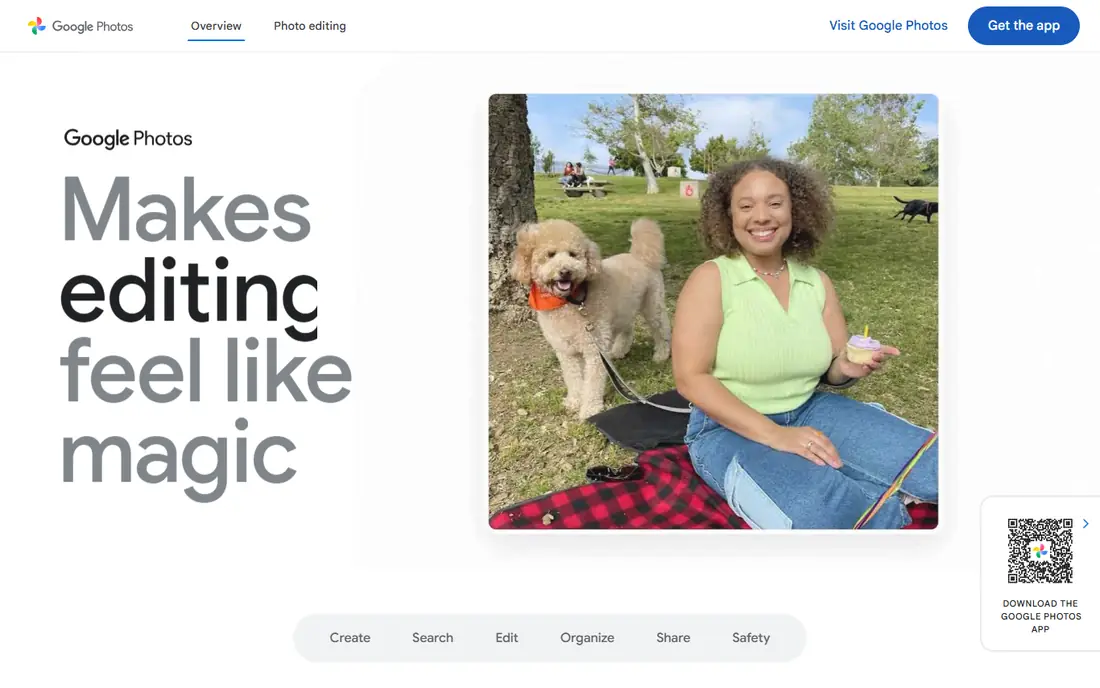
Google Photos is our pick for most groups because almost everyone can use it. Create a shared album, invite people by link or email, and members can add photos, comment, and download. Search by person, place, or object helps find photos in a large album later.
Storage is the main limit. Free storage is shared with Google account storage, so heavy photo users may need a paid plan. Check who can add or remove photos before inviting a large group, and use link settings carefully for private events.
- Shared albums with easy invites
- Strong search
- Works on Android and iPhone
- Free storage is limited
- Shared album controls need checking
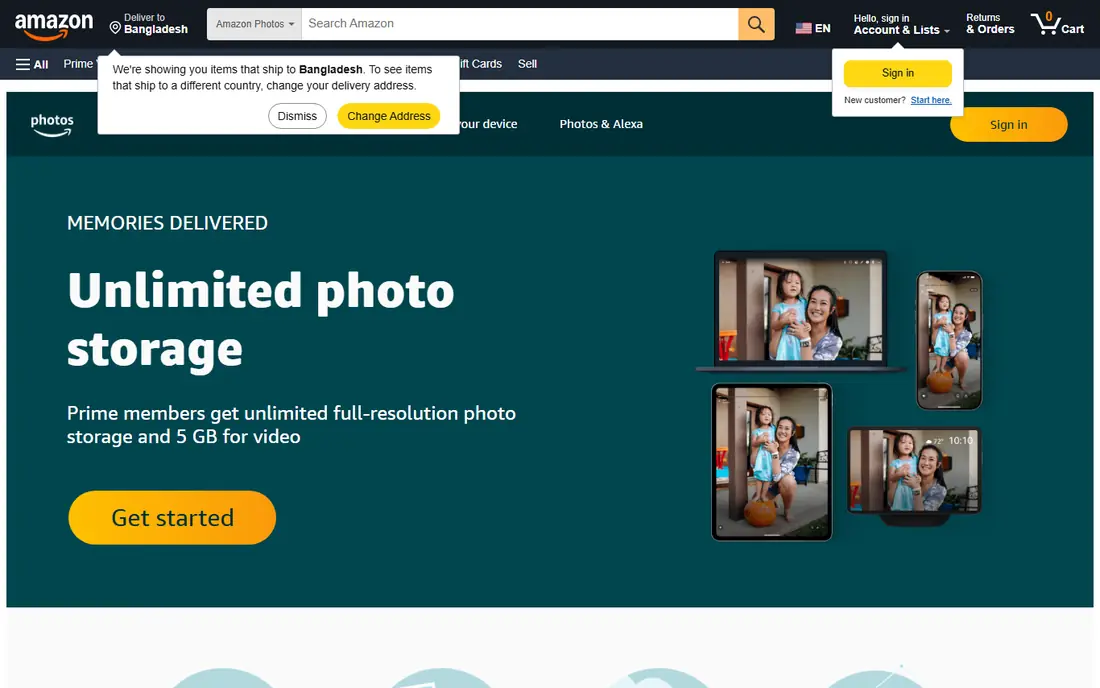
Amazon Photos offers unlimited full resolution photo storage for Prime members, plus a Family Vault that lets up to five people share storage. Groups can create shared albums, and automatic backup keeps phone photos safe. For Prime households, it is a strong, low extra cost option.
Non-Prime users get limited storage, so the value drops without a membership. The app is also less social than Cluster or PhotoCircle. For families already paying for Prime, Amazon Photos is an easy group choice.
- Unlimited photo storage for Prime members
- Family vault sharing
- Easy backup
- Best value needs Prime
- Non-Prime storage is limited
iCloud Shared Albums work well inside Apple households. iPhone users can create a shared album, invite family, and let members add photos, comment, and like images. Integration with the Photos app means no extra login for most Apple users.
Android users can view shared albums through a web link in many cases, but adding photos is less smooth. Free iCloud storage is also limited and shared with backups and files. For mostly Apple groups, it is simple and private.
- Shared Albums built into iPhone
- Easy invites for Apple users
- Comments and likes
- Android users have limited access
- ICloud storage is shared and limited free
Dropbox suits groups that already share documents and files. A shared folder can hold event photos, and members can add, download, and organize files across phones and computers. Link controls and permissions help manage access.
Free storage is small, so photo heavy groups may need a paid plan. Dropbox also lacks the album comments and photo focused browsing of Google Photos or Cluster. For work teams and mixed file sharing, it is a practical choice.
- Shared folders for photos and files
- Link controls
- Works across devices
- Free storage is small
- Not designed as a photo social app
Cluster is built for private group sharing. Create a group for a trip, team, or family, invite members, and everyone can add photos and videos to shared albums. Privacy is the focus, since groups are invite only and not public by default.
The smaller user base means some friends may need to install a new app. Editing, printing, and search features are simpler than Google Photos. For private events where control matters more than extra features, Cluster is a good fit.
- Private groups by invite only
- Members can add photos and videos
- Simple event albums
- Smaller user base
- Fewer editing and print features
PhotoCircle focuses on event photo pooling. Hosts create a circle for a wedding, reunion, or trip, share a link or code, and guests add their photos to one place. That pooling solves the common problem of photos scattered across guest phones.
Some print and advanced features need payment, so check current plans for large events. PhotoCircle suits one-off events best, where the host wants a simple invite and a shared album without a full social network.
- Event circles for weddings and trips
- Easy photo pooling
- Print and product options
- Smaller audience
- Some features need a paid plan
Flickr has long offered group pools, where members add photos to a shared group. Photo enthusiasts can organize by tags, albums, and collections, and browse high quality images. That structure suits camera clubs, travel groups, and hobby communities.
New users may find the interface less modern than Google Photos, and free accounts have limits. Flickr suits groups that care about photo quality, organization, and community, rather than quick phone snapshots alone.
- Group pools for photo sharing
- Strong organization and tags
- Large photo community
- Interface feels dated to some users
- Free account limits apply
SmugMug suits photographers and groups that want polished galleries. Galleries can be password protected, customized, and shared by link, with high quality display and print options. That polish helps for weddings, portfolios, and professional events.
SmugMug is a paid service after a trial, and adding photos is less casual than a free phone app. For a professional event gallery or a photo club that values display quality, it is a strong choice.
- High quality photo display
- Password protected galleries
- Print sales options
- Subscription cost
- Group adding is less casual than free apps
How we picked these
We compared official feature pages, sharing controls, storage terms, device support, and app listings. We favored apps active in 2026 with real group album or shared folder features, clear privacy controls, and a working free tier or trial. Apps with only single user storage or dead group features were left out.
How to choose a group photo app
Start with who is in the group. If most members use iPhones, iCloud Shared Albums are simplest. If members mix Android and iPhone, Google Photos or Amazon Photos work better. For a private event, Cluster or PhotoCircle give clearer invite only control.
Storage and download rights matter for large events. Check how much free storage each member gets, who can download full resolution photos, and who can delete photos. Set those rules before the event, and appoint one or two admins to manage the album.
Privacy and sharing tips
Use invite links only for trusted groups, and turn off public links for private events. Avoid sharing albums that include children, addresses, or sensitive details beyond the group. Check whether comments, likes, and member lists are visible, and remove access after an event ends if needed.
Backups and prints
A shared album is not a backup. Download favorites to a computer or cloud backup, especially after weddings and trips. Many apps here offer print products, so compare print quality and cost before ordering large prints from a shared album.
Setting album rules before an event
Share album rules with guests before the event, including what to upload, whether to include children, and who can download photos. Appoint one host to manage invites and remove access after the event. Clear rules avoid awkward photo posts and keep the album useful. They also help guests feel comfortable adding photos, since they know who will see them.
FAQ
What is the best group photo sharing app for families?
Google Photos suits most families, thanks to shared albums and cross device support. Amazon Photos is strong for Prime households, and iCloud Shared Albums suit Apple households. Pick the app most family members already use to reduce setup friction.
What is the best photo sharing app for groups at a wedding?
PhotoCircle and Cluster suit weddings, since hosts can invite guests to one private circle or group. Google Photos also works well for large guest lists. Share the invite link in advance, and remind guests to upload during and after the event.
Can group members add photos without an account?
That depends on the app and link settings. Some apps allow link based viewing without an account, but adding photos usually needs an account or app install. Check the current sharing settings for your chosen app before the event.
How much storage do group photo apps offer for free?
Free storage varies widely, and it is often shared with other account storage. Google Photos and iCloud offer limited free storage, Amazon Photos offers more for Prime members, and Dropbox free storage is small. Check current storage pages before a photo heavy event.
Are shared photo albums private?
Private groups and invite only albums are private by default on Cluster, PhotoCircle, and iCloud Shared Albums, but link sharing can widen access. Review link settings, member lists, and download permissions before sharing sensitive photos. Remove members or links when an event ends.
Which app is best for photo quality?
SmugMug and Flickr suit photo quality and display, with high resolution galleries and organization tools. Google Photos and Amazon Photos also store high quality images, depending on plan and settings. Check upload quality settings, since some apps compress photos on free plans.