6 Photo and Video Sharing Apps Worth Shortlisting in 2026
Shortlisting the best photo and video sharing apps? 6 products compared on cost, free access and ideal buyer. Pros and cons for every tool. Easy to scan.
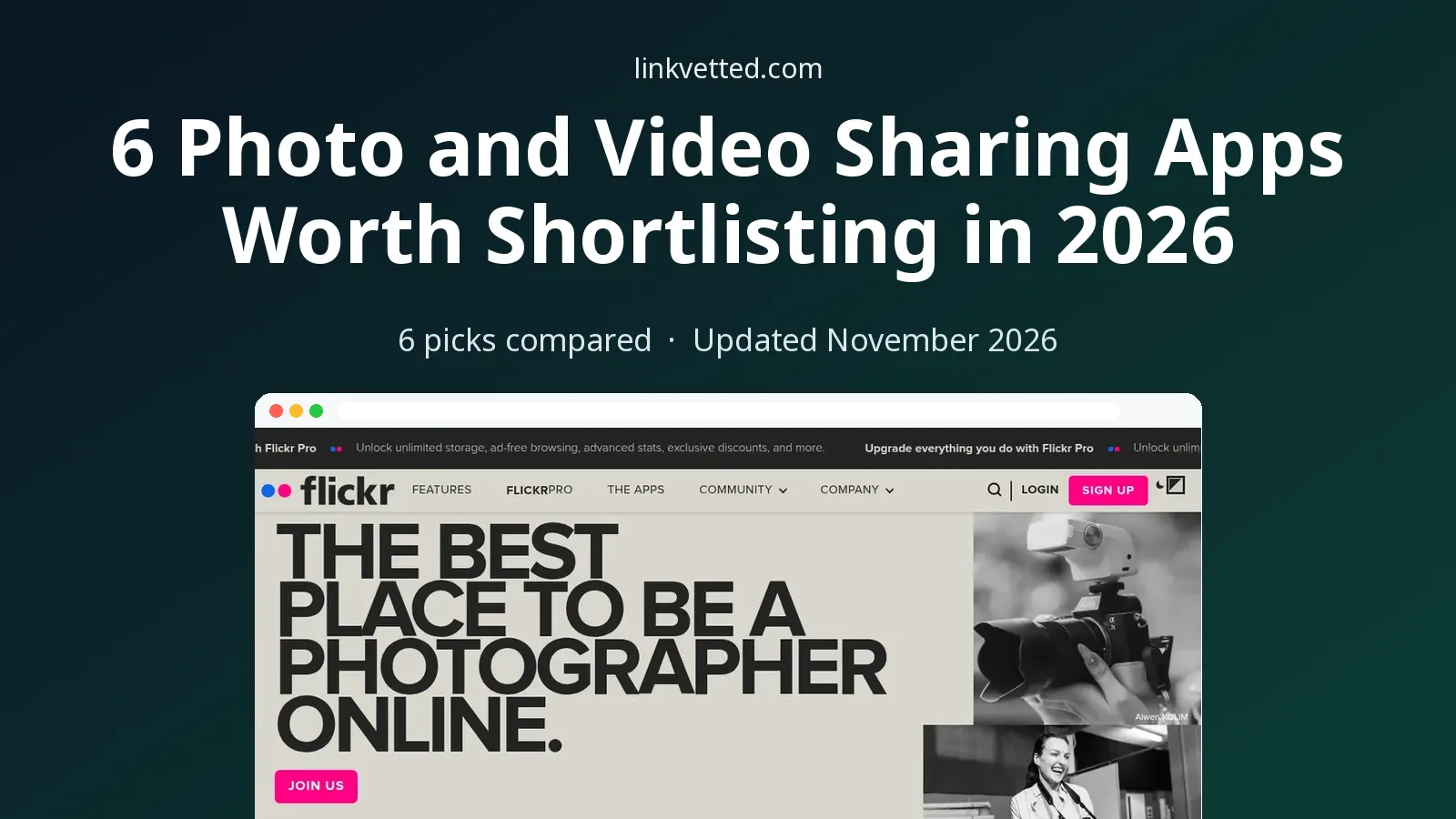
- Editor's choice
 WeTransfer
Sending large files rapidly
Starts atSee websiteVisit wetransfer.comFull review - Great alternative
 Adobe Lightroom
Professional photo editing and organizing
Starts atSee websiteVisit adobe.comFull review - Also consider
 Google Photos
AI-powered photo organization and backup
Starts atSee websiteVisit photos.google.comFull review
Direct answer
WeTransfer comes first here, mainly for sending large files rapidly. Listed starting prices: Dropbox from $9.99 a month. If your case is different, Adobe Lightroom suits professional photo editing and organizing and Google Photos suits AI-powered photo organization and backup. The other 3 tools in the list cover narrower or pricier cases.
TL;DR:
- Number one here is WeTransfer, a fit for sending large files rapidly.
- Vimeo fits video professionals and film enthusiasts.
- Dropbox has the lowest monthly starting price in this list: $9.99 per month.
- Check the limits for WeTransfer before you commit: not a storage or sharing community.
Last checked November 2026. Prices and plan details were read from the vendors' own pages in November 2026; vendors change plans often, so confirm the current price on the vendor site before you buy.
Quick comparison
| Tool | Best for | Starts at | Free plan? | |
|---|---|---|---|---|
| WeTransfer | Sending large files rapidly | See website | Not stated | Visit |
| Adobe Lightroom | Professional photo editing and organizing | See website | Not stated | Visit |
| Google Photos | AI-powered photo organization and backup | See website | Not stated | Visit |
 Flickr | Photographers seeking community and inspiration | See website | Not stated | Visit |
 Dropbox | Secure cloud storage and file sharing | $9.99 a month | Free trial | Visit |
 Vimeo | Video professionals and film enthusiasts | See website | Yes | Visit |
Our 6 photo and video sharing apps
Choosing photo and video sharing apps usually comes down to price, fit and limits. This LinkVetted guide sets 6 tools side by side on those three points, with the facts kept short and checkable.
For sending large files rapidly, WeTransfer is a natural candidate. WeTransfer provides a straightforward, fast, and secure way to send large files around the world without an account. It is perfect for sharing photos and videos when you just have to transfer files without setting up a profile or using a complicated service.
Drawbacks to consider: Not a storage or sharing community.
As for the details, WeTransfer is a good match for one-off transfers of large media files. On top of that, for persistent storage or social sharing, use Dropbox or Flickr. On top of that, WeTransfer is not a product for continuing sharing or community engagement. This comparison lists no price for WeTransfer; ask the vendor. Free access: Not stated.
- Secure file transfer
- Straightforward and quick
- Restricted organizational features
Adobe Lightroom is a good fit for professional photo editing and organizing. Lightroom is not a product for sharing photos with a community or streaming videos.
If you have to share publicly, use Flickr or Vimeo. Adobe Lightroom does not show a starting price in this comparison, so check the vendor site for current pricing. Free plan details: Not stated.
Where it is weaker: Not a sharing community.
- Cross-device access
- Organizing capabilities
- Steeper ramp-up time
Google Photos is built with AI-powered photo organization and backup in mind. Google Photos shines for personal media management. In daily use, Google Photos provides editing and organizing features powered by AI, for example Magic Eraser and Unblur, along with storage and search for your memories.
It is well suited to everyday users who want automatic backup and smart organization of photos and videos. Google Photos is less suited for professional video sharing or community engagement. On top of that, for advanced video hosting, look to Vimeo. Check the vendor site for Google Photos pricing; none is listed in this comparison. Trial and free access: Not stated.
Honest limits: Restricted video editing.
- Automatic backup and search
- AI editing tools like Magic Eraser
- Needs Google account
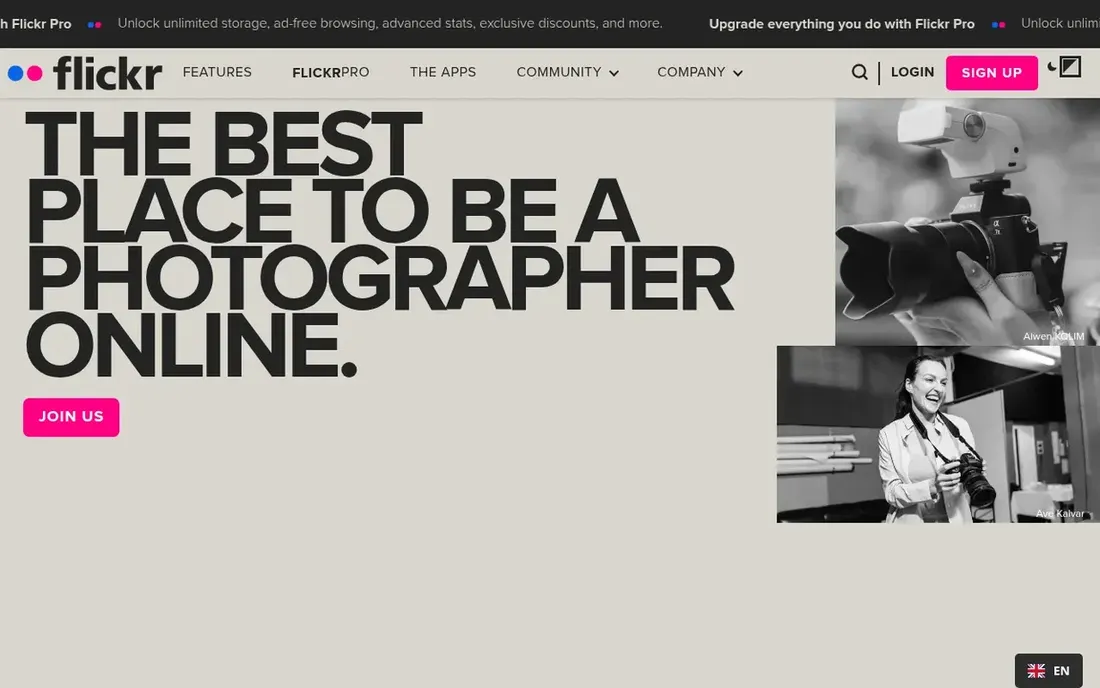
In short, Flickr is for photographers seeking community and inspiration. Flickr positions itself as the best place to be a photographer online, offering a space for inspiration, community, and creativity. It is well suited for photographers who want to share their work, discover art, and engage with a passionate community.
Where it falls short: May feel overwhelming for casual users.
In daily use, the system emphasizes photography over general file sharing. Worth adding: Flickr performs best for those centred on photographic community. Flickr does not show a starting price in this comparison, so check the vendor site for current pricing. Free access: Not stated.
- Free to join
- Inspiration and creative discovery
- Restricted video-sharing features
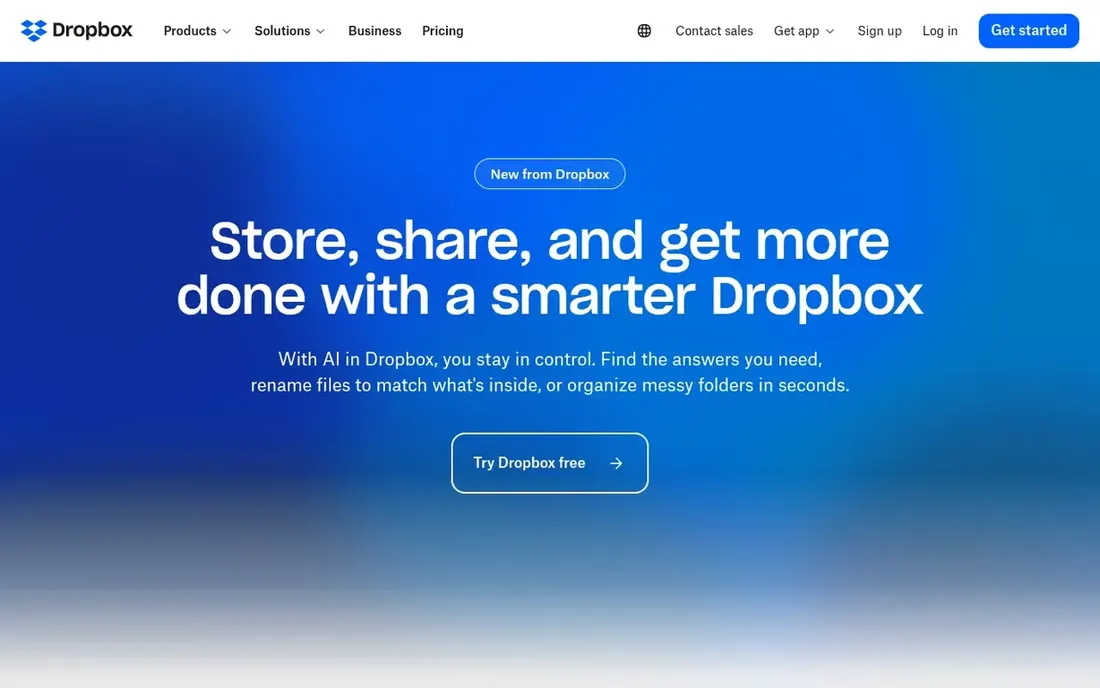
Dropbox was built for secure cloud storage and file sharing. Dropbox is not a photo-sharing community or a video streaming product. Also, Dropbox excels at private storage and sharing but provides restricted media-specific features.
Watch-outs: Restricted built-in editing features.
In practice, Dropbox is a cloud storage service that lets you store, sync, sign, and share files from any device. It is well suited to individuals and teams who require steady file sharing and collaboration, including photos and videos, without a focus on social features. What you pay to start with Dropbox: $9.99 per month. Free options: Free trial.
- Extra tools like sign and more
- Cross-device sync
- Not a dedicated photo/video community
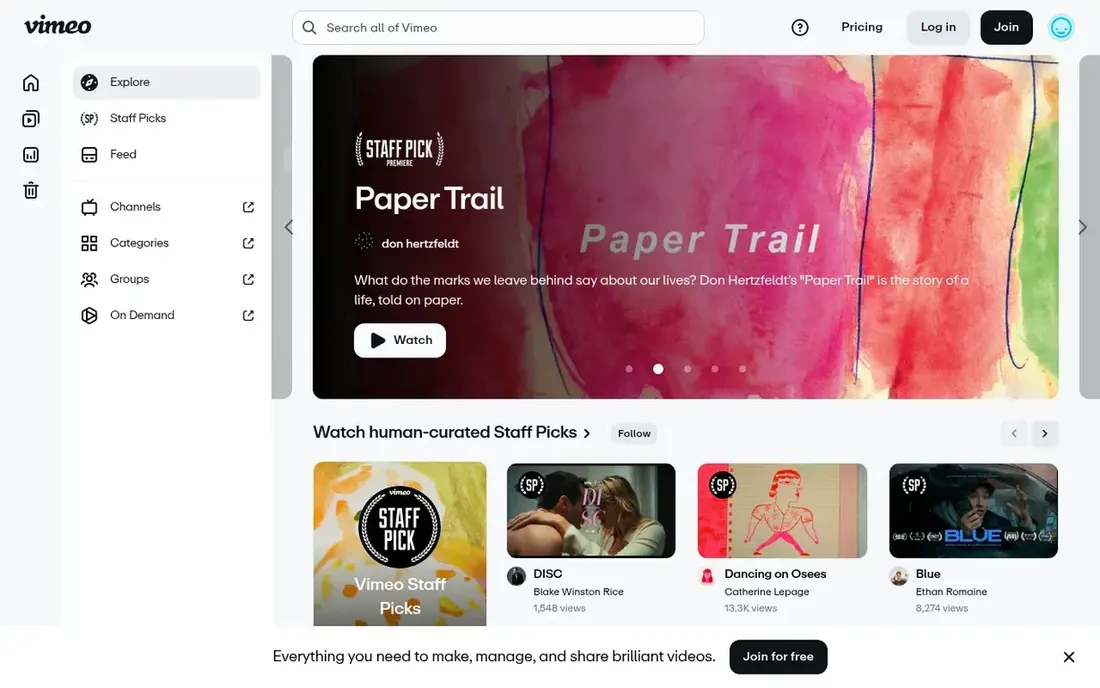
Vimeo was built for video professionals and film enthusiasts. Choose Vimeo when video quality and ad-free viewing are priorities. For photo sharing, Flickr or Google Photos may be better.
Vimeo is a product for watching and sharing high-quality videos, including films, shorts, documentaries, and more, all streaming in HD without ads. It caters to video professionals and enthusiasts who value a clean viewing experience and curated content like Staff Picks. Vimeo does not show a starting price in this comparison, so check the vendor site for current pricing. Vimeo includes a free tier.
Downsides: Less emphasis on photo sharing.
- Focus on films and documentaries
- Ad-free HD streaming
- May need account for uploading
Selection criteria
We compared the tools on published pricing, free plan or trial availability, feature coverage for photo and video sharing apps, and the limits each vendor documents. Plan names, prices and limits change often. Treat the figures here as a starting point and verify them with the vendor. Order on the page follows fit for the typical buyer first, then price transparency and free access. Your own requirements should decide the final pick.
Before you commit
- Get a written quote from WeTransfer, Adobe Lightroom, Google Photos and others; the list shows no starting price for them.
- Test the free plan from Vimeo against your real workload before relying on it.
- Run a trial of Dropbox with real work before paying for a year; your own workflow is the best test.
- Read the limits listed for WeTransfer first: not a storage or sharing community.
- Ask Adobe Lightroom which support channels and response times come with the plan you would buy.
- Compare total cost, not headline price: for Vimeo, add extra seats, add-ons and any usage-based charges.
FAQ
What is the cheapest option for photo and video sharing apps in this list?
On published monthly entry prices, Dropbox is the lowest here at $9.99 per month. Entry price is only part of the cost, because seats, add-ons and billing terms can change the total. Each of the 6 options in this photo and video sharing apps guide has its own card above with the price, free plan and limits.
How are the tools for photo and video sharing apps ordered?
The order follows typical fit for photo and video sharing apps, with WeTransfer first and Vimeo last, then price clarity and free access. It is editorial judgement, not a score, so another team could rank the tools differently.
Which app provides the best AI photo editing?
WeTransfer comes first here and is built for sending large files rapidly. Buyers with other needs may prefer Adobe Lightroom (for professional photo editing and organizing) or Google Photos (for AI-powered photo organization and backup). Compare costs and limits first.
What is the best app for sharing photos with a community?
This list starts with WeTransfer, which fits sending large files rapidly. For other needs, Adobe Lightroom is aimed at professional photo editing and organizing, and Google Photos at AI-powered photo organization and backup. Check each tool's price and main limit first.
Can I try these options before paying?
Often, yes. Vimeo has a free plan and Dropbox offers a free trial. Use your own data and a real task during the test, and check what the free tier or trial limits before you rely on it.
Which options for photo and video sharing apps have a free plan?
Vimeo is the only tool in this list with a free plan. Free plans usually cap users, projects or features, so check the limits on the vendor page. One other tool offers a trial instead.
Sources
- https://wetransfer.com
- https://www.adobe.com/products/photoshop-lightroom.html
- https://photos.google.com
- https://www.flickr.com
- https://www.dropbox.com
- https://vimeo.com