6 Photo Editing Software for Startups Worth Shortlisting in 2026
Searching for the best photo editing software for startups? Here are 6 options with prices and free plans. Details on cost, catches and fit. Compare quickly.
- Editor's choice
 ON1 Photo RAW
AI-powered raw editing, one-time purchase
Starts at$49.99Visit on1.comFull review - Great alternativeACDSee Photo Studio
Photo editing and management
Starts atSee websiteVisit acdsee.comFull review - Also considerSkylum Luminar Neo
AI-assisted editing for simplicity
Starts atSee websiteVisit skylum.comFull review
Direct answer
Start with ON1 Photo RAW if you need AI-powered raw editing, one-time purchase. Listed starting prices: ON1 Photo RAW from $49.99. Alternatives: ACDSee Photo Studio for photo editing and management, and Skylum Luminar Neo for AI-assisted editing for simplicity. The remaining 3 options are covered below with prices and limits.
TL;DR:
- Number one here is ON1 Photo RAW, a fit for AI-powered raw editing, one-time purchase.
- For versatile editing and design, Adobe Photoshop is worth a look.
- Pricing for ACDSee Photo Studio, Skylum Luminar Neo, Adobe Lightroom and others is quote-based, which adds a sales step before you can compare cost.
- Neither ON1 Photo RAW nor Adobe Photoshop, nor any of the other 4 tools, has a permanent free plan; trials and quotes are the norm.
Last checked November 2026. Prices and plan details were read from the vendors' own pages in November 2026; vendors change plans often, so confirm the current price on the vendor site before you buy.
Quick comparison
| Tool | Best for | Starts at | Free plan? | |
|---|---|---|---|---|
| ON1 Photo RAW | AI-powered raw editing, one-time purchase | $49.99 | Free trial | Visit |
| ACDSee Photo Studio | Photo editing and management | See website | Not stated | Visit |
| Skylum Luminar Neo | AI-assisted editing for simplicity | See website | No | Visit |
 Adobe Lightroom | Photo editing and organizing | See website | Not stated | Visit |
 Affinity Photo | Precise editing without subscription | See website | Not stated | Visit |
 Adobe Photoshop | Versatile editing and design | See website | Not stated | Visit |
Photo Editing Software for Startups, one by one
If you are comparing photo editing software for startups, this page covers 6 tools in one place: what each is best for, what it costs to start, whether it has a free plan, and the main limit to know about.
ON1 Photo RAW is aimed squarely at AI-powered raw editing, one-time purchase. ON1 Photo RAW is an AI-powered raw photo editing software that lets you edit, organize, and process photos with pro-level quality. It is available as a one-time purchase without a subscription, making it attractive for startups that prefer upfront costs.
The all-in-one approach merges editing and organizing in a single application. Beyond that, ON1 Photo RAW may not have the same deep ecosystem or advanced compositing tools as Photoshop. It is less established in the industry. For everyday use, startups needing smooth integration with other Adobe products might prefer Adobe's offerings. ON1 Photo RAW cost at the entry level: $49.99. On free options: Free trial.
Downsides: Less established than Adobe.
- All-in-one editor and organizer
- AI-powered raw editing
- May lack some advanced features
ACDSee Photo Studio
Best for: Photo editing and management
Choose ACDSee Photo Studio for photo editing and management. The software emphasizes efficient photo management alongside editing tools.
Limits to weigh: Interface can be complicated.
From a buyer's view, ACDSee may not offer the same depth in creative editing as Photoshop or Affinity Photo, and its interface can be complicated for new users. No starting price is listed for ACDSee Photo Studio here; confirm pricing on the vendor site. As for free access: Not stated.
- Full photo management
- Supports video editing
- Less known for advanced creative editing
Skylum Luminar Neo
Best for: AI-assisted editing for simplicity
Skylum Luminar Neo makes the most sense for AI-assisted editing for simplicity. Skylum Luminar Neo is a photo editing software for PC and Mac that uses AI to help edit photos as you imagine them. It is built to be straightforward and approachable, making it right for startups with team members who may not be photo editing experts.
Also, the AI features can accelerate typical editing tasks. Startups needing intricate edits or raw processing might outgrow it rapidly. Skylum Luminar Neo shows no starting price here, so confirm the cost on the vendor site. Skylum Luminar Neo does not include a free plan.
Downsides: Subscription or one-time purchase options vary.
- Straightforward and approachable
- AI-powered editing tools
- Restricted advanced manual controls

Adobe Lightroom is aimed squarely at photo editing and organizing. Adobe Lightroom is a photo editing and organizing tool that lets professional photographers and enthusiasts make amazing photos from anywhere. It is a strong match for startups that handle large photo libraries and need efficient workflows for editing and sorting images.
Where it is weaker: Subscription required.
As for the details, Lightroom lacks the advanced compositing and design capabilities of Photoshop. So it may not be sufficient for startups needing deep graphic design. For those tasks, Photoshop is a better fit, whereas Lightroom excels at photo-centric workflows. Adobe Lightroom shows no starting price here, so confirm the cost on the vendor site. Free options: Not stated.
- Built for photographers
- Solid photo organizing features
- Less advanced compositing than Photoshop
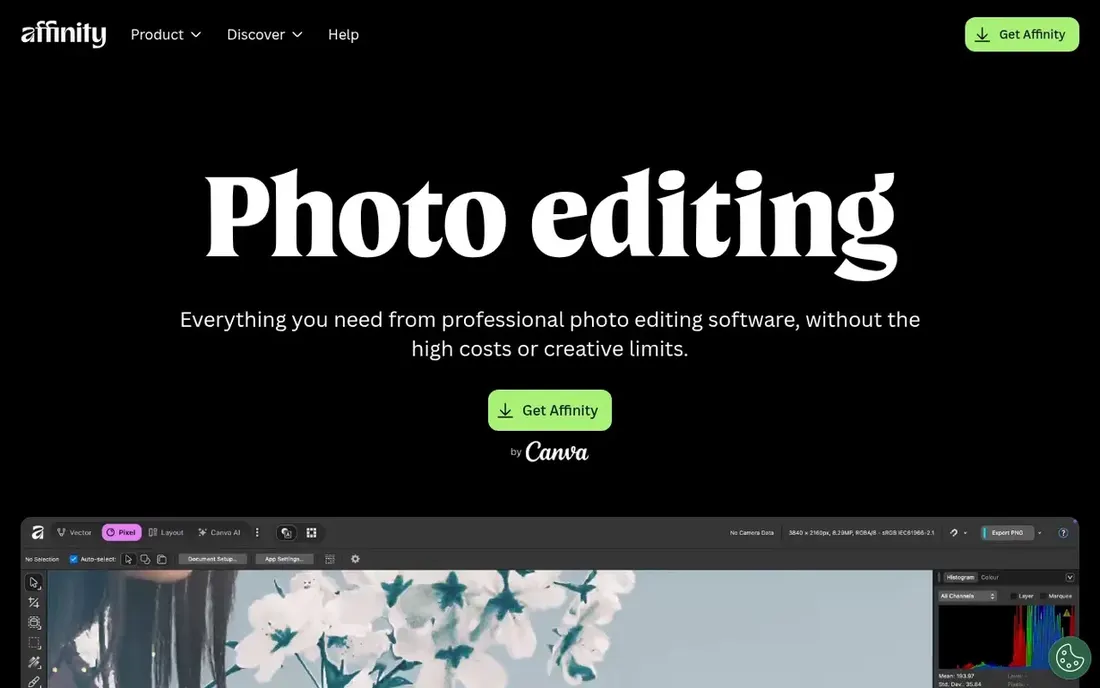
Affinity Photo targets precise editing without subscription. Affinity Photo is a professional photo editor made for power and precision, offering speed and total creative freedom without a subscription. In practice, Whereas Affinity Photo is powerful, it may have a steeper ramp-up time for beginners and lacks some of the integrated design features of Photoshop.
Where it falls short: Steeper ramp-up time for advanced features.
The software gives you a solid set of tools for retouching, compositing, and raw development. Startups heavily reliant on Adobe's ecosystem might find integration less smooth. Pricing for Affinity Photo is not stated here, so ask the vendor for current figures. Free access: Not stated. Where Affinity Photo stands out: Precision and speed.
- No subscription model
- Professional-level editing tools
- Restricted ecosystem compared with Adobe
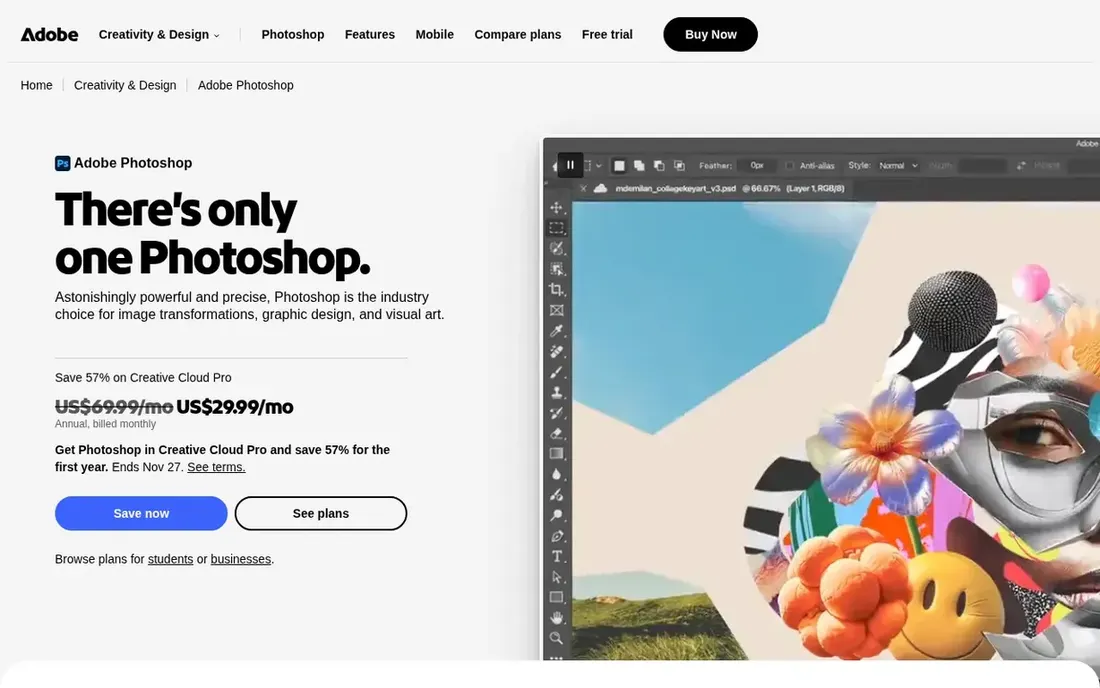
Think of Adobe Photoshop for versatile editing and design. Adobe Photoshop is a widely used photo editing and design application that offers fast new ways to produce custom scenes, make complicated edits, and combine images online or with the mobile app.
Downsides: Subscription-based pricing.
Adobe Photoshop does not show a starting price in this comparison, so check the vendor site for current pricing. As for free access: Not stated.
- Supports complicated edits and image combination
- Comprehensive editing and design tools
- Steep ramp-up time for beginners
How we chose
Things to verify first
- Ask ACDSee Photo Studio, Skylum Luminar Neo, Adobe Lightroom and others for a written quote, since no starting price is shown.
- Take the trial from ON1 Photo RAW and push a live task through it before you pay.
- Read the limits listed for ON1 Photo RAW first: less established than Adobe.
- List the apps you already depend on and check that Affinity Photo supports each one on the plan you would buy.
- Confirm the exact ON1 Photo RAW plan that includes your must-have features.
FAQ
Can I try these tools before paying?
Often, yes. ON1 Photo RAW offers a free trial. Use your own data and a real task during the test, and check what the free tier or trial limits before you rely on it. For the full picture, the cards above cover all 6 entries of this photo editing software for startups list, including price, free plan and limits.
Do these tools publish their prices?
Not all of them. ACDSee Photo Studio, Skylum Luminar Neo, Adobe Lightroom and others publish no starting price, so expect a quote request for those. The rest, ON1 Photo RAW included, show a starting price, though seats and billing terms still change the final cost.
What is the best photo editing software for startups on a budget?
Start with ON1 Photo RAW if you need AI-powered raw editing, one-time purchase. ACDSee Photo Studio is the better match for photo editing and management, and Skylum Luminar Neo for AI-assisted editing for simplicity. The best choice depends on budget, team size and workflow.
Do startups need professional photo editing software?
Startups frequently have to produce high-quality visuals for marketing, product photos, and social media. More straightforward tools like Luminar Neo may suffice for entry-level edits.
How are the tools for photo editing software for startups ordered?
The order follows typical fit for photo editing software for startups, with ON1 Photo RAW first and Adobe Photoshop last, then price clarity and free access. It is editorial judgement, not a score, so another team could rank the tools differently.
Is ON1 Photo RAW the right pick for everyone comparing photo editing software for startups?
No single tool suits every team. ON1 Photo RAW comes first because it fits AI-powered raw editing, one-time purchase, while ACDSee Photo Studio suits photo editing and management and Skylum Luminar Neo suits AI-assisted editing for simplicity. Match the tool to your own size, budget and workflow before deciding.
Sources
- https://www.on1.com/products/photo-raw
- https://www.acdsee.com
- https://skylum.com/luminar
- https://www.adobe.com/products/photoshop-lightroom.html
- https://affinity.serif.com/en-us/photo
- https://www.adobe.com/products/photoshop.html