6 Presentation Software for Consultants Worth Shortlisting in 2026
Best presentation software for consultants: 6 contenders ranked by fit, with entry costs and free tiers. Fit, price and catches for every tool. Clear verdicts.
- Editor's choice
 Prezi
Interactive sessions with live audience input
Starts atSee websiteVisit prezi.comFull review - Great alternative
 Pitch
Collaborative team presentation workflows
Starts at€10 a monthVisit pitch.comFull review - Also consider
 Canva
Visually led decks built from templates
Starts atSee websiteVisit canva.comFull review
Direct answer
If you need interactive sessions with live audience input, Prezi is the first tool to look at here. Listed starting prices: Pitch from €10 a month and Beautiful.ai from $14.50 a month. Pitch fits collaborative team presentation workflows; Canva fits visually led decks built from templates. All 6 tools are compared below on price, free plan and limits.
TL;DR:
- Prezi sits first on this list: interactive sessions with live audience input.
- The main caution on Canva: fine slide control is restricted compared to dedicated tools.
- Beautiful.ai fits brand-consistent decks across a firm.
- Starting prices begin at $14.50 per month with Beautiful.ai.
- Just one of the 6 tools, Pitch, has a free plan.
Last checked November 2026. Prices and plan details were read from the vendors' own pages in November 2026; vendors change plans often, so confirm the current price on the vendor site before you buy.
Quick comparison
| Tool | Best for | Starts at | Free plan? | |
|---|---|---|---|---|
| Prezi | Interactive sessions with live audience input | See website | Not stated | Visit |
| Pitch | Collaborative team presentation workflows | €10 a month | Yes | Visit |
| Canva | Visually led decks built from templates | See website | Not stated | Visit |
 Microsoft PowerPoint | In-depth pitch decks and client-ready slides | See website | Not stated | Visit |
 Apple Keynote | Refined decks on Apple devices | See website | Not stated | Visit |
 Beautiful.ai | Brand-consistent decks across a firm | $14.50 a month | Free trial | Visit |
Our 6 presentation software for consultants
This LinkVetted guide covers 6 presentation software for consultants. Each profile lists a starting price, free plan details, strengths and drawbacks, so you can drop poor fits quickly.
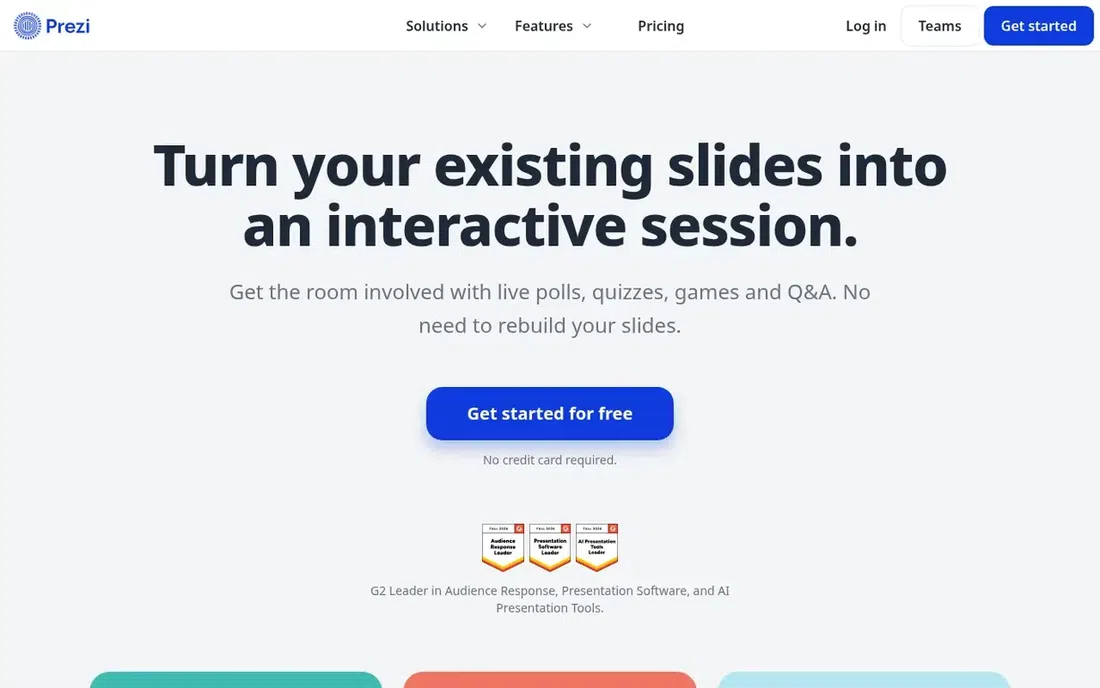
Think of Prezi for interactive sessions with live audience input. If a client expects a conventional slide file for review and archive, a standard deck tool is the safer route.
Downsides: Nonlinear format may not suit formal client documents.
For everyday use, Prezi is an interactive presentation system geared toward educators, trainers and teams. Prezi shows no starting price here, so confirm the cost on the vendor site. Free plan details: Not stated.
- Supports bringing existing slides across
- Made for what happens after presenting
- Less a strong match for dense analytical slide stacks
Where Pitch fits: collaborative team presentation workflows. Pitch describes itself as an AI presentation workspace and a collaborative system for teams that want to build, share and deliver better work. For everyday use, for consultancies, that framing points to shared deck production: several contributors building and refining a presentation together instead of passing files around.
Where it falls short: Teams may need time to adjust workflows.
As a newer product, it may not match the deep feature history of established slide tools. Some clients may expect conventional file formats. Pitch pricing: €10 per month. A free plan is available with Pitch. What users get: AI-assisted presentation workspace.
- Sharing and delivering decks
- Built around team collaboration
- Less established than legacy slide tools
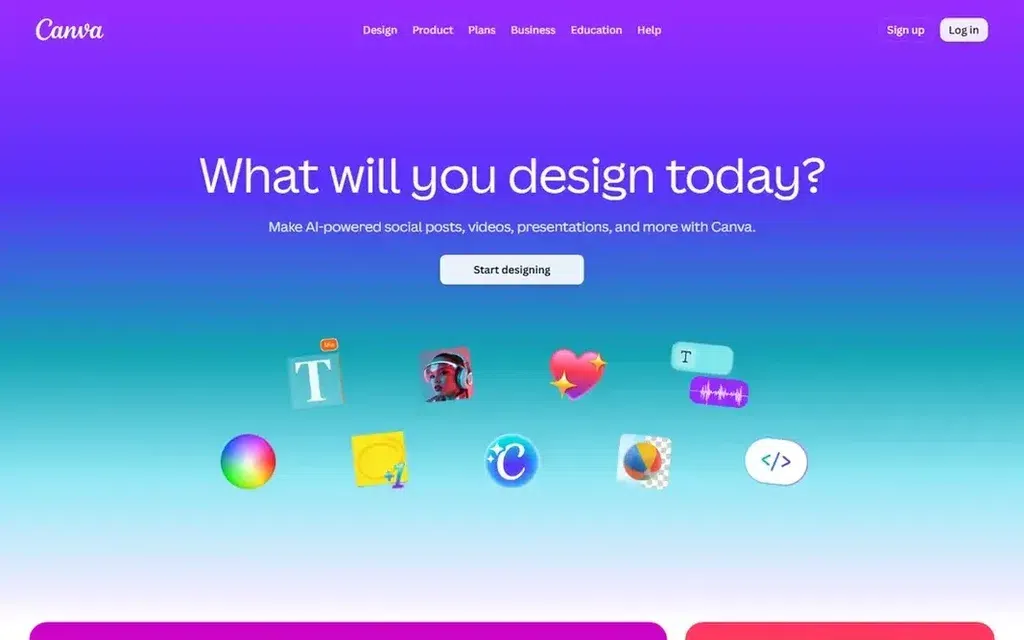
Canva targets visually led decks built from templates. Template-driven work may also start to feel generic across plenty of client decks.
The main drawbacks: Fine slide control is restricted compared to dedicated tools.
In daily use, Canva's strength in graphic design can become a limit when a deck needs precise data layouts or dense analytical pages. For consultants, its value is speed: templates and design elements make it simple to produce a polished-looking deck without deep design skills. Canva shows no starting price here, so confirm the cost on the vendor site. Free access: Not stated.
- Large template and design asset library
- Approachable for non-designers
- Complicated consulting narratives may outgrow templates
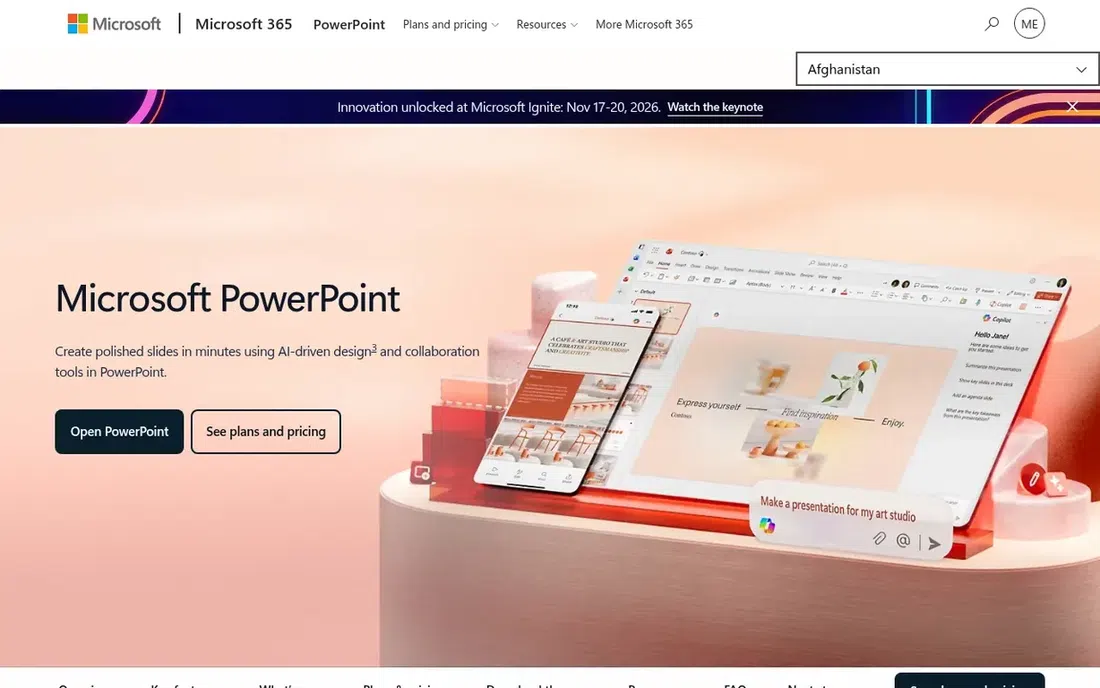
Microsoft PowerPoint is aimed squarely at in-depth pitch decks and client-ready slides. The tradeoff is that refined visual design commonly needs manual work, and shared editing can feel slower than browser-first tools.
Its homepage frames it as a tool for telling a story, which suits consultants who need control over layout, sequencing and detail across long client documents. In daily use, choose PowerPoint when depth of slide control and wide file compatibility matter most. This comparison lists no price for Microsoft PowerPoint; ask the vendor. As for free access: Not stated.
Points against: Collaboration is less fluid than browser-first tools.
- Deals with both clean slideshows and intricate decks
- Widely recognized file format for client exchange
- Advanced design work can take manual effort
Apple Keynote is designed for refined decks on Apple devices. Keynote is Apple's presentation app, with support resources handling creation, editing, saving and sharing on Mac, iPad, iPhone and the web. Also, consultants working inside Apple hardware get a clean slide environment that travels across devices.
In daily use, the experience is most solid on Apple devices, and sharing with Windows-based clients may need exporting or converting files. If your client base is standardized on Microsoft formats, that friction brings up. No starting price is listed for Apple Keynote here; confirm pricing on the vendor site. Free plan details: Not stated.
What users get: Suits Apple-centered workflows. Trade-offs to know: Cross-platform file exchange can need conversion.
- Strong support for editing and sharing decks
- Works across Mac, iPad
- Best experience relies on Apple devices
Where Beautiful.ai fits: brand-consistent decks across a firm. Beautiful.ai is an AI presentation system designed for enterprise teams, with the stated goal of keeping every deck on-brand and ready to share across a company.
Consultants in bigger businesses can use it to standardize how proposals and reports look when numerous people produce them. In daily use, individual practitioners may find the team orientation more than they need. Beautiful.ai starts at: $14.50 per month. On free options: Free trial.
Limits to weigh: Best value appears at organization level.
- Aimed at decks ready to share
- Keeps decks on-brand automatically
- Automatic layout rules can limit custom design
How the list was put together
Pre-purchase checklist
- Confirm the entry price on the vendor page. For Prezi, Canva, Microsoft PowerPoint and Apple Keynote that means a quote rather than a fixed price.
- Test the free plan from Pitch against your real workload before relying on it.
- Take the trial from Beautiful.ai and push a live task through it before you pay.
- Read the limits listed for Prezi first: nonlinear format may not suit formal client documents.
- Verify that exporting from Pitch is possible on your plan and covers all your records.
- Find out what support Apple Keynote includes on your plan, and whether onboarding help costs extra.
FAQ
Which presentation software is a good match for client pitch decks?
The first pick on this list is Prezi, because it suits interactive sessions with live audience input. Pitch is better for collaborative team presentation workflows, and Canva for visually led decks built from templates. Check price and limits against your own needs before choosing.
Is Prezi the right pick for everyone comparing presentation software for consultants?
No single tool suits every team. Prezi comes first because it fits interactive sessions with live audience input, while Pitch suits collaborative team presentation workflows and Canva suits visually led decks built from templates. Match the tool to your own size, budget and workflow before deciding.
Which options for presentation software for consultants have a free plan?
Pitch is the only tool in this list with a free plan. Free plans usually cap users, projects or features, so check the limits on the vendor page. One other tool offers a trial instead. Prices, free plan details and limits for all 6 tools in this presentation software for consultants roundup sit on the individual cards above.
What is the cheapest option for presentation software for consultants in this list?
On published monthly entry prices, Beautiful.ai is the lowest here at $14.50 per month. Entry price is only part of the cost, because seats, add-ons and billing terms can change the total. Each of the 6 options in this presentation software for consultants guide has its own card above with the price, free plan and limits.
Do these tools publish their prices?
Not all of them. Prezi, Canva, Microsoft PowerPoint and Apple Keynote publish no starting price, so expect a quote request for those. The rest, Pitch included, show a starting price, though seats and billing terms still change the final cost.
Sources
- https://prezi.com
- https://pitch.com
- https://www.canva.com
- https://www.microsoft.com/microsoft-365/powerpoint
- https://www.apple.com/keynote
- https://www.beautiful.ai