Best Interactive Presentation Tools in 2026: 9 Tools Compared
We compared the best interactive presentation tools for live polls, quizzes, and Q and A, checking free plans, pricing, and audience limits for teams in 2026.
- Editor's choice
 Mentimeter
Live polls and Q and A at scale
Starts at$11.99 per monthVisit mentimeter.comFull review - Great alternative
 Slido
Meetings and events in Webex, Zoom, and Teams
Starts at$12.50 per monthVisit slido.comFull review - Also consider
 AhaSlides
Affordable all-in-one audience engagement
Starts at$7.95 per monthVisit ahaslides.comFull review
TL;DR:
- Mentimeter is our pick for most teams because its live polls and word clouds work with almost no setup.
- AhaSlides gives the lowest paid price in this list, which matters if you present often on a tight budget.
- Slido is the strongest choice inside Webex, Zoom, and Teams meetings where you already work.
- Check the participant cap before you buy, since free plans count people in different ways.
- Prezi and Genially suit visual decks, while Poll Everywhere and Wooclap suit polls inside existing slides.
Quick comparison
| Tool | Best for | Starts at | Free plan? | |
|---|---|---|---|---|
| Mentimeter | Live polls and Q and A at scale | $11.99 per month | Yes | Visit |
| Slido | Meetings and events in Webex, Zoom, and Teams | $12.50 per month | Yes | Visit |
| AhaSlides | Affordable all-in-one audience engagement | $7.95 per month | Yes | Visit |
 Prezi | Visual storytelling with zooming decks | $7 per month | Yes | Visit |
 Genially | Gamified and visual interactive content | $15 per month | Yes | Visit |
 Poll Everywhere | Polls inside PowerPoint, Google Slides, and Keynote | $10 per month | Yes | Visit |
 Wooclap | Interactive teaching and training | See website | Yes | Visit |
 Vevox | Anonymous Q and A for town halls and classes | $11.95 per month | Yes | Visit |
 Kahoot | Game-based quizzes for learning and training | $19 per month | Yes | Visit |
The best interactive presentation tools
A good interactive tool turns a talk into a conversation. The audience answers on their phones, asks questions without raising a hand, and you leave with results you can actually read. We compared the options below on live polls, quizzes, Q and A, free limits, and how easy they are to run in a real meeting.
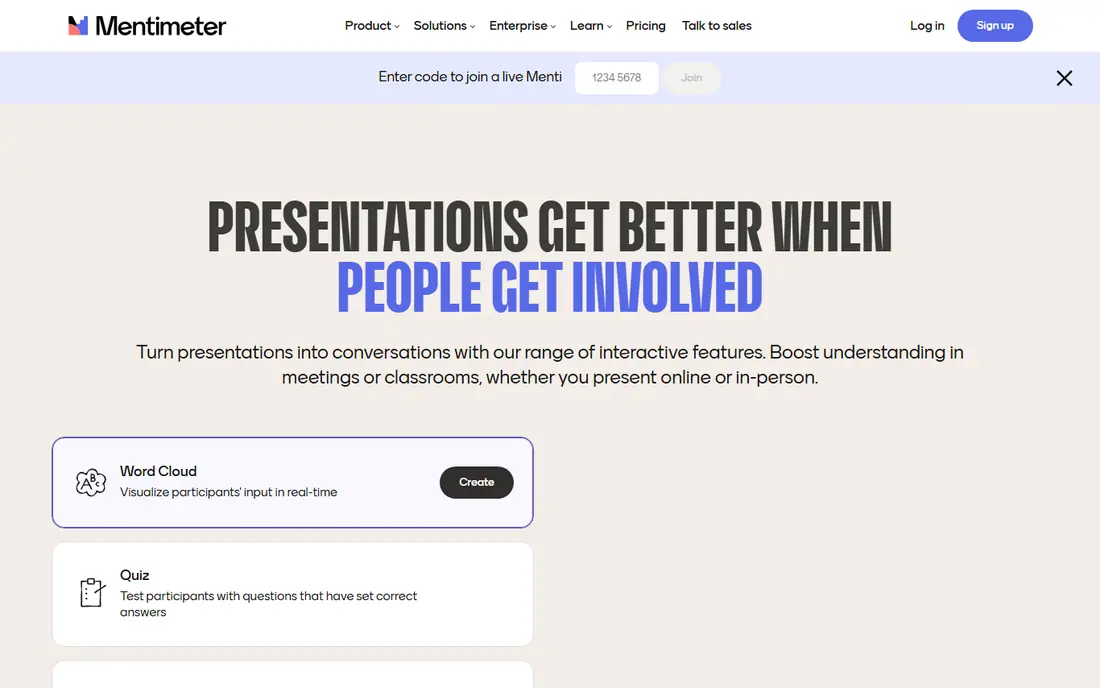
Mentimeter is the tool we would hand to a presenter who has ten minutes to prepare and a room full of people who have never used it before. You build a short deck of interactive slides, share a code, and the audience answers from their phones while results appear live.
The strength here is breadth done simply. Polls, word clouds, scales, quizzes, and Q and A all live in the same flow, and upvoting helps the best questions rise to the top. Presenters can also use AI help to draft slides, which speeds up first drafts for routine meetings.
The catch is the free plan. It covers up to 50 live participants per month in total, so a busy presenter can hit the cap quickly. Paid plans remove that worry, but small teams should test how many sessions they run each month before they pay.
- Live polls, quizzes, and word clouds
- Audience joins by code with no app
- Clean presenter view
- Free plan limits participants per month
- Design options are modest compared with design-first tools
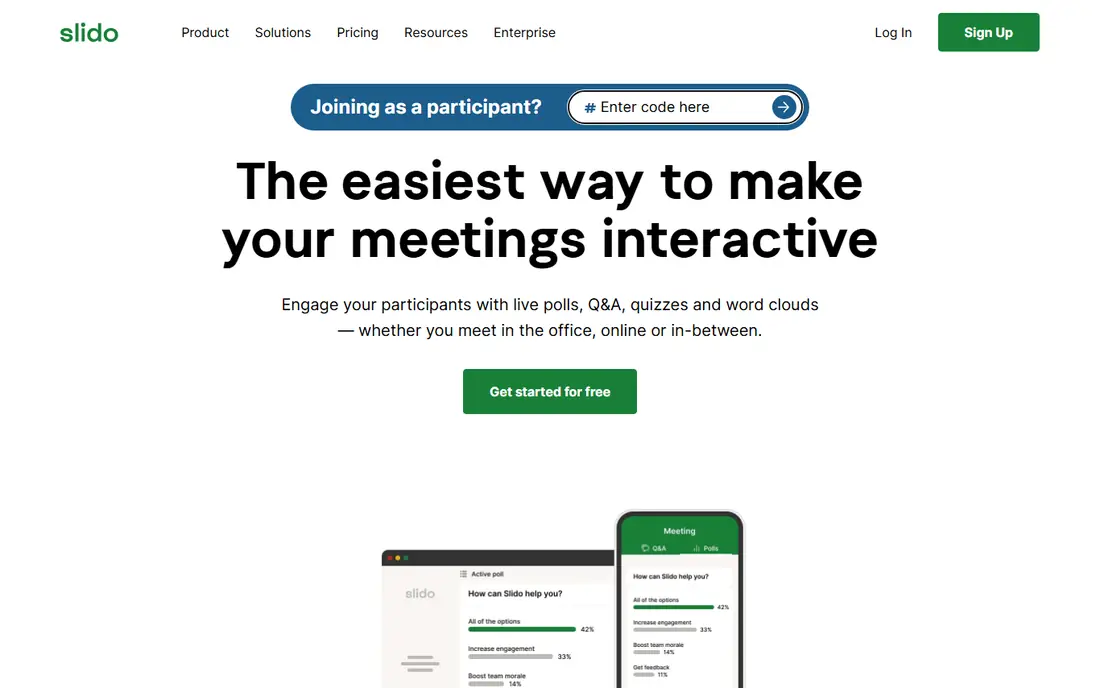
Slido fits presenters who already run meetings in Webex, Zoom, or Teams and want polls inside that meeting, not in a separate tool. You launch polls and Q and A without asking the audience to learn a new platform.
Moderation is a real plus here. Hosts can review questions, mark them answered, and keep the discussion on track, which matters for town halls and large webinars. The interface stays out of the way, so the focus stays on the speaker and the results.
The trade-off is scope. Slido is excellent for polls and Q and A, but it is not a full slide design tool. If you want rich visual decks, pair it with PowerPoint or Google Slides rather than expecting Slido to replace them.
- Strong Q and A with upvoting and moderation
- Deep meeting platform integrations
- Simple join flow
- Paid plans are needed for larger events and full analytics
- Pricing varies by region and billing term

AhaSlides is our value pick for presenters who want a lot of formats without paying a premium. It offers polls, quizzes, word clouds, spinner wheels, and team play, plus templates that help new users start fast.
The library of slide types is the draw. Beyond standard polls, you get formats for brainstorming, ranking, and drawing answers, which keeps repeat sessions fresh. Self-paced mode also lets you send a poll or survey when people cannot attend live.
Reporting is the weak spot, since exports and post-event analysis are thinner than on enterprise tools. If detailed analytics matter more than variety and price, check Mentimeter or Poll Everywhere first.
- Many interactive slide types at a low price
- Team play and self-paced modes
- PowerPoint and Google Slides integrations
- Post-event reporting is less deep than some rivals
- Free plan caps participants per session
Prezi suits speakers who want the deck itself to feel like part of the talk. Instead of moving slide by slide, you zoom in and out of a canvas, which helps when you need to show how parts of a topic connect.
Prezi Video is useful for remote talks, since it places the presenter beside the visuals rather than behind a shared screen. Templates and AI help also shorten the time from blank page to first draft for common talk types.
Live interaction is lighter here than on Mentimeter or Slido. You can link out or pair Prezi with a polling tool, but if live Q and A is the main goal, a dedicated audience tool will serve you better.
- Zooming canvas makes non-linear talks feel distinct
- Video presentation mode
- Templates for sales and teaching
- Less suited to live polls than dedicated polling tools
- Learning curve for the canvas layout
Genially is a good fit for teachers, trainers, and marketers who want clickable content rather than a linear deck. You can add hotspots, pop-up tips, and branching paths so viewers explore at their own pace.
The template library is broad, covering presentations, infographics, quizzes, and escape-room style activities. That range helps when one tool must cover lessons, onboarding, and marketing content in the same week.
The cost is the main caution. The free plan is useful for trying the editor, but branding and advanced features sit behind paid plans. Small teams should compare Genially with Canva-style tools if they only need simple clickable slides.
- Hotspots, branching paths, and tooltips
- Large template library
- No-code editor for educators and marketers
- Paid plans are needed for full features and branding control
- Pricing is higher than basic polling tools
Poll Everywhere
Best for: Polls inside PowerPoint, Google Slides, and Keynote
Poll Everywhere is the pick for presenters who refuse to rebuild their decks. You insert polls into PowerPoint, Google Slides, or Keynote and run them from the slides you already know.
Response options are flexible, including web and SMS joining, which helps rooms where Wi-Fi is weak or phones vary. Reporting and moderation tools also suit larger organisations that need records of what audiences said.
Watch the free plan closely, since it counts responses rather than people. Twenty people answering two questions can use up a 40-response allowance in one session, so regular presenters will likely need a paid plan.
- Embeds polls in existing decks
- SMS and web responses
- Strong reporting and enterprise controls
- Free plan counts responses, not people, so caps arrive fast
- Interface feels more functional than flashy
Wooclap is built for classrooms and training rooms where a large group answers together. It supports up to 1,000 participants per session on several tiers, which is generous compared with rivals that cap sessions much lower.
AI question generation speeds up quiz creation for trainers, and integrations with learning systems help teachers reuse content across courses. The question types cover polls, word clouds, ranking, and open text, so sessions do not feel repetitive.
The free plan limits how many questions you can create each month, so frequent trainers may need to pay. Pricing is shown in euros on some pages, so US buyers should confirm the dollar total before checkout.
- High participant ceiling on free and paid tiers
- AI question help
- LMS integrations for education
- Free plan limits questions per month
- Pricing in euros can confuse US buyers
Vevox is a strong choice when people need to ask hard questions without putting their name on them. Anonymous Q and A, live polling, and surveys run in a clean interface that needs little training.
The free plan is one of the more useful in this list, covering up to 100 participants per session. That makes Vevox easy to recommend for occasional town halls, lectures, and staff meetings where budget approval would slow things down.
The trade-off is playfulness. Vevox does not lean into game-style quizzes or elaborate visuals, so teachers who want leaderboards and team games should look at Kahoot or AhaSlides instead.
- Free plan covers up to 100 participants per session
- Anonymous polling and strong moderation
- Simple setup
- Design and branding options are limited
- Fewer game-style formats than Kahoot or AhaSlides
Kahoot turns a quiz into a game, with music, timers, and leaderboards that pull a room in. That energy works well for training, revision, and team events where you want people to compete in a friendly way.
Teachers and trainers benefit from a large bank of ready-made quizzes and AI help to draft questions. You can run live games or assign self-paced challenges, which suits both classrooms and remote teams.
Kahoot is less suited to formal meetings. Anonymous Q and A and nuanced polling are not its strengths, and the free plan caps participants, so regular use in larger groups usually needs a paid plan.
- Game format with leaderboards keeps groups engaged
- Large question bank
- Works well for training and review
- Free plan caps participants
- Less suited to serious Q and A or formal meetings
How we picked these
We compared official feature pages, pricing pages, and app store listings for each tool, and we checked what each free plan actually allows. We looked for live polls, quizzes, word clouds, Q and A, moderation, reporting, and integrations with PowerPoint, Google Slides, Zoom, and Teams. We also noted where a free plan caps participants, questions, or responses, because that cap decides whether a tool fits a small team or a large event.
How to choose an interactive presentation tool
Start with your audience size and how often you present. A monthly cap of 50 participants works fine for a weekly team meeting, but it will fail at a conference. If you present every week, a paid plan with unlimited events usually costs less per session than paying per event. If you present twice a year, a strong free plan or a per-event plan may be enough.
Match the tool to the room
For classrooms and training, quizzes, leaderboards, and simple moderation matter most. For company meetings, anonymous Q and A and upvoting help quieter staff speak up. For conferences, look for multi-session support, strong moderation, and reporting you can share afterward. Try the free plan with a real group before you commit, and test joining from a phone, not just from your laptop.
Watch the hidden limits
Ask how participants are counted, how many questions you can run, and whether results export to a spreadsheet. Check whether the audience needs an app or just a browser link, since every extra step loses people. Also check data handling if you collect anonymous questions from staff, and confirm that polls work with your slide software rather than forcing you to rebuild every deck.
FAQ
What is the best interactive presentation tool for most people?
Mentimeter is a safe starting point for most teams because it covers polls, quizzes, word clouds, and Q and A in one place. AhaSlides is worth a look if price is your main concern, and Slido fits well if you live in Webex or Teams. Try two free plans with the same group and compare which one people join faster.
Are interactive presentation tools free?
Most tools in this list offer a free plan, but the limits differ a lot. Some cap participants per month, some cap questions per presentation, and some cap responses rather than people. Read the free plan terms before you plan a large session around them.
Do audiences need to install an app?
In most cases, no. Audiences usually join from a phone browser with a code or link, which keeps the barrier low. A few tools offer apps for presenters or for extra features, but browser joining is the norm for polls and Q and A.
Can I add polls to PowerPoint or Google Slides?
Yes, several tools here offer add-ins or integrations for PowerPoint and Google Slides. Poll Everywhere and Slido are strong on this point, and Mentimeter and AhaSlides also import or connect to common slide formats. Check the exact integration for your version before you buy.
What is the best interactive presentation software for classrooms?
Wooclap, Kahoot, and AhaSlides all suit classrooms, with quizzes and game-style formats that keep students engaged. Wooclap is strong for higher education and training, while Kahoot leans toward game-based quizzes. Pick based on whether you need grading, team play, or simple polls.