Top 6 Logo Design Software for Brand Consultants for 2026 (Prices and Free Plans)
Best logo design software for brand consultants: 6 tools compared on price, free plans and fit. Every pick includes one clear drawback. Straight answers.
- Editor's choice
 Sketch
Mac-based logo and UI design
Starts at$12 per editor a monthVisit sketch.comFull review - Great alternative
 Figma
Collaborative logo concept development
Starts at$3 per monthVisit figma.comFull review - Also consider
 Affinity Designer
Precision vector design without subscription
Starts atSee websiteVisit affinity.serif.comFull review
Direct answer
Sketch comes first here, mainly for Mac-based logo and UI design. Listed starting prices: Sketch from $12 per editor a month and Figma from $3 per month. Look at Figma for collaborative logo concept development, and at Affinity Designer for precision vector design without subscription. Prices, free plans and limits for all 6 tools follow.
TL;DR:
- Sketch takes the first slot, best suited to Mac-based logo and UI design.
- Sketch, Canva and the 4 others all need a premium plan or a trial, since no free plan is listed.
- The main caution on Figma: vector tools less deep than Illustrator.
- Figma has the lowest monthly starting price in this list: $3 per month.
- Canva suits fast logo concepts and brand collateral.
Last checked November 2026. Prices and plan details were read from the vendors' own pages in November 2026; vendors change plans often, so confirm the current price on the vendor site before you buy.
Quick comparison
| Tool | Best for | Starts at | Free plan? | |
|---|---|---|---|---|
| Sketch | Mac-based logo and UI design | $12 per editor a month | Free trial | Visit |
| Figma | Collaborative logo concept development | $3 per month | Not stated | Visit |
| Affinity Designer | Precision vector design without subscription | See website | Not stated | Visit |
 Adobe Illustrator | Precise vector logo creation | See website | Not stated | Visit |
 Adobe Photoshop | Logo presentation and image editing | See website | Not stated | Visit |
 Canva | Fast logo concepts and brand collateral | See website | Not stated | Visit |
The best logo design software for brand consultants
This LinkVetted guide covers 6 logo design software for brand consultants. Each profile lists a starting price, free plan details, strengths and drawbacks, so you can drop poor fits quickly.
Sketch serves Mac-based logo and UI design. Brand consultants who develop logos alongside digital brand assets may find its symbol and component features handy for keeping marks consistent across screens.
Also, if your deliverables are primarily print or you need cross-platform access, consider Illustrator or Figma instead. Price to start with Sketch: $12 per editor per month. As for free access: Free trial.
Limits to weigh: Mac-only system.
- Made by designers for designers
- Capable symbol and component workflow
- Less suited to print-heavy logo work
Figma is aimed squarely at collaborative logo concept development. Figma is a collaborative canvas where design, code, and AI come together, supporting the journey from concept to production with an entire team in one place.
Figma's vector editing is capable but less specialized than Adobe Illustrator for complicated logo construction and print preparation. Also, choose Figma when collaboration speed matters more than deep vector precision, or pair it with a dedicated vector tool. Figma starts at: $3 per month. Free options: Not stated.
Where it falls short: Vector tools less deep than Illustrator.
- AI in one canvas
- Browser-based access
- Needs internet for full collaboration
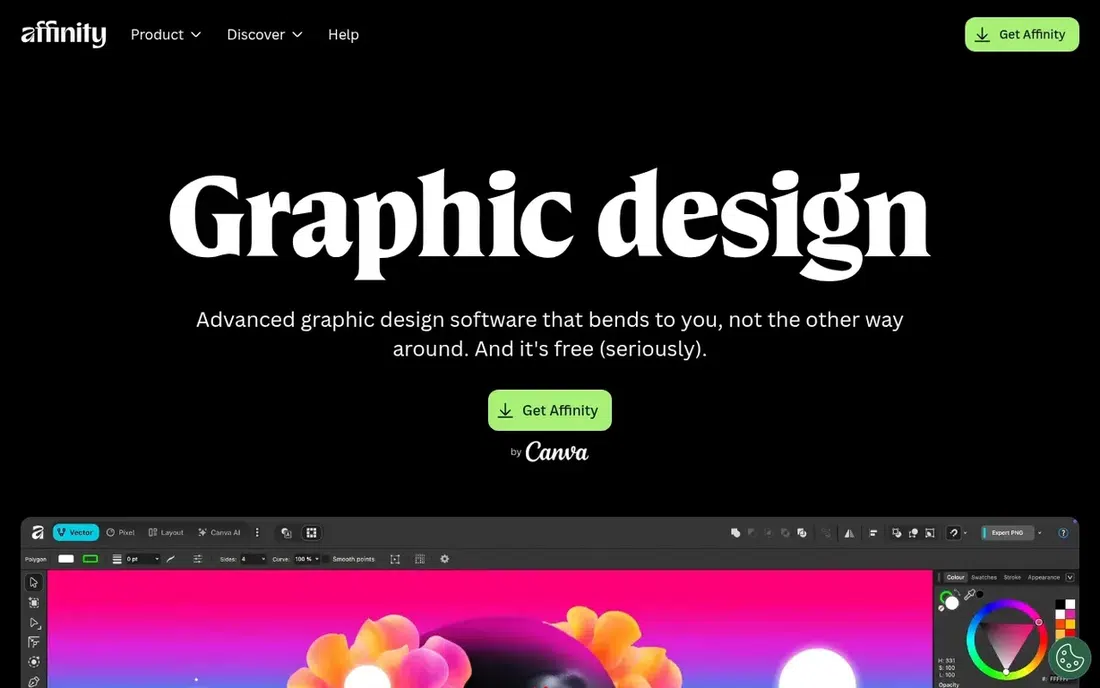
For precision vector design without subscription, Affinity Designer is a natural candidate. Affinity Designer is professional design software for crisp vector art and bold graphics, built for precision, speed, and creative freedom. Pick it when you value a one-time purchase and a simplified interface over ecosystem depth.
Limits to weigh: Smaller ecosystem than Adobe.
Affinity Designer has a smaller ecosystem and fewer external integrations than Adobe Illustrator, which can matter for file handoff. Its feature set, whereas capable, may not handle every advanced vector workflow. This comparison lists no price for Affinity Designer; ask the vendor. Free options: Not stated.
- Aimed at precision and speed
- One-time purchase model
- Fewer external integrations
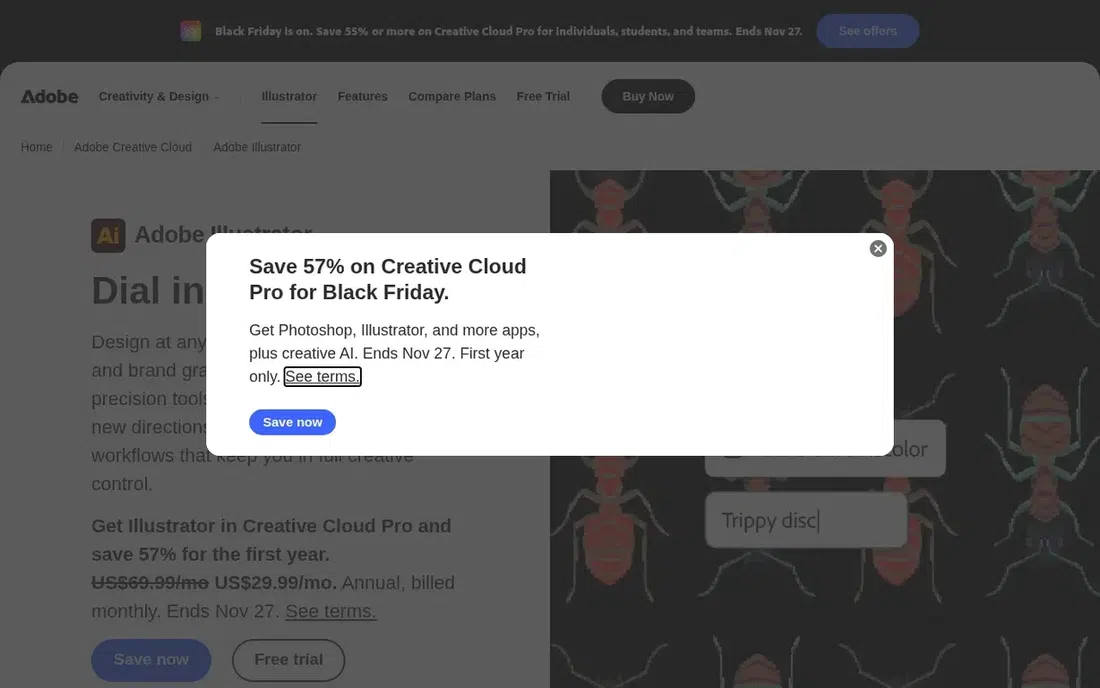
Adobe Illustrator is a good fit for precise vector logo creation. Adobe Illustrator is a vector graphics application widely used for logo design and brand identity work. Its generative AI can transform a text prompt into a completely editable vector graphic, which helps consultants explore concepts rapidly.
Illustrator has a ramp-up time and needs a subscription, which may not suit occasional users. Its interface can feel dense for straightforward logo tasks. As for the details, the software suits brand consultants who require precise control over curves, typography, and scalable output for client deliverables. No starting price is listed for Adobe Illustrator here; confirm pricing on the vendor site. Free options: Not stated.
Limits to weigh: Subscription-based access.
- Industry-standard vector tools
- Deep integration with Adobe ecosystem
- Can be complex for beginners
Where Adobe Photoshop fits: logo presentation and image editing. Brand consultants frequently use Photoshop to present logos in realistic mockups, retouch brand photography, and prepare visual assets around an identity system. Also, Photoshop is raster-based, so it is not the right primary tool for scalable vector logo construction.
Drawbacks to consider: Raster-based.
It also needs a subscription and has a ramp-up time. On top of that, use it alongside a vector application instead of as a replacement for logo drafting. Adobe Photoshop shows no starting price here, so confirm the cost on the vendor site. Free plan details: Not stated.
- Advanced image editing and compositing
- Capable for mockups and visual scenes
- Subscription required
Canva targets fast logo concepts and brand collateral. Treat Canva as a concept and collateral tool, not a replacement for Illustrator or Affinity Designer.
Pricing for Canva is not stated here, so ask the vendor for current figures. As for free access: Not stated.
Points against: Less control over file output.
- Accessible online design tool
- Templates for social posts and posters
- Restricted precision for professional vector logos
How we compared the tools
The comparison looks at four things: starting price, free access, how well the feature set matches logo design software for brand consultants, and the main limit of each tool. Where a price is missing, the vendor does not list one publicly or ties it to a quote. Always confirm before budgeting. Position on the page reflects fit for a typical buyer first, with price clarity and free access breaking ties. Treat it as a guide, not a ruling.
Things to verify first
- Confirm the entry price on the vendor page. For Affinity Designer, Adobe Illustrator, Adobe Photoshop and Canva that means a quote rather than a fixed price.
- Take the trial from Sketch and push a live task through it before you pay.
- Before choosing Sketch, weigh its main limit: Mac-only product.
- Look at the renewal terms for Canva: auto-renewal, notice periods and price changes can matter more than the first-year price.
- List the apps you already depend on and check that Adobe Photoshop supports each one on the plan you would buy.
FAQ
What is the cheapest option for logo design software for brand consultants in this list?
On published monthly entry prices, Figma is the lowest here at $3 per month. Entry price is only part of the cost, because seats, add-ons and billing terms can change the total. Prices, free plan details and limits for all 6 tools in this logo design software for brand consultants roundup sit on the individual cards above.
How are the tools for logo design software for brand consultants ordered?
The order follows typical fit for logo design software for brand consultants, with Sketch first and Canva last, then price clarity and free access. It is editorial judgement, not a score, so another team could rank the tools differently.
Is Sketch the right pick for everyone comparing logo design software for brand consultants?
No single tool suits every team. Sketch comes first because it fits Mac-based logo and UI design, while Figma suits collaborative logo concept development and Affinity Designer suits precision vector design without subscription. Match the tool to your own size, budget and workflow before deciding.
Does any tool for logo design software for brand consultants here have a free plan?
A permanent free plan is not offered by Sketch, Canva or the other tools here. Sketch offer a trial. Plan a short evaluation period instead.
Which logo design software is a good match for brand consultants overall?
This list starts with Sketch, which fits Mac-based logo and UI design. For other needs, Figma is aimed at collaborative logo concept development, and Affinity Designer at precision vector design without subscription. Check each tool's price and main limit first.
Sources
- https://www.sketch.com
- https://www.figma.com
- https://affinity.serif.com/en-us/designer
- https://www.adobe.com/products/illustrator.html
- https://www.adobe.com/products/photoshop.html
- https://www.canva.com