Best Company Logo Designers in 2026: 10 Services Compared
Best company logo designers: compare 10 logo services, from AI makers to design contests and freelancers, with prices and file types explained for buyers.
- Editor's choice
 99designs
Design contests with many concepts
Starts at$249 one-timeVisit 99designs.comFull review - Great alternative
 Looka
Fast AI logo plus brand kit
Starts at$20 one-timeVisit looka.comFull review - Also consider
 DesignCrowd
Contests and custom design
Starts atSee websiteVisit designcrowd.comFull review
TL;DR:
- For a real company logo, a design contest or a hired designer beats a free AI maker, because you get original work, full files, and clear ownership.
- 99designs is our pick for most companies, with contests from $249 and a money-back guarantee, while Looka suits fast, low-cost starts.
- AI logo makers are fine for a placeholder or a social avatar, but check file types, trademark risk, and whether you own the final mark.
- Budget for more than the logo: brand colors, fonts, social templates, and a simple usage guide save redesign costs later.
Quick comparison
| Tool | Best for | Starts at | Free plan? | |
|---|---|---|---|---|
| 99designs | Design contests with many concepts | $249 one-time | No | Visit |
| Looka | Fast AI logo plus brand kit | $20 one-time | Yes | Visit |
| DesignCrowd | Contests and custom design | See website | No | Visit |
 Tailor Brands | Logo plus business setup | See website | Yes | Visit |
 Canva | DIY logo inside a design suite | Free | Yes | Visit |
 LogoAI | AI logo with brand system | $29 one-time | Yes | Visit |
 Fiverr | Hiring a freelance designer | See website | No | Visit |
 BrandCrowd | Logo library and editing | See website | Yes | Visit |
 Designhill | Contests and one-to-one design | See website | No | Visit |
 Wix Logo Maker | Logo plus a website | See website | Yes | Visit |
The best company logo designers
These services cover contests, AI makers, and hired designers, so you can match the route to your budget and timeline.
These services cover three routes: contests, AI makers, and hiring a designer. The right route depends on budget, timeline, and how much originality your brand needs.
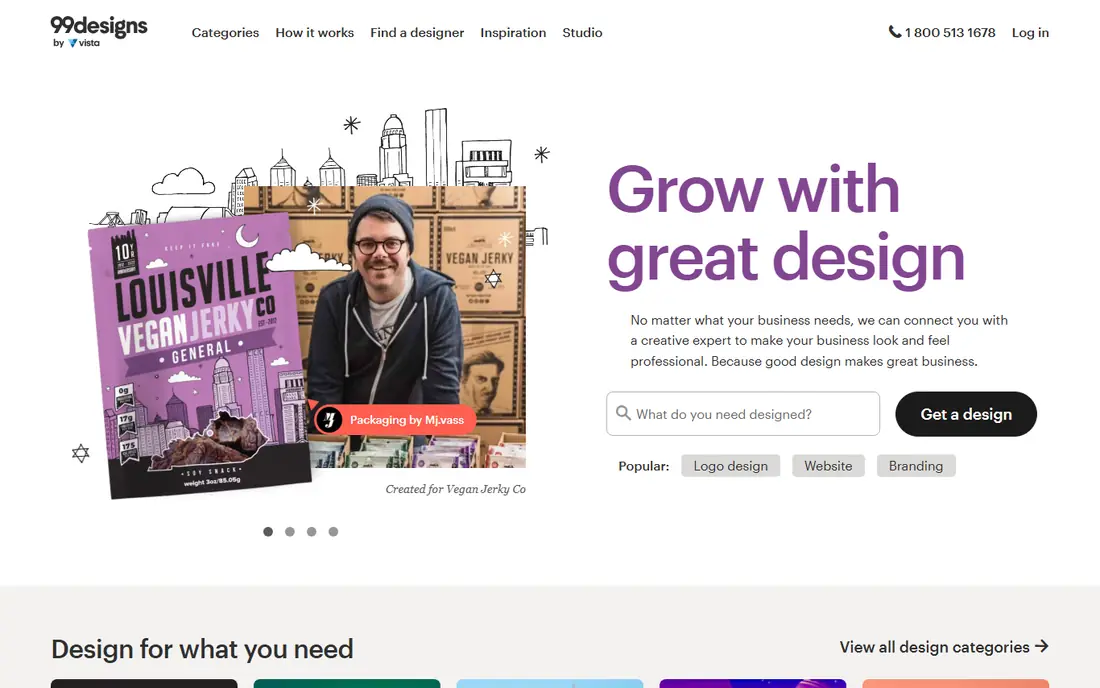
99designs runs logo contests where designers submit concepts based on your brief, and you pick a winner. Contests start from $249, with higher tiers bringing more concepts and more experienced designers. You get a finished custom logo, color variations, and print and web files, plus the editable source file.
The catch is the brief. A vague brief brings vague concepts, so spend time on your audience, style, colors to avoid, and examples you like. With a clear brief, 99designs is the most reliable way to get many human-made options without hiring an agency.
- Many concepts from real designers
- Full file handover
- Money-back guarantee
- Higher entry price
- Contest quality varies by brief
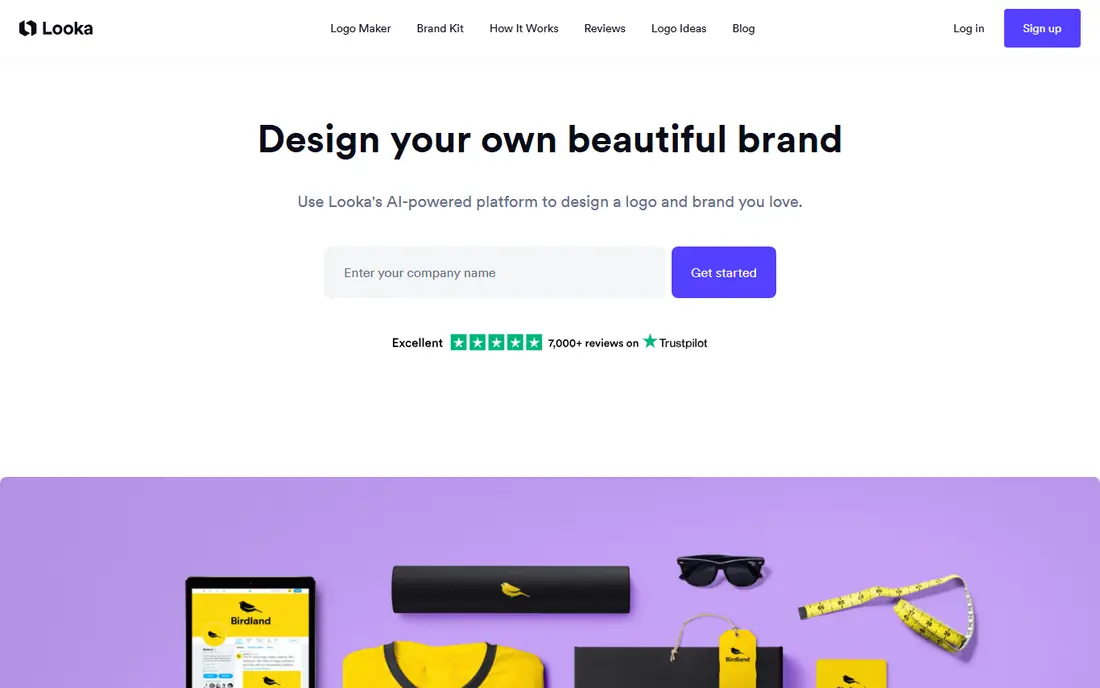
Looka builds logo options from your style, color, and icon choices, then lets you edit the result in its editor. A Basic logo costs $20, while Premium at $65 adds vector files, color variants, and full ownership of the files you download. The Brand Kit subscription at $96 per year adds social templates, business cards, and brand guides.
The honest limit is originality. AI logos can resemble other marks, and purely AI-made parts may be hard to protect as a trademark. Looka suits a fast start, a side project, or a test brand. For a main company mark, get a trademark check before you invest in signage and packaging.
- Quick AI concepts
- Premium package includes vector files
- Brand kit with templates
- AI marks can look similar
- Trademark protection is weaker for AI-made parts
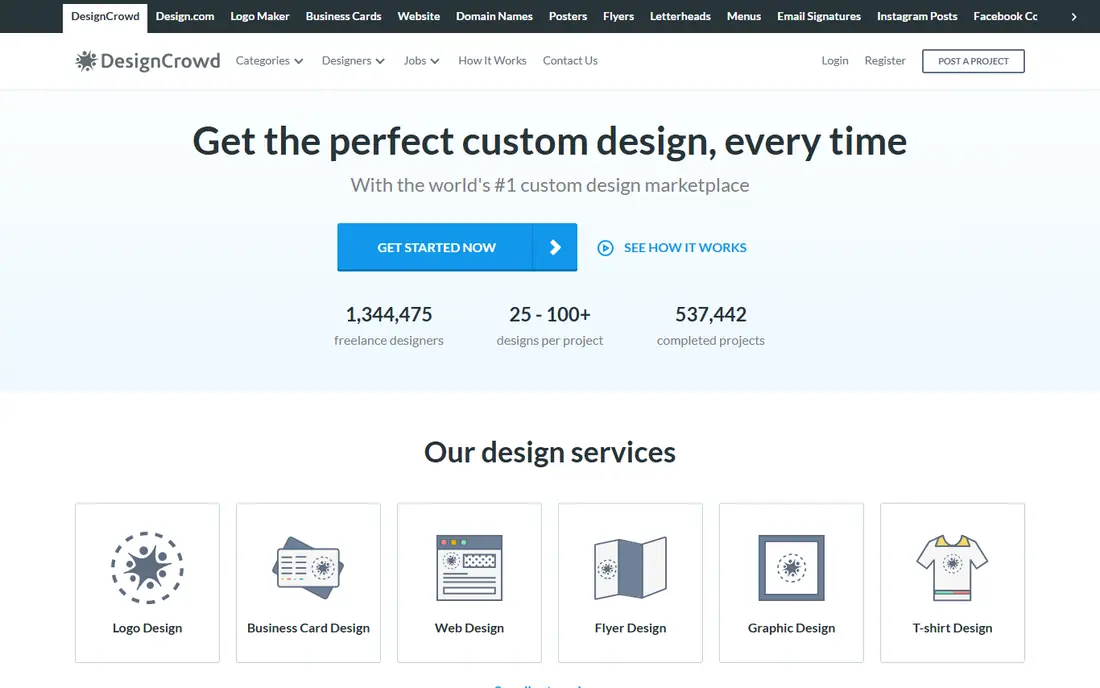
DesignCrowd offers logo contests and direct hiring, similar to 99designs, with a large designer community. You can run a contest for many concepts, or invite a designer whose portfolio fits your style for a one-to-one project. That flexibility helps companies that want contest breadth first, then a single designer for follow-up work.
The downside is variable pricing and quality, which depend on project scope and brief clarity. Compare total project cost, file handover, and revision terms before launching, and shortlist designers by portfolio rather than price alone.
- Contest model with many designers
- One-to-one hiring
- Logo and brand design options
- Pricing varies by project
- Contest results depend on brief quality
Tailor Brands pairs an AI logo maker with business formation, domain registration, and brand asset tools, which suits a solo founder starting a company from scratch. You can get a logo, a domain, and basic legal setup in one place, without juggling several vendors.
The trade is design depth. Tailor Brands logos are solid for a new business, but they rarely match a contest or agency mark for originality. If business setup matters as much as the logo, the bundle is convenient. If the logo is the priority, spend the budget on a contest instead.
- Logo maker plus LLC filing, domains, and brand tools
- Guided setup for founders
- Logo depth is thinner than a contest
- Subscription costs add up
Canva lets you design a logo from templates, fonts, and icons, then use it at once in social posts, presentations, and flyers. A free plan covers basic design, while Pro, listed at about $15 per month or $180 per year for one person, adds brand kits, background removal, and premium assets.
The catch is that template logos can look alike, and using stock icons in a logo can limit trademark protection. Canva is excellent for social graphics and a placeholder mark. For a main company logo, use Canva to test ideas, then commission original work for the final mark.
- Huge template library
- Easy editing
- Pro at $15 per month adds brand tools
- Template-based marks can look generic
- Logo ownership and trademark issues need care
LogoAI generates logos from your company name and a short style input, then builds a brand kit with mockups and animated logo options. Prices in recent guides run from $29 to $99 one-time, depending on package, with SVG and PDF exports on paid tiers. It is one of the fastest routes from name to usable files.
The limit is the same as other AI makers: speed over originality. LogoAI suits startups that need a clean mark fast and plan to refine it later. Check the final mark against existing trademarks, and keep the source files for future designers.
- Quick AI concepts from brand name alone
- Brand kit and animated intros
- Vector exports
- AI originality limits
- Higher tiers needed for full brand assets
Fiverr lets you hire a freelance logo designer at prices from low-cost gigs to premium packages, with portfolios, ratings, and delivery times to compare. You can brief one designer, request revisions, and build a working relationship for future brand work, which suits companies that want a human designer without agency fees.
The risk is variance. Cheap gigs may reuse templates or deliver limited files, so check what is included: vector source files, color variants, and full commercial rights. Message the designer before ordering, and confirm ownership in writing.
- Wide price range
- Portfolios and reviews to compare
- Direct designer contact
- Quality varies widely
- File and ownership terms must be confirmed
BrandCrowd offers a large library of pre-made logos that you can edit with your company name, colors, and fonts. That makes it fast for a small business that needs a decent mark this week, with brand templates for social and print use.
The downside is uniqueness. A library mark may be sold or adapted by other businesses, so it is weaker for trademark protection and brand distinction. BrandCrowd suits a local service or test brand. For a national brand, choose original work.
- Large logo library
- Easy editor
- Brand templates
- Library marks are less unique
- Full downloads need a paid plan
Designhill runs logo contests and lets you hire designers directly, with options for business cards, packaging, and merchandise after the logo is done. That follow-through helps a company that wants a full identity set, not just a single file.
The catch is the same as other contest sites: prize size and brief quality drive the result. Set a realistic prize, write a detailed brief, and give feedback during the contest so designers can improve concepts before the final round.
- Contest model
- One-to-one designer hiring
- Print and merch options
- Pricing varies
- Contest quality depends on prize and brief
Wix Logo Maker builds a logo from your answers about style and industry, then lets you use it on a Wix website, social profiles, and business cards. For a small business already building on Wix, that link is convenient, because logo, site, and brand colors stay in one place.
The limit is portability and originality. The logo works best inside Wix, and AI marks share the same trademark limits as other AI makers. Use Wix Logo Maker for a fast site launch, and commission original work if the brand grows beyond a local site.
- AI logo maker tied to Wix websites
- Easy brand assets
- No design skill needed
- Logo is tied to Wix ecosystem
- Less original than a contest mark
How we picked these
We compared official pricing pages, file handover terms, and public reviews for logo services that work in October 2026. We kept services that deliver usable files for web and print, state ownership terms, and cover at least one clear route: contest, AI maker, or hired designer. We left out services with no clear file handover or ownership terms.
How to choose a logo route
Start with how long the logo must last. A test brand or a short campaign can use an AI maker. A main company logo that will sit on a website, packaging, and ads for years deserves original work from a contest or a hired designer, plus a trademark search. The extra cost now is small compared with a forced rebrand later.
Write a brief that gets good concepts
A strong brief names your audience, your top three competitors, the feeling you want, and styles to avoid. Add examples you like and dislike, with a note on why, and list where the logo will appear, such as a website header, a product label, or a vehicle wrap. Designers work better with limits than with open-ended requests.
Check files, ownership, and trademark risk
Before paying, confirm you receive vector files such as SVG, EPS, or AI, plus PNG and PDF versions in color, black, and white. Confirm in writing that you own the final mark and can use it commercially. Then run a basic trademark search, and consider a lawyer review for a national brand, because a logo that looks like an existing mark can cause costly disputes.
Build the brand set at once
Once the logo is final, lock brand colors with hex codes, pick two fonts, and create social avatars, email signatures, and a one-page usage guide. That small set keeps the logo consistent across staff and vendors, and it prevents the slow drift that makes a good logo look messy within a year.
FAQ
What is the best company logo designer?
99designs suits most companies that want original human-made concepts, while Looka and LogoAI suit fast low-cost starts. Fiverr suits companies that want one designer to work with over time.
How much does a company logo cost?
AI makers run from free to about $99, contests from $249 to over $1,000, freelance designers vary by skill and scope, and agencies run into the thousands. Budget for files, revisions, and a trademark check on top of the design fee.
Do I own my logo from an AI maker?
Most AI makers grant ownership of the files you download on paid plans, but purely AI-made parts may be hard to protect as a trademark. Read the terms for your plan, and get a trademark check for a main brand mark.
What files should a logo designer deliver?
Ask for vector source files, plus PNG with a transparent background, PDF, and versions in color, black, and white. Vector files let you resize the logo for signs and print without loss of quality.
How long does a logo contest take?
Most contests run about a week, with time for designer submissions, feedback, and final revisions. A one-to-one designer project can take one to three weeks, depending on revisions and brand work.
Can I trademark an AI-generated logo?
It depends on how much human creative input shaped the final mark and whether it conflicts with existing marks. AI-only marks face limits, so talk to a trademark lawyer before filing for a main brand.