Best Vector Illustration Software for Logo Designers (2026): 5 Picks Checked on Vendor Pages
Need the best vector illustration software for logo designers? We compare 5 tools on cost, free access and who each suits. Real limits included. Quick to scan.
- Editor's choiceVectornator
AI-assisted campaign asset generation
Starts at$8 a monthVisit vectornator.ioFull review - Great alternative
 Affinity Designer
Precision vector art with creative freedom
Starts atSee websiteVisit affinity.serif.comFull review - Also consider
 CorelDRAW
Vector, illustration and drafting in one suite
Starts atSee websiteVisit coreldraw.comFull review
Direct answer
If you need AI-assisted campaign asset generation, Vectornator is the first tool to look at here. Listed starting prices: Vectornator from $8 a month and Sketch from $12 per editor per month. Alternatives: Affinity Designer for precision vector art with creative freedom, and CorelDRAW for vector, illustration and drafting in one suite. All 5 tools are compared below on price, free plan and limits.
TL;DR:
- Number one here is Vectornator, a fit for AI-assisted campaign asset generation.
- For interface-focused design and collaboration, Sketch is worth a look.
- Vectornator is the lowest-priced starter here at $8 per month.
- Vectornator is the only tool of the 5 with a free plan.
- A fair warning about Vectornator: less centered on single logo marks.
Last checked November 2026. Prices and plan details were read from the vendors' own pages in November 2026; vendors change plans often, so confirm the current price on the vendor site before you buy.
Quick comparison
| Tool | Best for | Starts at | Free plan? | |
|---|---|---|---|---|
| Vectornator | AI-assisted campaign asset generation | $8 a month | Yes | Visit |
| Affinity Designer | Precision vector art with creative freedom | See website | Not stated | Visit |
| CorelDRAW | Vector, illustration and drafting in one suite | See website | Not stated | Visit |
 Adobe Illustrator | All-around professional logo vector work | See website | Not stated | Visit |
 Sketch | Interface-focused design and collaboration | $12 per editor per month | Free trial | Visit |
Our 5 vector illustration software for logo designers
If you are comparing vector illustration software for logo designers, this page covers 5 tools in one place: what each is best for, what it costs to start, whether it has a free plan, and the main limit to know about.
Vectornator
Best for: AI-assisted campaign asset generation
Vectornator works best for AI-assisted campaign asset generation. Choose a dedicated vector editor when the priority is crafting and refining one logo instead of producing numerous campaign variations.
Where it is weaker: Less centered on single logo marks.
Price to start with Vectornator: $8 per month. A free plan is available with Vectornator.
- On-brand campaign focus
- Turns one prompt into editable assets
- Campaign tooling may exceed logo needs
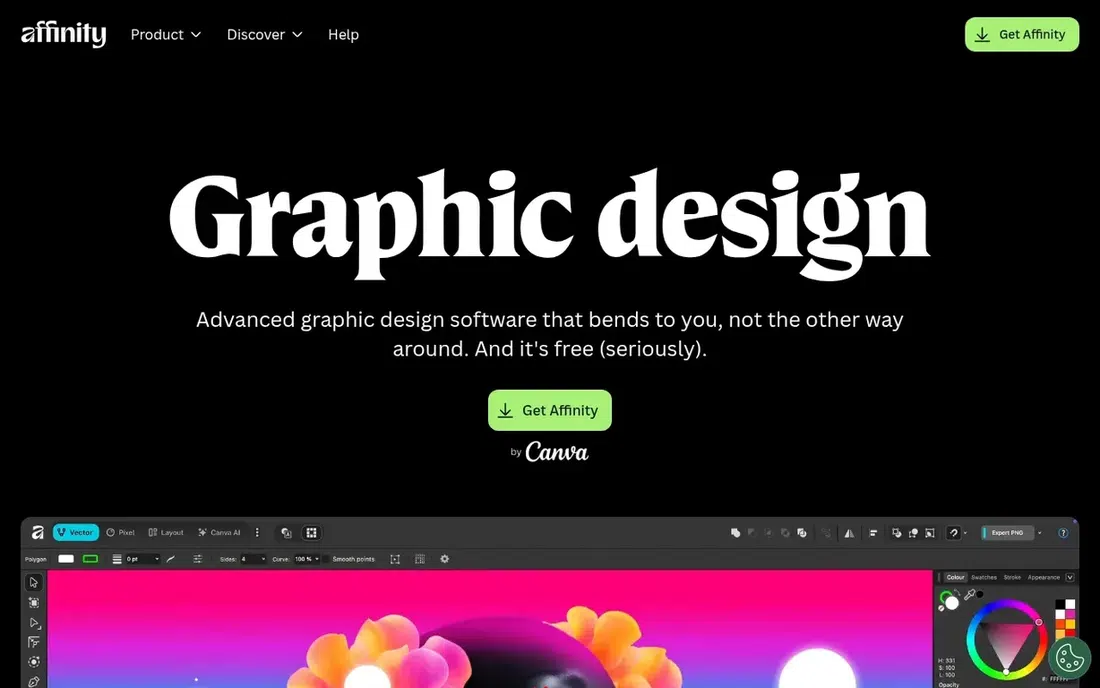
Where Affinity Designer fits: precision vector art with creative freedom. Affinity Designer is professional design software for creating crisp vector art and bold graphics, positioned around precision, speed and creative freedom.
Its ecosystem of templates and external resources is smaller than that of long-established suites. It lacks the prompt-to-vector AI feature found in Illustrator. Affinity Designer shows no starting price here, so confirm the cost on the vendor site. Trial and free access: Not stated.
Trade-offs to know: Smaller ecosystem of external resources.
- Focused design workspace
- Emphasis on precision and speed
- Fewer AI-assisted vector features
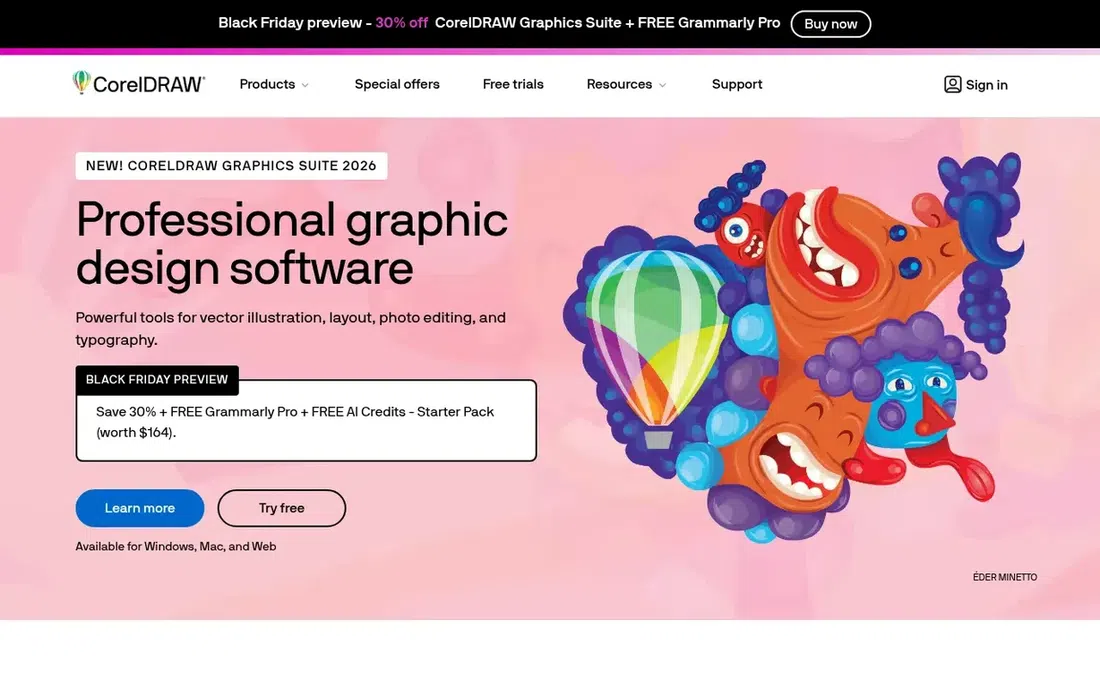
Choose CorelDRAW for vector, illustration and drafting in one suite. The interface and conventions differ from Adobe tools, so teams trained on Illustrator face a ramp-up time.
Some modules lean toward technical drafting instead of pure logo work. Beyond that, logo designers who also produce signage, packaging or technical artwork may appreciate having these capabilities under one roof instead of switching between separate applications. Check the vendor site for CorelDRAW pricing; none is listed in this comparison. As for free access: Not stated.
What to check first: Some modules feel geared to technical work.
- Long-standing graphic design suite
- Posters and prototypes
- Interface differs from Adobe conventions
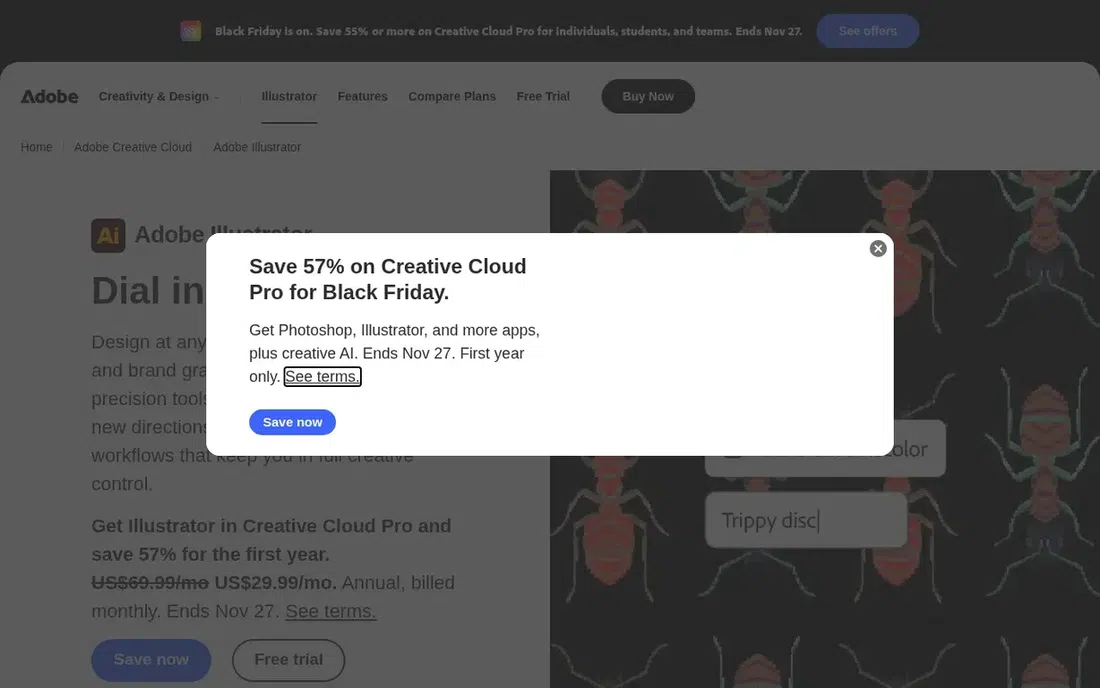
Where Adobe Illustrator fits: all-around professional logo vector work. Adobe Illustrator is a vector graphics application built around editable paths and shapes, with generative AI that can transform a text prompt into a completely editable vector graphic.
Limits to weigh: Feature depth can overwhelm beginners.
In practice, if you prefer a leaner workspace or a different licensing model, Affinity Designer is worth comparing before committing. The depth of tools can slow newcomers, and the software is licensed by subscription instead of a one-time purchase. Adobe Illustrator shows no starting price here, so confirm the cost on the vendor site. Free access: Not stated.
- Generative AI turns prompts into editable vectors
- Broad format and export support
- Subscription-based access model
Sketch makes the most sense for interface-focused design and collaboration. Sketch is a design, prototype, collaboration and handoff tool built with designers in mind. Pick a dedicated vector tool when the deliverable is a print or brand asset instead of a screen design.
Limits to weigh: Vector drawing is secondary to UI work.
Upsides: prototype and handoff in one app. Worth adding: logo designers who also work on digital products can use it to carry a mark from concept into interface mockups and developer handoff, keeping the visual language consistent across screens. Its core strength is interface and product design instead of print-ready logo production, so vector drawing and output controls are less specialized than in dedicated illustration software. What you pay to start with Sketch: $12 per editor per month. As for free access: Free trial.
- Made by designers
- Solid collaboration and handoff focus
- Not built primarily for print logo production
How we chose
We compared the tools on published pricing, free plan or trial availability, feature coverage for vector illustration software for logo designers, and the limits each vendor documents. Treat prices as a snapshot: vendors change plans often, so check the vendor site for the figure that applies today. The ranking is editorial: typical fit first, then clear pricing, then free access. If your needs are unusual, read the profiles rather than relying on position.
A buyer's checklist
- Confirm the entry price on the vendor page. For Affinity Designer, CorelDRAW and Adobe Illustrator that means a quote rather than a fixed price.
- Test the free plan from Vectornator against your real workload before relying on it.
- Take the trial from Sketch and push a live task through it before you pay.
- Read the limits listed for Vectornator first: less centered on single logo marks.
- See whether Vectornator offers onboarding or training, and whether it is included in the price.
- Check the integration list for Affinity Designer against the tools you run today, and note which ones need a higher plan.
FAQ
Which options for vector illustration software for logo designers have a free plan?
Vectornator is the only tool in this list with a free plan. Free plans usually cap users, projects or features, so check the limits on the vendor page. One other tool offers a trial instead. For the full picture, the cards above cover all 5 entries of this vector Illustration software for logo designers list, including price, free plan and limits.
Do these tools publish their prices?
Not all of them. Affinity Designer, CorelDRAW and Adobe Illustrator publish no starting price, so expect a quote request for those. The rest, Vectornator included, show a starting price, though seats and billing terms still change the final cost.
Can I try these tools before paying?
Often, yes. Vectornator has a free plan and Sketch offers a free trial. Use your own data and a real task during the test, and check what the free tier or trial limits before you rely on it. Prices, free plan details and limits for all 5 tools in this vector Illustration software for logo designers roundup sit on the individual cards above.
Which vector tool is a good match for logo design beginners?
Start with Vectornator if you need AI-assisted campaign asset generation. Affinity Designer is the better match for precision vector art with creative freedom, and CorelDRAW for vector, illustration and drafting in one suite. The best choice depends on budget, team size and workflow.
How are the tools for vector illustration software for logo designers ordered?
Vectornator sits first and Sketch last because the order follows typical fit for vector illustration software for logo designers, then price clarity and free access. It is a judgement call, so read each profile for fit and limits.
Sources
- https://www.vectornator.io
- https://affinity.serif.com/en-us/designer
- https://www.coreldraw.com/en
- https://www.adobe.com/products/illustrator.html
- https://www.sketch.com