Best Vector Illustration Software for Icon Designers for 2026: Our 5 Vetted Picks
Best vector illustration software for icon designers: 5 tools compared on price, free plans and fit. Trade-offs are spelled out for each entry. Choose faster.
- Editor's choice
 Sketch
UI and icon design on Mac
Starts at$12 per editor a monthVisit sketch.comFull review - Great alternative
 CorelDRAW
Vector illustration with technical precision
Starts atSee websiteVisit coreldraw.comFull review - Also consider
 Figma
Collaborative icon design and prototyping
Starts at$3 per monthVisit figma.comFull review
Direct answer
If you need UI and icon design on Mac, Sketch is the first tool to look at here. Listed starting prices: Sketch from $12 per editor a month and Figma from $3 per month. CorelDRAW is the stronger choice for vector illustration with technical precision, while Figma suits collaborative icon design and prototyping. All 5 tools are compared below on price, free plan and limits.
TL;DR:
- Number one here is Sketch, a fit for UI and icon design on Mac.
- Adobe Fresco fits digital painting and drawing for icons.
- Figma has the lowest monthly starting price in this list: $3 per month.
- What to know about Figma first: requires internet connection for full functionality.
- A permanent free plan is missing from all 5 tools, Sketch and Adobe Fresco included; plan for a trial or a premium start.
Last checked November 2026. Prices and plan details were read from the vendors' own pages in November 2026; vendors change plans often, so confirm the current price on the vendor site before you buy.
Quick comparison
| Tool | Best for | Starts at | Free plan? | |
|---|---|---|---|---|
| Sketch | UI and icon design on Mac | $12 per editor a month | Free trial | Visit |
| CorelDRAW | Vector illustration with technical precision | See website | Not stated | Visit |
| Figma | Collaborative icon design and prototyping | $3 per month | Not stated | Visit |
 Adobe Illustrator | Full vector icon design | See website | Not stated | Visit |
 Adobe Fresco | Digital painting and drawing for icons | See website | Not stated | Visit |
Our 5 vector illustration software for icon designers
If you are comparing vector illustration software for icon designers, this page covers 5 tools in one place: what each is best for, what it costs to start, whether it has a free plan, and the main limit to know about.
Sketch works best for UI and icon design on Mac. Sketch is a design, prototype, and collaboration tool made by designers for designers. It is especially widely used for UI and icon design on the Mac product, offering a focused environment for creating and managing design systems.
Where it is weaker: Restricted vector illustration tools compared with others.
Its symbol and library features help maintain consistency across icon sets. Sketch is Mac-only, which limits its accessibility for Windows users. Price to start with Sketch: $12 per editor per month. Trial and free access: Free trial.
- Solid symbol and library features
- Designed specifically for UI/UX
- Mac only
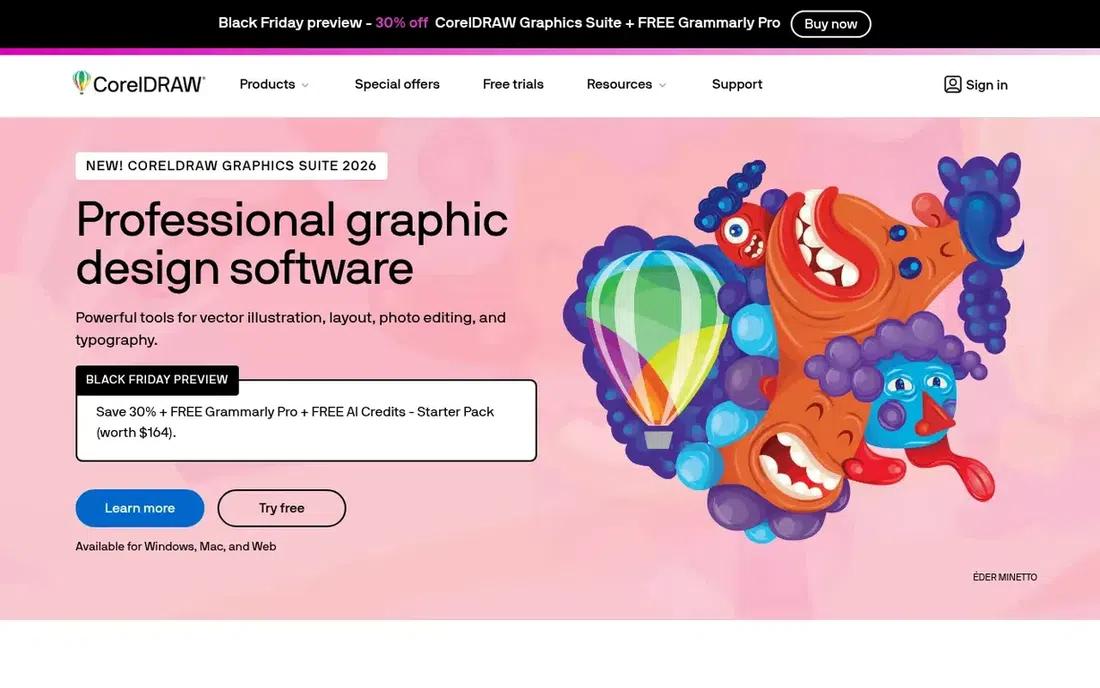
Think of CorelDRAW for vector illustration with technical precision. CorelDRAW is a graphic design software that concentrates on vector illustration, technical illustration, and CAD choices. It is well suited to icon designers who require precise drafting and prototyping capabilities.
Limits to weigh: Windows-centric historically.
As for the details, the software supports a wide range of design tasks, from logos to posters. On top of that, CorelDRAW may have a steeper ramp-up time for beginners and has traditionally been more Windows-focused, though Mac versions exist. No starting price is listed for CorelDRAW here; confirm pricing on the vendor site. As for free access: Not stated.
- Solid vector and technical illustration tools
- Broad format support
- Steeper ramp-up time
Figma is built with collaborative icon design and prototyping in mind. Figma is a collaborative canvas where design, code, and AI come together. Its browser-based nature makes it accessible across different operating systems and facilitates smooth teamwork.
Limits to weigh: Vector tools less advanced than dedicated illustration software.
More specifically, for icon designers who prioritize collaboration and prototyping, Figma is a very good choice, but those needing advanced vector manipulation may want to pair it with another tool. Figma's vector editing capabilities, whereas solid, are not as deep as those in dedicated illustration tools like Adobe Illustrator. It also depends on an internet connection for full functionality. Figma cost at the entry level: $3 per month. Free options: Not stated.
- Browser-based with cross-platform support
- Integrated prototyping
- Needs internet connection for full functionality
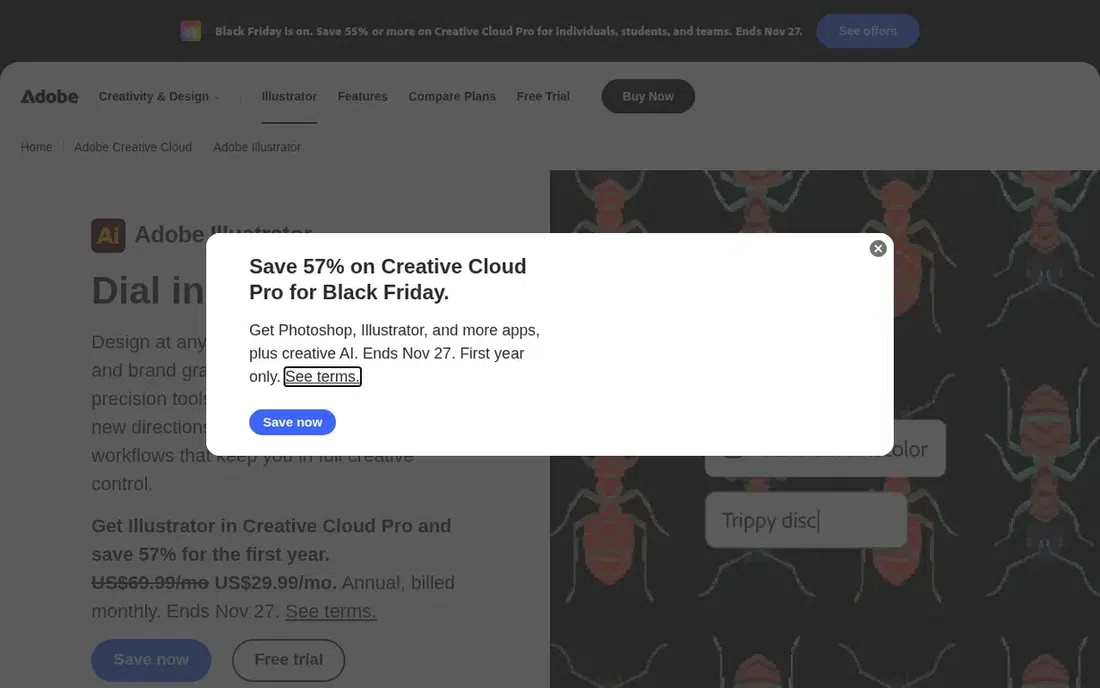
Pick Adobe Illustrator if this describes you: comprehensive vector icon design. Adobe Illustrator is a feature-rich vector graphics editor that uses generative AI to transform text prompts into editable vector graphics. In practice, the software integrates well with other Adobe products and supports a broad set of export formats.
That said, Illustrator needs a subscription, which may not suit everyone. It can also be demanding on system resources, notably with complicated files. Adobe Illustrator does not show a starting price in this comparison, so check the vendor site for current pricing. Free access: Not stated.
Watch-outs: Subscription-based model.
- Generative AI for fast vector creation
- Industry-standard vector tools
- Can be resource-intensive
Choose Adobe Fresco for digital painting and drawing for icons. Adobe Fresco is a capable drawing app with a vast digital brush collection, offering an exceptional painting and drawing experience for stylus and touch devices.
Fresco is primarily a painting app, so its vector editing capabilities are less solid than those of dedicated vector software like Illustrator. Pricing for Adobe Fresco is not stated here, so ask the vendor for current figures. Trial and free access: Not stated.
The main drawbacks: Subscription required.
- Optimized for stylus and touch
- World's largest digital brush collection
- Centred on painting instead of precise vector editing
Selection criteria
Selection started from tools commonly considered for vector illustration software for icon designers, then narrowed to 5 that have clear pricing information or a clear quote process. Prices and plan limits come from vendor pages and can change, so confirm them on the vendor site before you buy. Position on the page reflects fit for a typical buyer first, with price clarity and free access breaking ties. Treat it as a guide, not a ruling.
What to check before you buy
- Confirm the entry price on the vendor page. For CorelDRAW, Adobe Illustrator and Adobe Fresco that means a quote rather than a fixed price.
- Take the trial from Sketch and push a live task through it before you pay.
- Before choosing Sketch, weigh its main limit: Mac only.
- Make sure Figma lets you export your data in a format another tool can read.
- Check whether Sketch bills monthly or annually, and what cancelling early costs.
FAQ
Is Sketch the right pick for everyone comparing vector illustration software for icon designers?
No single tool suits every team. Sketch comes first because it fits UI and icon design on Mac, while CorelDRAW suits vector illustration with technical precision and Figma suits collaborative icon design and prototyping. Match the tool to your own size, budget and workflow before deciding.
Which vector software is a good match for beginners designing icons?
The first pick on this list is Sketch, because it suits UI and icon design on Mac. CorelDRAW is better for vector illustration with technical precision, and Figma for collaborative icon design and prototyping. Check price and limits against your own needs before choosing.
What is the cheapest option for vector illustration software for icon designers in this list?
On published monthly entry prices, Figma is the lowest here at $3 per month. Entry price is only part of the cost, because seats, add-ons and billing terms can change the total. For the full picture, the cards above cover all 5 entries of this vector Illustration software for Icon designers list, including price, free plan and limits.
How are the tools for vector illustration software for icon designers ordered?
The order follows typical fit for vector illustration software for icon designers, with Sketch first and Adobe Fresco last, then price clarity and free access. It is editorial judgement, not a score, so another team could rank the tools differently.
Can I try these tools before paying?
Often, yes. Sketch offers a free trial. Use your own data and a real task during the test, and check what the free tier or trial limits before you rely on it. Prices, free plan details and limits for all 5 tools in this vector Illustration software for Icon designers roundup sit on the individual cards above.
Sources
- https://www.sketch.com
- https://www.coreldraw.com/en
- https://www.figma.com
- https://www.adobe.com/products/illustrator.html
- https://www.adobe.com/products/fresco.html