Vector Illustration Software for Freelancers in 2026: The 5 Best Options Side by Side
Best vector illustration software for freelancers in 2026: 5 tools with starting prices, free plans and limits. Read the caveats before you buy. Numbers first.
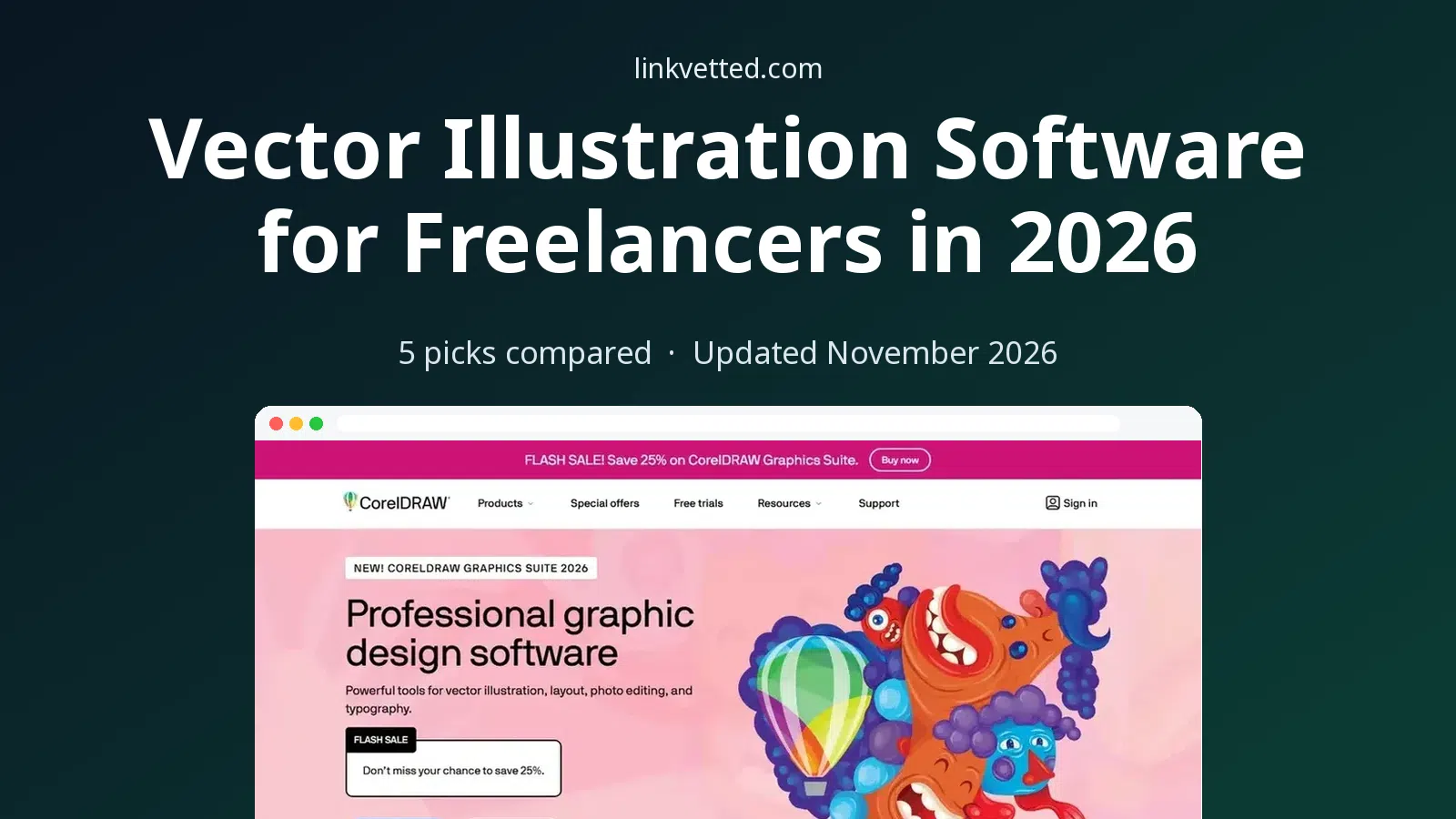
- Editor's choice
 CorelDRAW
Technical illustration and print-oriented design
Starts atSee websiteVisit coreldraw.comFull review - Great alternative
 Sketch
Design, prototyping and handoff
Starts at$12 per editor a monthVisit sketch.comFull review - Also considerVectornator
AI-assisted campaign asset creation
Starts at$8 a monthVisit vectornator.ioFull review
Direct answer
This list puts CorelDRAW first for technical illustration and print-oriented design. Listed starting prices: Sketch from $12 per editor a month and Vectornator from $8 a month. For a different need, Sketch covers design, prototyping and handoff and Vectornator covers AI-assisted campaign asset creation. Details, prices and limits for the rest of the 5 tools are below.
TL;DR:
- Number one here is CorelDRAW, a fit for technical illustration and print-oriented design.
- For the cheapest start, look at Vectornator: $8 per month.
- Affinity Designer is the one to check for precision vector and graphic design.
- Only Vectornator offers a free plan among these 5 tools.
Last checked November 2026. Prices and plan details were read from the vendors' own pages in November 2026; vendors change plans often, so confirm the current price on the vendor site before you buy.
Quick comparison
| Tool | Best for | Starts at | Free plan? | |
|---|---|---|---|---|
| CorelDRAW | Technical illustration and print-oriented design | See website | Not stated | Visit |
| Sketch | Design, prototyping and handoff | $12 per editor a month | Free trial | Visit |
| Vectornator | AI-assisted campaign asset creation | $8 a month | Yes | Visit |
 Adobe Illustrator | Wide professional vector illustration work | See website | Not stated | Visit |
 Affinity Designer | Precision vector and graphic design | See website | Not stated | Visit |
Tool-by-tool breakdown
If you are comparing vector illustration software for freelancers, this page covers 5 tools in one place: what each is best for, what it costs to start, whether it has a free plan, and the main limit to know about.
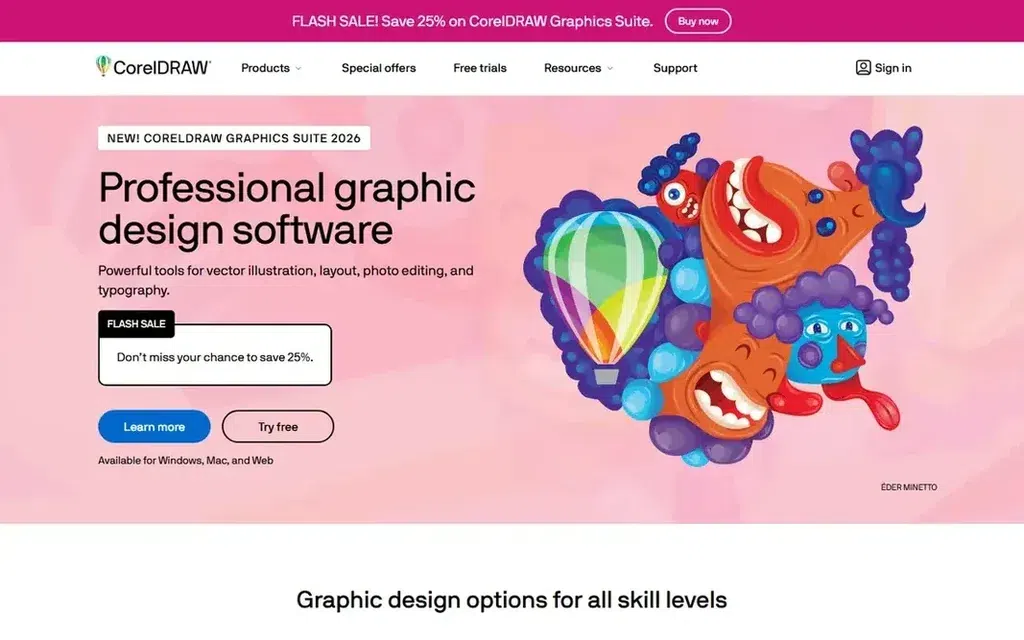
For technical illustration and print-oriented design, CorelDRAW is a natural candidate. CorelDRAW presents professional graphic design software with vector, technical illustration and CAD-style choices. Its homepage names logos, posters, drafting and prototypes among its uses, which points to freelancers who mix creative illustration with more structured or production-oriented work.
Downsides: Interface differs from typical vector apps.
For everyday use, the range of modules can feel sprawling for freelancers who only draw vectors. The interface differs from other common tools. Those who primarily exchange files with design teams may find a more widely matched app simpler. Pick CorelDRAW when technical or print-leaning illustration is central to your work. Check the vendor site for CorelDRAW pricing; none is listed in this comparison. On free options: Not stated.
- Technical illustration and CAD choices
- Posters and drafting
- Numerous modules can overwhelm beginners
Sketch makes the most sense for design, prototyping and handoff. Sketch presents itself as a design, prototype, collaborate and handoff tool made by designers for designers.
Drawbacks to consider: Not a dedicated illustration app.
For freelancers, it suits interface and product design work where vector shapes, components and handoff to developers matter more than freeform illustration. In practice, Sketch is not a dedicated illustration application, so complicated artwork or print-oriented vector work may be better served elsewhere. Sketch cost at the entry level: $12 per editor per month. Free access: Free trial.
- Collaboration and handoff focus
- Built around design and prototyping
- Vector drawing is one part of a broader tool
Vectornator
Best for: AI-assisted campaign asset creation
Vectornator is aimed squarely at AI-assisted campaign asset creation. Vectornator, presented under the Linearity brand, centers on an AI design generator that turns one prompt into a set of editable, on-brand campaign assets.
Drawbacks to consider: Less centred on freeform illustration.
For everyday use, the product is positioned around campaign asset generation, so freelancers doing in-depth freeform illustration may find it less tailored. Starting cost for Vectornator: $8 per month. Vectornator has a free plan.
- Outputs across formats and channels
- AI design generator from a single prompt
- Positioned around campaign generation
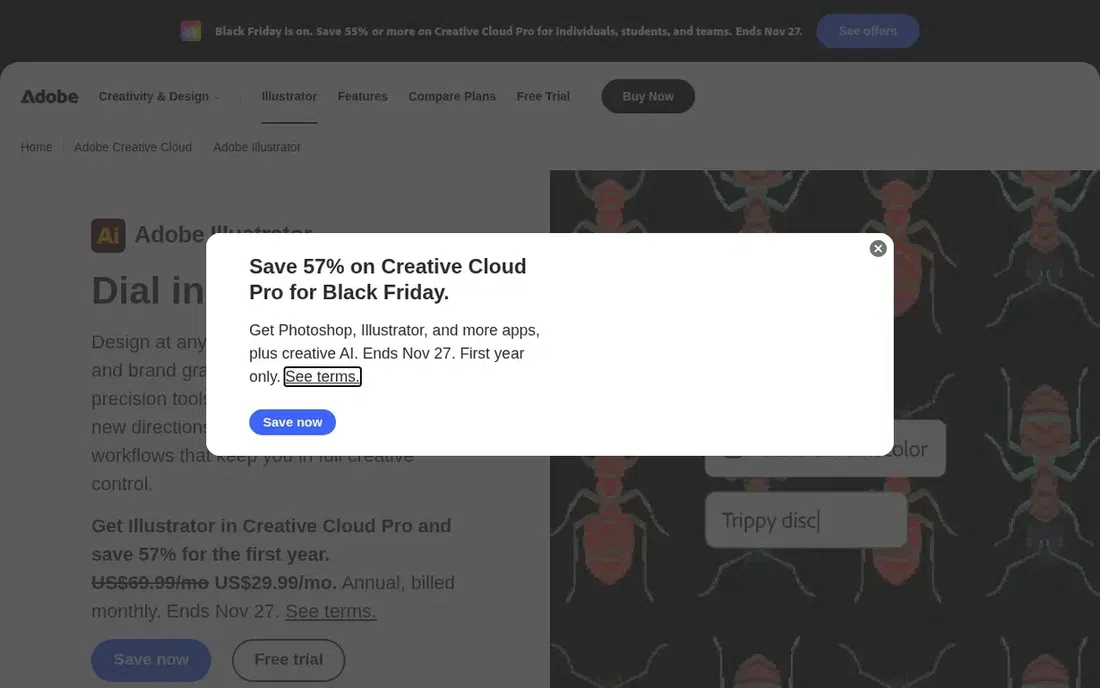
Adobe Illustrator is designed for broad professional vector illustration work. Adobe Illustrator is a vector graphics application that centers on professional drawing and design. Its homepage flags generative AI that turns a text prompt into a completely editable vector graphic, alongside the core illustration tools the software is recognised for.
Watch-outs: Subscription-based access.
As for the details, the breadth of features can slow down fast jobs and may be more than a straightforward icon project needs. Choose Illustrator when wide compatibility and generative vector features matter more than a minimal toolset. As for the details, freelancers who want a lighter, single-purpose drawing app may prefer a more focused alternative. Adobe Illustrator shows no starting price here, so confirm the cost on the vendor site. On free options: Not stated.
- Generative AI text-to-vector conversion
- Broad format and workflow support
- Feature depth can feel heavy for simple work
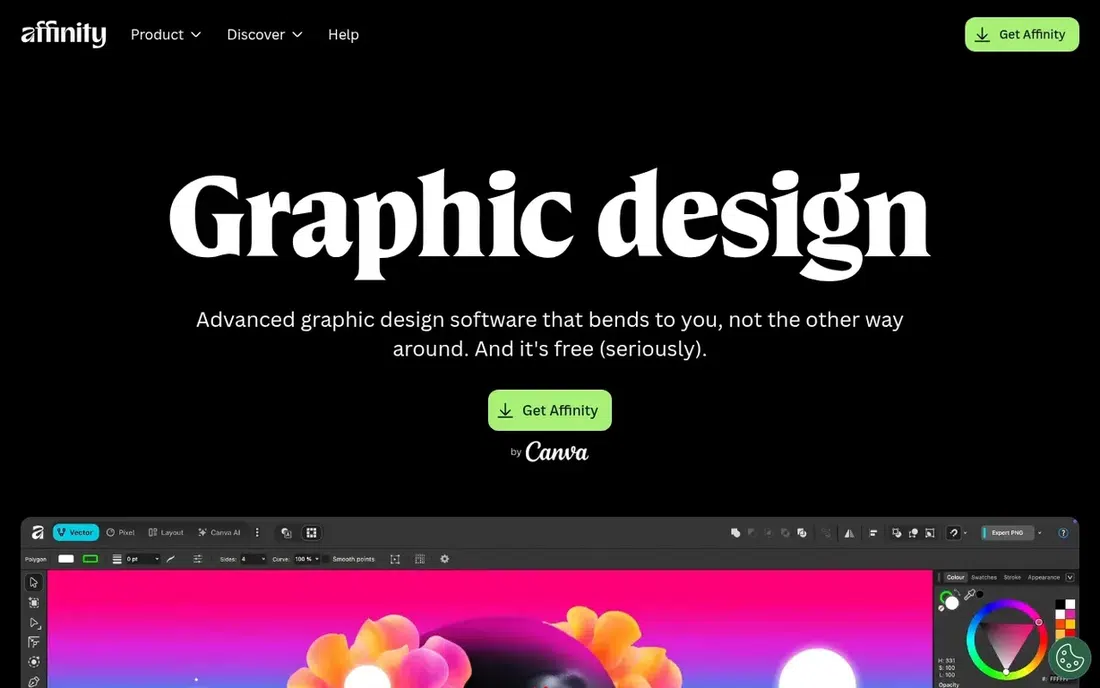
Affinity Designer serves precision vector and graphic design. Affinity Designer is professional design software aimed at precision, speed and freedom, based on its homepage. It targets crisp vector art and bold graphics, making it a solid fit for freelancers who want a focused illustration and graphic design tool without a sprawling feature set.
Watch-outs: Fewer integrations with some team tools.
It performs well for logo, branding and layout-adjacent vector projects. Its ecosystem is smaller than the largest design suites, so some team integrations may be restricted. Worth adding: freelancers who depend on specific collaborative handoff tools should check compatibility first. Choose Affinity Designer when precision drawing and a simplified workspace are your priorities. This comparison lists no price for Affinity Designer; ask the vendor. Free plan details: Not stated.
- Merges vector and graphic design
- Made for precision and speed
- Smaller ecosystem than the largest suites
How the list was put together
The comparison looks at four things: starting price, free access, how well the feature set matches vector illustration software for freelancers, and the main limit of each tool. Where a price is missing, the vendor does not list one publicly or ties it to a quote. Always confirm before budgeting. Tools are placed by general fit for vector illustration software for freelancers, with price clarity and free access as tie-breakers. A different team can reasonably rank them differently.
Before you commit
- Ask CorelDRAW, Adobe Illustrator and Affinity Designer for a written quote, since no starting price is shown.
- Test the free plan from Vectornator against your real workload before relying on it.
- Use real work to test the free trial from Sketch, rather than a demo project.
- Read the limits listed for CorelDRAW first: interface differs from typical vector apps.
- Test the integrations you rely on with CorelDRAW before committing; some connectors sit on upper tiers.
- Check whether Sketch bills monthly or annually, and what cancelling early costs.
FAQ
Do these tools publish their prices?
Not all of them. CorelDRAW, Adobe Illustrator and Affinity Designer publish no starting price, so expect a quote request for those. The rest, Sketch included, show a starting price, though seats and billing terms still change the final cost. All 5 picks in this vector Illustration software for freelancers comparison list a starting price, free plan details and the main limits on their cards above.
Is CorelDRAW the right pick for everyone comparing vector illustration software for freelancers?
No single tool suits every team. CorelDRAW comes first because it fits technical illustration and print-oriented design, while Sketch suits design, prototyping and handoff and Vectornator suits AI-assisted campaign asset creation. Match the tool to your own size, budget and workflow before deciding.
Can I try these tools before paying?
Often, yes. Vectornator has a free plan and Sketch offers a free trial. Use your own data and a real task during the test, and check what the free tier or trial limits before you rely on it. For the full picture, the cards above cover all 5 entries of this vector Illustration software for freelancers list, including price, free plan and limits.
Which options for vector illustration software for freelancers have a free plan?
Vectornator is the only tool in this list with a free plan. Free plans usually cap users, projects or features, so check the limits on the vendor page. One other tool offers a trial instead. Prices, free plan details and limits for all 5 tools in this vector Illustration software for freelancers roundup sit on the individual cards above.
Sources
- https://www.coreldraw.com
- https://www.sketch.com
- https://www.vectornator.io
- https://www.adobe.com/products/illustrator.html
- https://affinity.serif.com/en-us/designer