Vector Graphics Software for Remote Teams in 2026: The 6 Best Options Side by Side
Need the best vector Graphics software for remote teams? We compare 6 tools on cost, free access and who each suits. Real limits included. Pick by budget.
- Editor's choice
 Sketch
Mac-based UI and vector design
Starts at$12 per editor per monthVisit sketch.comFull review - Great alternative
 CorelDRAW Graphics Suite
Vector, technical illustration, and CAD
Starts atSee websiteVisit coreldraw.comFull review - Also consider
 Adobe Illustrator
Professional vector design with AI assistance
Starts atSee websiteVisit adobe.comFull review
Direct answer
This list puts Sketch first for Mac-based UI and vector design. Listed starting prices: Sketch from $12 per editor per month, Figma from $3 a month and Vectornator from $8 per month. If your case is different, CorelDRAW Graphics Suite suits vector, technical illustration, and CAD and Adobe Illustrator suits professional vector design with AI assistance. All 6 tools are compared below on price, free plan and limits.
TL;DR:
- Sketch is the opening pick, best for Mac-based UI and vector design.
- Just one of the 6 tools, Vectornator, has a free plan.
- Vectornator fits AI-assisted campaign asset creation.
- Figma has the lowest monthly starting price in this list: $3 per month.
Last checked November 2026. Prices and plan details were read from the vendors' own pages in November 2026; vendors change plans often, so confirm the current price on the vendor site before you buy.
Quick comparison
| Tool | Best for | Starts at | Free plan? | |
|---|---|---|---|---|
| Sketch | Mac-based UI and vector design | $12 per editor per month | Free trial | Visit |
| CorelDRAW Graphics Suite | Vector, technical illustration, and CAD | See website | Not stated | Visit |
| Adobe Illustrator | Professional vector design with AI assistance | See website | Not stated | Visit |
 Figma | Live collaborative vector design | $3 a month | Not stated | Visit |
 Affinity Designer | Precision vector design without subscription | See website | Not stated | Visit |
| Vectornator | AI-assisted campaign asset creation | $8 per month | Yes | Visit |
Every option for vector Graphics software for remote teams explained
This LinkVetted guide covers 6 vector Graphics software for remote teams. Each profile lists a starting price, free plan details, strengths and drawbacks, so you can drop poor fits quickly.
Think of Sketch for Mac-based UI and vector design. Sketch is a design, prototyping, and collaboration tool for Mac that puts focus on the designer's workflow. It supports vector design and handoff, making it right for remote teams of Mac users working on interfaces and graphics.
Watch-outs: Mac-only system.
In practice, Sketch is restricted to macOS, which can be a barrier for mixed-platform remote teams. Its live collaboration is less smooth than Figma's, so teams needing cross-platform co-editing might choose Figma instead. Beyond that, Sketch suits teams that value a native Mac experience with integrated collaboration. What you pay to start with Sketch: $12 per editor per month. As for free access: Free trial. Best features of Sketch: Design and prototyping in one tool.
- Collaboration and handoff features
- Made by designers for designers
- Less live collaboration than Figma
CorelDRAW Graphics Suite is built with vector, technical illustration, and CAD in mind. CorelDRAW Graphics Suite is a professional graphic design package with vector, technical illustration, and CAD software choices.
Drawbacks to consider: Collaboration features less prominent.
It supports logos, posters, drafting, and prototypes, making it a good match for remote teams that require versatile vector tools beyond pure illustration. This comparison lists no price for CorelDRAW Graphics Suite; ask the vendor. Free plan details: Not stated.
- Wide vector and illustration tools
- Contains technical illustration and CAD choices
- Windows-centric heritage
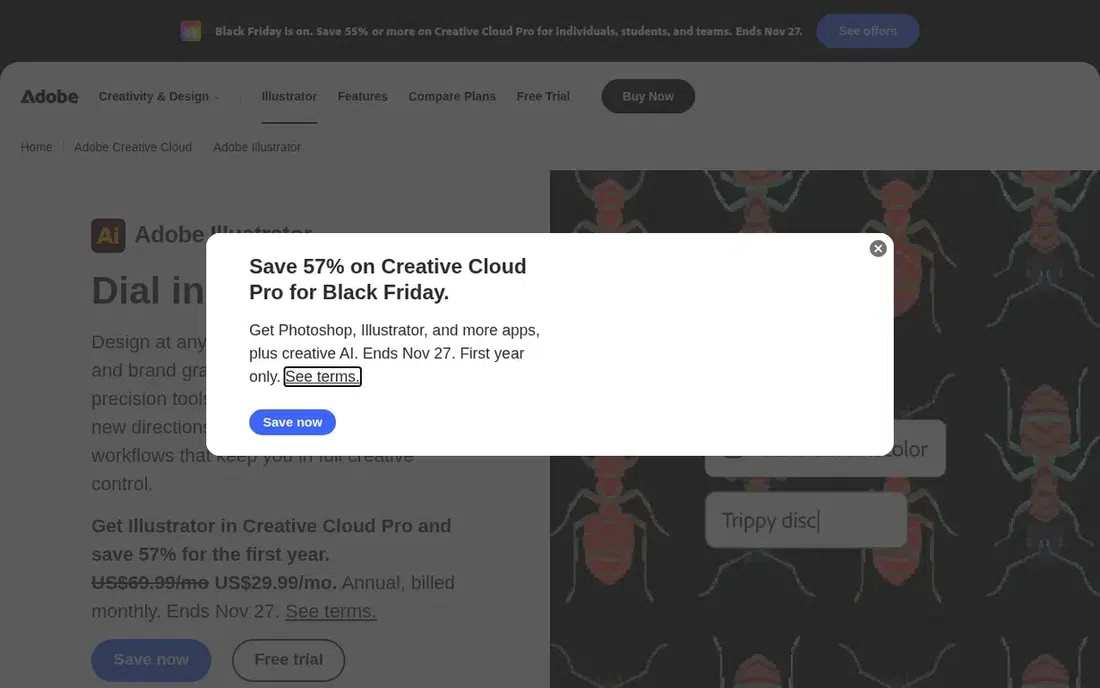
Pick Adobe Illustrator if this describes you: professional vector design with AI assistance. It includes generative AI that transforms text prompts into editable vector graphics, making it right for remote teams producing high-quality, scalable artwork.
What to check first: Can be complicated for beginners.
Illustrator has a steep ramp-up time and may be overkill for straightforward vector tasks. From a buyer's view, the tool suits teams already invested in Adobe's ecosystem and needing precise control over vector output. Adobe Illustrator shows no starting price here, so confirm the cost on the vendor site. Free access: Not stated.
- Generative AI for editable vectors
- Deep integration with Creative Cloud
- Needs subscription
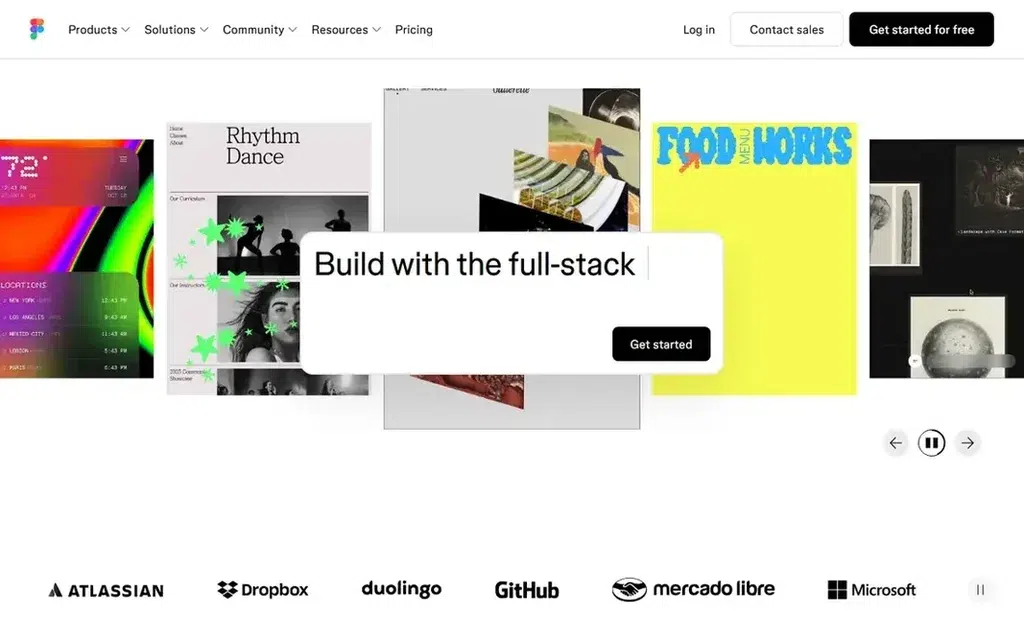
For live collaborative vector design, Figma is a natural candidate. Its browser-based canvas brings design, code, and AI together, making it a strong match for remote teams that require to iterate quickly and share work immediately.
Teams needing advanced vector manipulation might choose Adobe Illustrator or Affinity Designer instead. Figma cost at the entry level: $3 per month. Free options: Not stated.
Limits to weigh: Needs internet for full collaboration.
- Unified canvas for design and code
- Live co-editing in browser
- Vector editing less advanced than dedicated tools
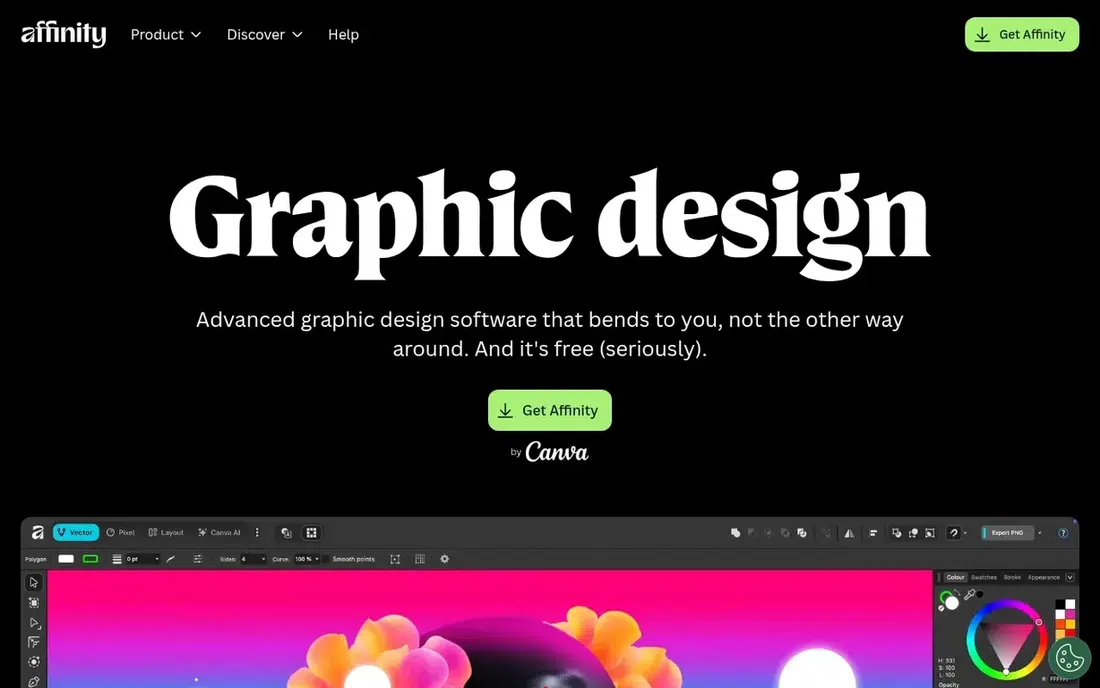
Affinity Designer is aimed squarely at precision vector design without subscription. Teams prioritizing live collaboration should look at Figma or Sketch. Affinity Designer is a professional vector and graphic design application aimed at precision and speed.
It offers crisp vector art creation with a focus on creative freedom, making it a capable choice for remote designers who want a capable tool without continuing subscription costs. From a buyer's view, Affinity Designer lacks the live co-editing and cloud collaboration features of Figma, so remote teamwork may need file sharing and version control. This comparison lists no price for Affinity Designer; ask the vendor. Free options: Not stated.
The main drawbacks: Restricted live collaboration features.
- Quick and precise vector tools
- One-time purchase model
- Smaller ecosystem than Adobe
Vectornator
Best for: AI-assisted campaign asset creation
Vectornator is a good fit for AI-assisted campaign asset creation. This tool fits remote marketing and creative teams concentrated on campaign production.
Watch-outs: Collaboration features not highlighted.
More specifically, teams needing precise manual vector control might prefer Adobe Illustrator or Affinity Designer. The starting price for Vectornator: $8 per month. A free plan is available with Vectornator.
- Multi-format export
- AI design generator for editable assets
- Less established for traditional vector illustration
Selection criteria
Before you commit
- Confirm the entry price on the vendor page. For CorelDRAW Graphics Suite, Adobe Illustrator and Affinity Designer that means a quote rather than a fixed price.
- Test the free plan from Vectornator against your real workload before relying on it.
- Take the trial from Sketch and push a live task through it before you pay.
- Read the limits listed for Sketch first: Mac-only product.
- See whether Affinity Designer offers onboarding or training, and whether it is included in the price.
- Check whether the features you need in CorelDRAW Graphics Suite sit on the entry plan or only on higher tiers.
FAQ
Is Sketch the right pick for everyone comparing vector Graphics software for remote teams?
No single tool suits every team. Sketch comes first because it fits Mac-based UI and vector design, while CorelDRAW Graphics Suite suits vector, technical illustration, and CAD and Adobe Illustrator suits professional vector design with AI assistance. Match the tool to your own size, budget and workflow before deciding.
Which vector graphics software is a good match for real-time remote collaboration?
The first pick on this list is Sketch, because it suits Mac-based UI and vector design. CorelDRAW Graphics Suite is better for vector, technical illustration, and CAD, and Adobe Illustrator for professional vector design with AI assistance. Check price and limits against your own needs before choosing.
Is Affinity Designer a decent alternative for remote teams on a budget?
Affinity Designer supplies professional vector tools with a one-time purchase model, which can be economical for teams. It lacks built-in live collaboration, so remote teams should plan for file sharing and version control.
What is the cheapest option for vector Graphics software for remote teams in this list?
On published monthly entry prices, Figma is the lowest here at $3 per month. Entry price is only part of the cost, because seats, add-ons and billing terms can change the total. All 6 picks in this vector Graphics software for remote teams comparison list a starting price, free plan details and the main limits on their cards above.
Can I try these tools before paying?
Often, yes. Vectornator has a free plan and Sketch offers a free trial. Use your own data and a real task during the test, and check what the free tier or trial limits before you rely on it. For the full picture, the cards above cover all 6 entries of this vector Graphics software for remote teams list, including price, free plan and limits.
Do these tools publish their prices?
Not all of them. CorelDRAW Graphics Suite, Adobe Illustrator and Affinity Designer publish no starting price, so expect a quote request for those. The rest, Sketch included, show a starting price, though seats and billing terms still change the final cost.
Sources
- https://www.sketch.com
- https://www.coreldraw.com
- https://www.adobe.com/products/illustrator.html
- https://www.figma.com
- https://affinity.serif.com/en-us/designer
- https://www.vectornator.io