Best Software for Vector Graphics Prototyping in 2026: Prices, Free Plans and 6 Picks
Best software for vector graphics prototyping in 2026: 6 tools with starting prices, free plans and limits. Hidden costs and gaps are flagged. Compare quickly.
- Editor's choice
 Figma
Collaborative, all-in-one design and prototyping
Starts at$3 a monthVisit figma.comFull review - Great alternative
 Sketch
Designer-led interface design and handoff
Starts at$12 per editor per monthVisit sketch.comFull review - Also consider
 Adobe Illustrator
In-depth vector artwork and editable AI graphics
Starts atSee websiteVisit adobe.comFull review
Direct answer
Figma comes first here, mainly for collaborative, all-in-one design and prototyping. Listed starting prices: Figma from $3 a month, Sketch from $12 per editor per month and Vectornator from $8 a month. If your case is different, Sketch suits Designer-led interface design and handoff and Adobe Illustrator suits in-depth vector artwork and editable AI graphics. All 6 tools are compared below on price, free plan and limits.
TL;DR:
- This list starts with Figma, which is built for collaborative, all-in-one design and prototyping.
- The lowest published monthly entry price here is $3 per month, from Figma.
- Vectornator fits prompt-driven editable campaign assets.
- Just one of the 6 tools, Vectornator, has a free plan.
Last checked November 2026. Prices and plan details were read from the vendors' own pages in November 2026; vendors change plans often, so confirm the current price on the vendor site before you buy.
Quick comparison
| Tool | Best for | Starts at | Free plan? | |
|---|---|---|---|---|
| Figma | Collaborative, all-in-one design and prototyping | $3 a month | Not stated | Visit |
| Sketch | Designer-led interface design and handoff | $12 per editor per month | Free trial | Visit |
| Adobe Illustrator | In-depth vector artwork and editable AI graphics | See website | Not stated | Visit |
 Affinity Designer | Precise, quick vector design work | See website | Not stated | Visit |
 Linearity Curve | Advanced vector design on Apple devices | See website | Not stated | Visit |
| Vectornator | Prompt-driven editable campaign assets | $8 a month | Yes | Visit |
The 6 tools in detail
Choosing software for vector graphics prototyping usually comes down to price, fit and limits. This LinkVetted guide sets 6 tools side by side on those three points, with the facts kept short and checkable.
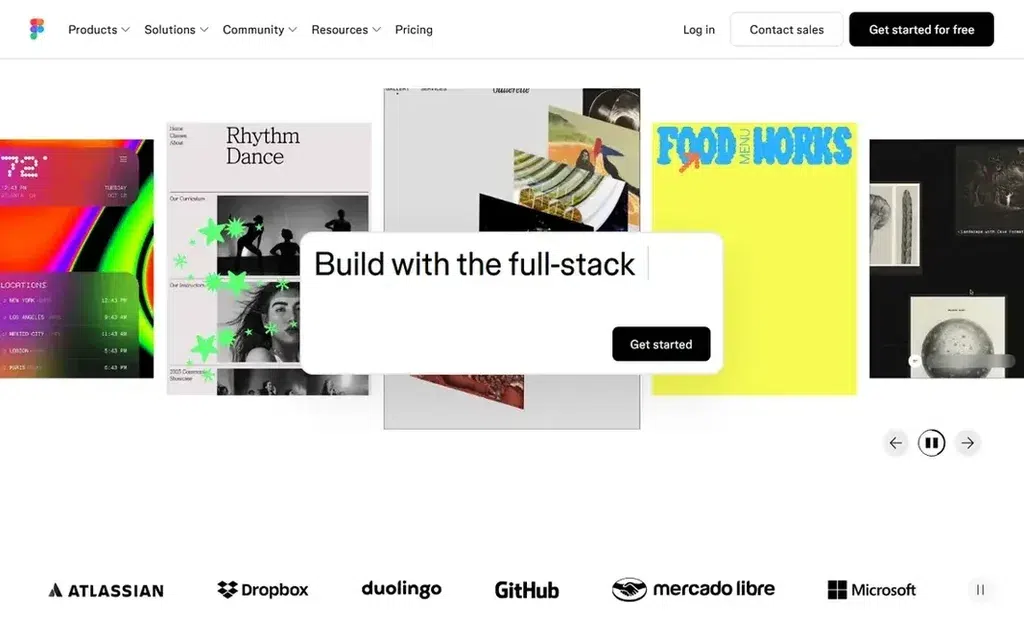
In short, Figma is for collaborative, all-in-one design and prototyping. Figma describes itself as the collaborative canvas for design, code and AI, where teams go from first idea to shipped product in one place.
Upsides: code and AI together.
Where it is weaker: Feature breadth can overwhelm newcomers.
Its strength is live shared work, making it a capable candidate when several people have to review and iterate on the same vector prototypes. It is less of a specialist illustration tool than a full vector art package. Figma cost at the entry level: $3 per month. Free options: Not stated.
- Brings design
- Shared collaborative canvas
- Browser performance can vary
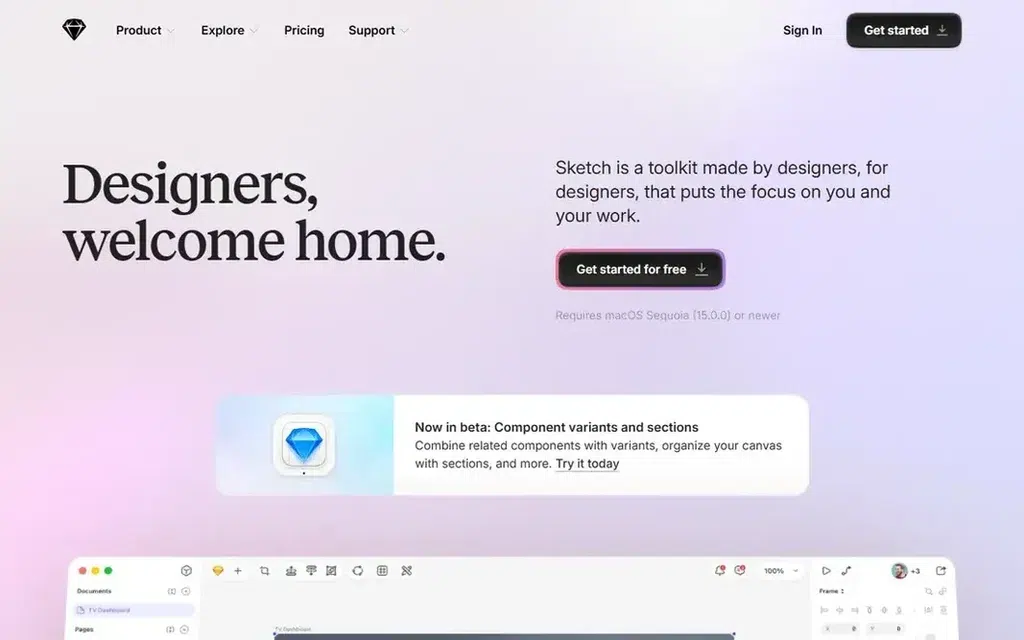
Pick Sketch if this describes you: Designer-led interface design and handoff. Sketch presents itself as a tool that puts the focus back on the designer and their work, made by designers for designers. Worth adding: Sketch is closely tied to a Mac-centered ecosystem, which can be a constraint for mixed-platform teams.
Honest limits: Less suited to illustration-heavy work.
It is also less oriented toward complicated illustration than dedicated vector art tools. Teams that value a focused, design-first environment commonly find it comfortable for everyday product prototyping. Price to start with Sketch: $12 per editor per month. Free access: Free trial.
- Prototype and collaborate in one app
- Clear handoff focus
- Mac-centered ecosystem
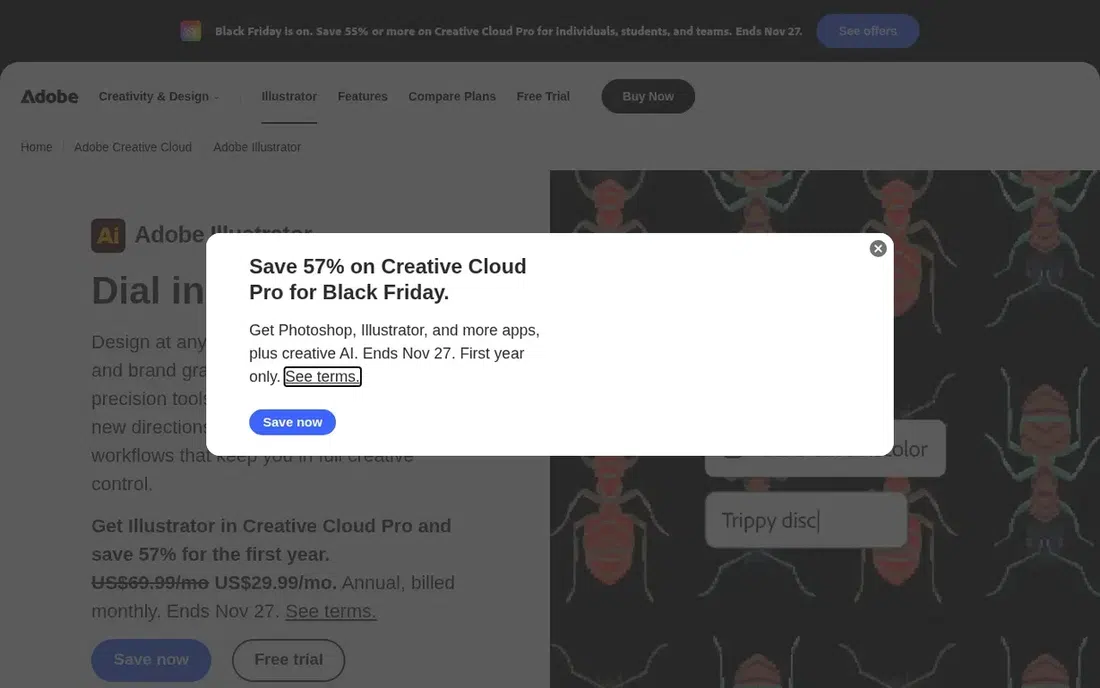
Adobe Illustrator works best for in-depth vector artwork and editable AI graphics. In daily use, choose Illustrator when the vector artwork itself is the deliverable. In practice, for prototyping visual assets that later feed into interface or print work, it provides a deep and widely documented feature set.
The depth that makes Illustrator feature-rich also makes it slower to learn and heavier than focused prototyping apps. If your priority is fast clickable interface prototypes or live team collaboration, a dedicated design tool may suit you better. Pricing for Adobe Illustrator is not stated here, so ask the vendor for current figures. Free access: Not stated.
The main drawbacks: Heavier than light prototyping apps.
- Prompt-driven editable vector generation
- Industry-standard vector toolset
- Ramp-up time for beginners
Affinity Designer targets precise, quick vector design work. Affinity Designer is presented as professional design software aimed at precision, speed and freedom, concentrated on crisp vector art and bold graphics. On top of that, for vector prototyping of visual elements, it gives you a focused environment that keeps drawing tools central.
More specifically, Affinity Designer is less centered on collaborative prototyping flows than team-oriented canvas tools, so shared review may need other software. In practice, choose it when precision vector craft is the priority and you can deal with collaboration separately. This comparison lists no price for Affinity Designer; ask the vendor. As for free access: Not stated.
Watch-outs: Fewer built-in prototyping flows.
- Crisp vector output
- Professional design feature set
- Smaller collaboration ecosystem
Think of Linearity Curve for advanced vector design on Apple devices. Linearity Curve is described as advanced vector design software for Mac, iPad and iPhone, with format import, collaboration and professional-grade vector design. Worth adding: for vector prototyping of graphics and layouts, it merges drawing tools with collaborative and import features.
In daily use, Curve is oriented toward Apple products, which may not fit teams standardized elsewhere. It is also less concentrated on developer handoff than code-oriented design canvases. Linearity Curve shows no starting price here, so confirm the cost on the vendor site. Free plan details: Not stated.
Where it is weaker: Apple-centric product focus.
- Format import and collaboration
- Mac
- Less oriented to code handoff
Vectornator
Best for: Prompt-driven editable campaign assets
Vectornator makes the most sense for prompt-driven editable campaign assets. Vectornator, now presented under the Linearity name, flags an AI design generator that turns one prompt into a full set of editable, on-brand campaign assets across formats and channels. Beyond that, designers needing fine path-level work may find it limiting.
Beyond that, because the homepage centers on AI-generated campaign assets, Vectornator is less centred on deep illustration control or interface prototyping. Worth adding: choose it when speed and brand-consistent asset generation matter more than exhaustive vector editing. On cost, Vectornator starts like this: $8 per month. Vectornator includes a free tier.
Honest limits: Narrower illustration depth.
- Editable output across formats
- AI generator for on-brand assets
- Less suited to interface prototyping
How the list was put together
For each of the 6 tools we noted price, free plan or trial, fit for software for vector graphics prototyping and the main limit, using vendor pages and documentation. Where a price is missing, the vendor does not list one publicly or ties it to a quote. Always confirm before budgeting. The ranking is editorial: typical fit first, then clear pricing, then free access. If your needs are unusual, read the profiles rather than relying on position.
Things to verify first
- Ask Adobe Illustrator, Affinity Designer and Linearity Curve for a written quote, since no starting price is shown.
- Look at the free plan from Vectornator closely: its caps decide whether it is usable for real work.
- Use real work to test the free trial from Sketch, rather than a demo project.
- Read the limits listed for Figma first: browser performance can vary.
- Test the integrations you rely on with Figma before committing; some connectors sit on upper tiers.
- Confirm you can export your data from Vectornator, so leaving later does not mean losing records.
FAQ
Do these tools publish their prices?
Not all of them. Adobe Illustrator, Affinity Designer and Linearity Curve publish no starting price, so expect a quote request for those. The rest, Figma included, show a starting price, though seats and billing terms still change the final cost.
Which tool is a good match for interface prototyping with vectors?
Figma comes first here and is built for collaborative, all-in-one design and prototyping. Buyers with other needs may prefer Sketch (for Designer-led interface design and handoff) or Adobe Illustrator (for in-depth vector artwork and editable AI graphics). Compare costs and limits first.
What is the cheapest option for software for vector graphics prototyping in this list?
On published monthly entry prices, Figma is the lowest here at $3 per month. Entry price is only part of the cost, because seats, add-ons and billing terms can change the total. Each of the 6 options in this software for vector Graphics Prototyping guide has its own card above with the price, free plan and limits.
Is Figma the right pick for everyone comparing software for vector graphics prototyping?
No single tool suits every team. Figma comes first because it fits collaborative, all-in-one design and prototyping, while Sketch suits Designer-led interface design and handoff and Adobe Illustrator suits detailed vector artwork and editable AI graphics. Match the tool to your own size, budget and workflow before deciding.
Which options for software for vector graphics prototyping have a free plan?
Vectornator is the only tool in this list with a free plan. Free plans usually cap users, projects or features, so check the limits on the vendor page. One other tool offers a trial instead. All 6 picks in this software for vector Graphics Prototyping comparison list a starting price, free plan details and the main limits on their cards above.
Sources
- https://www.figma.com
- https://www.sketch.com
- https://www.adobe.com/products/illustrator.html
- https://affinity.serif.com/en-us/designer
- https://www.linearity.io/curve
- https://www.vectornator.io