The 5 Best Vector Prototyping Software in 2026, Ranked
Weighing the best vector prototyping software? We lined up 5 products by cost, free access and fit. Plain-spoken summaries throughout. See the full list.
- Editor's choice
 Lunacy
Free vector design with Sketch compatibility
Starts at$19.99 a monthVisit icons8.comFull review - Great alternative
 Sketch
Mac designers seeking a focused workflow
Starts at$12 per editor a monthVisit sketch.comFull review - Also consider
 Figma
Collaborative vector design and prototyping
Starts at$3 a monthVisit figma.comFull review
Direct answer
Lunacy is the first pick on this list for free vector design with Sketch compatibility. Listed starting prices: Lunacy from $19.99 a month, Sketch from $12 per editor a month and Figma from $3 a month. If your case is different, Sketch suits Mac designers seeking a focused workflow and Figma suits collaborative vector design and prototyping. The full list of 5 tools follows, with prices and free plan facts.
TL;DR:
- This list starts with Lunacy, which is built for free vector design with Sketch compatibility.
- Adobe Illustrator suits in-depth vector illustration and graphics.
- For the cheapest start, look at Figma: $3 per month.
- Figma comes with a trade-off: needs internet connection for full features.
- Lunacy, Penpot: these are the 2 tools out of 5 that offer a free plan.
Last checked November 2026. Prices and plan details were read from the vendors' own pages in November 2026; vendors change plans often, so confirm the current price on the vendor site before you buy.
Quick comparison
| Tool | Best for | Starts at | Free plan? | |
|---|---|---|---|---|
| Lunacy | Free vector design with Sketch compatibility | $19.99 a month | Yes | Visit |
| Sketch | Mac designers seeking a focused workflow | $12 per editor a month | Free trial | Visit |
| Figma | Collaborative vector design and prototyping | $3 a month | Not stated | Visit |
 Penpot | Open-source design and prototyping | $7 per editor a month | Yes | Visit |
 Adobe Illustrator | In-depth vector illustration and graphics | See website | Not stated | Visit |
The best vector prototyping software
LinkVetted compared 5 tools for vector prototyping software. The goal is a practical shortlist: published prices, free plan facts, best-fit use cases and honest limits for every entry.
In short, Lunacy is for free vector design with Sketch compatibility. Lunacy by Icons8 is free graphic design software for Windows, macOS, and Linux.
Limits to weigh: Windows/Linux versions less refined.
It can open and edit Sketch files with ease and contains built-in vector tools, photos, and UI kits. In practice, Lunacy's prototyping capabilities are entry-level compared with dedicated UX tools, and its interface may feel less refined on non-Mac systems. On cost, Lunacy starts like this: $19.99 per month. Lunacy includes a free tier.
- Free to use
- Opens Sketch files
- Restricted prototyping features
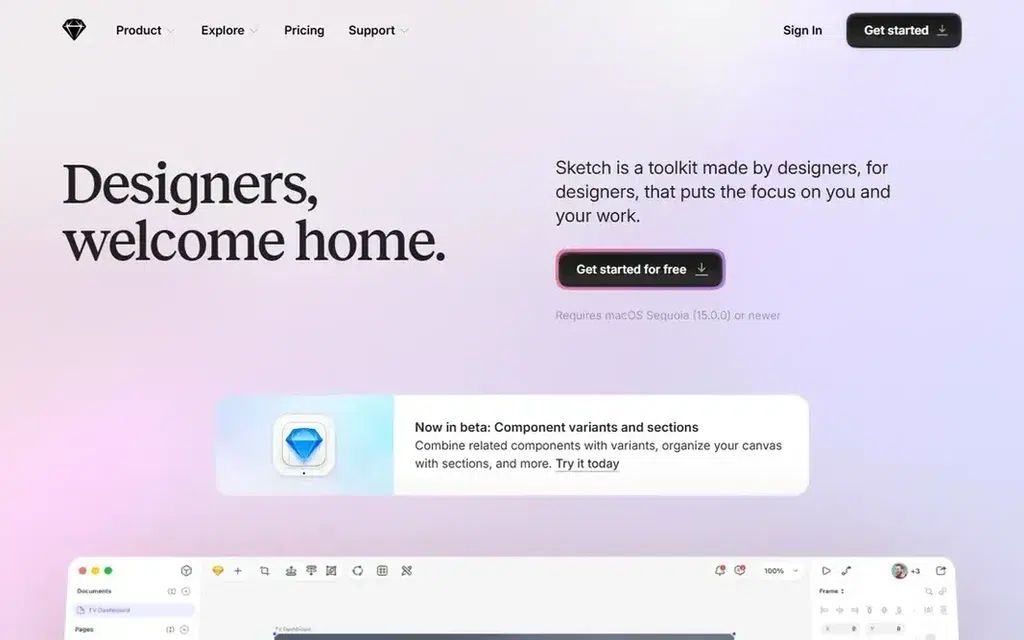
Sketch is aimed squarely at Mac designers seeking a focused workflow. Sketch is a design and prototyping tool made by designers, for designers. Pick Sketch for a Mac-native, designer-centric experience.
On top of that, Sketch is restricted to macOS, so Windows and Linux users cannot use it. Its collaboration features are not as broad as some web-based tools. Price to start with Sketch: $12 per editor per month. Free options: Free trial.
Trade-offs to know: Mac-only system.
- Clean
- Capable plugin ecosystem
- Collaboration features less mature than some rivals
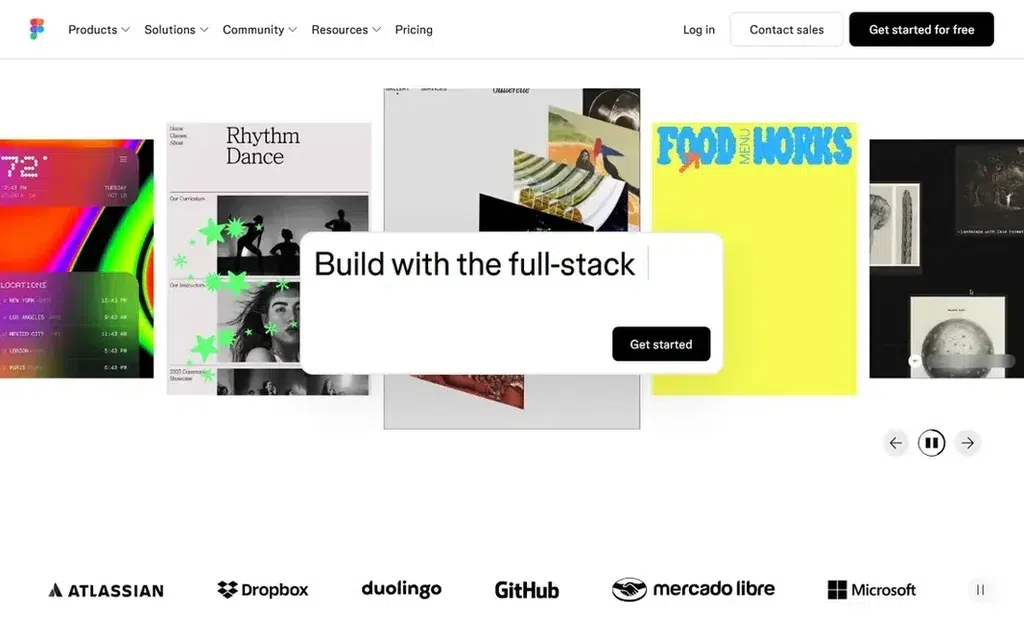
Figma was built for collaborative vector design and prototyping. Figma is a collaborative canvas where design, code, and AI come together.
The main drawbacks: Needs internet connection for full features.
More specifically, choose Figma for team-based digital product design and prototyping. For heavy print or illustration work, dedicated vector editors are better. On cost, Figma starts like this: $3 per month. Trial and free access: Not stated.
- Live multiplayer editing
- Integrated prototyping and handoff
- Complex files can slow performance
Where Penpot fits: open-source design and prototyping. Penpot is the open-source design product for teams building digital products at scale, enabling deeper collaboration across design, code, and AI workflows.
What to check first: Less external integration.
It is web-based and supports vector design and prototyping, making it a compelling option for teams that value transparency and control over their tools. In daily use, choose Penpot if you need a free, open-source prototyping system. What you pay to start with Penpot: $7 per editor per month. Penpot includes a free tier.
- Open-source and self-hostable
- Design and code integration
- Smaller feature set than some commercial tools
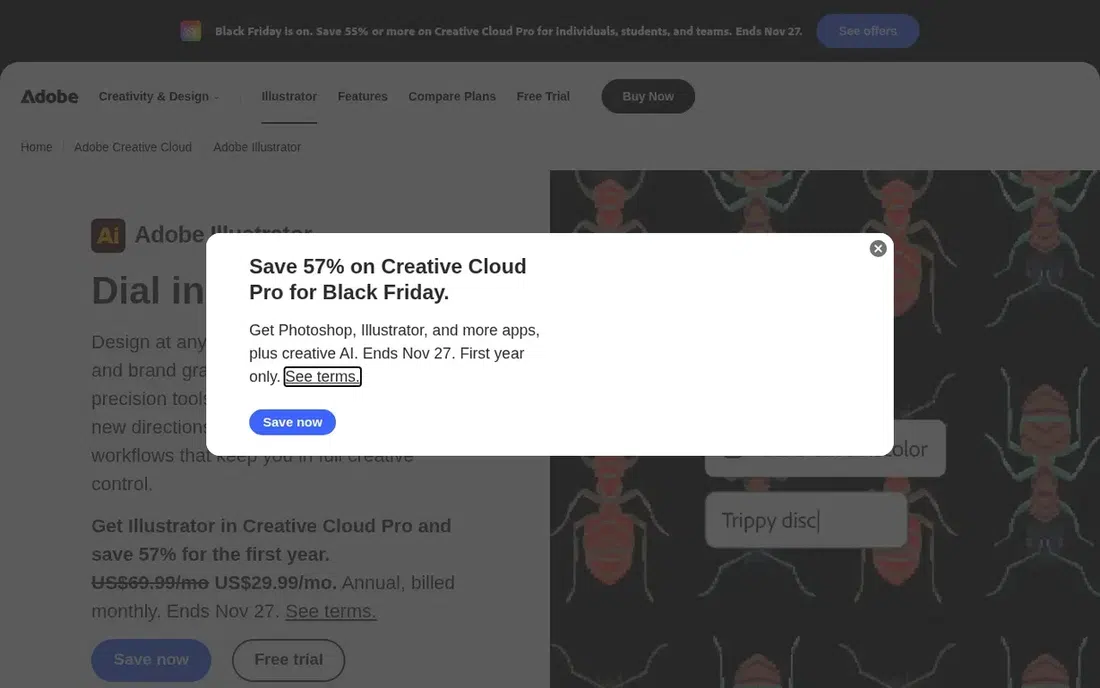
Adobe Illustrator is aimed squarely at in-depth vector illustration and graphics. Adobe Illustrator is a professional vector graphics software powered by generative AI, allowing you to transform text prompts into editable vector graphics. More specifically, choose Illustrator when your focus is on high-quality vector art instead of interactive prototypes.
Limits to weigh: Restricted prototyping capabilities.
Also, Illustrator is not primarily a prototyping tool; it lacks interactive prototyping features found in dedicated UX tools. It also has a steeper ramp-up time and is not a strong match for collaborative UI design. No starting price is listed for Adobe Illustrator here; confirm pricing on the vendor site. Free plan details: Not stated.
- Industry-standard vector tools
- Extensive export choices
- Steeper ramp-up time
How these tools were picked
For each of the 5 tools we noted price, free plan or trial, fit for vector prototyping software and the main limit, using vendor pages and documentation. Figures are shown as the vendors publish them. Billing terms, seat minimums and add-ons can change the real cost. Position on the page reflects fit for a typical buyer first, with price clarity and free access breaking ties. Treat it as a guide, not a ruling.
What to check before you buy
- Ask Adobe Illustrator for a written quote, since no starting price is shown.
- Check what the free option really includes: Lunacy and Penpot offer a free plan, and usage caps differ.
- Use real work to test the free trial from Sketch, rather than a demo project.
- Read the limits listed for Lunacy first: restricted prototyping features.
- Find out whether the entry plan of Lunacy covers your must-haves or only a trimmed-down version.
- Check whether Penpot bills monthly or annually, and what cancelling early costs.
FAQ
What is the cheapest option for vector prototyping software in this list?
On published monthly entry prices, Figma is the lowest here at $3 per month. Entry price is only part of the cost, because seats, add-ons and billing terms can change the total. All 5 picks in this vector Prototyping software comparison list a starting price, free plan details and the main limits on their cards above.
Which tool is best for beginners?
Lunacy is the pick this page puts first, mainly for free vector design with Sketch compatibility. If your situation differs, Sketch suits Mac designers seeking a focused workflow, and Figma suits collaborative vector design and prototyping. Compare price and limits before you decide.
Is Lunacy the right pick for everyone comparing vector prototyping software?
No single tool suits every team. Lunacy comes first because it fits free vector design with Sketch compatibility, while Sketch suits Mac designers seeking a focused workflow and Figma suits collaborative vector design and prototyping. Match the tool to your own size, budget and workflow before deciding.
Is Penpot a decent alternative to Figma?
Penpot is a viable open-source alternative to Figma, particularly for teams that require self-hosting or prefer open-source software. That said, it may not have all the advanced features and integrations that Figma provides.
How are the tools for vector prototyping software ordered?
Lunacy sits first and Adobe Illustrator last because the order follows typical fit for vector prototyping software, then price clarity and free access. It is a judgement call, so read each profile for fit and limits.
Can I try these options before paying?
Often, yes. Lunacy and Penpot have a free plan and Sketch offers a free trial. Use your own data and a real task during the test, and check what the free tier or trial limits before you rely on it.
Sources
- https://icons8.com/lunacy
- https://www.sketch.com
- https://www.figma.com
- https://penpot.app
- https://www.adobe.com/products/illustrator.html