The 5 Best Video Editing Software for Real Estate Tours in 2026, Ranked
Compare 5 best video editing software for real estate tours, with prices, free plans and who each fits. Strengths and gaps are listed per tool. Costs up front.
- Editor's choice
 DaVinci Resolve
Color correction and audio post
Starts atPricing on requestVisit blackmagicdesign.comFull review - Great alternative
 CapCut
Fast social clips and templates
Starts atPricing on requestVisit capcut.comFull review - Also consider
 Adobe Premiere Pro
Professional tour editing and postproduction
Starts atPricing on requestVisit adobe.comFull review
Direct answer
DaVinci Resolve is the first pick on this list for color correction and audio post. Alternatives: CapCut for fast social clips and templates, and Adobe Premiere Pro for professional tour editing and postproduction. The remaining 2 options are covered below with pricing notes and limits. None of these vendors publish plan prices, so pricing is on request for every option.
TL;DR:
- DaVinci Resolve takes the first slot, best suited to color correction and audio post.
- Corel VideoStudio fits guided editing for beginners.
- CapCut is the only tool of the 5 with a free plan.
- DaVinci Resolve, Corel VideoStudio and the 3 others all sell by quote; expect sales conversations before you see a price.
Last checked November 2026. Pricing on request: vendors did not publish plan prices when this guide was last checked (November 2026), so ask each vendor for a written quote.
Quick comparison
| Tool | Best for | Starts at | Free plan? | |
|---|---|---|---|---|
| DaVinci Resolve | Color correction and audio post | Pricing on request | Not stated | Visit |
| CapCut | Fast social clips and templates | Pricing on request | Yes | Visit |
| Adobe Premiere Pro | Professional tour editing and postproduction | Pricing on request | Not stated | Visit |
 Final Cut Pro | Quick editing on Mac and iPad | Pricing on request | Not stated | Visit |
| Corel VideoStudio | Guided editing for beginners | Pricing on request | Not stated | Visit |
The full video editing software for real estate tours list
LinkVetted put together this guide to video editing software for real estate tours for readers who want a clear shortlist without reading every vendor page. It compares 5 tools on starting price, free plans, who each one suits and where each one falls short.
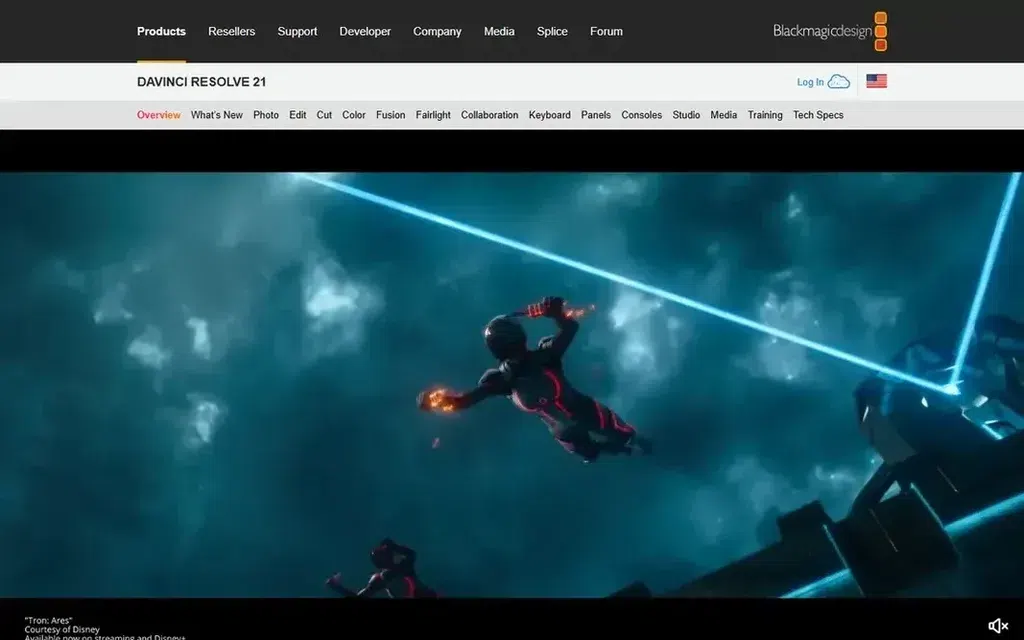
Where DaVinci Resolve fits: color correction and audio post. The depth of the toolset can slow down editors who only need entry-level cuts and captions.
Check the vendor site for DaVinci Resolve pricing; none is listed in this comparison. As for free access: Not stated.
Drawbacks to consider: Deep feature set takes time.
- Available for Mac, Windows, Linux
- Editing and color in one app
- Demanding on older hardware
Choose CapCut for quick social clips and templates. CapCut is an AI video editor with smart templates, creative effects, and tools for editing YouTube and Instagram videos.
Where it is weaker: Fewer deep postproduction controls.
CapCut is aimed at short-form content and may feel restricted for long, in-depth tours that require precise trimming and audio work. In practice, the choice to work on desktop, mobile, or online makes it convenient for fast turnarounds. No starting price is listed for CapCut here; confirm pricing on the vendor site. You can start on CapCut without paying. Where it shines: Smart templates and effects.
- AI-powered editing tools
- Desktop, mobile
- Less suited to long tours
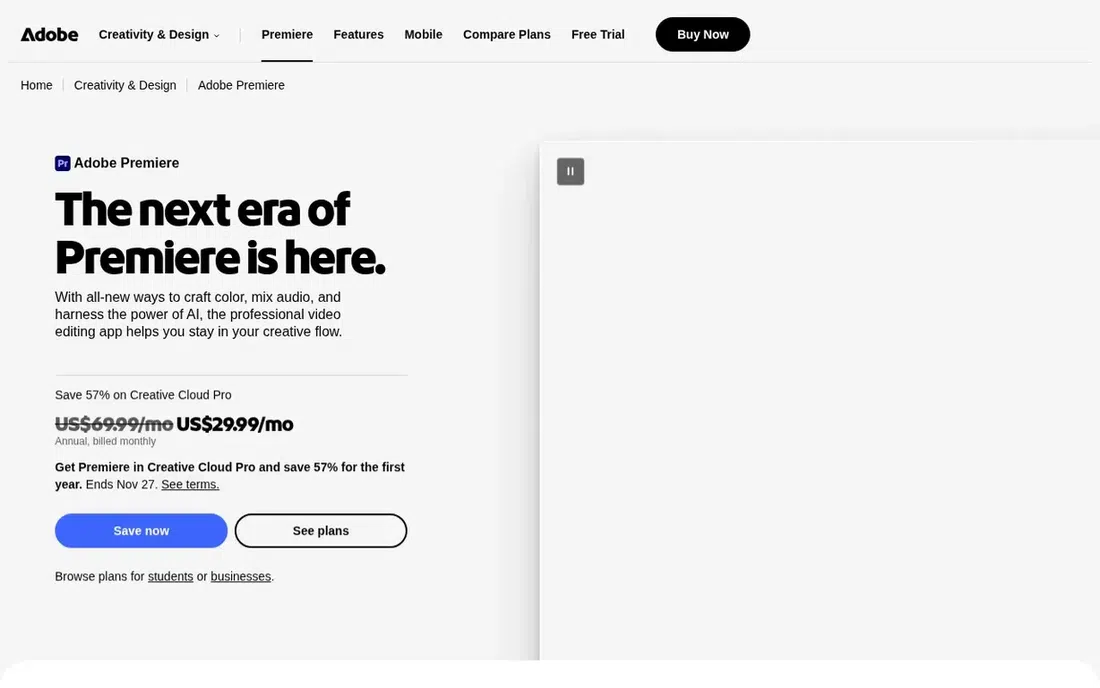
Adobe Premiere Pro is designed for professional tour editing and postproduction. Editors who primarily trim phone footage may prefer a more straightforward tool, whereas color-focused work may point to DaVinci Resolve.
Check the vendor site for Adobe Premiere Pro pricing; none is listed in this comparison. Free access: Not stated.
Trade-offs to know: Ramp-up time for new editors.
- Suits in-depth listing videos
- Effects and audio mixing built in
- Subscription-based access
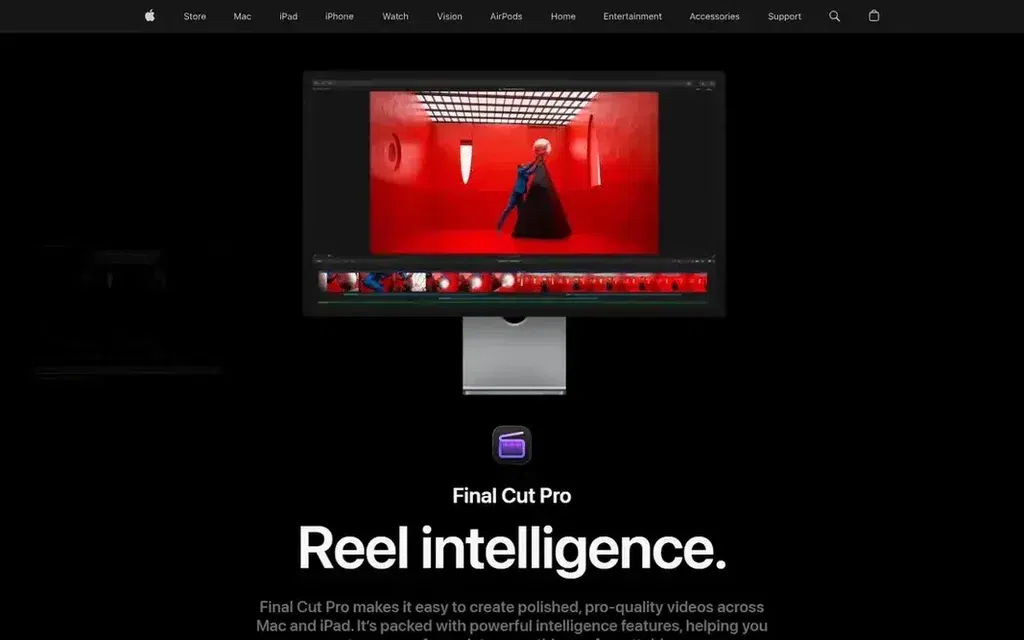
Final Cut Pro is built with fast editing on Mac and iPad in mind. It fits agents who shoot property tours on iPhone or iPad and want to assemble clips rapidly, add titles, and export for listings and social channels within the Apple ecosystem.
No starting price is listed for Final Cut Pro here; confirm pricing on the vendor site. As for free access: Not stated.
Trade-offs to know: Apple hardware required.
- Optimized for Mac and iPad
- Intelligence features accelerate edits
- Different workflow for newcomers
Corel VideoStudio
Best for: Guided editing for beginners
Think of Corel VideoStudio for guided editing for beginners. Corel VideoStudio is video editing software from Corel with product information, updates, tutorials, and videos on its official site.
Where it falls short: Windows-focused workflow.
VideoStudio is less suited to demanding color and audio postproduction than DaVinci Resolve or Premiere Pro. Check the vendor site for Corel VideoStudio pricing; none is listed in this comparison. Trial and free access: Not stated.
- Tutorials and learning resources
- Suits straightforward tour projects
- Less depth for advanced work
How we built this list
For each of the 5 tools we noted price, free plan or trial, fit for video editing software for real estate tours and the main limit, using vendor pages and documentation. Figures are shown as the vendors publish them. Billing terms, seat minimums and add-ons can change the real cost. Tools are placed by general fit for video editing software for real estate tours, with price clarity and free access as tie-breakers. A different team can reasonably rank them differently.
Pre-purchase checklist
- Request quotes from DaVinci Resolve, Corel VideoStudio and the others; the list shows no fixed prices.
- Test the free plan from CapCut against your real workload before relying on it.
- Read the limits listed for DaVinci Resolve first: deep feature set takes time.
- Read the plan comparison for CapCut carefully; key features often start on a higher tier.
- Ask the daily users to test Final Cut Pro on a live task before you roll it out to everyone.
FAQ
How are the tools for video editing software for real estate tours ordered?
DaVinci Resolve sits first and Corel VideoStudio last because the order follows typical fit for video editing software for real estate tours, then price clarity and free access. It is a judgement call, so read each profile for fit and limits.
Is DaVinci Resolve the right pick for everyone comparing video editing software for real estate tours?
No single tool suits every team. DaVinci Resolve comes first because it fits color correction and audio post, while CapCut suits quick social clips and templates and Adobe Premiere Pro suits professional tour editing and postproduction. Match the tool to your own size, budget and workflow before deciding.
Which editor is a good match for long property walkthroughs?
For most readers this guide would start with DaVinci Resolve, built for color correction and audio post. CapCut is the alternative for quick social clips and templates, and Adobe Premiere Pro for professional tour editing and postproduction. The right answer depends on budget and workflow.
Which options for video editing software for real estate tours have a free plan?
CapCut is the only tool in this list with a free plan. Free plans usually cap users, projects or features, so check the limits on the vendor page. For the full picture, the cards above cover all 5 entries of this video editing software for real estate tours list, including price, free plan and limits.
Do these tools publish their prices?
No. None of the tools, from DaVinci Resolve to Corel VideoStudio, shows a fixed starting price here, so budget time for quotes.
Sources
- https://www.blackmagicdesign.com/products/davinciresolve
- https://www.capcut.com
- https://www.adobe.com/products/premiere.html
- https://www.apple.com/final-cut-pro
- https://www.videostudiopro.com