The 6 Best 3D Design Software for 3D Printing in 2026, Ranked
Best 3D design software for 3D printing: 6 contenders ranked by fit, with entry costs and free tiers. Pros and cons for every tool. Pick with confidence.
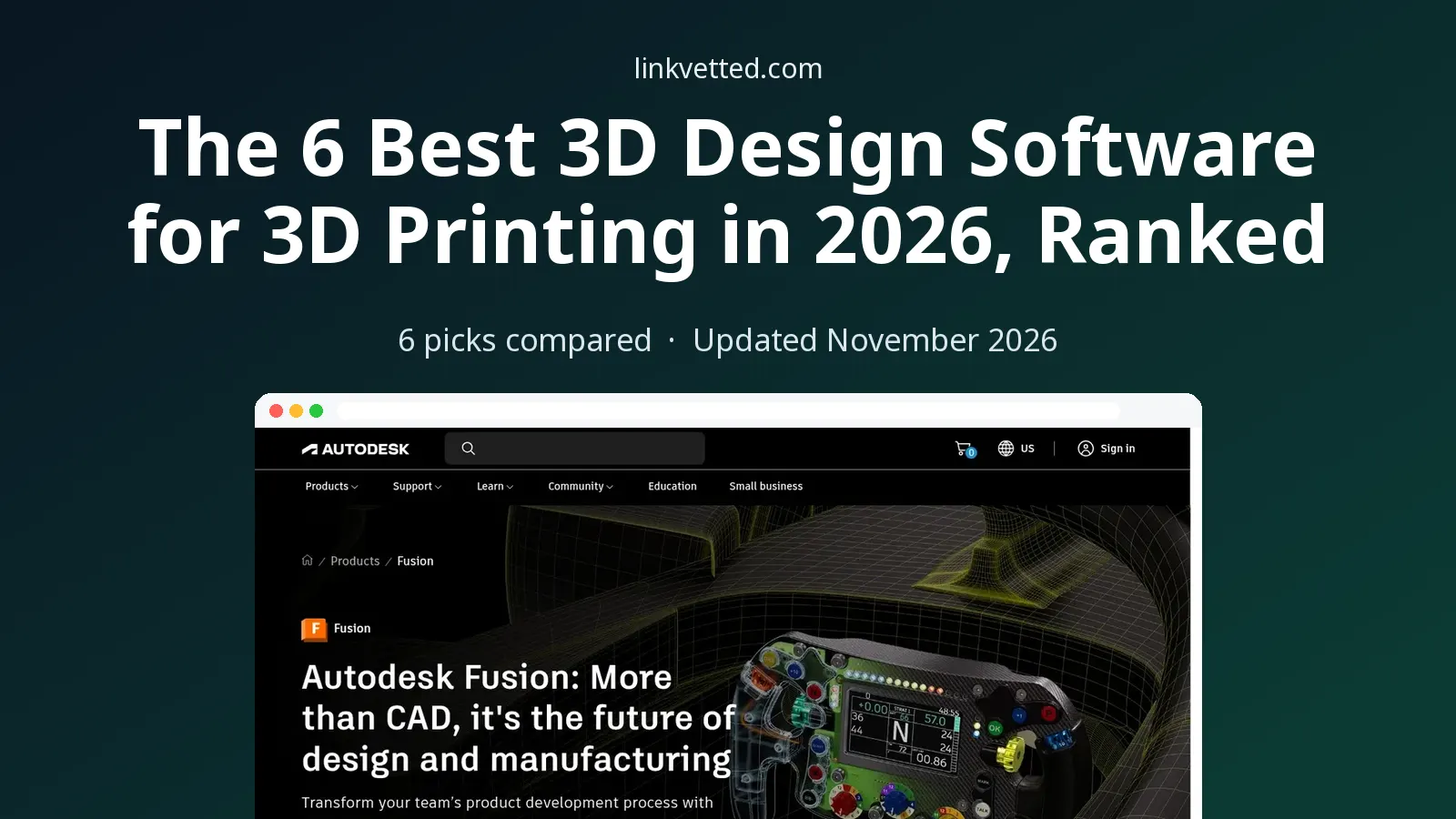
- Editor's choice3ds Max
Professional modeling, animation, and rendering
Starts atSee websiteVisit autodesk.comFull review - Great alternative
 Onshape
Cloud-native collaborative CAD
Starts at$1,500 per user a yearVisit onshape.comFull review - Also consider
 FreeCAD
Open-source parametric modeling
Starts atSee websiteVisit freecad.orgFull review
Direct answer
3ds Max is the first pick on this list for professional modeling, animation, and rendering. Listed starting prices: Onshape from $1,500 per user a year. If your case is different, Onshape suits cloud-native collaborative CAD and FreeCAD suits open-source parametric modeling. Prices, free plans and limits for all 6 tools follow.
TL;DR:
- The list opens with 3ds Max, aimed at professional modeling, animation, and rendering.
- A fair warning about Autodesk Fusion: requires subscription for full features.
- Blender suits artistic and organic 3D modeling.
- Onshape has the lowest monthly starting price in this list: $1,500 per user per year.
Last checked November 2026. Prices and plan details were read from the vendors' own pages in November 2026; vendors change plans often, so confirm the current price on the vendor site before you buy.
Quick comparison
| Tool | Best for | Starts at | Free plan? | |
|---|---|---|---|---|
| 3ds Max | Professional modeling, animation, and rendering | See website | Not stated | Visit |
| Onshape | Cloud-native collaborative CAD | $1,500 per user a year | Yes | Visit |
| FreeCAD | Open-source parametric modeling | See website | Not stated | Visit |
 Autodesk Fusion | Integrated CAD and manufacturing workflows | See website | Not stated | Visit |
 ZBrush | High-detail digital sculpting | See website | Not stated | Visit |
 Blender | Artistic and organic 3D modeling | See website | Not stated | Visit |
3D Design Software for 3D Printing compared in detail
If you are comparing 3D design software for 3D printing, this page covers 6 tools in one place: what each is best for, what it costs to start, whether it has a free plan, and the main limit to know about.
3ds Max
Best for: Professional modeling, animation, and rendering
3ds Max is aimed squarely at professional modeling, animation, and rendering. Autodesk 3ds Max is a professional 3D modeling, animation, and rendering software used in game development, film, and design visualization. Also, 3ds Max is subscription-based and has a steep ramp-up time, making it overkill for straightforward 3D printing projects.
Downsides: Subscription-based.
It is not a parametric CAD tool, so precise engineering work is better handled elsewhere. From a buyer's view, for more straightforward or more economical modeling, consider Blender or FreeCAD. This comparison lists no price for 3ds Max; ask the vendor. As for free access: Not stated.
- Broad industry adoption
- Rich animation tools
- Complicated for straightforward 3D printing tasks
Onshape is aimed squarely at cloud-native collaborative CAD. Since Onshape runs entirely in the cloud, it needs a stable internet connection, which can be a drawback in some environments. It is also subscription-based.
Points against: Needs internet connection.
For a local, open-source alternative, FreeCAD provides parametric modeling without continuing costs. More specifically, Onshape is a cloud-native product development system that merges CAD with built-in product data management (PDM). It is built for teams that require to collaborate on designs from any device without IT overhead. The product's parametric modeling tools and version control make it well-suited for professional 3D printing workflows that involve multiple stakeholders. The starting price for Onshape: $1,500 per user per year. Onshape includes a free tier.
- Completely cloud-based with built-in PDM
- AI-powered customization
- Subscription-based
FreeCAD makes the most sense for open-source parametric modeling. FreeCAD is an open-source 3D parametric modeler aimed at mechanical engineering and product design. It appeals to hobbyists, students, and professionals who require a free, configurable CAD tool for 3D printing.
More specifically, the parametric approach lets users to build models with editable features and constraints, making it right for functional parts. Users frequently depend on community forums for help. Check the vendor site for FreeCAD pricing; none is listed in this comparison. Trial and free access: Not stated.
What to check first: Less refined interface.
- Community-driven development
- Free and open-source
- Restricted official support
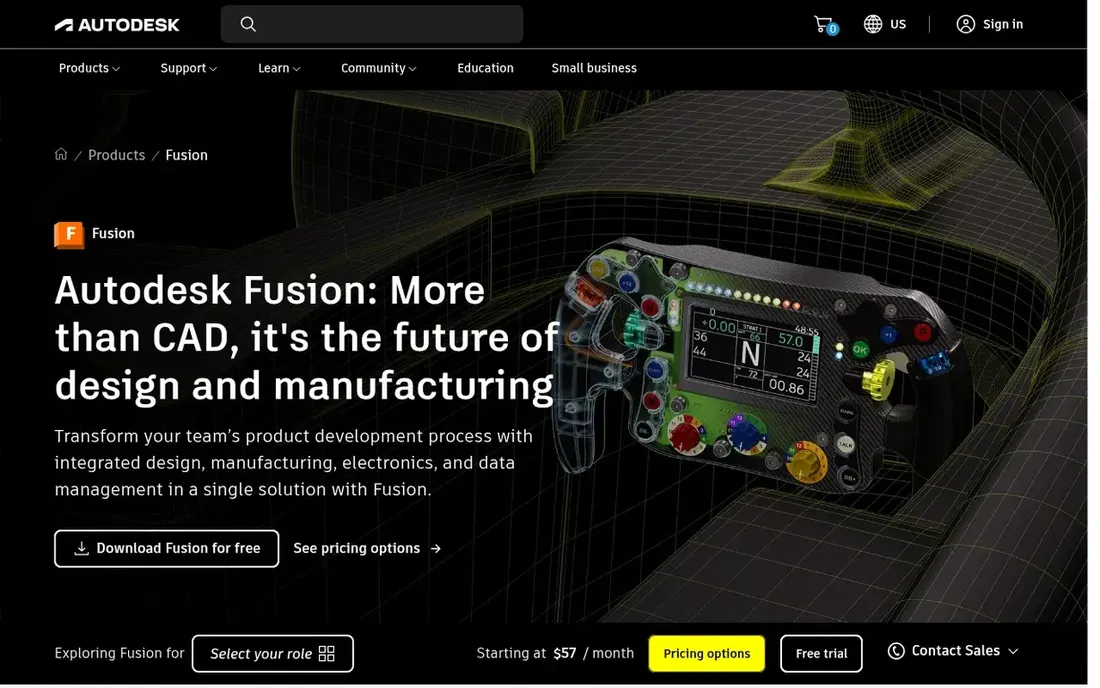
Autodesk Fusion makes the most sense for integrated CAD and manufacturing workflows. Its cloud-centric approach can also be a limitation in environments with restricted internet access.
Limits to weigh: Cloud dependency for some functions.
On top of that, if you need a purely local, open-source parametric modeler, consider FreeCAD instead. Autodesk Fusion shows no starting price here, so confirm the cost on the vendor site. Free options: Not stated.
- Merges CAD, CAM, CAE
- Cloud-based collaboration
- Needs subscription for full features
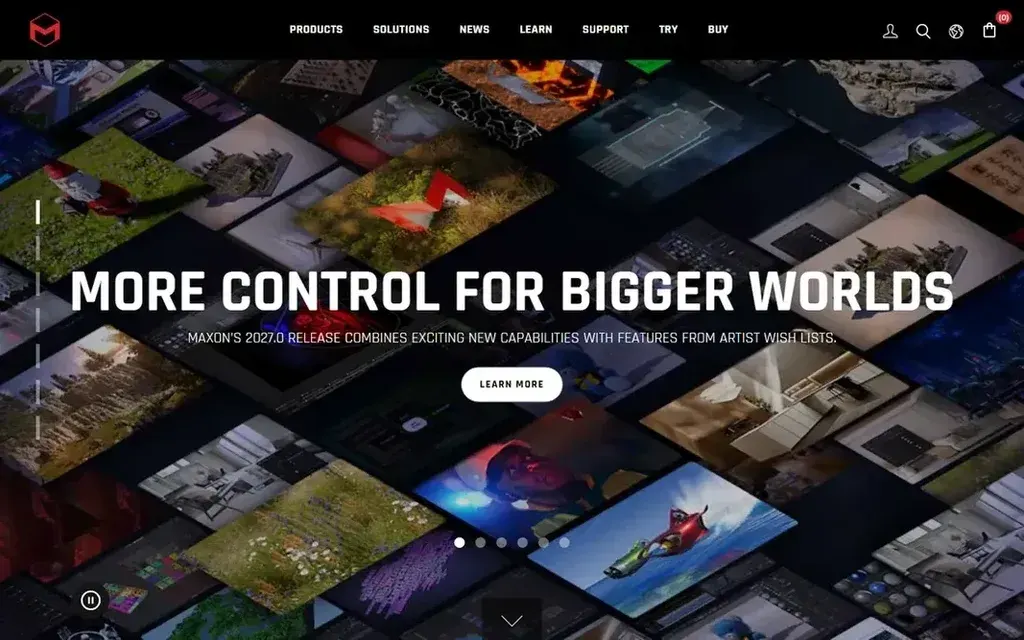
ZBrush serves high-detail digital sculpting. Its brush-based workflow lets for fine control over surface detail.
For precise engineering parts or more straightforward models, a CAD-focused tool like Onshape or FreeCAD would be a better fit. Pricing for ZBrush is not stated here, so ask the vendor for current figures. As for free access: Not stated.
What to check first: Concentrated on sculpting, not engineering.
- Industry-standard sculpting brushes
- Manages high polygon counts
- Steep ramp-up time
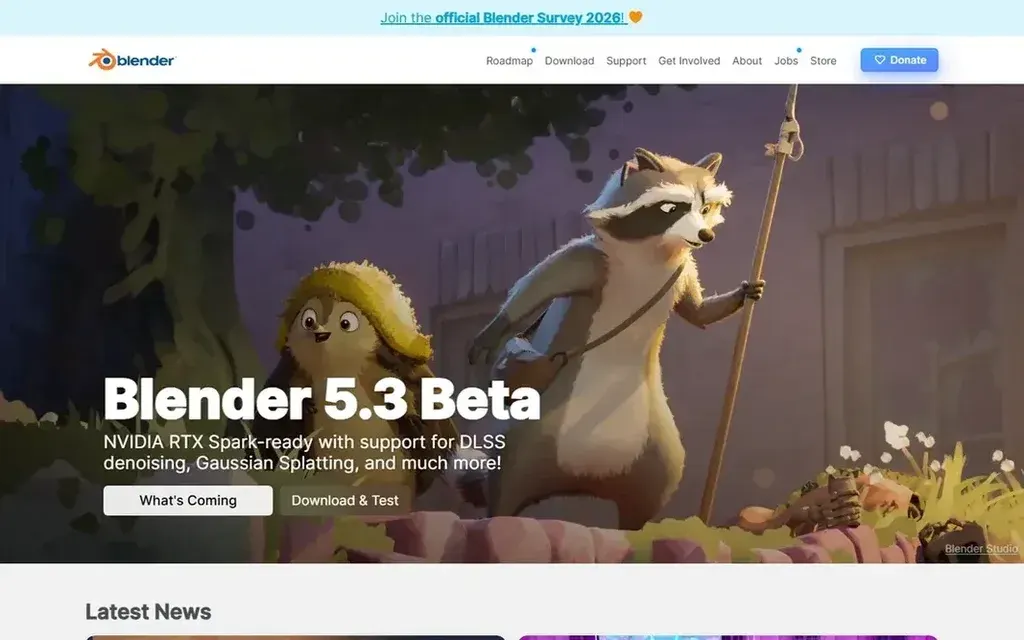
Blender is designed for artistic and organic 3D modeling. Blender is a free, open-source 3D creation suite widely used for modeling, sculpting, animation, and rendering.
Downsides: Not primarily parametric for engineering.
Its broad toolset and add-on ecosystem support everything from character design to architectural visualization. Blender is not a parametric CAD tool, so it lacks the precision and feature history that engineers frequently need for mechanical parts. No starting price is listed for Blender here; confirm pricing on the vendor site. Free options: Not stated.
- Capable sculpting and modeling tools
- Free and open-source
- Steep ramp-up time for beginners
How these tools were picked
We compared the tools on published pricing, free plan or trial availability, feature coverage for 3D design software for 3D printing, and the limits each vendor documents. Where a vendor does not publish a price, the entry says quote. Where a price depends on seats or billing term, the entry says so. Position on the page reflects fit for a typical buyer first, with price clarity and free access breaking ties. Treat it as a guide, not a ruling.
Questions to settle before buying
- Confirm the entry price on the vendor page. For 3ds Max, FreeCAD, Autodesk Fusion and others that means a quote rather than a fixed price.
- Look at the free plan from Onshape closely: its caps decide whether it is usable for real work.
- Before choosing 3ds Max, weigh its main limit: subscription-based.
- Find out what support Onshape includes on your plan, and whether onboarding help costs extra.
- Confirm that 3ds Max connects to the apps your team already uses, on the plan you would actually buy.
FAQ
Is 3ds Max the right pick for everyone comparing 3D design software for 3D printing?
No single tool suits every team. 3ds Max comes first because it fits professional modeling, animation, and rendering, while Onshape suits cloud-native collaborative CAD and FreeCAD suits open-source parametric modeling. Match the tool to your own size, budget and workflow before deciding.
Do these tools publish their prices?
Not all of them. 3ds Max, FreeCAD, Autodesk Fusion and others publish no starting price, so expect a quote request for those. The rest, Onshape included, show a starting price, though seats and billing terms still change the final cost.
Do I need parametric modeling for 3D printing?
Parametric modeling is useful for functional parts that need precise dimensions and simple modifications. For organic or artistic models, direct modeling tools like Blender or ZBrush may be more suitable.
Which software is a good match for collaborative 3D printing projects?
The first pick on this list is 3ds Max, because it suits professional modeling, animation, and rendering. Onshape is better for cloud-native collaborative CAD, and FreeCAD for open-source parametric modeling. Check price and limits against your own needs before choosing.
What is the best free 3D design software for 3D printing?
The first pick on this list is 3ds Max, because it suits professional modeling, animation, and rendering. Onshape is better for cloud-native collaborative CAD, and FreeCAD for open-source parametric modeling. Check price and limits against your own needs before choosing.
Which options for 3D design software for 3D printing have a free plan?
Onshape is the only tool in this list with a free plan. Free plans usually cap users, projects or features, so check the limits on the vendor page.
Sources
- https://www.autodesk.com/products/3ds-max
- https://www.onshape.com
- https://www.freecad.org
- https://www.autodesk.com/products/fusion-360
- https://www.maxon.net/en/zbrush
- https://www.blender.org