The 5 Best Wireframing Software for UX Researchers in 2026, Ranked
Weighing the best wireframing software for UX researchers? We lined up 5 products by cost, free access and fit. The catches are listed up front. Start here.

- Editor's choice
 Miro
Workshop-style wireframing and ideation
Starts at$8 per member a monthVisit miro.comFull review - Great alternative
 Balsamiq
Quick low-fidelity wireframing
Starts at$16 per editor a monthVisit balsamiq.comFull review - Also consider
 Figma
Collaborative wireframing and prototyping
Starts at$3 per monthVisit figma.comFull review
Direct answer
This list puts Miro first for Workshop-style wireframing and ideation. Listed starting prices: Miro from $8 per member a month, Balsamiq from $16 per editor a month and Figma from $3 per month. Balsamiq fits quick low-fidelity wireframing; Figma fits collaborative wireframing and prototyping. Prices, free plans and limits for all 5 tools follow.
TL;DR:
- Miro sits first on this list: Workshop-style wireframing and ideation.
- Sketch fits designer-led wireframing and handoff.
- Starting prices begin at $3 per month with Figma.
- Just one of the 5 tools, Miro, has a free plan.
- One limit worth knowing about Miro: not a dedicated wireframing tool.
Last checked November 2026. Prices and plan details were read from the vendors' own pages in November 2026; vendors change plans often, so confirm the current price on the vendor site before you buy.
Quick comparison
| Tool | Best for | Starts at | Free plan? | |
|---|---|---|---|---|
| Miro | Workshop-style wireframing and ideation | $8 per member a month | Yes | Visit |
| Balsamiq | Quick low-fidelity wireframing | $16 per editor a month | Free trial | Visit |
| Figma | Collaborative wireframing and prototyping | $3 per month | Not stated | Visit |
 Axure RP | Prototypes with specifications and diagrams | $29 per user per month | Not stated | Visit |
 Sketch | Designer-led wireframing and handoff | $12 per editor a month | Free trial | Visit |
The best wireframing software for UX researchers
Choosing wireframing software for UX researchers usually comes down to price, fit and limits. This LinkVetted guide sets 5 tools side by side on those three points, with the facts kept short and checkable.
Miro targets Workshop-style wireframing and ideation. Miro is an AI-powered visual product for speeding up product development from ideation to launch, per its homepage.
The main drawbacks: Not a dedicated wireframing tool.
On top of that, researchers can run workshops, map journeys and sketch rough wireframes on a shared board. Also, if your central need is structured wireframes instead of workshops, a design-focused tool may fit better. Miro pricing: $8 per member per month. Miro has a free plan.
- Supports team alignment
- Breaks down tool silos
- Precision design work is restricted
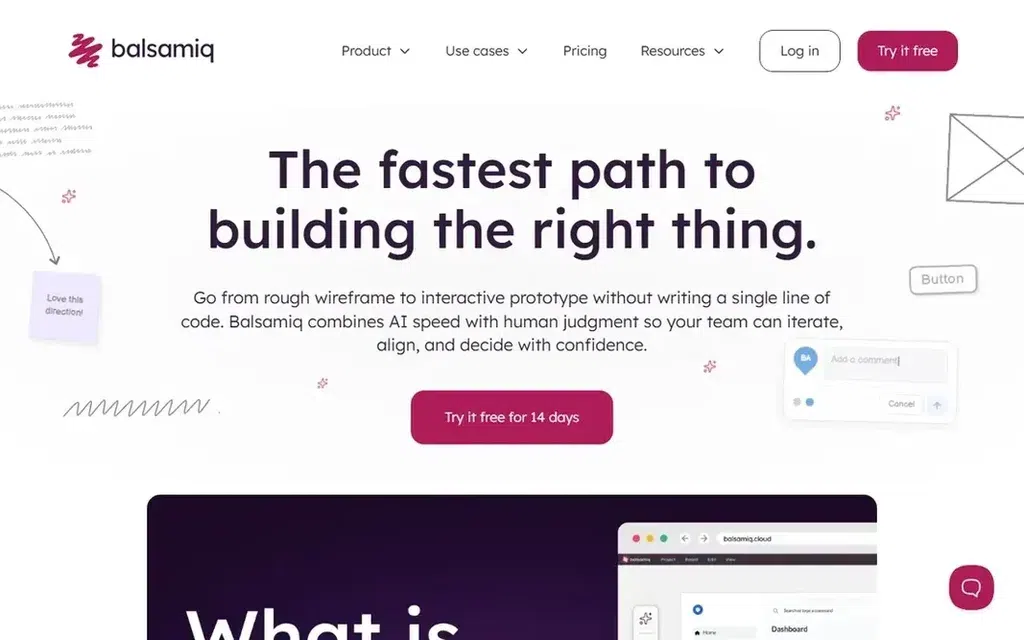
Balsamiq makes the most sense for quick low-fidelity wireframing. Balsamiq provides quick, focused wireframing and prototyping without the friction, per its homepage.
Downsides: Restricted high-fidelity design.
The intentionally sketchy style keeps early ideas rough, which helps researchers test concepts without stakeholders focusing on visual polish. In that case, a higher-fidelity tool such as Figma or Axure RP may serve better. Price to start with Balsamiq: $16 per editor per month. As for free access: Free trial.
- Deliberately rough wireframe style
- Fast to sketch and refine
- Less suited to final visual design
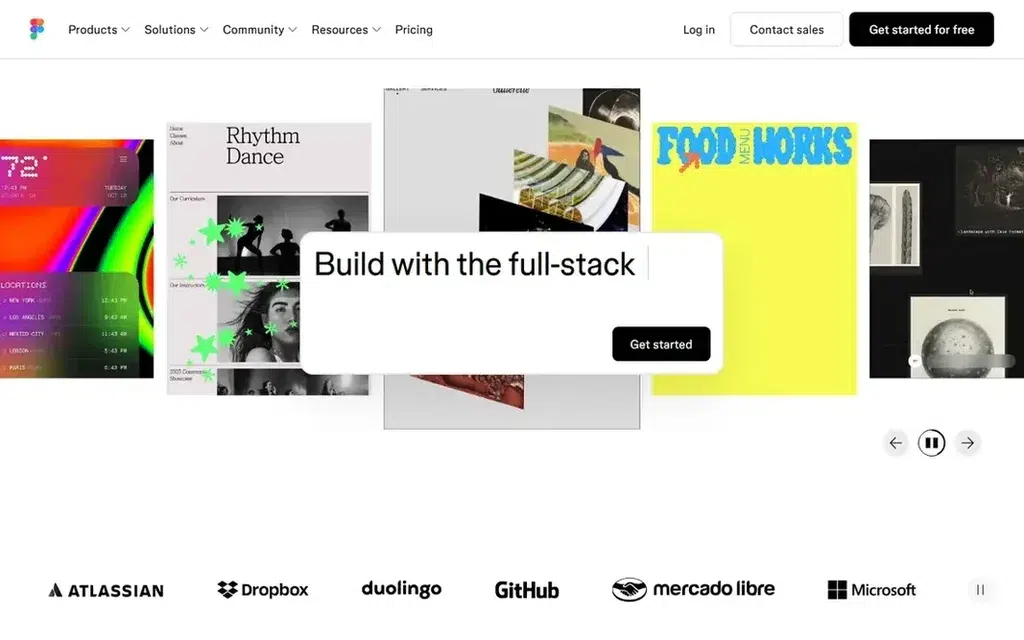
Choose Figma for collaborative wireframing and prototyping. Researchers can build low or high fidelity wireframes, link them into prototypes and share them with stakeholders in one place.
From a buyer's view, the breadth of features may be more than a researcher needs for straightforward concept sketches, and newcomers face a ramp-up time. Entry price for Figma: $3 per month. As for free access: Not stated.
Points against: Needs some design familiarity.
- Solid collaboration features
- Wide ecosystem of plugins
- Can feel feature-heavy for quick sketches
In short, Axure RP is for prototypes with specifications and diagrams. Researchers who document findings and flows can keep prototypes and written specifications together.
Watch-outs: Heavier than simple wireframing.
In practice, the tool is heavier and has a steeper learning curve than straightforward wireframing choices, which can slow early exploration. Starting cost for Axure RP: $29 per user per month. Free plan details: Not stated.
Highlights: Prototypes.
- Specs and diagrams together
- In-depth documentation support
- Steeper ramp-up time
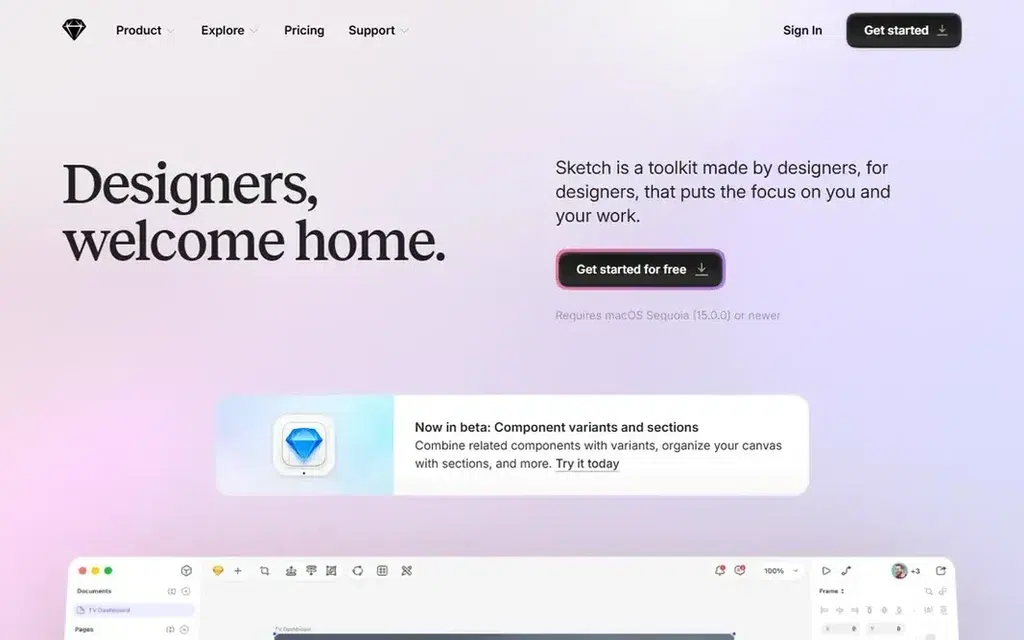
Sketch makes the most sense for designer-led wireframing and handoff. Researchers can produce wireframes and clickable prototypes and pass them to design teams.
Its design-first orientation means research workflows are less central, and collaboration is not the headline feature. Sketch is a design product for prototyping, collaborating and handoff, built by designers for designers. Entry price for Sketch: $12 per editor per month. Free access: Free trial.
Limits to weigh: Collaboration less central than some tools.
- Prototyping and handoff built in
- Clean design-focused workspace
- Mac-centered workflow
What went into this list
The comparison looks at four things: starting price, free access, how well the feature set matches wireframing software for UX researchers, and the main limit of each tool. Seat minimums, billing terms and add-ons can move the real cost, so the starting prices here are a guide and not a quote. Position on the page reflects fit for a typical buyer first, with price clarity and free access breaking ties. Treat it as a guide, not a ruling.
Before you commit
- Prices are a starting point; Figma shows $3 per month to start, so verify what your seat count would cost.
- Look at the free plan from Miro closely: its caps decide whether it is usable for real work.
- Take the trial from Balsamiq and Sketch and push a live task through it before you pay.
- Before choosing Miro, weigh its main limit: not a dedicated wireframing tool.
- Compare total cost, not headline price: for Miro, add extra seats, add-ons and any usage-based charges.
- List the apps you already depend on and check that Sketch supports each one on the plan you would buy.
FAQ
Is Miro the right pick for everyone comparing wireframing software for UX researchers?
No single tool suits every team. Miro comes first because it fits Workshop-style wireframing and ideation, while Balsamiq suits fast low-fidelity wireframing and Figma suits collaborative wireframing and prototyping. Match the tool to your own size, budget and workflow before deciding.
What is the cheapest option for wireframing software for UX researchers in this list?
On published monthly entry prices, Figma is the lowest here at $3 per month. Entry price is only part of the cost, because seats, add-ons and billing terms can change the total. All 5 picks in this Wireframing software for UX researchers comparison list a starting price, free plan details and the main limits on their cards above.
What should I check before choosing wireframing software?
Confirm the fidelity level you need, how prototypes will be shared and tested, and whether handoff to design teams is required. Also weigh the ramp-up time against how frequently researchers will use the tool.
Do these tools publish their prices?
Yes. Every tool from Miro to Sketch shows a starting price, though seats, add-ons and billing terms still change the final cost.
Can I try these tools before paying?
Often, yes. Miro has a free plan and Balsamiq and Sketch offer a free trial. Use your own data and a real task during the test, and check what the free tier or trial limits before you rely on it. For the full picture, the cards above cover all 5 entries of this Wireframing software for UX researchers list, including price, free plan and limits.
Sources
- https://miro.com
- https://balsamiq.com
- https://www.figma.com
- https://www.axure.com
- https://www.sketch.com